On this page 6 sections
Start with the tree and work outward. Each area below begins with the cheapest step, a smart plug you switch from your phone, and goes up a level only when you want more from it. Most homes can stop at level one or two: a plug behind the tree, another by the front door and a few routines handle the daily on and off in Apple Home, Google Home, Alexa, SmartThings and Home Assistant. Lights built for Matter earn their much higher price at the top levels, when you want color, animation or a roofline that stays lit all year.
| Area | Level 1 | Level 2 | Level 3 |
|---|---|---|---|
| The Christmas tree | A smart plug, switched from your phone or by voice | Routines: on when the first person gets home, off when the last leaves and at bedtime | Matter tree lights with color and effects |
| Windows and the front of the house | Plugs for window lights and wall decorations | A color flood bulb in an existing fixture, or a Hue color lantern | Permanent roofline lights |
| The garden | An outdoor plug that reaches the garden, with separate schedules | Outdoor-rated smart strings on shrubs and railings | Patio strings with color inside every bulb |
The Christmas tree
Level 1: a smart plug, so nobody crawls behind the tree
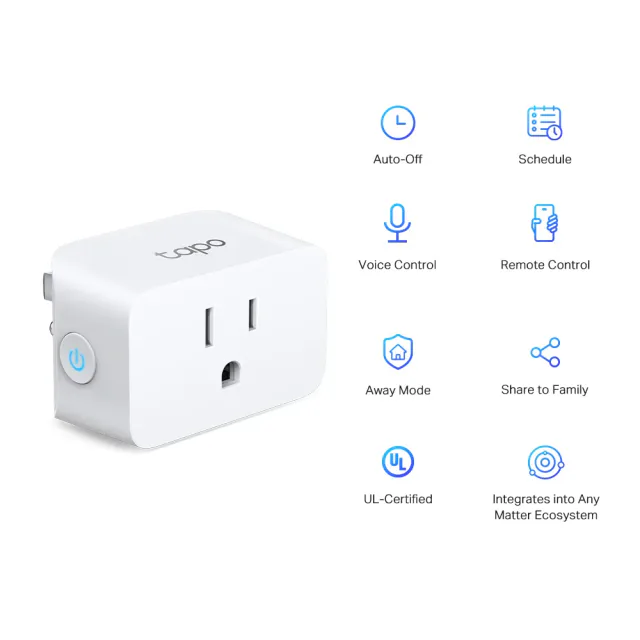
The first upgrade is the one that saves the most crawling. Plug the tree's lights into a Matter smart plug, name it "Christmas tree" and switch it from your phone, by voice or with the button on the plug. It works with a ten-year-old string as well as a new one, and a plug costs a fraction of a smart string.
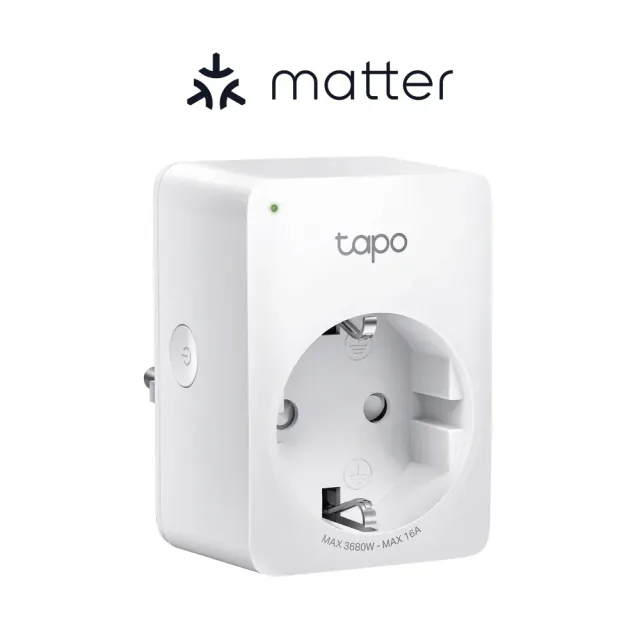
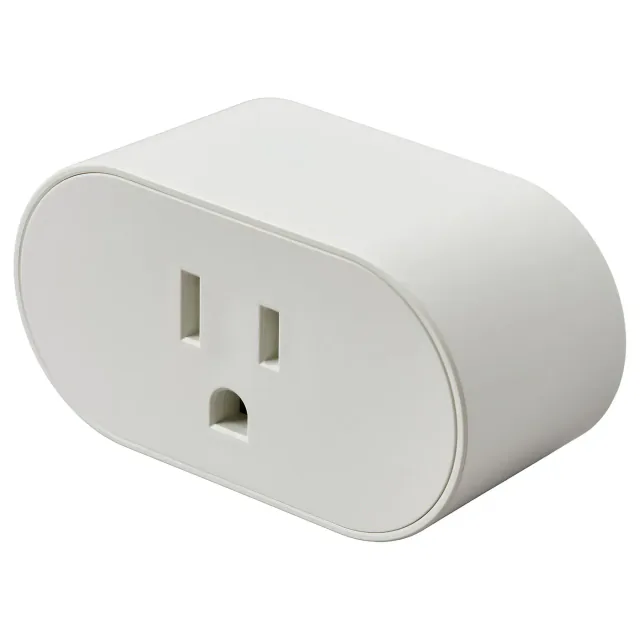
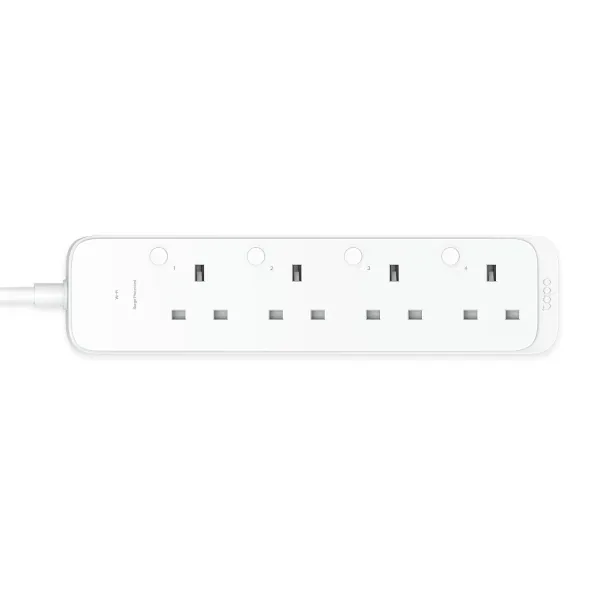
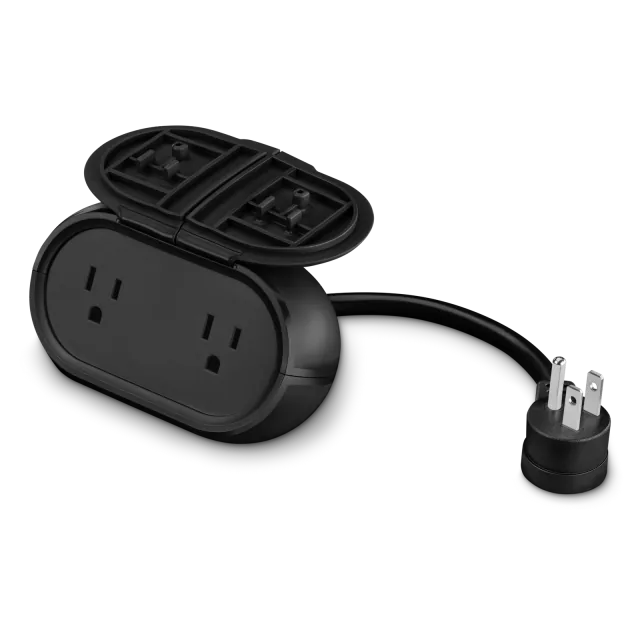
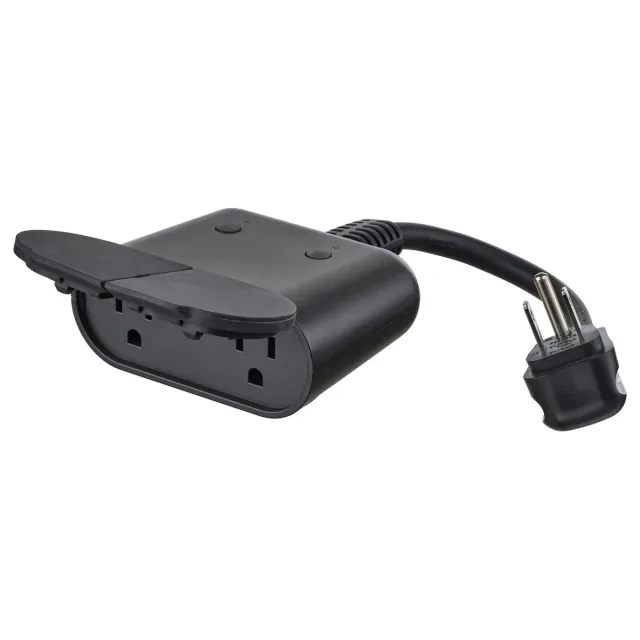
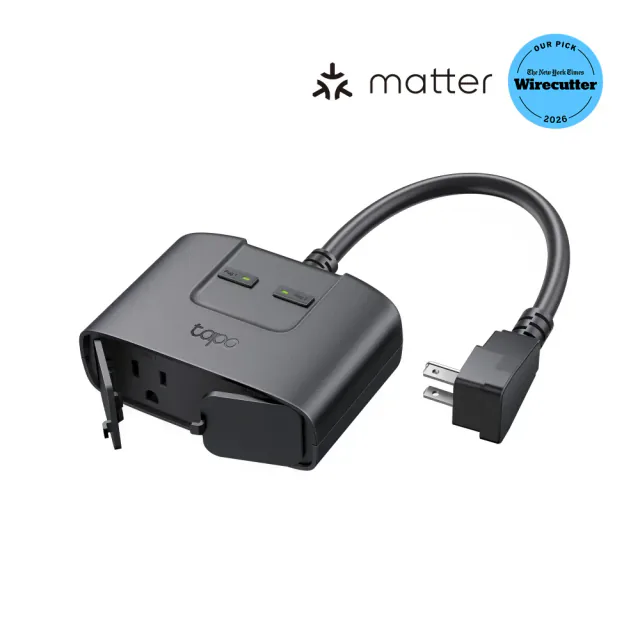
Buy a Wi-Fi plug unless the home already has a Thread border router: Tapo's P125M in North America or P110M in continental Europe. In the UK, the only Wi-Fi Matter plug we cover is Tapo's P304M strip, which gives several decorations near one wall socket their own switched outlets. IKEA's GRILLPLATS is cheaper and sold in all three regions, but app control needs Thread, and buying a border router for one tree is poor value. Our Thread border router guide covers whether you already have one.
Switch the plug off and on once before trusting it, because the string decides what comes back. Many strings have a controller with a mode button (steady, twinkle, chase, fade). Controllers with a memory return to the last mode you picked; the rest start from a default mode every time the plug restores power. Some strings also have their own timer, such as six hours on and 18 off. Turn it off and let the plug's schedule, which you can change from your phone, do the job.
Skip dimmer plugs for Christmas strings. Tapo's P430M outdoor dimmer, for example, rules out light sets with a separate adapter or controller, which covers a lot of LED strings. A plug's load rating is rarely the limit with LED strings, but older incandescent sets draw much more, so add up the wattage on the labels if you are reusing them. The US Fire Administration also tells you to follow the maker's instructions for how many strands to connect end to end, and to inspect every set each year before it goes up.
Guests and children can use the button on the plug. IKEA's GRILLPLATS kit adds a remote that works without any hub, but the kit's direct pairing and a Matter connection cannot run at the same time, so that plug gets either the hub-free remote or the routines in level 2. Our IKEA guide explains which platforms accept the remote as a Matter button.
Level 2: let the tree follow the household
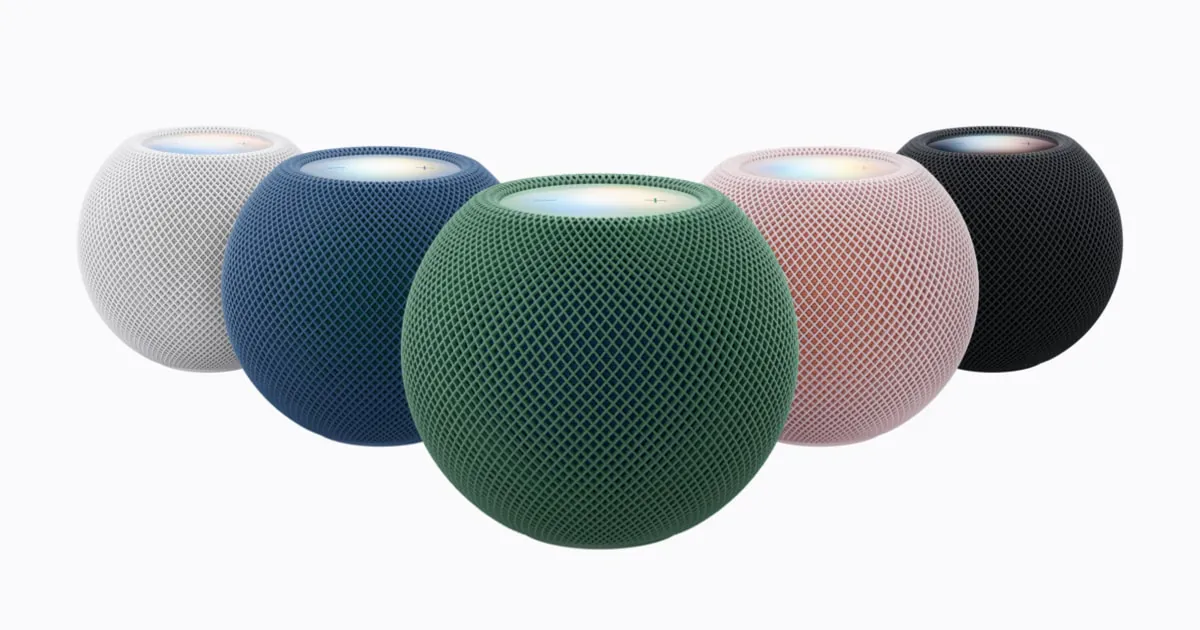
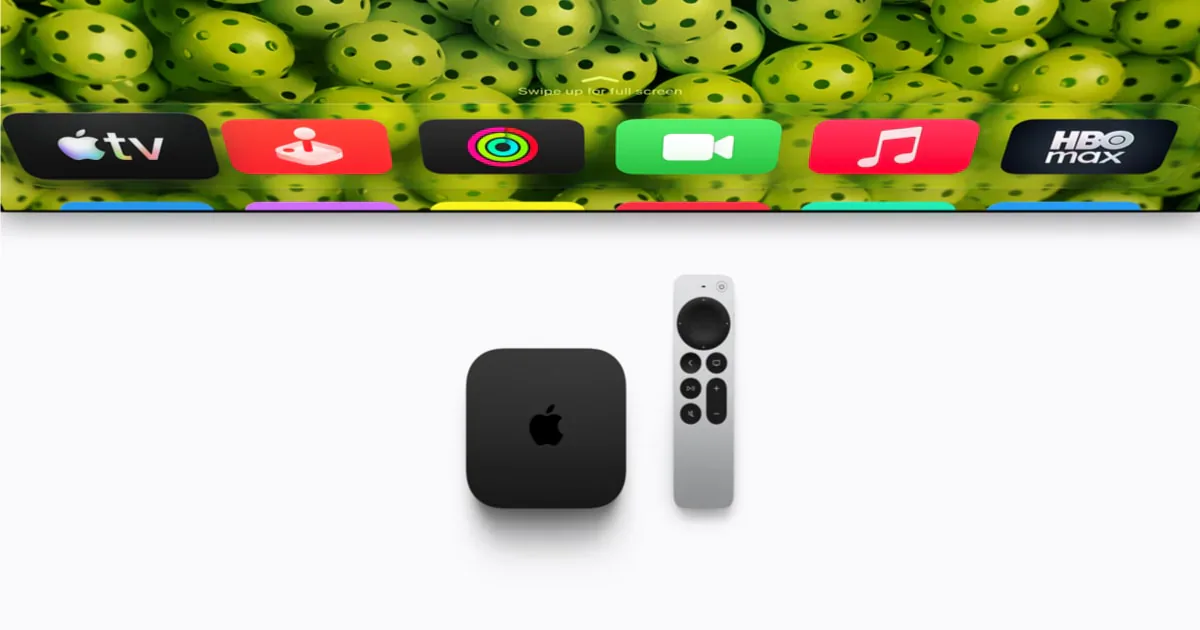
Once the tree is on a plug, routines can switch it for you. They need the platform's home hub or Matter controller, such as a HomePod or Apple TV for Apple Home; our setup checklist lists the hubs for each platform. The most natural pair follows people: the tree comes on when the first person gets home after dark and goes off when the last person leaves.
- Apple Home: People Arrive and People Leave automations turn accessories on or off when you or a shared user arrives or leaves, and you can choose the time an arrival automation works, such as only after sunset. Everyone who should count must be invited to the home and turn on Share My Location for the iPhone or iPad they use with it.
- Google Home: once presence sensing is set up, the Home automation starts when the first person's phone returns and the Away automation after the last person's phone leaves, and both can switch plugs. It works best when everyone in the home shares their phone's location. To keep the tree off on a sunny afternoon, Google also lets you add presence as a condition, so an automation with the sunset starter runs only while someone is home.
Presence mostly follows phones. A child without a phone, or a guest, does not count, so the tree can go dark while someone is still in the living room. In Alexa and SmartThings, start the tree with the sunset routine at the end of this guide and switch it off with the bedtime routine below.
Add one more routine that switches the tree off every night at the time the last person usually goes to bed, whoever is home. The US Fire Administration's advice is to always unplug Christmas tree lights before going to bed or leaving your home, and the bedtime routine and the Away automation cover those two moments on the nights someone forgets. Treat them as a backstop. The plug stays powered with the string still connected, and Google describes automations as convenience features that may not always run, so unplugging remains the stricter advice.
Level 3: lights made for the tree
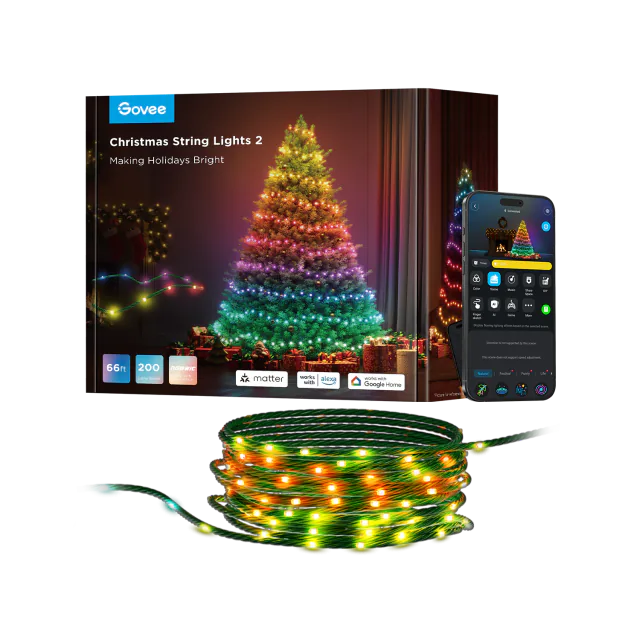
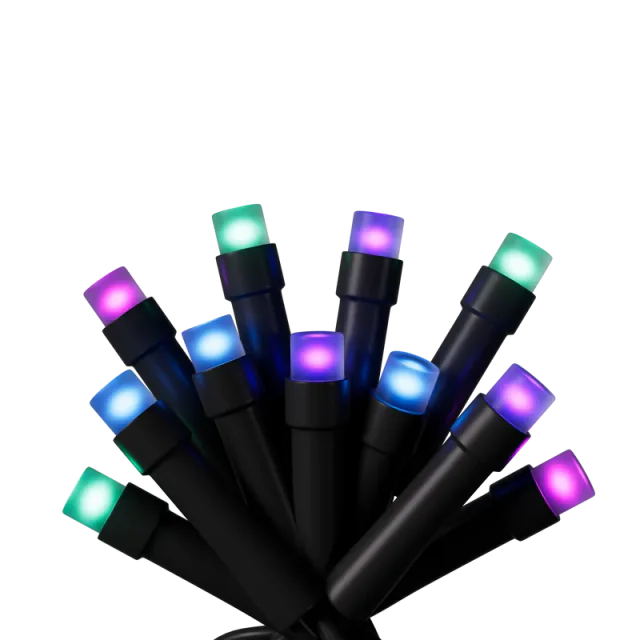
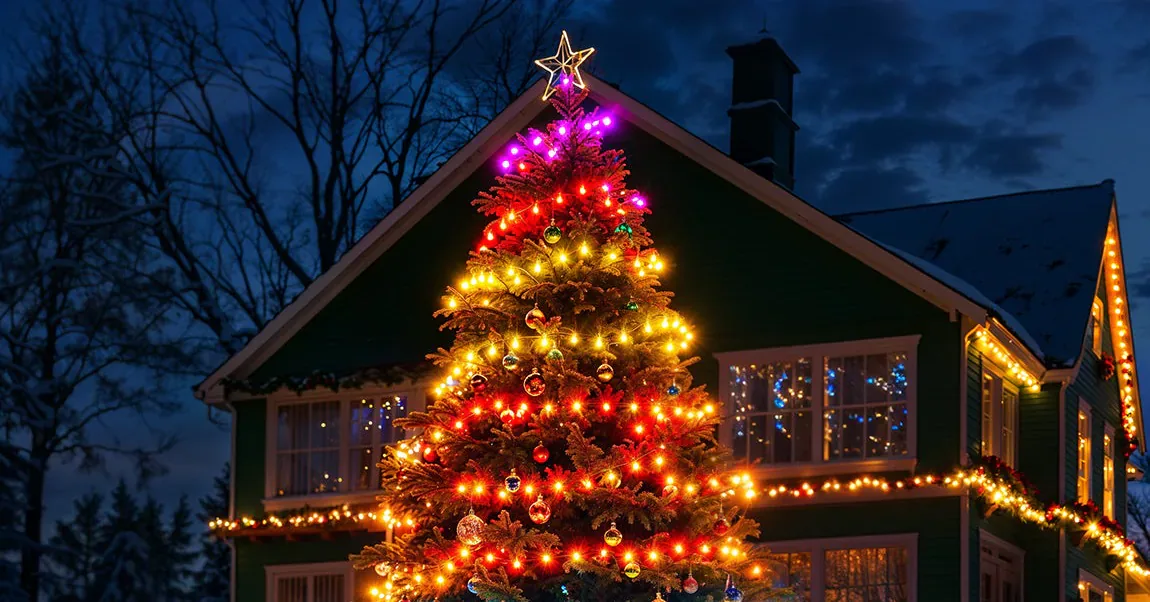
Smart tree lights make sense when the look itself will change: warm white most evenings, a red and green pattern on Christmas Eve, an animated show when friends come over. Govee's Christmas String Lights 2 and Nanoleaf's Smart Holiday String Lights both join Matter directly over 2.4 GHz Wi-Fi, without a brand hub or Thread border router. Through Matter you get on, off, brightness and a single color, so the level 2 routines keep working. Animations, gradients, music modes and Govee's camera-based shape mapping stay in the maker's app, and on the Govee string a color set from a Matter routine replaces whatever scene was running. Keep routines to on, off and brightness when the animation is the point, and check on the first evening whether the string comes back in its last animation, since neither maker documents it. A routine can make the whole tree one color, but not red and green at once.
Govee's string is the better fit for most trees. It adds dedicated warm white LEDs for the evenings when the tree should simply glow, and comes as one continuous run sized to the tree: 66 feet or 20 m for a 6-foot tree, up to 328 feet in the US. It is also the only one of the two sold in Europe and the UK, in 20 and 30 m lengths plus a 50 m EU version. Plug it in just before adding it to your Matter app, because the first pairing has to happen within 15 minutes of powering it on.
Nanoleaf's 300-LED set suits a 6 to 8-foot tree where guests and children will want to change the display with the buttons on its controller. It is sold only in North America, its two-arm layout takes planning to wrap, and its US price moves between deep sales and full price through the season, so compare the two on the day you buy.
Homes with a Philips Hue Bridge have a third route. Festavia joins the bridge, and the bridge shares Hue lights with Matter platforms, so it fits into the same routines. Its Sparkle and other effects stay in the Hue app, and at about $260 for 250 LEDs in the US, or £200 in the UK, it makes sense mainly for a home already built around Hue.
Turning a smart string off from Matter darkens the LEDs, but the controller stays powered and on Wi-Fi so it can come back on tomorrow. Putting the string on a plug as well cuts the power at bedtime, at the cost of the string dropping off your Matter app until the plug turns it back on.
Windows and the front of the house
Level 1: plugs for window lights and wall decorations
Window lights and candles sit indoors, so an indoor plug like the tree's is enough, but they are meant to be seen from the street, so put them on the sunset routine with the outdoor lights. Decorations on the walls, porch and railings need an outdoor-rated plug. In North America the two-outlet models are the useful ones: a plug-in porch lantern can stay on all evening while the wreath and window frame switch off at bedtime. Whether each outlet appears separately depends on the platform, and TP-Link does not clearly document it in Alexa for the TP25. Cync's plug is rated down to -20°C (-4°F) and IKEA's TOFSMYGGA down to -25°C (-13°F), which matters on a northern porch. TOFSMYGGA is the cheapest, but it uses Thread, so the Thread network has to reach outside.
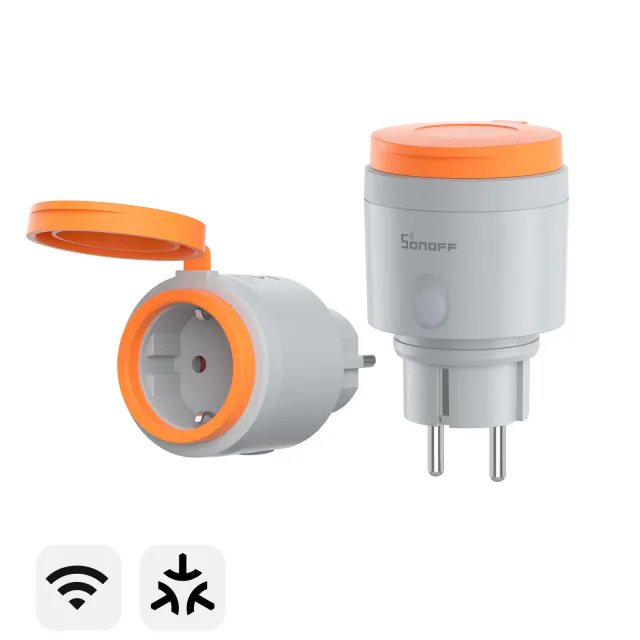
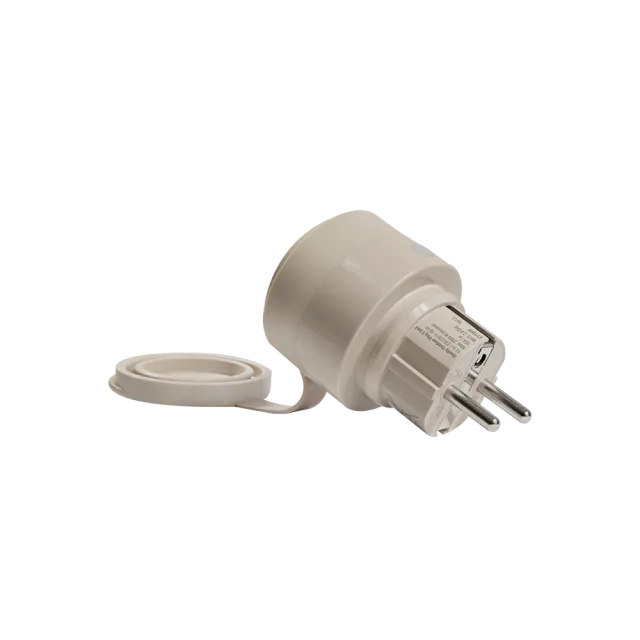
In much of continental Europe, though not France or Spain, TOFSMYGGA's single-socket version is the cheapest outdoor Matter plug we cover. Its IP44 rating holds only with the lid closed or an IP44-rated plug in the socket, which matters for light sets with an ordinary indoor plug. The SONOFF S61s and Shelly Outdoor Plug S are the Wi-Fi alternatives, and the S61s needs a waterproof enclosure anywhere outdoors.
IKEA's UK site does not sell TOFSMYGGA, and Matterhome has not yet reviewed a UK outdoor Matter plug. Where a light set's instructions put the power supply indoors, as Hue's do for Festavia in the UK, an indoor plug does the switching.
Level 2: color the porch and front wall lights
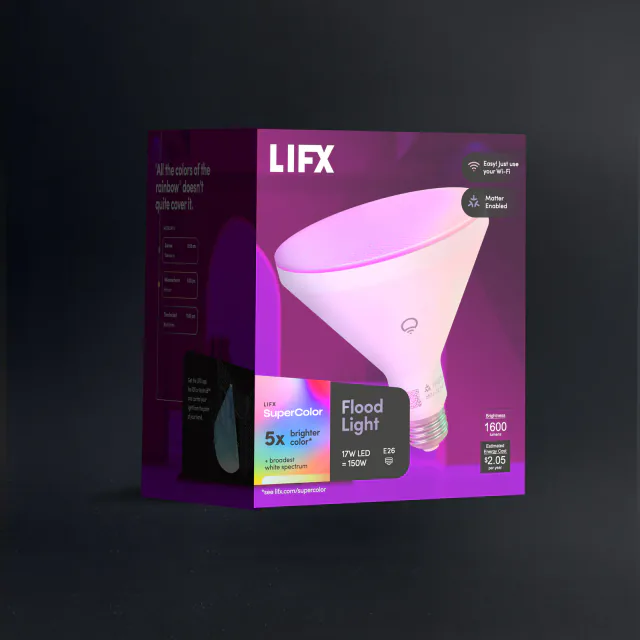
The next step adds color to the lights that already light the front of the house, with a new bulb or a new fixture. In North America, LIFX's Outdoor SuperColor PAR38 replaces the bulb in an open flood fixture and can wash the front wall red or green in December, then go back to warm white for the rest of the year. It needs constant power, so a fixture whose own sensor or wall switch cuts the bulb off defeats it, and it is rated only down to -10°C (14°F), which rules it out where winters are colder. In Europe and the UK, homes with a Hue Bridge can replace a porch wall light with Hue's Lucca lantern, which takes a replaceable color bulb and reaches Matter through the bridge. It is a wired mains fixture, so budget for fitting it as well as the bridge. Both keep earning their place after Christmas as ordinary outdoor lights.
Level 3: permanent roofline lights
Govee's US manual describes its Christmas string as seasonal and not meant for permanent installation, so eaves that stay lit through Christmas, Halloween and everything in between need a permanent kit. Govee's and Nanoleaf's kits join Matter over Wi-Fi with the same split as the tree lights: Matter handles the everyday light controls, and the maker's app keeps the effects. SwitchBot says its new kit does the same, though it was not yet on SwitchBot's own Matter compatibility list when we checked in October. They are sized, mounted products, so plan the run before buying. The Govee and Nanoleaf kits we review are sold in North America; SwitchBot's kit is also sold in Europe and the UK.
The garden
Level 1: an outdoor plug that reaches the garden
The outdoor plugs above work here too; what changes is reach. A Wi-Fi plug needs 2.4 GHz coverage at the outlet, so pair it where it will hang, because one that pairs in the kitchen can drop off at the bottom of the garden, and check that Thread reaches that far before choosing TOFSMYGGA. A North American two-outlet model can keep path lights on later than the figures on the lawn.
Level 2: smart strings on shrubs and railings
Govee's Christmas String Lights 2 work outdoors as well as on the tree. The strings are rated IP65 and down to -20°C (-4°F), so shrubs and a deck railing are reasonable places for them. The weak point is the adapter: on most lengths it is IP44 and belongs in a dry spot or a waterproof box, and US sets outdoors should plug into a GFCI outlet. Nanoleaf's strings are rated IP44 and Festavia's IP54, lower than Govee's, so they suit a sheltered porch better than an open lawn. Festavia sets made before 2023 are indoor only.
Level 3: color inside every patio bulb
For a patio in North America, Govee's Outdoor Chromatic String Lights show several colors inside each hanging bulb, so a ten-bulb string can run red and green gradients instead of one color per bulb. Those gradients run from Govee Home; through Matter the string gets ordinary light control, so routines can switch it and set one color. The string and controller are rated IP67 and down to -20°C (-4°F), and the set stays useful in summer. It is expensive, about $170 for ten metres in the US, and its LEDs cannot be replaced, so it suits a patio where people will look at the bulbs; an ordinary string on an outdoor plug runs a schedule for far less.
Run the whole display with three routines
Once each area has its plugs or lights, tie them together.
On at sunset
The front of the house and the garden suit sunset better than presence, because they should light up whether or not anyone is home. Each major platform can start a routine at sunset, and the time moves with the season, so the lights follow the shortening evenings without edits.
- Apple Home: add an automation with A Time of Day Occurs and choose Sunset.
- Google Home: create a household routine with the sunrise or sunset starter.
- Alexa: set a routine's schedule to sunset.
- SmartThings: use a sunset time in a routine. Users reported in 2025 that a minutes-before-sunset offset kept reverting to after, so set an offset after sunset, or none.
- Home Assistant: the sun trigger takes an offset, and its dusk and sun elevation triggers suit a garden that is still light at sunset.
For Christmas morning, add a short early routine for the tree. Google Home time routines repeat on the days you choose, so set it for the weekday Christmas falls on (a Friday in 2026) and turn it off on the 26th before it repeats.
Off at bedtime
Extend the tree's bedtime routine to every decoration, except anything a two-outlet plug keeps on later, such as path lights.
One name for all of it
Group the tree, the windows, the front of the house and the garden under one name such as "Christmas lights", so one voice command or one tap starts the whole display. In Apple Home that is a scene, and Google Home routines can start from a custom voice command. Alexa routines also accept a phrase of your choosing.
Where Christmas automations go wrong
- Two schedules on one light. A schedule in Govee Home or the Tapo app, or a timer built into the string, runs alongside your Matter routine, and the two can switch the lights at odd times. Let the Matter platform own the schedule and turn the others off.
- Sunset at the wrong time. Sunset comes from the home's location, so if the lights come on at a strange hour, check the address in the platform's home settings.
- A plug that drops off Wi-Fi. The routine fails without telling you. Watch the first evening, and improve the Wi-Fi there, or pick a Thread plug where Thread already reaches, if the outdoor outlet keeps losing its connection.
- One family member owns the app. Govee ties each string to one Govee account, so share control through your Matter platform and let everyone else use the same scenes and voice commands.
Put it away without losing next year's setup
In January, turn the routines off instead of deleting them. Apple Home lets you disable an automation and turn it back on next season, and the sunset times will still be right. Check each plug's name before you unplug it, so next December's display goes back on the right outlets. A plug left in your Matter home will show as not responding until it is plugged in again. If you would rather remove the devices, photograph each Matter setup code and keep it with the decorations, because re-adding a device next year starts with that code.
- Editor
- JC Martinez
AI tools may help draft or organize pages. Matterhome checks product claims against cited sources before publication.
Spot a mistake or missing context?
Send a quick note so it can be checked against the source material.