For a normal Matter-over-Thread home, you need a Thread border router. You do not need one just because the box says Matter.
Matter is the control layer. Thread is one network underneath it. Wi-Fi Matter devices use your Wi-Fi, and bridged devices use the bridge's network path. A Thread lock, sensor, shade, or plug needs a route from its Thread mesh to the rest of the home.
There is one narrow Apple exception. An iPhone 15 Pro or later running iOS 18 or later has a Thread radio and can locally pair and manage compatible Thread accessories without a home hub. Apple says some battery accessories need manufacturer firmware for that flow. Automations, notifications, and remote control still call for a Thread-enabled home hub or compatible border router, so an iPhone is not a substitute for always-on home infrastructure.
What the border router actually does
A Thread border router connects a Thread mesh to the rest of your home network. Without it, a Thread sensor or lock has no useful path to your phone, speaker, display, automation engine, or cloud remote access path.
It is a router, not a controller for one brand. The same box can perform both jobs, which is why the labels get confusing. Thread border routers are built into selected Apple TV models, HomePod mini, HomePod (2nd generation), Nest displays, Nest Wifi Pro, Google TV Streamer, the 2026 Google Home Speaker, compatible Echo and eero hardware, SmartThings hubs, IKEA DIRIGERA, Homey hubs, Aqara hubs, and properly configured Home Assistant Thread setups.
The model and software matter. Google's 2026 speaker, for example, is a Matter hub and Thread border router, but Google lists Thread 1.3 rather than Thread 1.4. Buy it when a Google Home room needs both a speaker and Thread coverage. The Thread label by itself does not justify the purchase.
You need one for Matter-over-Thread devices
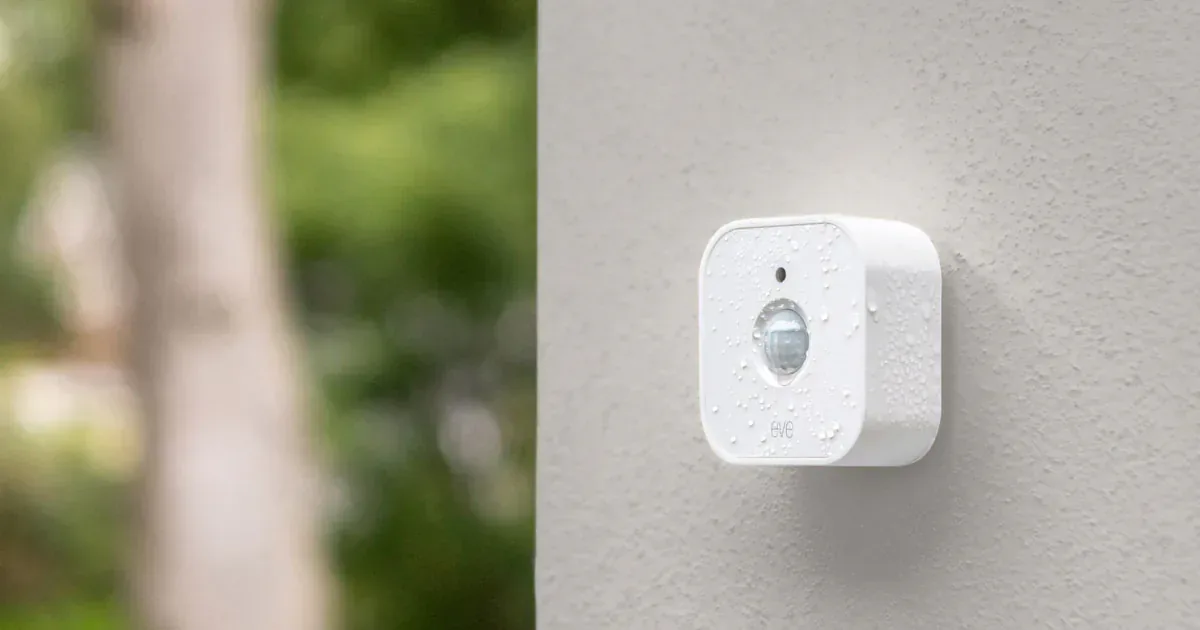
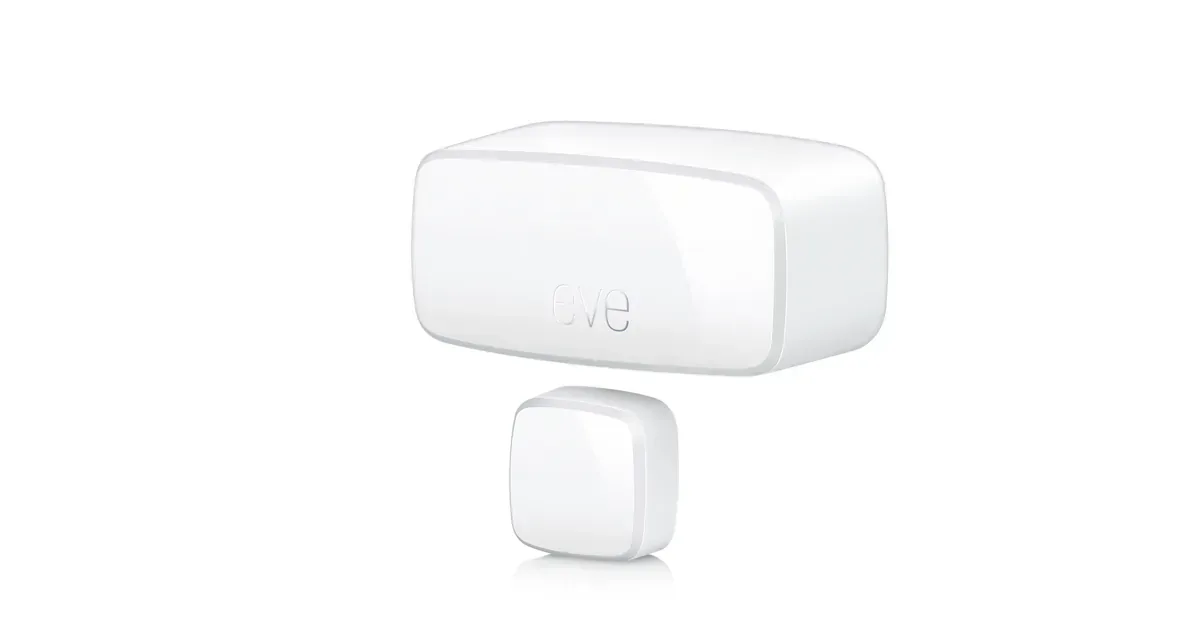
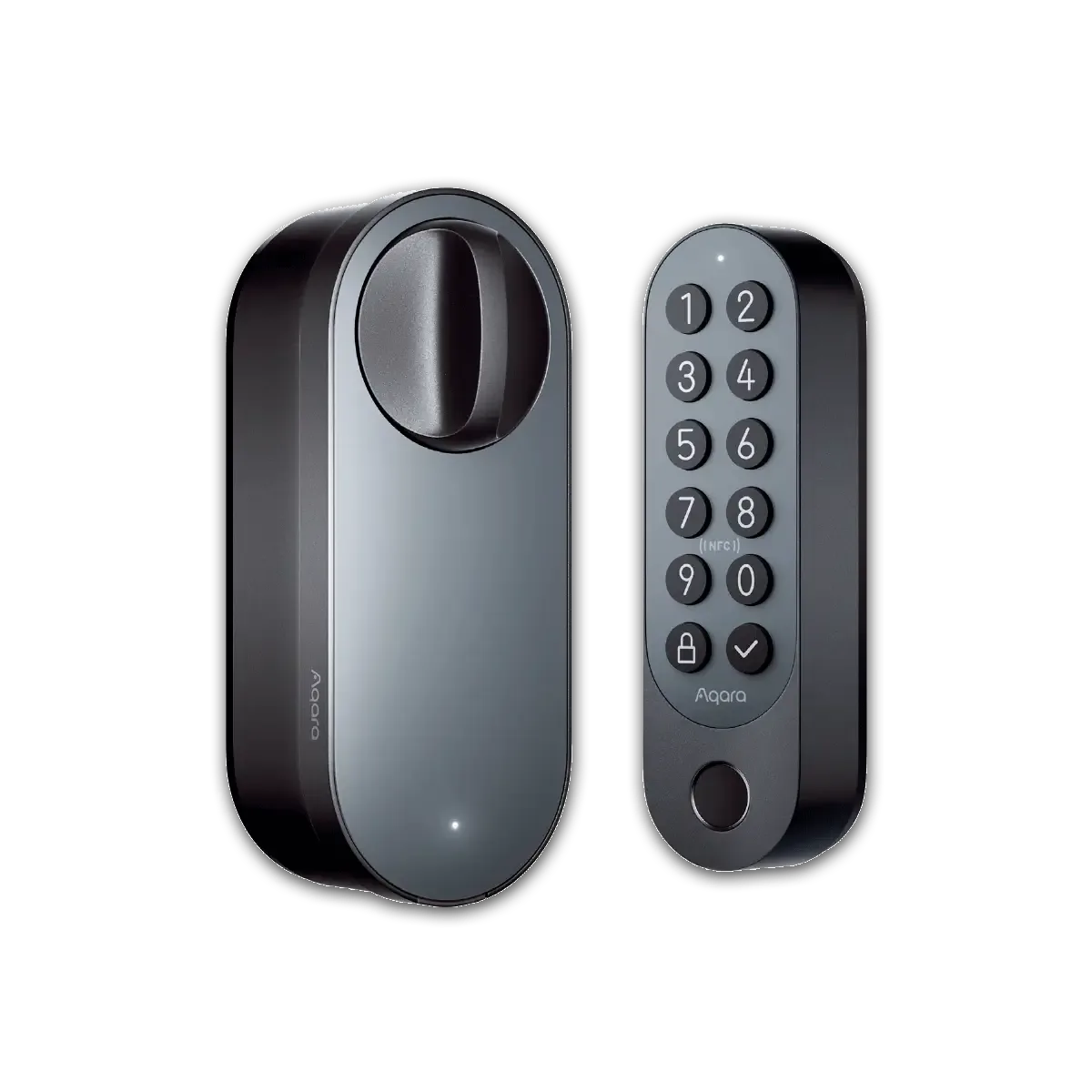
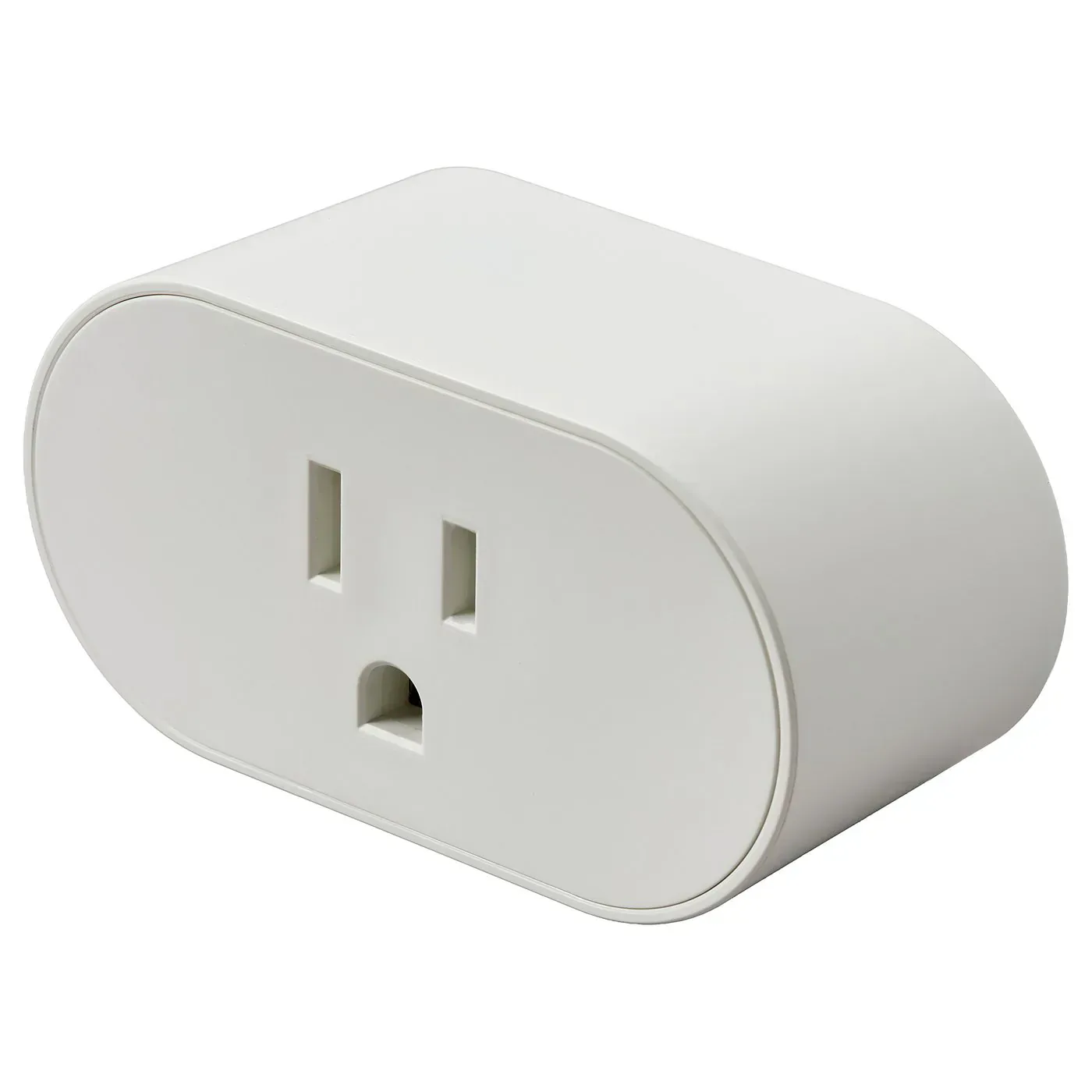
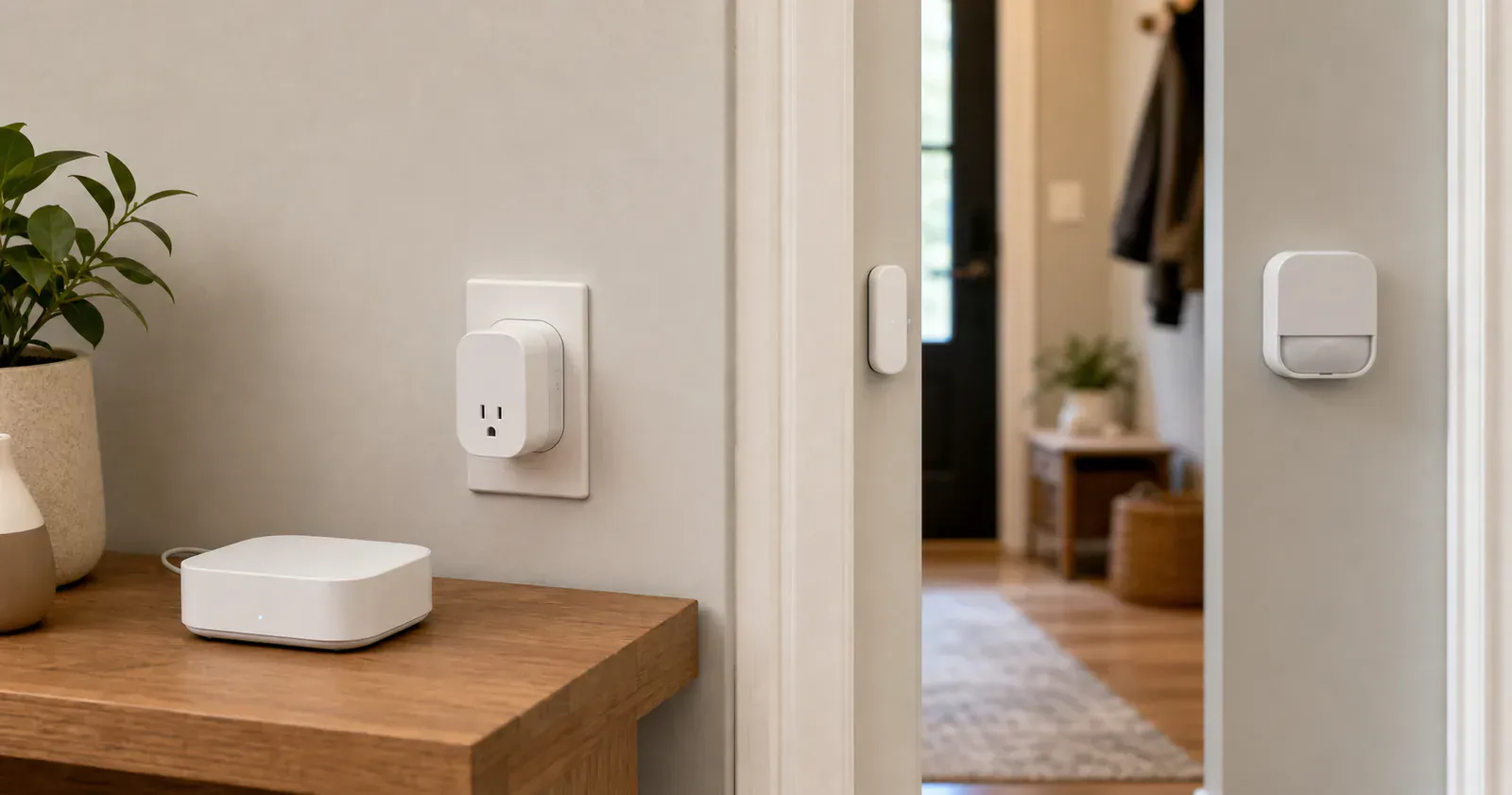
Small Matter sensors, locks, shades, radiator valves, and some plugs often use Thread. If the product page says Matter over Thread, Thread, or requires a Thread border router, treat the border router as part of the purchase.
Google says Thread Matter devices need a Google Home hub that also works as a border router. Amazon says a border router must commission Matter-over-Thread devices before Alexa can use them. Home Assistant requires a border router and a usable credential path from the phone doing the commissioning.
You may not need one for Wi-Fi Matter devices
Matter-over-Wi-Fi devices do not need a Thread border router. They still need a Matter controller for the ecosystem you use, but their network path is your Wi-Fi.
This is why a Wi-Fi Matter bulb can be an easier first experiment than a Thread contact sensor. It may still need 2.4 GHz Wi-Fi, IPv6, an ecosystem controller, app setup, or firmware updates, but it does not require a Thread mesh.
Bridges are a separate case
A Matter bridge can make non-Matter or brand-specific devices appear to Matter platforms. Philips Hue Bridge, IKEA DIRIGERA, and Bosch Smart Home Controller II are examples in the Matterhome archive.
Do not confuse a bridge with a Thread border router. Some hubs perform both roles, but a bridge exposes devices through Matter while a border router moves encrypted network traffic between Thread and the home LAN. Check the exact role instead of assuming every brand hub adds Thread coverage.
How many border routers do you need?
Start with one supported border router in a useful location. Add router-capable powered Thread devices where the mesh is weak. A compatible plug or in-wall switch in the right hallway can be more useful than another border router hidden behind a television. Battery sensors do not extend the mesh.
Thread 1.4 is designed to help updated border routers join an existing Thread network instead of creating separate networks. That is the right direction, but every participating product still needs the necessary software and credential-sharing behavior. Apple and Google started moving selected streamer hardware toward Thread 1.4 in June 2026. Do not reset a stable mesh only because one box received a new version number. Our Thread 1.4 rollout note explains what to check first.
Mixed Apple, Google, Amazon, SmartThings, Home Assistant, and brand-hub homes can still contain separate Thread networks. Add one accessory, leave it in its final location, and confirm that it stays online before expanding the room.
Diagnostics can show the mesh, not repair it
Thread Group released Thread Tools in beta on June 17, 2026. The app is intended to show network health and provide diagnostic data that can be shared with support. That can help distinguish poor signal and a fragmented network from a bad accessory.
Treat the tool as evidence, not an automatic repair button. Device names may be hard to match, and a graph cannot decide whether moving a border router, adding a powered Thread node, or replacing faulty hardware is the right response. Read our Thread Tools guide before changing a working network around one diagnostic view.
Direct phone setup is not a border-router replacement
Thread Direct is a proposed future setup path that could let a Thread-equipped phone start commissioning before a border router is present. It would make the first minutes friendlier, but the phone would not become the always-on network for automations and remote access.
No current purchase should depend on Thread Direct. The Thread Direct announcement describes future onboarding work, not a hub-free Thread home you can build today.
When to skip Thread for now
Skip Thread for your first purchase if you only want one light, one plug, or one table lamp and you do not already own a border router. A Wi-Fi Matter product may be a simpler first success.
Skip it if the device will sit far from any border router or powered Thread device and you are not willing to add mesh support nearby.
Do not skip it if the plan includes many sensors, locks, shades, and other low-power devices. Buy the border-router path first, place it for the rooms that need it, and let the first accessory prove the mesh before buying the rest.
Content feedback
Spot a mistake or missing context?
Send a quick note so it can be checked against the source material.