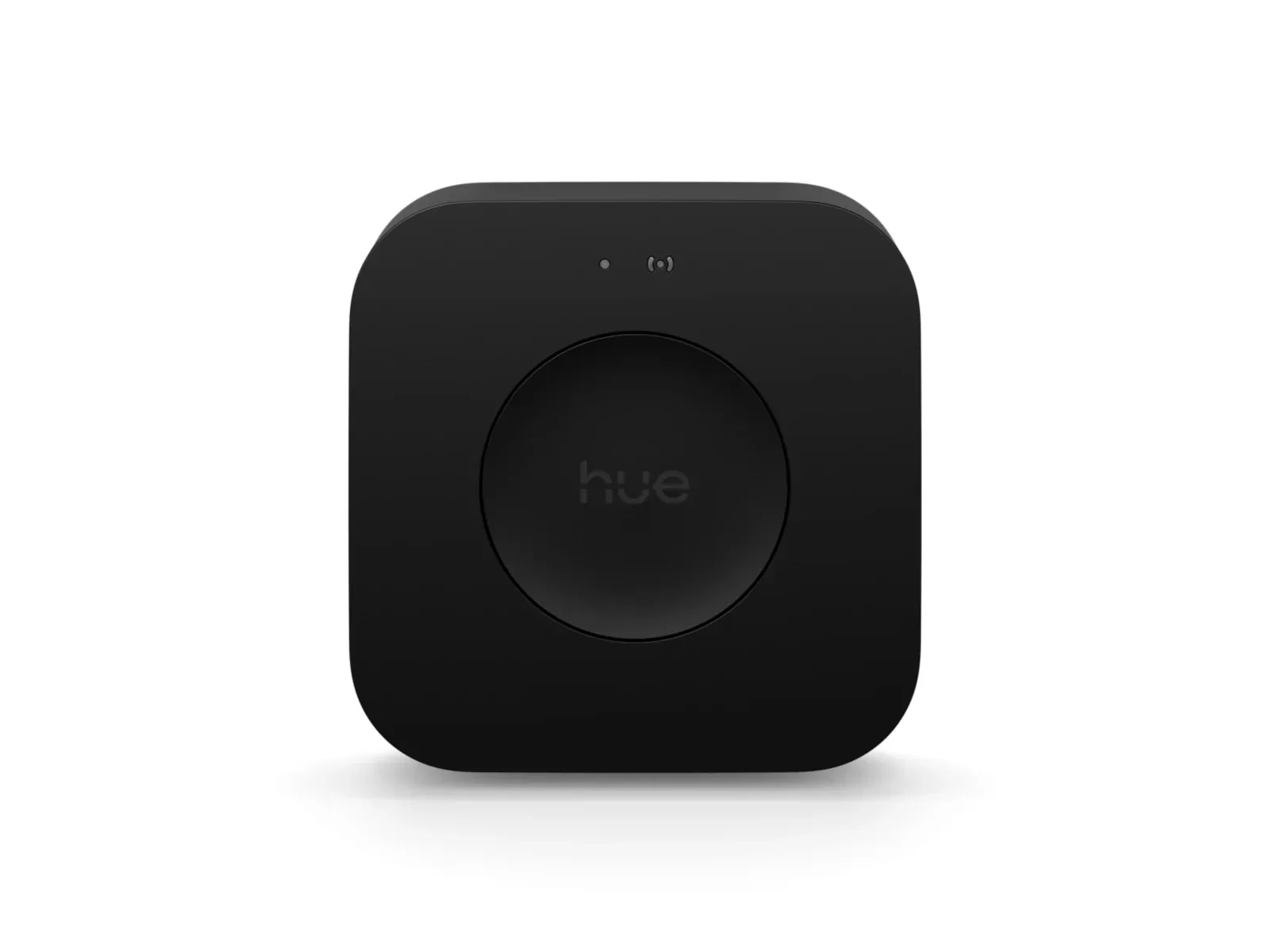
What we like
- Capacity for 150 lights and 50 accessories suits a large Hue installation
- Wi-Fi provides more placement freedom than the Ethernet-only Bridge
- MotionAware can use existing compatible lights to detect room movement
What could be better
- Costs $70 more than the standard Bridge at current US prices
- MotionAware needs at least three compatible lights in a suitable indoor layout
- Moving multiple bridges still involves rebuilding some settings and integrations
A worthwhile upgrade for a crowded Hue home
The appeal of Hue Bridge Pro is having a large lighting installation under one roof: upstairs bulbs, garden lights, remotes and sensors without splitting everything between several hubs. Its stated capacity is 150 lights and 50 accessories, compared with 50 lights and 12 accessories on the standard Bridge. If you are already juggling bridges, that extra room has a practical purpose.
It is much less exciting beside four table lamps. Philips Hue's US store listed Bridge Pro in stock at $139.99 on September 10, 2026, versus $69.99 for the standard Bridge, with free shipping on either. A separate promotion required buying two or more qualifying items; those are the single-item prices. The $70 premium should solve an existing problem, not pay for capacity you might never use.
This review covers the black US Bridge Pro, product 046677582111. The older white square Bridge remains a separate, cheaper purchase.
More freedom to put the hub somewhere useful
Pro can connect to your network over Wi-Fi or Ethernet; the standard Bridge needs Ethernet. That makes Pro easier to place near your lighting instead of beside a router hidden in a cupboard. You still need a power outlet. An Ethernet cable and US power adapter are included, and Hue recommends the wired connection when it is practical.
The extra processing power and scene storage are welcome headroom, but they are not a reason to expect every lamp to respond dramatically faster. We have not measured a response-time improvement. A working smaller installation does not become inadequate just because a faster hub exists.
MotionAware is clever, with a demanding room layout
MotionAware uses changes in the Zigbee signals between compatible Hue lights to detect movement. It can make those lights act as the room's motion detector without adding a sensor to the wall. Bridge Pro supports up to four motion areas, each using three or four compatible lights.
The catch is the room. Hue calls for lights roughly 1–7 metres apart, with no intervening walls and a spread of positions rather than a straight line. This is an indoor feature, and some older lamps are excluded. A lounge already filled with Hue lighting is a much better candidate than a hallway with one ceiling bulb.
MotionAware also lacks a dedicated daylight sensor. Scheduled lighting can still be useful, but a conventional motion sensor is the more straightforward choice if you need a detector in one precise location. Buying several extra lamps merely to avoid that sensor undermines Pro's value. Motion-triggered lighting and security alerts are separate uses; the alert service requires a subscription.
Moving an established home still takes work
Hue now supports bringing several older bridges into one Pro. That removes an important launch-era restriction, but it does not turn a complicated home into a five-minute transfer. Hue estimates 30–60 minutes per bridge, including follow-up work. Additional bridges can require recreating automations or accessory behaviour, and connected services may need reconnecting. Non-Hue Zigbee devices can also need resetting and adding again.
Budget an evening for a substantial installation. The convenience comes after the move, when fewer separate hubs need managing.
Pro also keeps older Hue Zigbee lights useful in a Matter home. It shares their standard controls while the Hue app retains its richer scenes and entertainment features. It does not become a Thread border router or a universal hub for unrelated Matter products. The standard Bridge already provides a Matter path, so Matter alone is no upgrade reason.
Buy Pro for a limit you have actually reached
Choose Pro when you are approaching the standard Bridge's capacity, consolidating several Hue installations, or have a suitable room where MotionAware is worth the premium. Wi-Fi placement is a smaller but tangible benefit.
Choose the standard Bridge for a modest Hue system built around its scenes and accessories. A few new Matter-enabled bulbs can also connect directly through an existing Matter controller and Thread border router, although that gives you less of the Hue experience. Keep your current bridge when the lights, routines and remotes already do what you need: Pro adds room to grow, not a compelling improvement to every small home.
Content feedback
Spot a mistake or missing context?
Send a quick note so it can be checked against the source material.