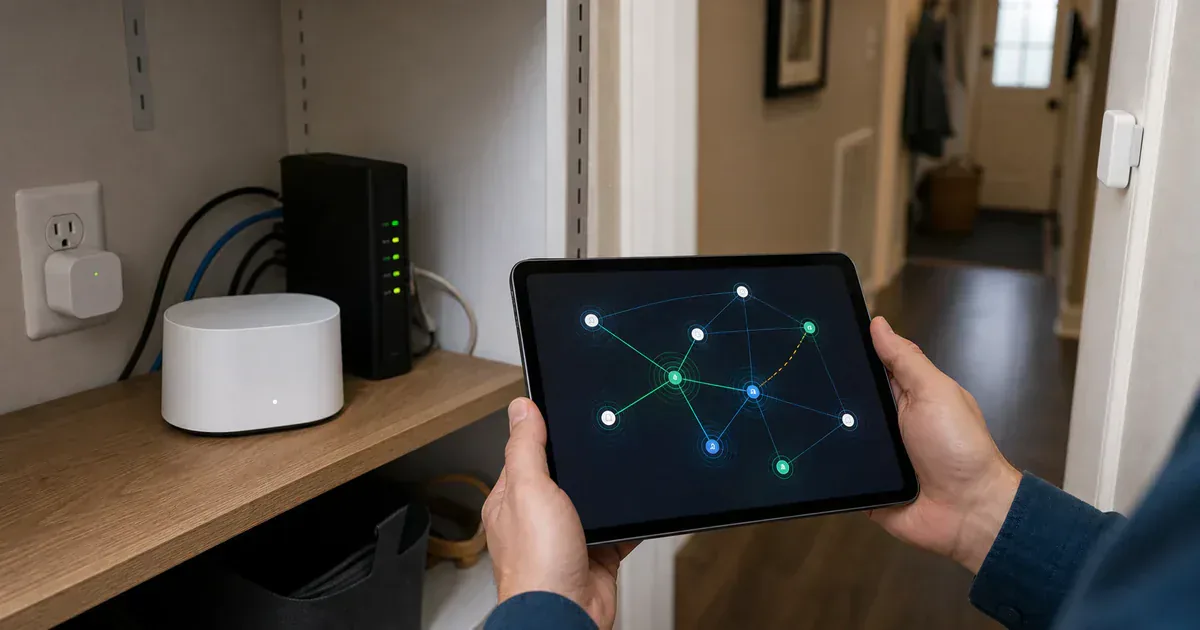
Thread Group is giving owners a way to see what their Thread network is doing. On June 17, 2026, The Verge reported that Thread Group's Thread Networks Diagnostics Tools app is launching in beta on iOS, after an Android alpha became available earlier. The app can show network relationships, signal strength, and which devices are acting as mesh extenders.
That is useful because Thread problems often hide behind vague smart-home errors. A lock drops offline. A contact sensor becomes slow. A plug refuses setup. The app may blame range, Bluetooth, the device, or the cloud account while the real issue is a weak mesh, a sleepy device, a bad border router, or several Thread networks in the same home.
The diagnostics app is not a consumer repair wizard yet. The Verge says it can export detailed JSON data for support teams or advanced users, but device identifiers can still be hard to match to the physical products in a room. For now, the app looks more like a window into the network than a friendly troubleshooting assistant.
Placement is the first use case
The most useful result would be fewer blind resets. If the app shows that a door sensor has poor signal strength, the fix might be moving a border router, adding a powered Thread device nearby, or removing an old border router that is putting devices on the wrong mesh. That is better advice than "try again" when the accessory is already mounted.
The app may also help spot multiple Thread networks. Several networks are not always wrong, but they can confuse a Matter-over-Thread home when the controller, border router, and accessory are not on the same path. Thread 1.4 is supposed to reduce that problem in newer setups. Existing homes may still need diagnosis before they behave like one mesh.
Do not turn diagnostics into homework
A healthy Matter-over-Thread setup should not require weekend mesh analysis. The good version of this tool is support staff asking for one export instead of ten screenshots, or an advanced owner seeing that a sensor is too far from any powered Thread device.
If you are buying Thread devices now, the old hardware advice still matters. Use an always-on border router from the ecosystem you actually use. Do not assume every powered Matter device extends Thread, because Wi-Fi and bridge-based devices do not. For exterior doors, basements, outbuildings, and thick walls, plan the mesh before blaming the accessory.
The app is a good sign because it admits the problem: Thread reliability is not just a standards claim. It is a house-by-house network that needs to be visible when something goes wrong.
Content feedback
Spot a mistake or missing context?
Send a quick note so it can be checked against the source material.