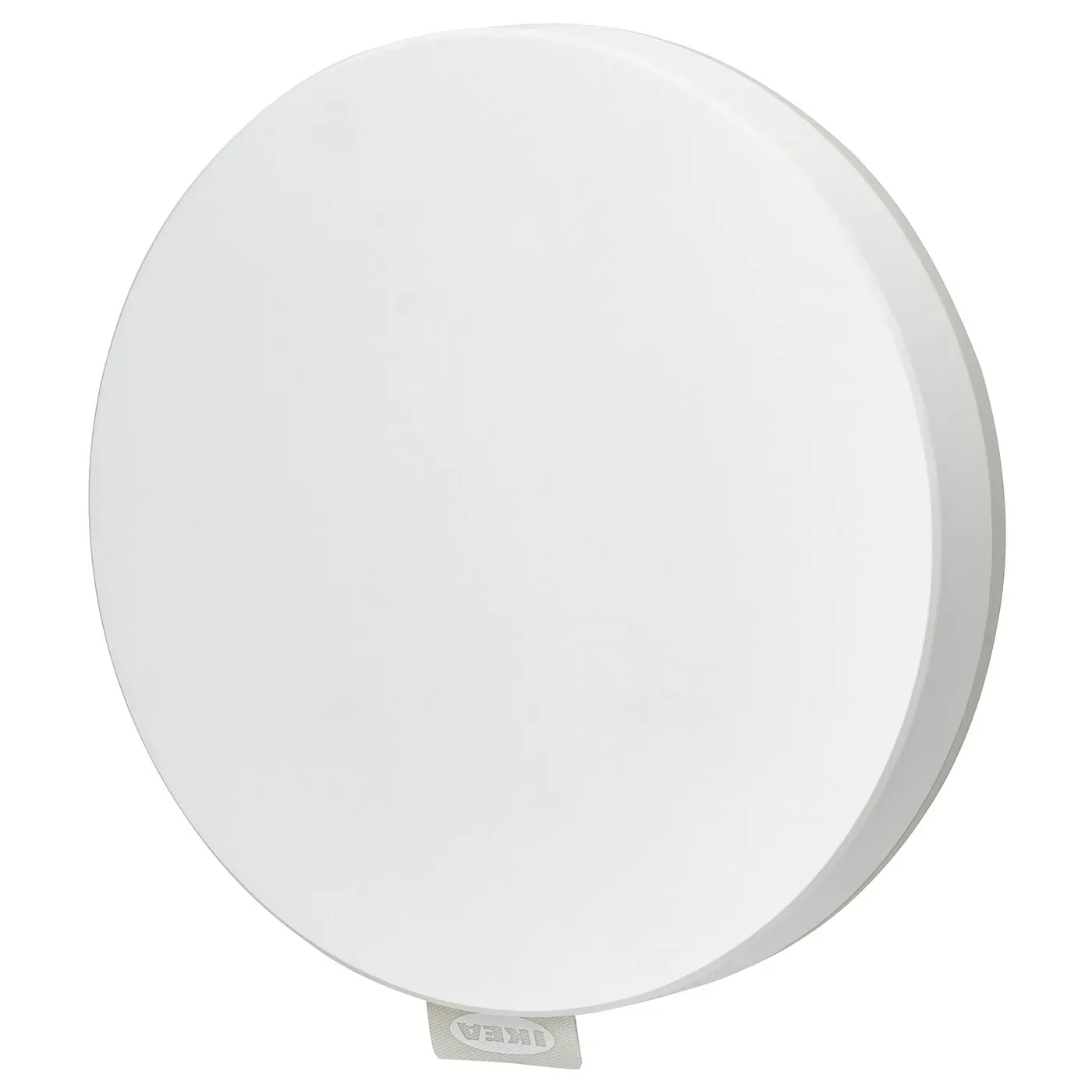
What we like
- Keeps supported older IKEA products useful in Matter systems
- Combines IKEA app control, bridging and Thread border routing
- Useful central management for a mixed-generation IKEA home
What could be better
- High upfront cost for a small accessory purchase
- Needs Ethernet, power and another app
- Does not make every IKEA feature identical in other platforms
The value is in the devices you already own
DIRIGERA makes its strongest case in a home full of older IKEA lights, blinds or sensors. It can keep supported products together in IKEA Home smart while bridging them into a Matter system. Replacing a working collection simply because the individual devices lack native Matter would be wasteful; a hub can preserve that investment.
That is a more convincing reason to spend the listed $139.99 than buying it automatically beside one inexpensive bulb. The price is substantial relative to IKEA's new accessories, and the hub itself adds no light, sensor or physical room control. Its value depends on the equipment it will manage.
More capable than a bridge-only description suggests
DIRIGERA now combines three useful roles. It can control supported Matter accessories in IKEA's app, bridge supported older IKEA devices to another Matter system, and provide Thread border routing for Thread accessories. That makes it practical for a household mixing generations of IKEA hardware.
Those roles do not mean every accessory or app gets every feature. Basic controls can travel through the bridge while IKEA-specific settings remain in IKEA Home smart. If leaving the manufacturer's app entirely is the aim, DIRIGERA is a less satisfying purchase than its broad compatibility might suggest.
The physical commitment is also worth considering: another powered box, an Ethernet connection and a place near the network equipment. In an established IKEA home that is reasonable infrastructure. For a single new bedside bulb, it is a lot of equipment behind a small convenience.
Skip it when your existing system covers the job
A new native Matter-over-Thread bulb such as KAJPLATS can use a compatible controller and Thread border router you already own. It does not require DIRIGERA because it is made by IKEA. For basic remote control, IKEA's pre-paired light kits can work without any hub at all.
Choose DIRIGERA when its IKEA management and bridge roles solve an actual problem. For a new small setup, check the hardware already in the home first. Avoiding an unnecessary hub is a better saving than choosing a slightly cheaper bulb.
Content feedback
Spot a mistake or missing context?
Send a quick note so it can be checked against the source material.