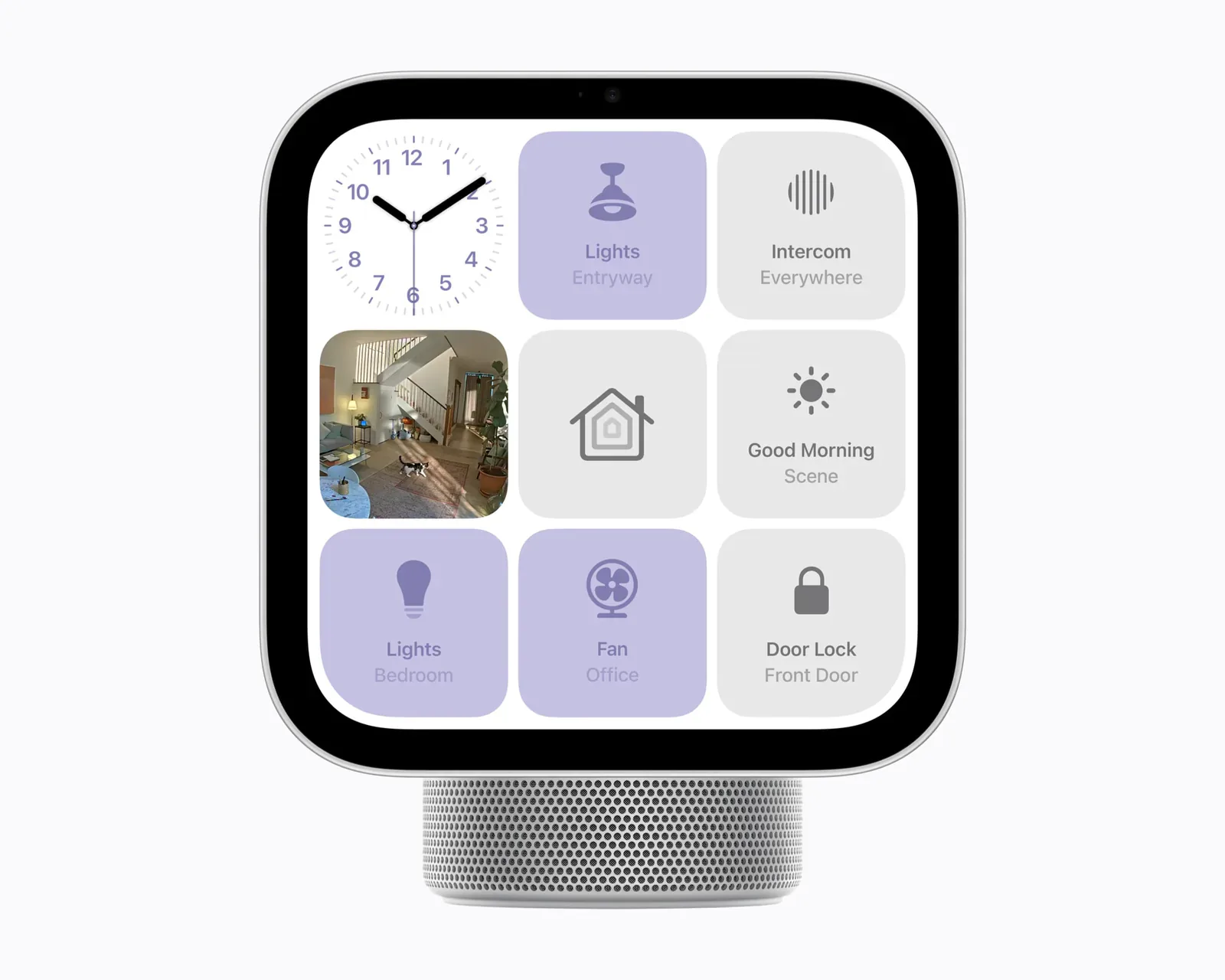
A Home app panel with the hub built in
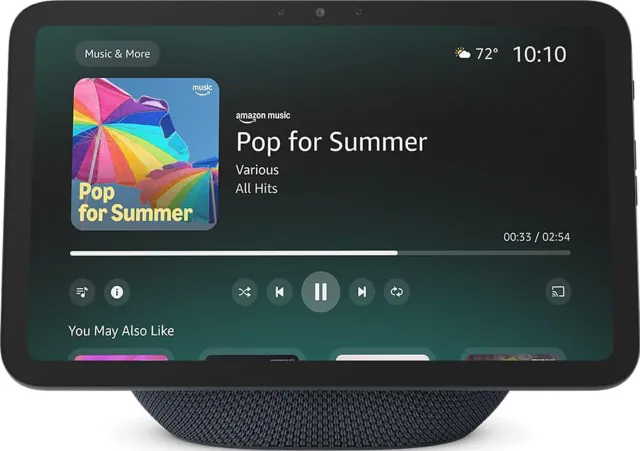
HomeView is a 7-inch touchscreen with a speaker underneath, made to sit on a kitchen counter or, as a separate model, hang in a hallway. It is also an Apple home hub with a Thread radio, so it can run the automations, notifications and remote access in Apple Home and connect Matter-over-Thread locks, sensors and plugs without another hub. It is on pre-order and ships on November 13, 2026, at about $300 in the US or £300 in the UK, with the same price for the countertop and wall versions.
Buy it if your household wants one shared place to see and control the home. As a hub, HomeView does what HomePod mini 2 does for about twice the price, and Apple announced no Matter or Thread capability that needs the new hardware. For a Matter home, the screen is what justifies the premium, with FaceTime, recipes and photo faces as extras.
What the screen adds for Matter devices
The Home Modular face keeps favorite accessories one tap away, and the Home Camera face can stream up to nine camera feeds at once. Accessories respond to a tap or to Siri. For a kitchen where several people turn lights on and off, lock the back door or check who is at the front, that is quicker than finding a phone, opening Home and choosing a room.
The bigger difference is who can use it. Apple says guests and people HomeView does not recognize can still control accessories, set timers and play music, without seeing anyone's personal content. A child without a phone, a visiting parent or a partner with an Android phone gets a working control panel. Up to six enrolled household members get their own Home Screen once HomeView recognizes their face, as long as they have an Apple Account, an iPhone or iPad and membership of the home. Apple's launch pages do not say whether an unrecognized person can unlock a door or open a garage with a tap, which is worth knowing before you mount one in an entryway.
What it does not add is new Matter control. HomeView shows the accessories, scenes and camera views that Apple Home already supports. If the Home app on your iPhone does not expose a feature of a Matter device, HomeView will not either. Its temperature and humidity sensor, which the LG and Schneider thermostats in Apple's new Home Collection can use as a room reading, and its smoke and carbon monoxide alarm sound alerts are also on HomePod mini 2, and the new LG doorbell chimes through HomePods as well as HomeView. None of them is a reason to pay more.
Why not an iPad
A spare iPad on a stand is the usual Apple Home control panel, and for that job HomeView is the better buy. The cheapest iPad Apple sells costs about $150 more than HomeView. No iPad can be a home hub on the current Apple Home architecture, and the cheapest model has no Thread radio at all, so the house still needs a HomePod or Apple TV to run automations and reach Thread accessories. An iPad left on the counter is also still someone's iPad, signed in to their Apple Account, and it needs a stand or mount and a charging cable that stays connected.
Choose an iPad when the screen also has to travel, run apps or play video at a larger size. If it is going to stay on the counter as a remote for the house, HomeView does that job with the hub included.
The wall model costs more than its price tag
The wall-mounted HomeView has the same screen, chip, hub role and Thread radio, and the same sticker price as the countertop model, but the box contains only the display and documentation. It needs one of three Schneider Home mounts sold separately, and it has two speaker drivers without the countertop model's woofer. It comes in silver or space gray.
The cheapest mount, the USB-C Wall Connector at about $60 in the US, screws into drywall with no electrician or wall box, but it runs a cable to a separate USB-C power adapter of at least 20 W. The AC Wired mount, at about $80, connects to household wiring in a single-gang box and needs an electrician for that wiring. The PoE Wired mount, at about $130 and due in early 2027, carries power and a wired network connection over one Ethernet cable from a PoE network switch. It is the only way to put HomeView on a wired network; the countertop model runs on Wi-Fi alone. A wall position therefore adds about $60 to $130 before any adapter or installation. The countertop model comes with a 1.5 m USB-C cable and a 30 W adapter, and needs nothing else.
Who should buy something else
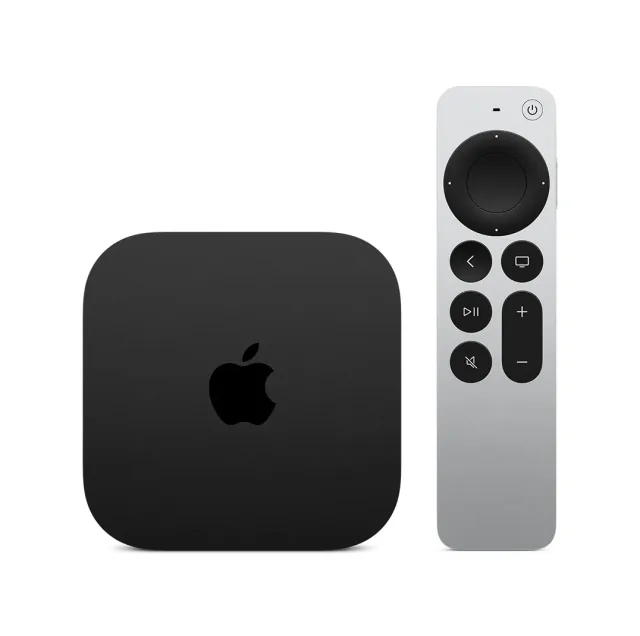
If you only need a hub, HomePod mini 2 does the same Apple home hub and Thread job for about half the price. If music matters more than control, the second-generation HomePod is the stronger speaker with the same hub role. A house that already has a working HomePod mini, second-generation HomePod or Thread-equipped Apple TV does not need HomeView as a hub; buy it only for the panel.
Skip it in the EU, where Apple does not sell it because Siri AI is not available in iOS there. Apple sells it in the US, Canada and the UK, as well as Australia, India, New Zealand, Singapore and South Africa. Skip it too if nobody in the house has an iPhone or iPad, since setup needs one on iOS 27.2 or iPadOS 27.2 or later, and only Apple Home can use it as a hub. Siri AI arrives on HomeView as a beta, in English only (Apple says Canadian French comes in a later update), with personal requests drawing on each user's paired Apple Intelligence iPhone or iPad. Touch control of your Matter accessories does not depend on it. Our report on Apple's October launches compares HomeView with HomePod mini 2 and the new Apple TV 4K.
Apple Home and Thread details
- Thread role
- RouterRelays Thread traffic for nearby devices.
We list only values our sources state. Values shown were taken from this review's sources and are awaiting an editor's check.
Keep reading
Spot a mistake or missing context?
Send a quick note so it can be checked against the source material.