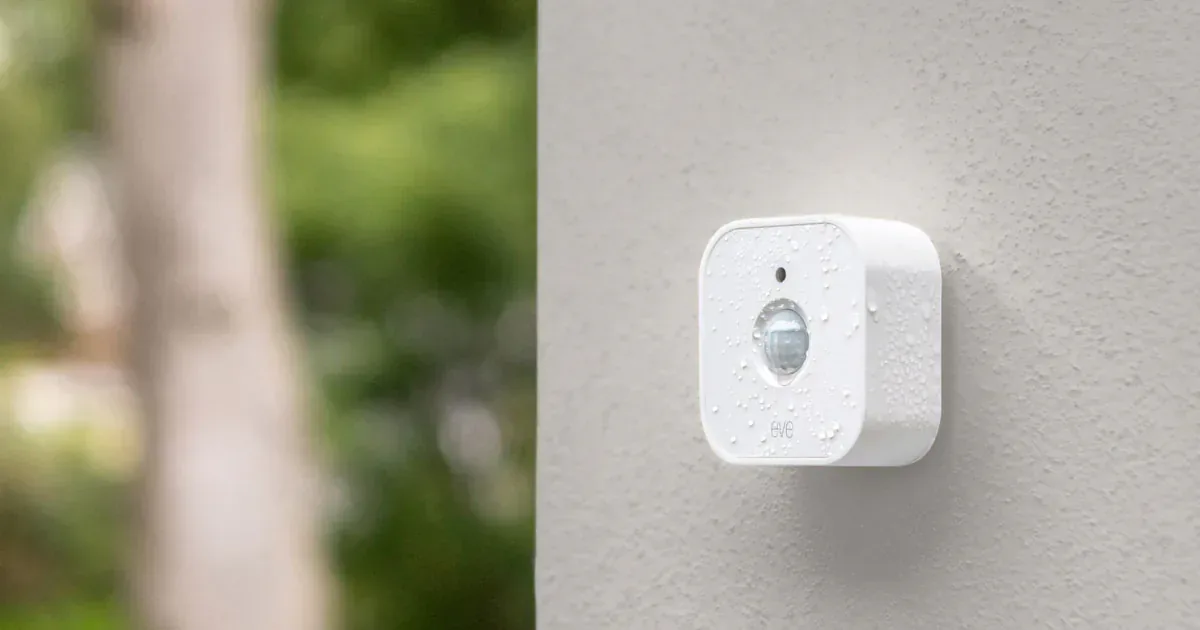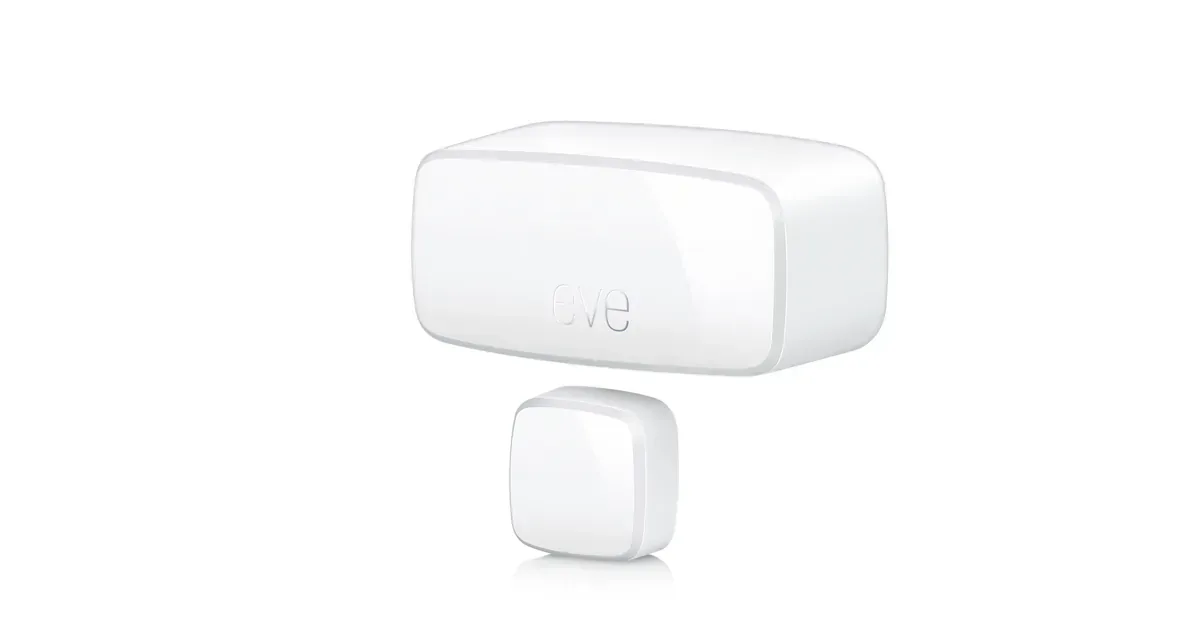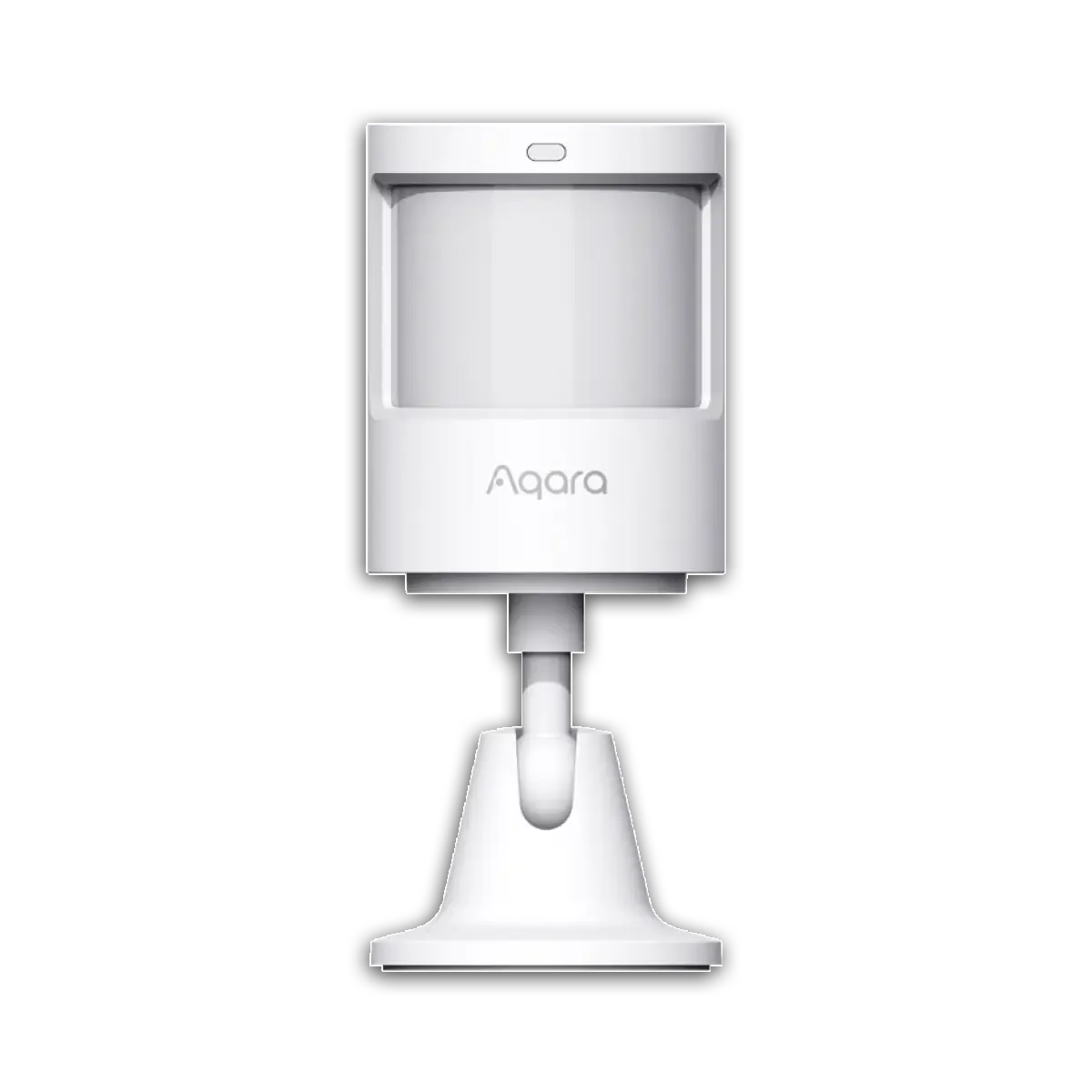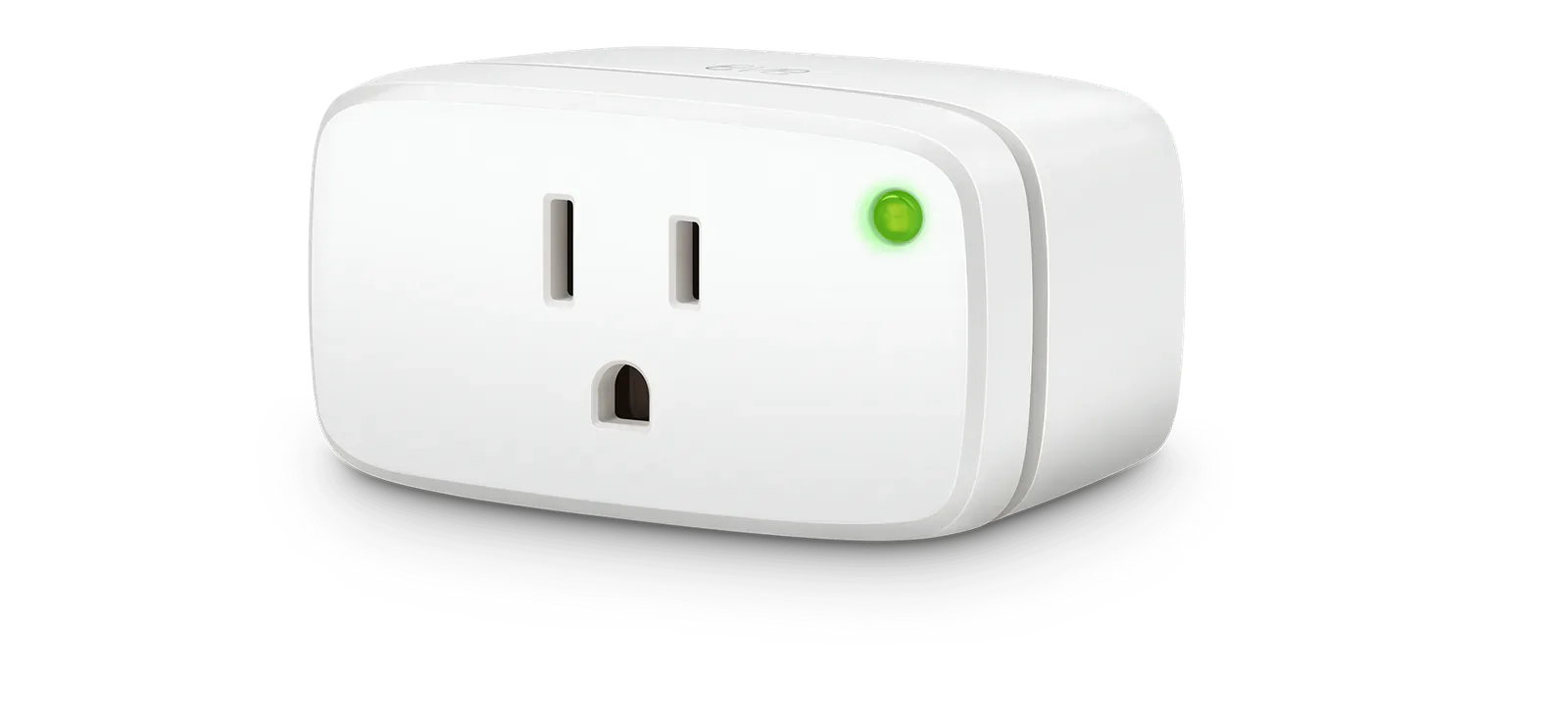
The Matter logo tells you a device can use the Matter control layer. It does not tell you whether the device reaches the rest of the home over Thread or Wi-Fi. Read that line on the box before choosing the product.
Thread is usually the better network for small battery devices and a growing mesh of nearby accessories. Wi-Fi is often the easier choice for a powered lamp, fan, appliance, or fixture with solid router coverage. Neither is the universal upgrade.
The short version
Choose Matter over Thread for contact sensors, motion sensors, locks, radiator valves, shades, and similar devices that benefit from low power use and a mesh. Plan the Thread network before spreading battery accessories around the house.
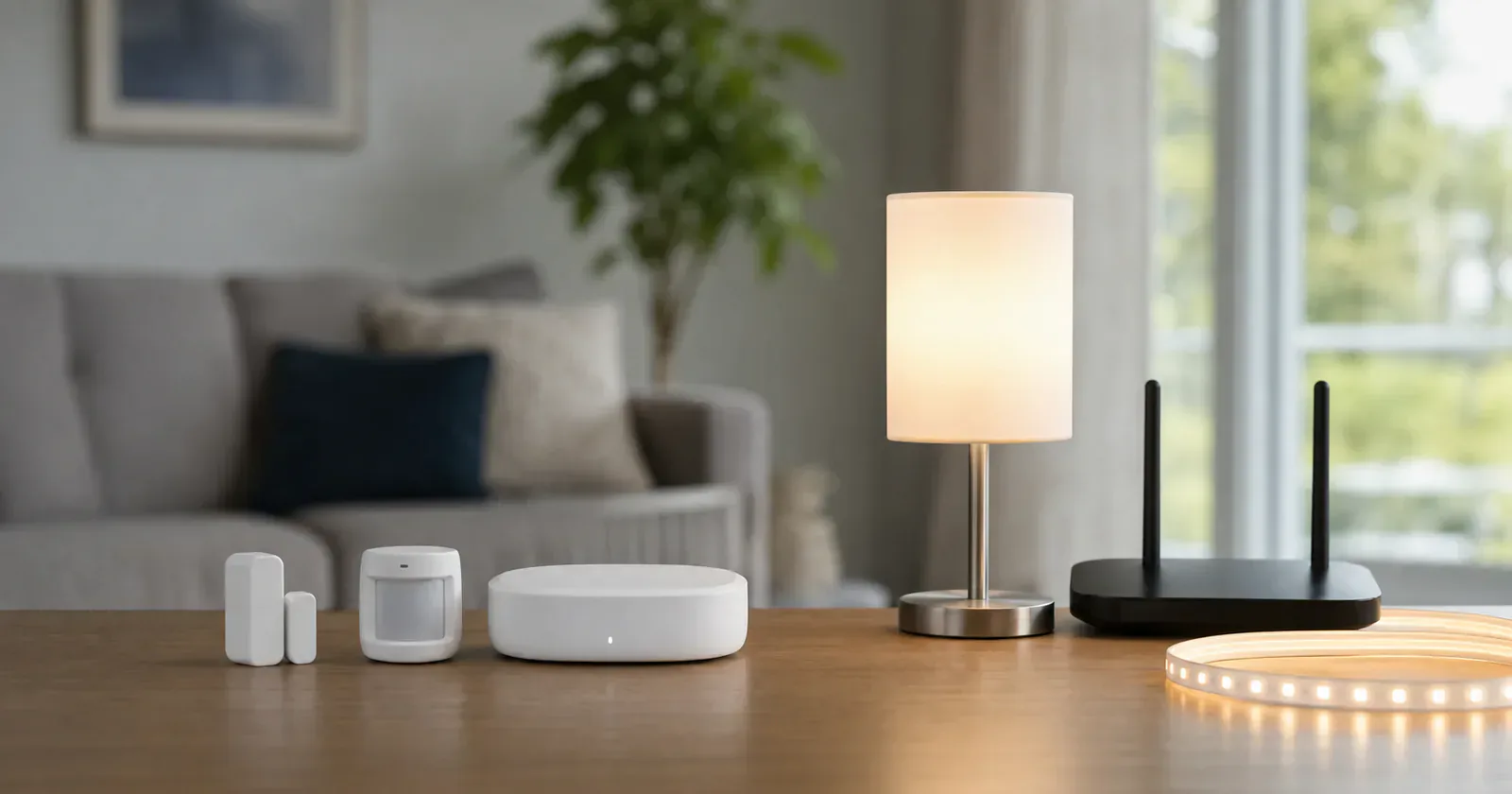
Choose Matter over Wi-Fi for powered devices that sit inside reliable Wi-Fi coverage. Lamps, light strips, ceiling fixtures, fans, power strips, and some appliances can be good fits because battery life is not the deciding factor.
Both paths need a compatible Matter controller. Thread normally adds a border router. Google Home also requires a compatible hub for Wi-Fi Matter devices, while Apple lets an iPhone on iOS 18 or later add and control Matter accessories locally without a home hub. A full Apple home still benefits from an always-on hub for remote access, notifications, sharing, and automations.
Thread is for small devices that should stay quiet
Thread is a low-power wireless mesh network. Battery devices can sleep, report state, and go back to sleep without acting like small Wi-Fi clients. Router-capable powered Thread devices can relay traffic for nearby accessories, which is why a well-placed plug can help a door sensor more than another battery sensor can.
Battery Thread devices do not extend the mesh. If a contact sensor drops near the back door, look at border-router placement and powered Thread nodes before adding another sensor.
Wi-Fi is fine when the device already has power
Wi-Fi Matter devices can be the easier first buy. If your router is strong and the device plugs into the wall, Wi-Fi avoids the Thread border router question. That is why many Matter bulbs, lamps, strips, and decorative lights use Wi-Fi.
The tradeoff is network load and coverage. A few Wi-Fi lights are usually fine. A large collection can become troublesome when the router, 2.4 GHz coverage, IPv6, multicast handling, or device firmware is weak. Wi-Fi also makes less sense for small battery sensors.
The controller path can change the recommendation
Google lists one set of hubs for Wi-Fi Matter and a smaller Thread-capable set. The latter includes Nest Hub (2nd generation), Nest Hub Max, Nest Wifi Pro, Google TV Streamer (4K), and the 2026 Google Home Speaker. That speaker is useful when the room needs both audio and Thread coverage, but its launch specification is Thread 1.3.
Amazon supports Matter-over-Thread through selected Echo and eero devices. Home Assistant needs a working Matter Server and Thread border-router path, and its own Thread integration remains a setup that requires care. A Thread radio by itself is not a finished border router.
Thread devices are not automatically Matter devices. Some use Apple HomeKit or another application layer instead. Look for explicit Matter support as well as the Thread network label.
Thread 1.4 helps only after the products implement it
Thread 1.4 defines credential sharing and other work intended to make updated border routers join one existing mesh more reliably. Apple TV and Google TV Streamer updates began moving that goal into consumer hardware in June 2026, but a mixed home does not become one mesh just because one border router is current. Our Thread 1.4 rollout note explains why a stable network should not be reset around the version number.
Thread Group also released Thread Tools in beta for network diagnostics. It may expose signal and topology problems when a sensor drops, but it does not decide the repair. The Thread Tools report is useful once placement becomes the question.
Thread Direct is still future onboarding work. It could let a compatible phone begin setup before a border router is in place, but it would not keep automations running after the phone leaves. Do not choose a Thread product today on the assumption that the Thread Direct proposal removes the border router.
What to avoid
Avoid buying a Matter-over-Thread device as your first Matter product unless you know which border router will serve it. The Apple iPhone exception is reasonable for local pairing tests, but it does not provide the always-on path expected from a household automation system.
Avoid using Wi-Fi Matter for every small job. If you plan to add many leak sensors, contact sensors, locks, or shade motors, Thread is worth the infrastructure.
Avoid treating bridges as the same decision. A Hue Bridge, IKEA DIRIGERA, or Bosch Smart Home Controller II can expose other devices through Matter, but that is a bridge path. It is not the same as each accessory joining your Matter home directly over Thread or Wi-Fi.
Build a mixed network on purpose
Use Thread for the battery devices and room-scale mesh jobs it suits. Use Wi-Fi for powered products with good coverage and a modest device count. A plug can reasonably use either network, so let the room, hub hardware, energy features, and exact platform support decide.
Buy one device on the chosen path and leave it in its final location before scaling. The Matter platform timing problem applies to both Thread and Wi-Fi: the standard can define a capability before the controller app exposes it in a useful way.
Content feedback
Spot a mistake or missing context?
Send a quick note so it can be checked against the source material.