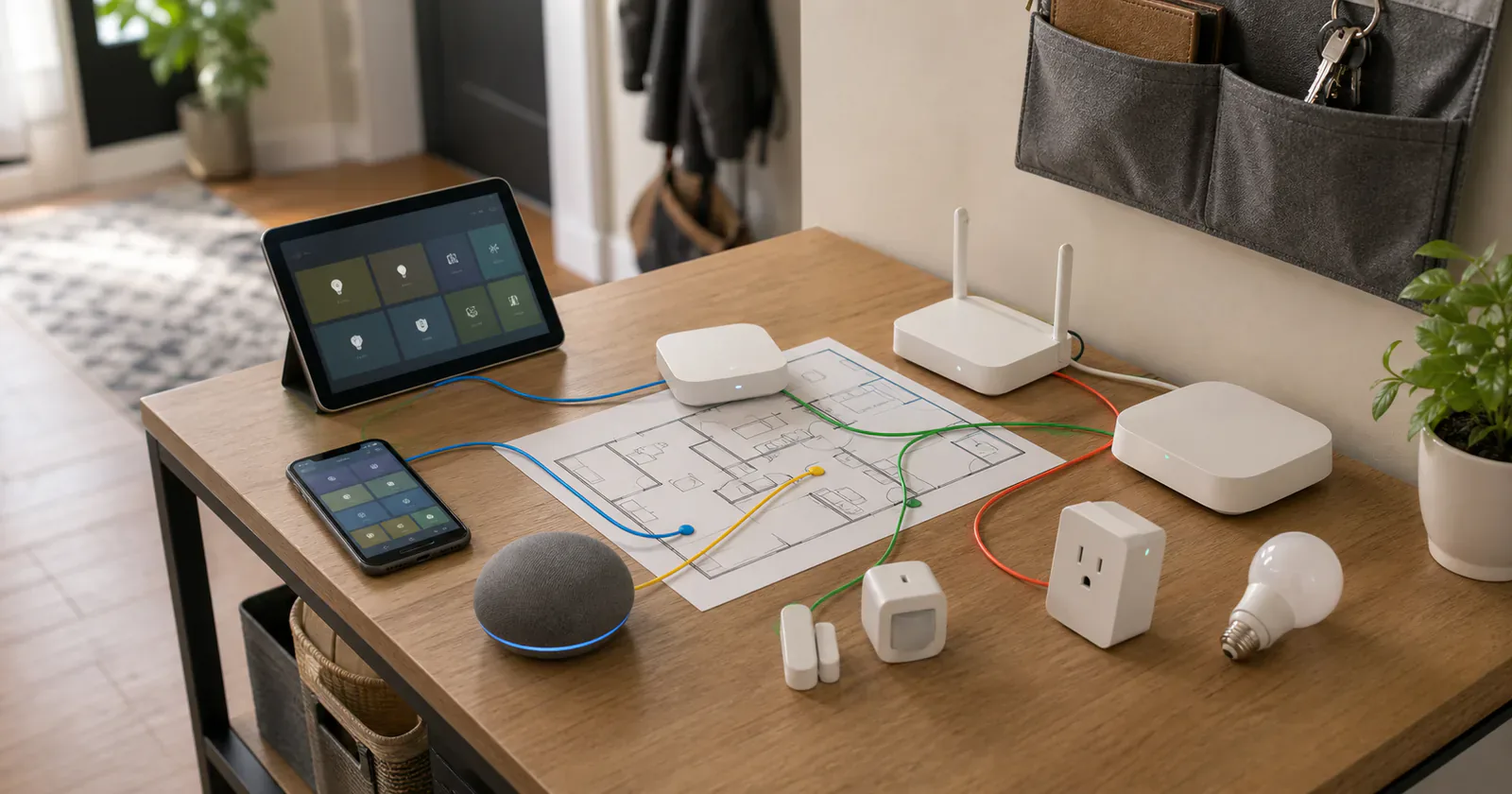
Most people should choose the smart home ecosystem their household already uses. If everyone has iPhones, start with Apple Home. If the home already has Nest speakers, Android phones, and Google displays, start with Google Home. If Samsung phones, TVs, appliances, and SmartThings routines already run the house, do not ignore that momentum because another platform has a cleaner spec sheet.
That advice sounds boring, but it prevents the most common smart home mistake: buying the ecosystem you wish your family used instead of the one they will actually open at 11 p.m. when a light, lock, sensor, or thermostat needs attention.
Matter helps with device compatibility. It does not pick the daily interface, the automation engine, the voice assistant, the home hub, the Thread border router, or the person who will maintain the system. The best ecosystem is the one that fits those jobs without making the home harder to live in.
The quick pick
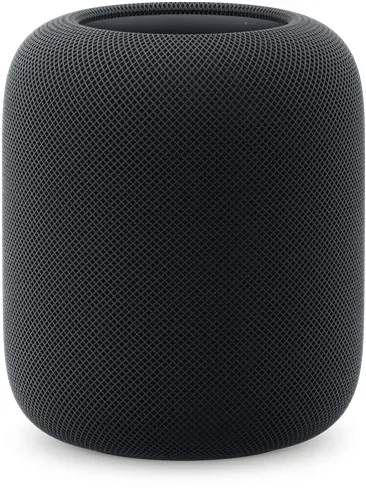
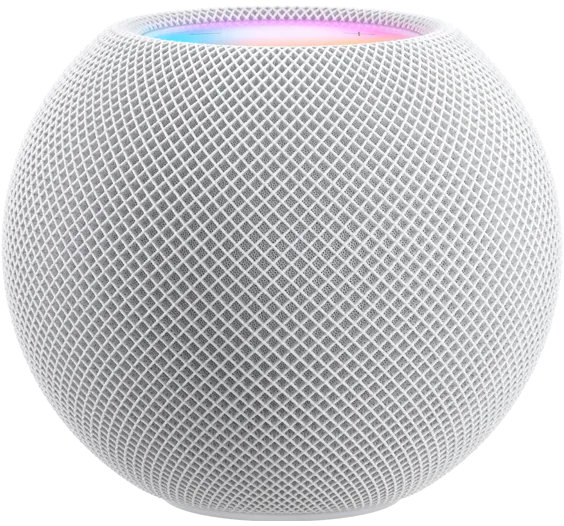
- Apple Home: Best for Apple households that want a familiar daily interface across iPhone, Apple Watch, HomePod, Apple TV, and iPad. An iPhone can now start some Matter setups without a home hub, but a full automated home still benefits from always-on hub hardware.
- Google Home: Best for Android, Nest, Google TV, and Gemini for Home households. Watch out for device-type support, hub requirements, Thread placement, IPv6, and features that roll out gradually through the Home app.
- Alexa: Best for homes where Echo speakers and spoken commands are the main control habit. Watch out if the household wants an app-first dashboard instead of a voice-first layer.
- SmartThings: Best for Samsung-heavy homes with Galaxy phones, TVs, appliances, sensors, and routines. Watch out for feature differences by product, region, hub type, and device category.
- Home Assistant: Best for power users who want maximum control and are willing to maintain the system. Watch out for server upkeep, backups, updates, and troubleshooting.
- Homey: Best for mixed homes that need a dedicated automation brain without going fully self-hosted. Watch out for the extra hub, account, compatibility list, and cost.
- Aqara: Best for homes built heavily around Aqara sensors, locks, switches, hubs, and cameras. Watch out if you need a neutral center for a mixed-brand smart home.
Matter does not make every app equal
Matter gives compatible devices a common local language over Thread, Wi-Fi, and Ethernet. It can also let one device live in more than one Matter-certified app through multi-admin sharing. That is useful, but it is not the same as making Apple Home, Google Home, Alexa, SmartThings, Homey, Home Assistant, and Aqara behave the same way.
The device may appear in several places. The automation logic does not travel with it. The app that owns the routine still decides which triggers, conditions, permissions, notifications, and device settings are available. A Matter motion sensor can be visible in multiple ecosystems while only one of those ecosystems has the automation tools you actually want to use.
Start the ecosystem choice with daily control and automation depth instead of the Matter logo. Ask three questions before buying hardware: Which app will everyone in the home understand? Which controller or hub will stay powered on? Which platform should be trusted with the routines that really need to work?
Matter 1.6 adds Joint Fabric as a future way for authorized controllers to co-manage one shared Matter fabric. The standard is available to platform and device developers, but it is not a current promise that these seven ecosystems will share a home without separate setup, permissions, and feature gaps. Our Matter 1.6 coverage explains what still needs to ship.
Apple Home is the best front door for Apple households
Apple Home is the easiest recommendation when the whole household already lives on iPhone, Apple Watch, HomePod, Apple TV, and iPad. The Home app is familiar, fast to reach, and available across the Apple devices people already carry.
Apple's hub rule is more flexible than it used to be. Its current Matter page says an iPhone on iOS 18 or later can add and control Matter accessories without a home hub. An iPhone 15 Pro or later can locally pair and manage compatible Thread accessories, although manufacturer firmware may be required. For remote control, notifications, and automations with Thread accessories, use a Thread-enabled home hub or compatible third-party border router instead of making an iPhone the only Thread path.
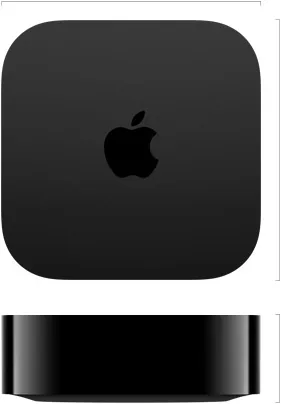
If you are buying new hardware for Thread, the important Apple TV detail is the model: Apple's third-generation Wi-Fi + Ethernet Apple TV 4K has Thread networking technology. The Wi-Fi-only model can still serve Apple Home, but it is not the Thread pick. Apple also lists the second-generation Apple TV 4K as Thread-capable in its current Thread troubleshooting page.
The best reason to choose Apple Home is not that it has the deepest automation engine. It does not. The reason is that it feels like part of the household's existing operating system. Control Center, Siri, watches, widgets, family sharing, and Home Key support can make Apple Home feel less like a separate hobby app.
Apple Home is weaker when you want complex logic, broad non-Matter integrations, or a dashboard that exposes every device feature. Manufacturer features can still live in the brand app, and some Matter devices expose only basic controls in Apple Home. An iOS 27 developer beta has shown energy readings from at least one Matter plug, but the reported view did not offer energy-based automation triggers. The Apple energy reporting note is a good example of visibility arriving before automation depth.
Google Home fits Nest and Android homes
Google Home is the natural choice for homes already built around Android phones, Nest hardware, Google TV Streamer, and Gemini for Home. Google's support docs make the hub path visible: Matter-over-Wi-Fi devices need a compatible Google Home hub, Thread devices need a hub that also acts as a border router, and IPv6 matters for Matter reliability.
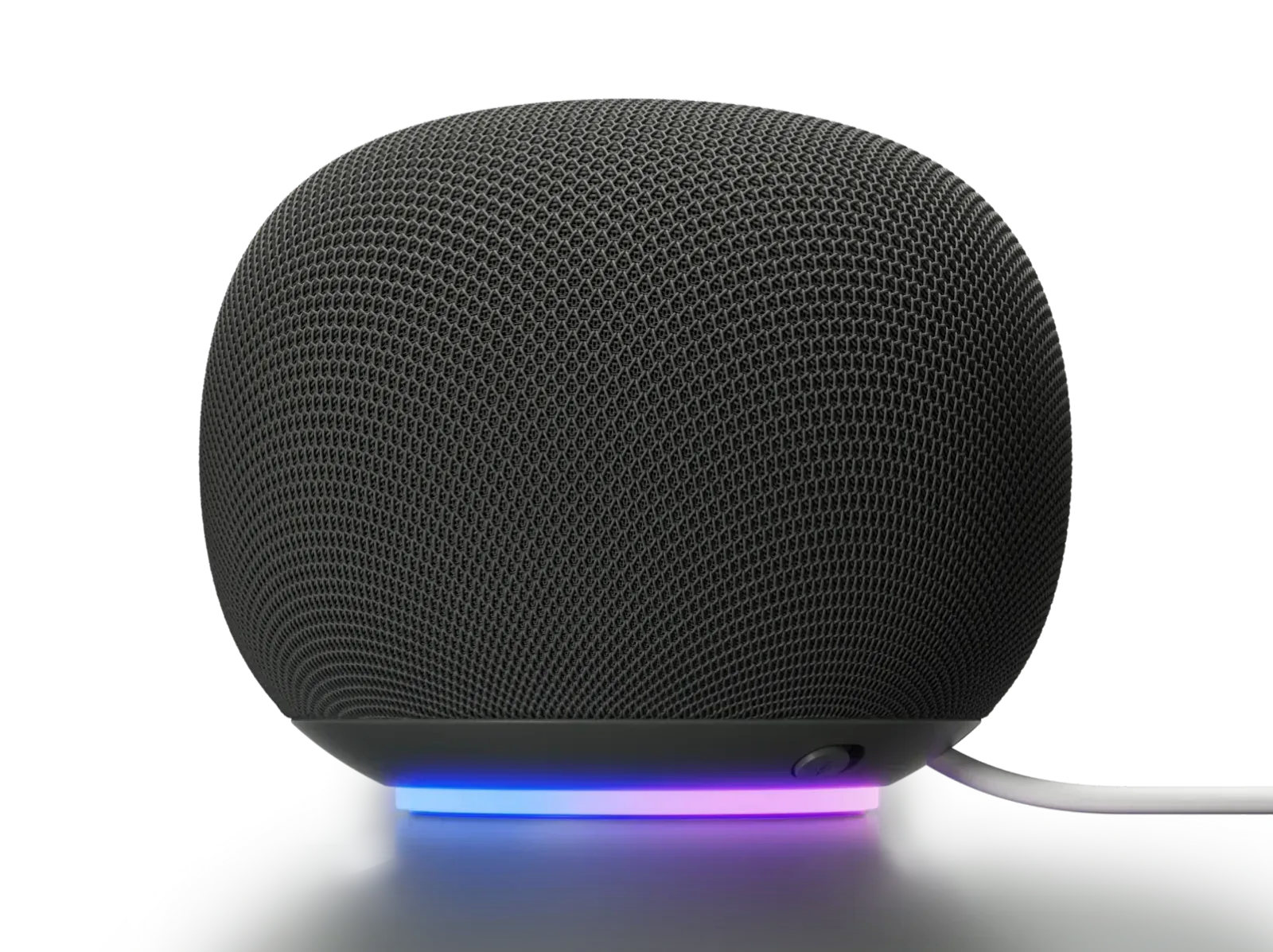
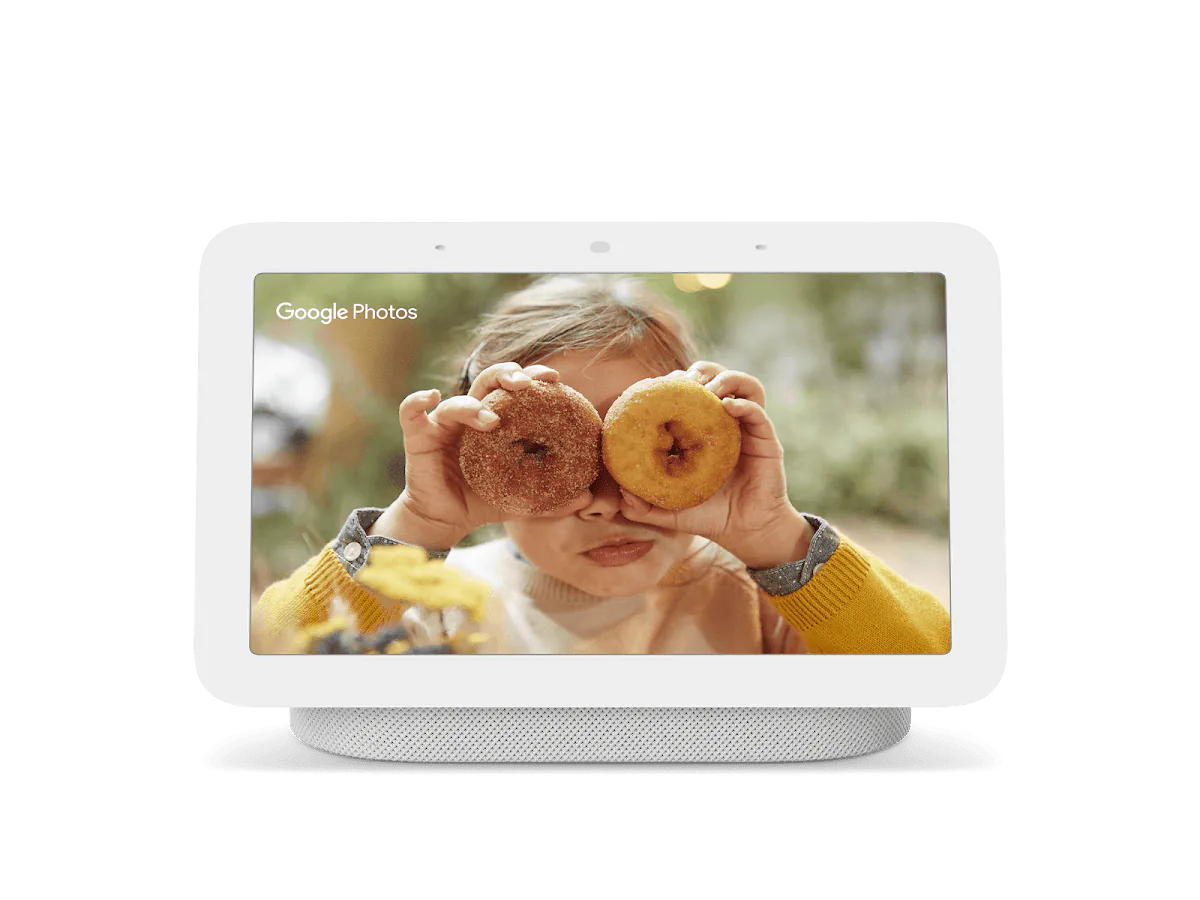
Start with the Google device that solves another real job. Google TV Streamer 4K is the TV-side pick, Nest Hub second generation is the small display pick, Nest Wifi Pro is the router-first pick, and the 2026 Google Home Speaker is the audio-first pick. The speaker can improve room-level Thread placement, but Google lists Thread 1.3 at launch. It is not the product to buy only for a Thread 1.4 upgrade. See our Google Home Speaker review note for the hardware and assistant tradeoff.
Google's automation surface is getting more capable. App version 4.20 began rolling out suggested automations in July 2026, and earlier 2026 releases added more button, switch, sensor, and device-state starters. Google still describes the enhanced editor as supporting selected behaviors, so a generated suggestion must be checked against the exact Matter device. Our Google Home automation update covers that limit.
The limit is still device depth. Google maintains a current list of supported Matter device types and says not every listed type is fully supported. Check the exact device type and control surface before buying several of the same product. The Matter switch update shows why one normal room should be the test before a switch-heavy installation.
Alexa is strongest as a voice layer
Alexa is still one of the most common smart home control surfaces because many homes already have Echo speakers in useful places. Amazon documents local Matter control through compatible Echo devices, and that can make Alexa a good way to add voice control to Matter lights, plugs, switches, thermostats, locks, and sensors.
Echo Hub is the dashboard-first Alexa pick. eero 6+ is the router-first Alexa pick. Amazon also lists Echo fourth generation, Echo Studio, several Echo Show models, and more eero models as Thread border router options, but the better buy depends on whether the house needs a screen, a speaker, or network hardware.
Check the generation as well as the product family. Amazon's May 2026 documentation says compatible Echos use a Matter 1.5 SDK with a supported subset of device types, while its current Thread border-router list includes both Thread 1.1 and Thread 1.3 hardware. A Matter-capable Echo is not automatically the strongest Thread choice.
I would choose Alexa first when the household's real smart home habit is spoken commands: turn off the kitchen lights, start a fan, run a bedtime routine, check a lock, or control a plug from across the room. It is also useful as a second ecosystem through Matter sharing when Apple Home, Google Home, SmartThings, Homey, or Home Assistant owns the deeper setup.
The weaker fit is app-first control. If people in the house mostly tap dashboards and room views, Alexa's app is usually not the cleanest place to live. It can be part of a strong Matter home without being the primary interface.
SmartThings is useful when Samsung is already in the house
SmartThings makes sense when the home includes Samsung phones, TVs, appliances, watches, and routines. Samsung's own SmartThings page points buyers to supported-device badges, Matter badges, and Samsung hardware that can act as smart home hubs. It also notes that some Samsung TVs include SmartThings Hub support for Matter, Thread, and Zigbee.
Other SmartThings Thread options include the older Aeotec Smart Home Hub, SmartThings Station where it is still available, and supported Samsung TVs, monitors, soundbars, and appliances with built-in SmartThings Hub support. Smart Home Hub 2 is the card here because it is the clearest current dedicated hub.
That makes SmartThings a good fit when the home includes appliances as well as lights and sensors. If the washer, dryer, fridge, TV, robot vacuum, and phone ecosystem matter, SmartThings can feel more connected to the actual appliances in the house than a pure Matter controller does.
Samsung also says SmartThings now integrates with 25 IKEA Matter-over-Thread products, including bulbs, plugs, remotes, and sensors. That gives a SmartThings household a useful low-cost device path, but the hub still needs Thread and each device type needs to expose the state or control the room depends on. Start with a powered device before scattering battery sensors. Our SmartThings and IKEA guide has the setup checks.
The tradeoff is that availability and feature depth vary by product, region, hub, and device type. A Samsung-heavy home should look at SmartThings seriously. A mixed home with no Samsung center of gravity should compare it against Google Home, Apple Home, Homey, or Home Assistant before making it the default.
Home Assistant is for control, not convenience
Home Assistant is the platform to choose when the smart home itself is a project you want to own. It can be the Matter controller, automation engine, dashboard, integration layer, and the place where devices from many brands become one system. Matter devices still need Home Assistant's own commissioning or sharing path.
The upside is control. Home Assistant is the place to build automations that combine local devices, network services, conditions, helpers, dashboards, and integrations that mainstream apps may never expose cleanly.
The platform is moving quickly, which is useful and also proves the version-timing problem. In June 2026, Home Assistant said its updated Matter Server had moved to Matter 1.5.1, its OpenThread Border Router app supported Thread 1.4, and Matter 1.6 support was still coming. Do not assume a new CSA specification is already present because the server and radio hardware are current.
The downside is maintenance. Someone has to run the server, keep backups, update integrations, troubleshoot changes, and decide how non-technical people should control the home. Home Assistant's own Thread documentation still calls parts of its border-router integration work in progress. Choose it when that responsibility sounds acceptable. Skip it when the goal is a low-maintenance family interface.
Homey is the middle path for a mixed home
Homey sits between mainstream ecosystems and Home Assistant. Homey Pro is built as a dedicated smart home hub with several radios and protocols, including Matter, Thread, Zigbee, Z-Wave, infrared, Bluetooth, Wi-Fi, and, depending on region, 433 MHz. Homey also emphasizes local processing and its Flow automation model.
Homey Pro is the stronger one-box hardware pick because it has more radios built in. Homey Pro mini is the lower-cost Matter and Thread pick when Ethernet placement works and the home does not need all of Homey Pro's radios in the main box. I would start with Homey Pro for a broad hybrid setup and consider Homey Pro mini when the automation brain matters more than the radio bundle.
That makes Homey appealing when the house has devices that Matter does not fully cover: older Zigbee products, Z-Wave devices, infrared gear, network integrations, appliances, cars, energy systems, and brand apps that do not fit neatly into Apple Home or Google Home. Homey can be the place where those pieces are connected and automated, while another ecosystem remains the friendly daily interface.
The caution is cost and support boundaries. Homey is easier to live with than a fully self-hosted Home Assistant setup, but it is still another platform, another account, another hub, and another compatibility list. If you are buying Homey only as a Matter controller, verify the current Matter status, certification notes, region details, and device support before treating it as the whole plan.
Aqara is strongest as a brand ecosystem
Aqara is a good choice when the actual plan is to buy a lot of Aqara gear. Its hubs, sensors, locks, switches, cameras, and automation devices can make a compact and useful system, and newer hubs such as the Hub M3 are designed around Matter, Thread, and bridging Aqara devices outward.
Hub M3 is the dedicated Aqara hub I would start with for this comparison. Camera Hub G350 belongs in the list only if the camera role makes sense for the room. Doorbell Camera Hub G410 is even more placement-specific: its indoor chime can act as an Aqara hub, Matter controller, Thread border router, and Matter bridge, but that does not make the doorbell video experience portable through Matter. Our G410 role breakdown explains the split.
That is different from choosing Aqara as the neutral center for every brand in the home. Aqara is strongest when you like its hardware and want its app for setup, firmware, security features, automations, and Aqara-specific controls. Matter then becomes the way to expose supported devices into Apple Home, Google Home, Alexa, SmartThings, or another controller.
The skip case is a mixed home where Aqara would be only one brand among many. In that case, Aqara may still be a great device supplier, but Apple Home, Google Home, SmartThings, Homey, or Home Assistant probably belongs at the center.
A hybrid setup can be the right answer
You do not have to force one ecosystem to do every job. A clean smart home can have one app as the front door and another system as the automation brain. The important part is deciding that on purpose.
Use the front-door ecosystem for daily control: rooms, favorites, voice commands, family access, watches, widgets, and quick manual changes. Use the automation brain for the logic that the front door does not handle well: cross-brand routines, non-Matter devices, car state, appliance state, energy rules, advanced presence, and fallbacks.
Matter helps here because it can share supported devices across ecosystems, but the boundary still matters. If Homey or Home Assistant runs the real automation, avoid rebuilding the same routine in Apple Home, Google Home, Alexa, or SmartThings unless there is a clear reason. Duplicate automations are how a smart home starts doing mysterious things at the worst time.
Thread 1.4 and Matter 1.6 both aim to make mixed homes less fragmented. They solve different layers and neither removes the need to choose an automation owner today. Thread 1.4 works on how updated Thread infrastructure shares a network. Matter 1.6 Joint Fabric works on how authorized controllers may co-manage a Matter fabric. The Apple and Google Thread 1.4 rollout is a reason to keep hub software current, not a reason to reset a stable home.
My home setup: Apple Home in front, Homey behind it
My own smart home uses Apple Home as the visible interface because everyone in the house uses Apple devices. That makes the daily layer easy. The Home app is convenient, the interface is familiar, and people can control the home from the devices they already have in their hands.
I do not use Apple Home as the only brain. Apple Home automations are useful, but they are not powerful enough for everything I want the house to do. Homey handles the heavier automation work behind the scenes. It connects devices that do not support Matter, brings some of them into Apple Home, and lets me include things Apple Home does not understand directly, such as my car, my fridge, and other service integrations.
In that setup, Apple Home is the facade. Homey is the machinery behind it. That split works because it matches how the household actually uses the home: Apple Home for quick control and Homey for the deeper logic. It would be a bad recommendation for someone who dislikes Apple devices, does not want another hub, or only needs a few Matter plugs and lights.
What to verify before you commit
Before choosing an ecosystem, check the boring details that decide whether the setup will work after the first weekend.
Confirm the hub path. Apple, Google, Alexa, SmartThings, Homey, Home Assistant, and Aqara do not use the same hardware. Some hubs only handle Matter over Wi-Fi. Some also act as Thread border routers. Some brand hubs bridge Zigbee or another protocol into Matter.
Confirm the device type support. A Matter badge does not guarantee that every ecosystem exposes the same controls. Locks, switches, sensors, robot vacuums, appliances, energy devices, cameras, and bridges can behave differently by platform.
Confirm the versions implemented by the device, bridge, controller, and app. The platform-version gap means each part can sit on a different step of the Matter rollout. Buy for behavior documented by the main platform today.
Public Project CHIP issue research published in July 2026 also points to testing, interoperability, and network behavior as separate sources of friction. Treat that as a developer-community signal, not a score for a product, and test the exact controller and network path in one room before scaling. Our Matter issue research note explains the limits of that evidence.
Confirm the brand app requirement. Firmware updates, calibration, lock users, sensor sensitivity, energy history, camera intelligence, light effects, and bridge configuration may still live outside Matter.
Confirm the maintenance owner. If nobody in the house wants to run servers, do not choose Home Assistant because it is technically powerful. If nobody wants to troubleshoot a second hub, do not add Homey just because it looks flexible. If everyone already reaches for an iPhone, Android phone, Echo speaker, or Samsung TV, start there.
The best Matter ecosystem is rarely the one with the longest list of theoretical integrations. It is the one where the daily interface, automation depth, hub hardware, and household habits line up closely enough that the smart home stays useful after the novelty wears off.
Content feedback
Spot a mistake or missing context?
Send a quick note so it can be checked against the source material.