Apple Home and Google Home can both run a useful Matter home. Start with the one your household already opens, then check the controller and network path for the devices you plan to buy.
Matter makes cross-brand devices easier to add, but Apple and Google still differ on hub requirements, Thread hardware, automations, and which controls appear in the app. Those differences matter more than a compatibility logo once the first device is paired.
Apple no longer requires a hub for every first step
Apple's current Matter support page says an iPhone on iOS 18 or later can add and control Matter accessories in the Home app without a home hub. An iPhone 15 Pro or later with a Thread radio can also pair and manage compatible Thread accessories locally, although battery devices may need manufacturer firmware for that path.
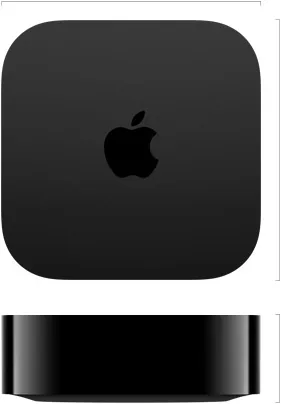
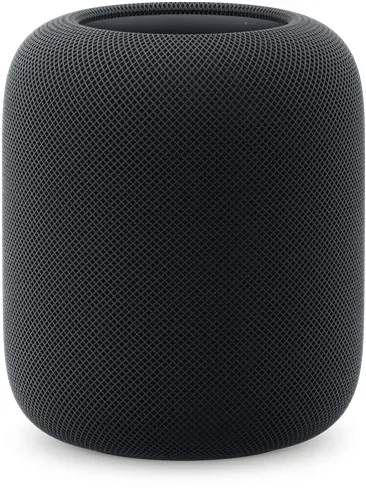
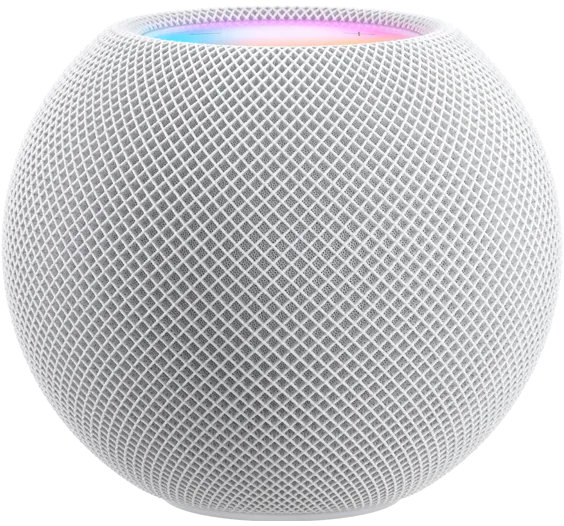
That exception is useful for a small local setup. It is not the best foundation for an automated home. Apple still points owners to always-on home infrastructure for remote control, notifications, and automations. Thread accessories need a persistent Thread path for those jobs, such as HomePod mini, HomePod (2nd generation), a compatible Apple TV 4K, or a supported third-party border router.
Apple Home remains the better front door when the household already uses iPhone, Apple Watch, HomePod, and Apple TV. Home Key can also decide a lock purchase, but only when the exact lock and credential path support it.
Keep the hub software current before troubleshooting an accessory. iOS 27 is reported to add Apple TV software updates to the Home app, which should make that maintenance check easier after the feature leaves beta. Our Apple TV Home app update note explains why this matters when the streamer is also the controller or Thread border router.
Google still expects hub hardware
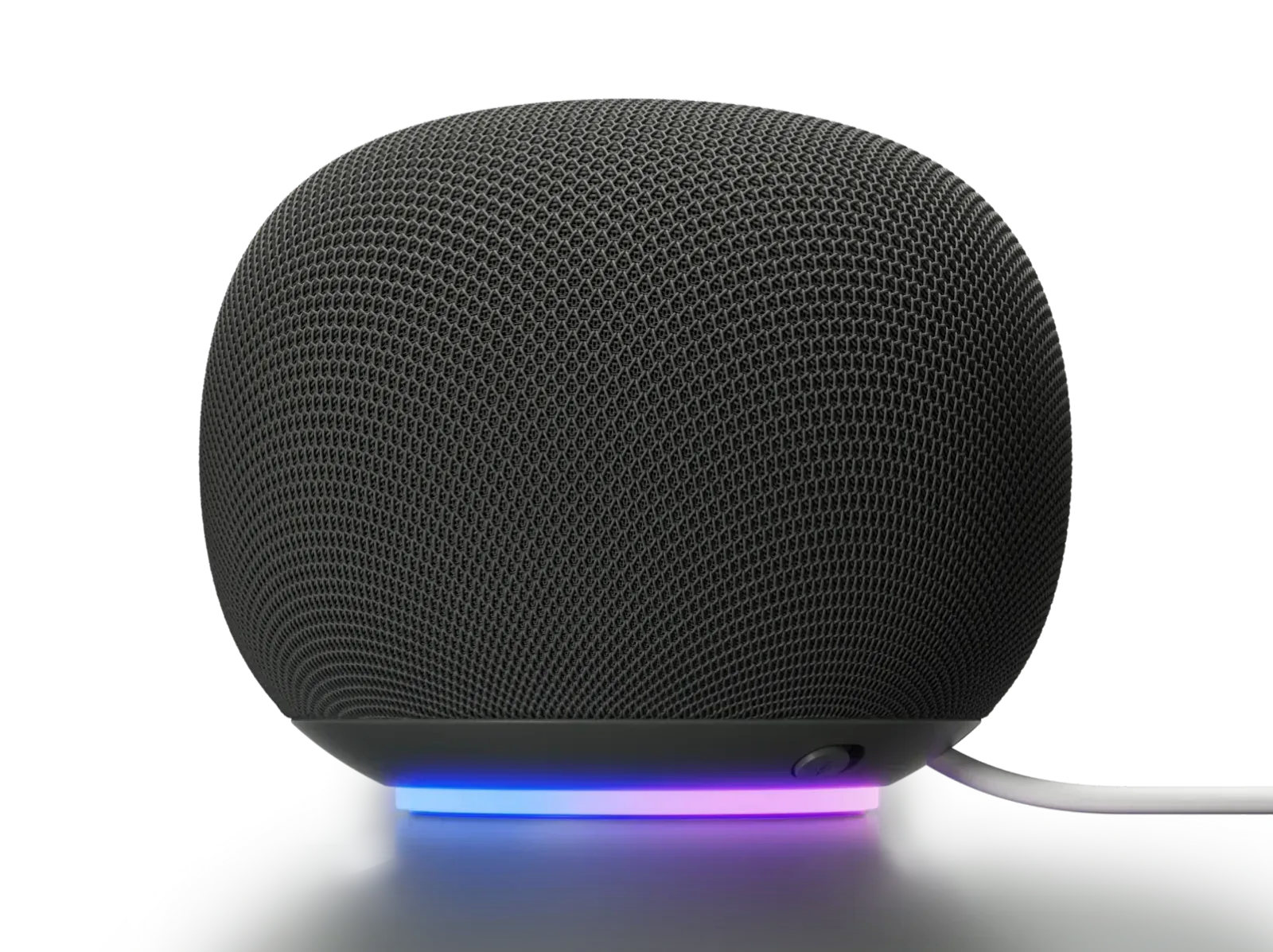
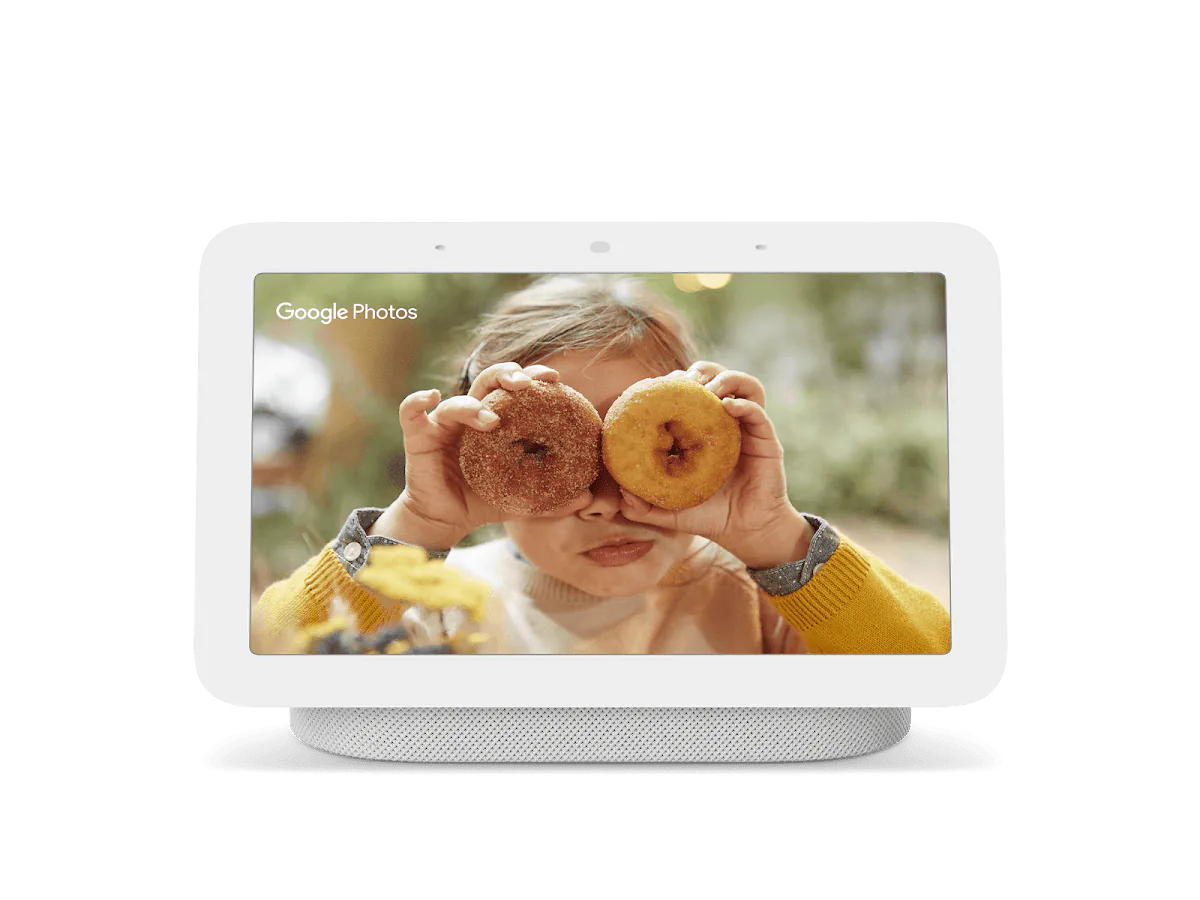
Google Home requires a compatible hub for Matter. Wi-Fi Matter devices can use a broad group of Google speakers, displays, streamers, routers, and select TVs. Matter-over-Thread devices need one of the Google hubs that also acts as a Thread border router, including Nest Hub (2nd generation), Nest Hub Max, Nest Wifi Pro, Google TV Streamer (4K), and the 2026 Google Home Speaker.
The new Google Home Speaker is a useful room-level hub, but Google's specifications list Thread 1.3. Buy it when the room also needs a speaker and Thread coverage, not as a guaranteed fix for a mixed Thread network. Our Google Home Speaker launch note explains that distinction.
Google also requires IPv6 on the home network. Its support page warns that pairing can appear to work before control fails when IPv6 is missing. Check that before blaming a lock, sensor, or switch.
Feature support moves on different clocks
Apple and Google can support the same Matter category without exposing the same useful feature. Google publishes a device-type table and says not every listed type is fully supported. Apple often documents the Home app behavior rather than a comparable category matrix. In either case, check the platform page and the manufacturer page for the exact device.
Recent updates show why. Google Home 4.20 added suggested automations and was reported to improve parts of its Matter switch handling, but Google says the rollout is gradual and its automation editor supports selected behaviors. Apple showed Matter plug energy readings in an iOS 27 developer beta, while energy-based automations were still missing in the reported test. Read our Google Home 4.20 automation update and Apple Home energy reporting note before buying around either change.
Buy for the feature that works in the current app, not the feature defined in the newest Matter release. The platform-version gap is especially important for newer categories, energy data, credentials, and complex controls.
Multi-admin helps, but pick one owner first
Matter can let the same device live in more than one Matter-certified app. That helps when one person uses Apple Home and another uses Google Home, but the current consumer flow still usually starts in one app and shares the device to the other.
Pick the app that will own the first setup, get the device stable, then use that app's Matter sharing flow. Keep the setup code, but do not assume rescanning the original code is the right second-platform workflow.
Matter 1.6 defines Joint Fabric, a future path where authorized controllers can co-manage one shared Matter fabric. The specification is available to platforms and device makers, but Apple and Google have not made that a reason to change a working home today. Our Matter 1.6 explainer covers what Joint Fabric could change and what still needs to ship.
Automations are not portable
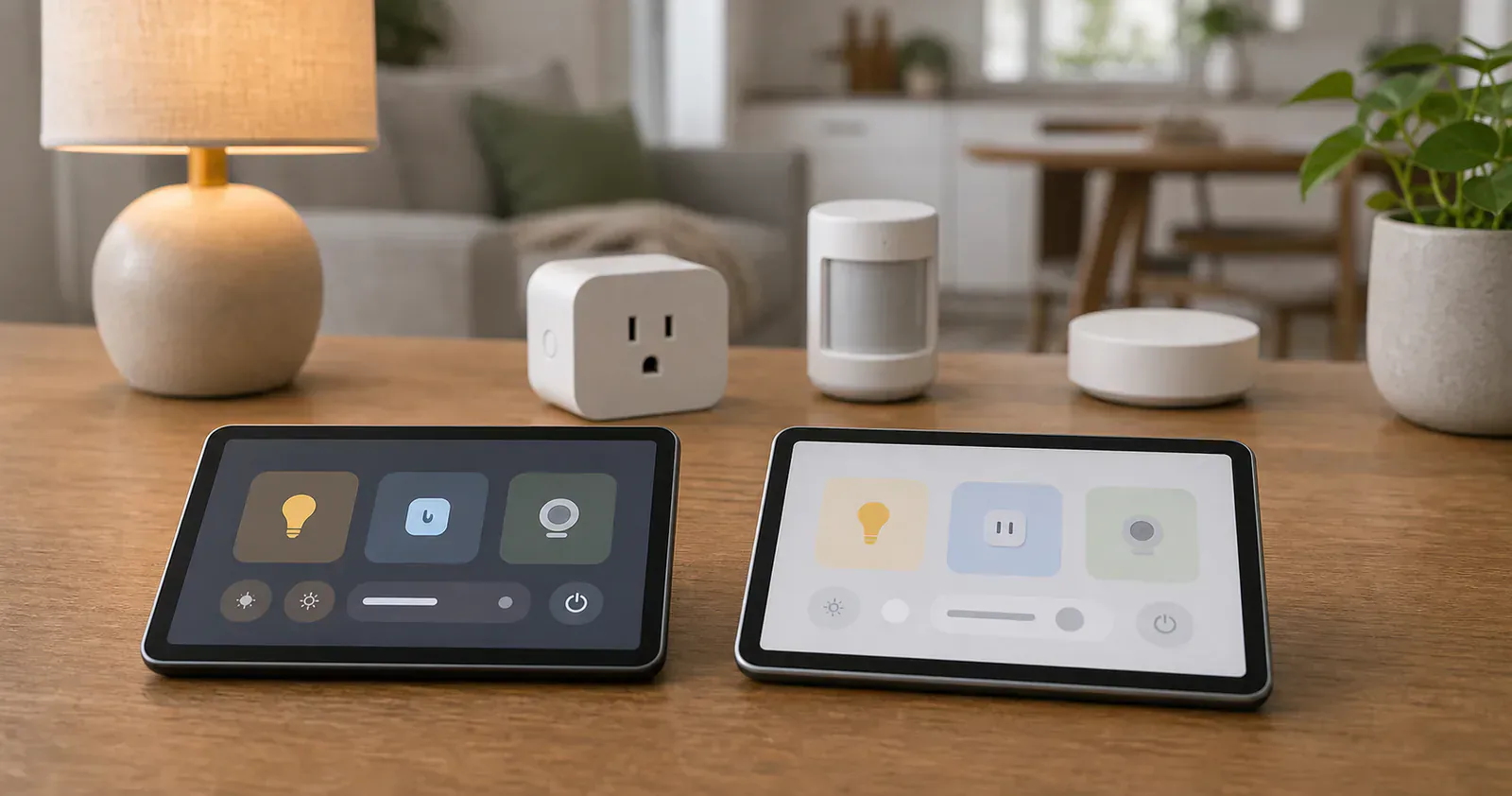
Matter can share the device. It does not share the automation you built around it. A motion sensor can exist in Apple Home and Google Home, but the routine logic, conditions, notifications, and scene behavior live in each platform.
If the hallway motion light matters every day, build it in the platform that will stay online and be maintained. Use the second platform for voice control or secondary access after the core routine works. Avoid building the same automation in both apps unless duplicate actions are intentional.
Which should you choose?
Choose Apple Home first if the household uses iPhone, you want Home Key on a supported lock, or you already have Apple home hubs in useful rooms. A hub-free iPhone setup is acceptable for trying a local Wi-Fi Matter device, but it is a poor reason to skip an always-on hub in a home that needs automations or remote control.
Choose Google Home first if the home revolves around Nest displays, Android phones, Google Assistant, Nest Wifi Pro, Google TV Streamer, or the new Google Home Speaker. Confirm IPv6 and the exact device-type support before buying multiples.
Choose both only when the second app solves a household problem. Matter makes two-platform control possible. It does not make two sets of automations, permissions, and support pages easier to maintain.
Content feedback
Spot a mistake or missing context?
Send a quick note so it can be checked against the source material.