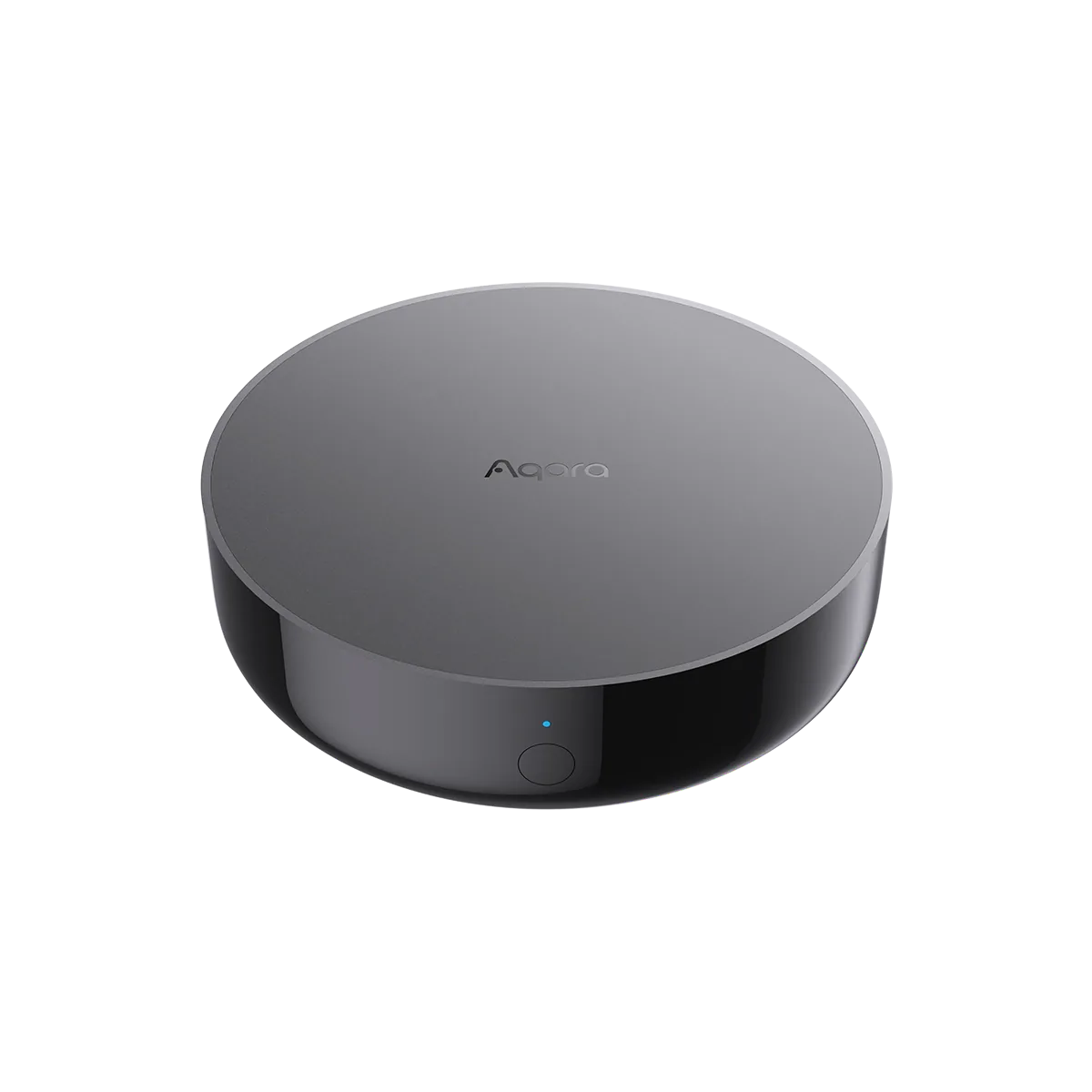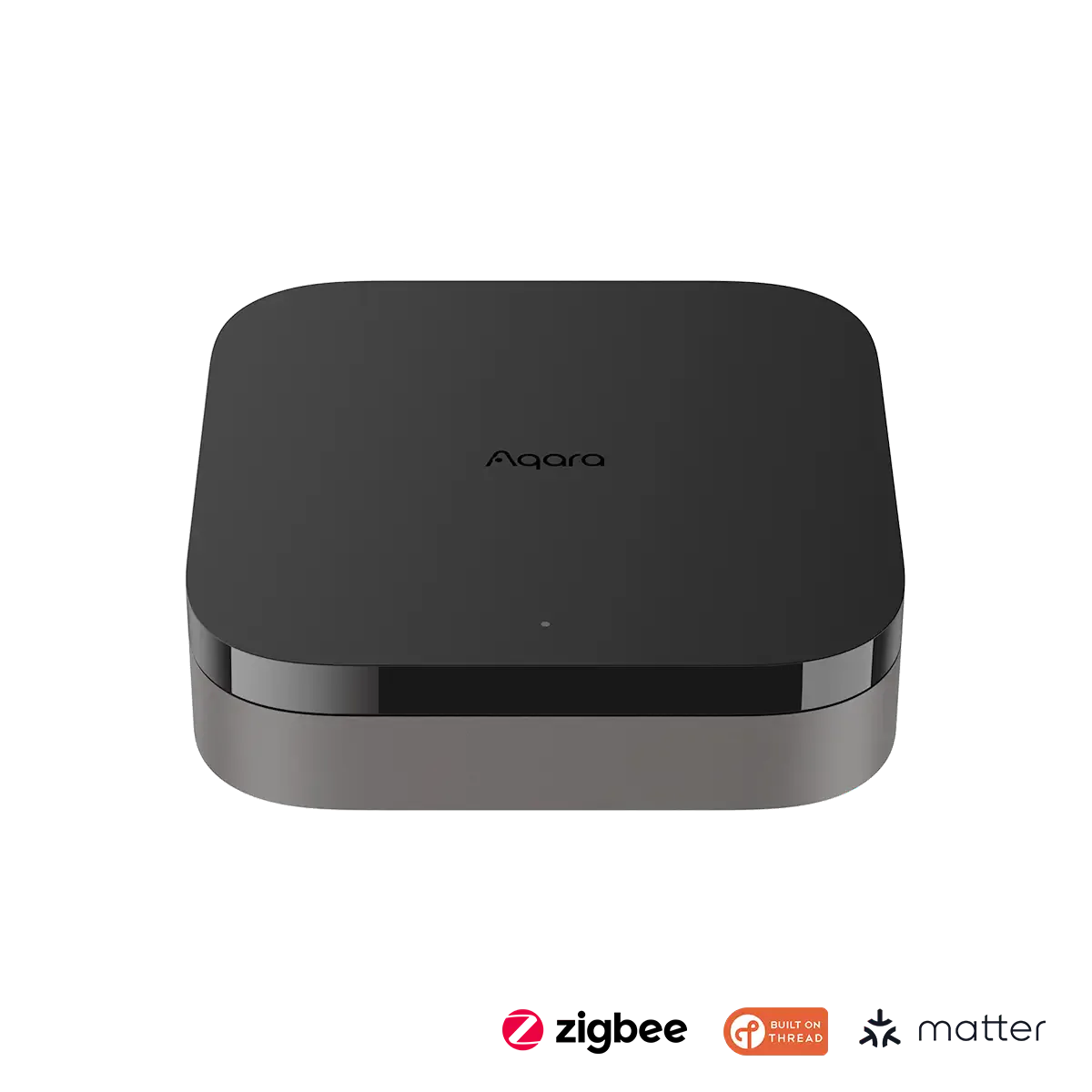
What we like
- More child-device headroom than M200
- Can coordinate local work across compatible Aqara hubs
- PoE and included mounting hardware suit a permanent installation
- Infrared transmitter and receiver can work with existing remotes
What could be better
- Checked US price is $90 above M200 before shipping
- Most basic hub jobs are also available on M200
- USB power adapter is not included
- Migration and Matter sharing do not preserve every feature automatically
M3 needs a bigger job to justify its price
Aqara Hub M3 is a capable foundation for a substantial Aqara home. Its appeal is the room to grow and the ability to coordinate work across compatible Aqara hubs. For a small collection of sensors and lights, those advantages are harder to turn into value.
The US store price was $159.99 on September 10, 2026, with standard shipping included in the contiguous US and DC, before tax. M200 was $69.99, or $79.98 after standard shipping when ordered alone. M3 therefore adds $80.01 to those delivered orders.
Both provide an Aqara Zigbee hub, Matter controller, Thread border router, infrared control and PoE. Buying M3 solely to get those basic functions spends considerably more for much the same shopping-list requirements.
More devices and more hubs are its strongest case
Aqara rates M3 for 127 Zigbee and 127 Thread child devices, compared with 40 of each on M200. A house filling many rooms with sensors, switches and individual lights can use that extra capacity. A smaller collection leaves most of it unused.
M3's edge-hub role also supports local automation work across compatible Aqara hubs. That is valuable when the home has already grown around several hubs and you want to keep useful hardware in service. It is less relevant when this will be the only hub and the routines are straightforward.
These capacity and coordination features do not establish that every light responds faster. Device placement, the radio network and the particular automation still affect the result. Choose the extra capacity for an identifiable workload rather than assuming the flagship makes every accessory better.
The physical design suits a permanent installation
Ethernet and dual-band Wi-Fi let you place M3 where it makes sense for the home. Built-in PoE can reduce the installation to one cable when a suitable PoE source is available. The bracket and screws are included for wall or ceiling mounting; USB power instead needs a separately supplied 5 V, 2 A adapter.
The infrared transmitter and receiver add a useful second job. M3 can send commands to a compatible appliance and detect commands from its original remote. Its dedicated air-conditioner bridge is especially appealing when a functioning AC otherwise lacks smart controls. Temperature-driven operation needs an additional suitable sensor.
That benefit depends on placement. The infrared path must reach the appliance, so a concealed network cabinet may be the wrong home for the hub. M200 also provides infrared and PoE, making these conveniences reasons to buy an Aqara hub rather than automatic reasons to choose M3.
Keep a working M3, and move devices only for a reason
M3 can migrate supported Aqara Zigbee devices from another hub, but Aqara explicitly excludes Camera Hub G2H from its current migration support. External HomeKit or Matter connections can also require reconfiguration. Allow for that work before treating a hub swap as invisible to the household.
Matter sharing gives other ecosystems supported accessory controls; Aqara Home still owns deeper settings and some functions. Local execution helps eligible routines, while cloud-dependent services keep their own requirements.
If you already have an M3 doing its job, the arrival of a cheaper M200 is no reason to replace it. For a new buyer, M200 is the stronger default. Choose M3 when the larger device limits or multi-hub role are things you will actually use.
Content feedback
Spot a mistake or missing context?
Send a quick note so it can be checked against the source material.