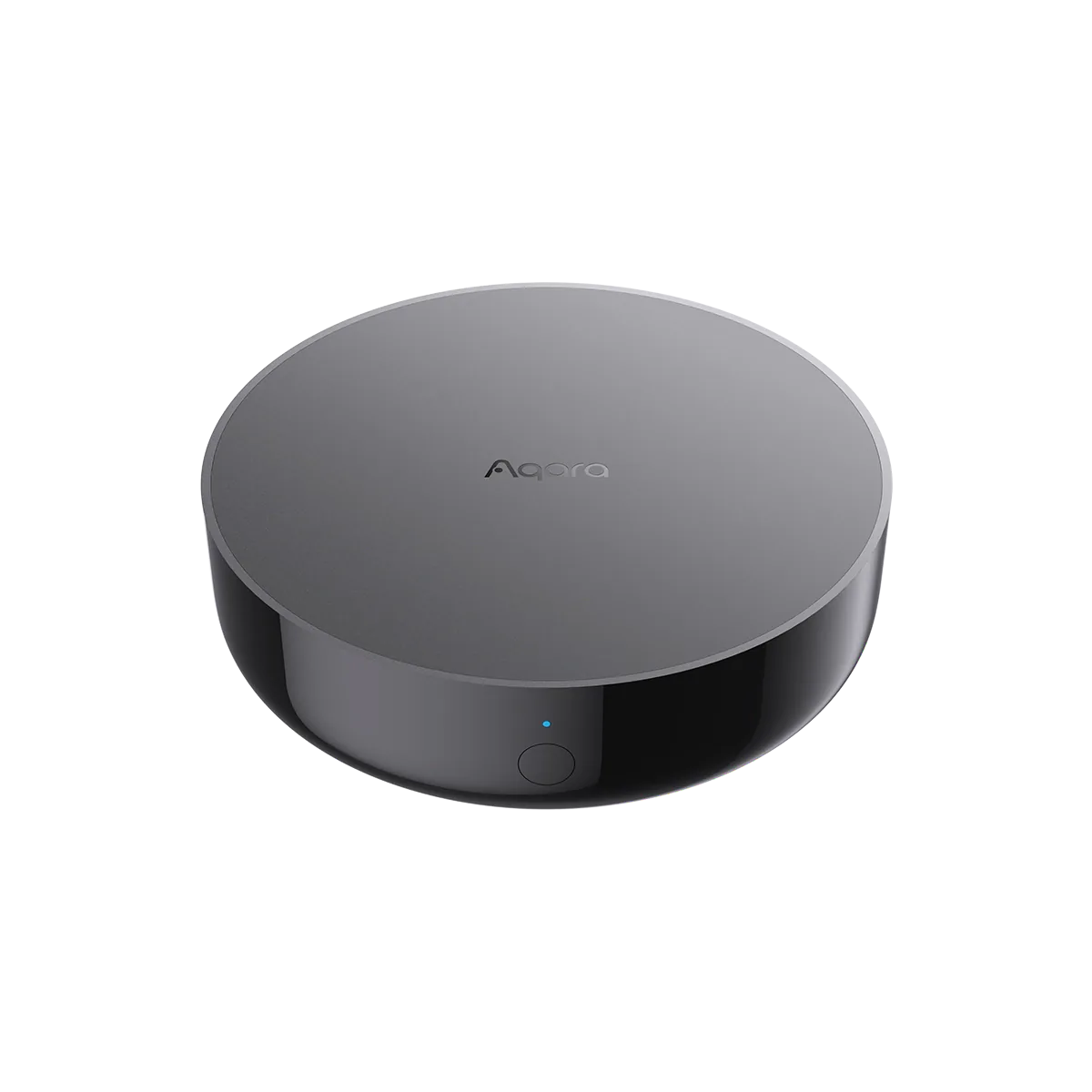
The Aqara hub most smaller homes should start with
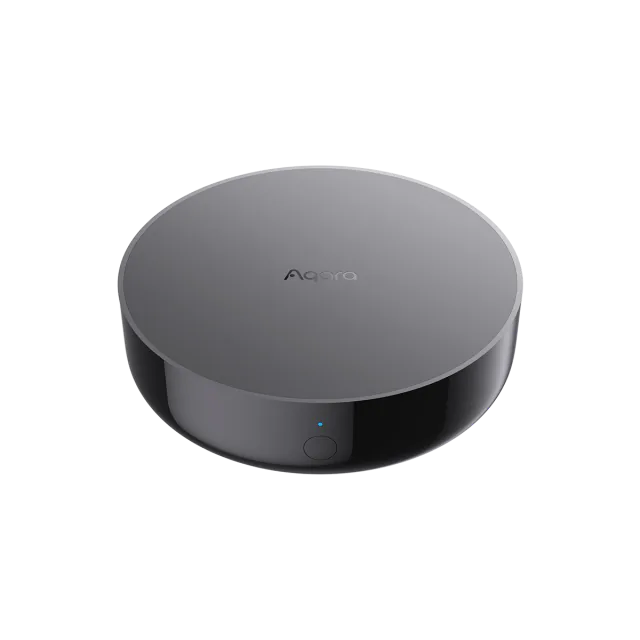
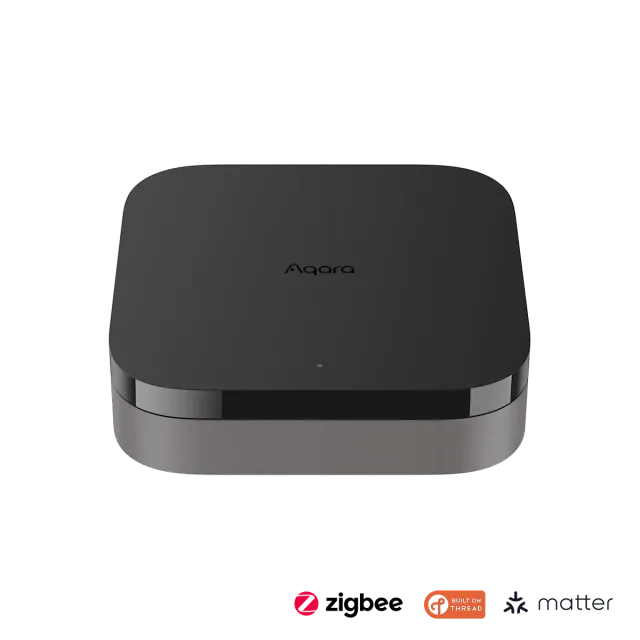
Hub M200 is the more convincing default than M3 when you want to build an Aqara system without paying for capacity you may never use. It brings together Aqara Zigbee devices, Matter control, Thread networking and infrared appliance control. Ethernet with Power over Ethernet is included, too.
Aqara's US store listed M200 at $69.99 on September 10, 2026, against $159.99 for M3. Standard shipping adds $9.99 to a single M200 order in the contiguous US and DC, making it $79.98 before tax. M3 qualifies for free shipping, so the difference between those standalone delivered orders is $80.01.
That is a substantial saving for a box that will mostly sit quietly running routines. The cheaper model keeps the core functions that make an Aqara hub useful.
Capacity is the main reason to spend more
M200 is rated for 40 Aqara Zigbee and 40 Thread child devices. M3 raises those figures to 127 of each. These are separate device-family limits, not a promise that every network will handle a certain workload equally well.
Forty Zigbee accessories can go a long way in an apartment or a home adding a few sensors and switches per room. A larger installation with many individual lights, contacts and controls can consume that allowance much faster. Count what you intend to connect, including the additions you already have planned.
M3 also acts as an edge hub for more elaborate arrangements involving other Aqara hubs. M200's local automation support is still useful, but it does not give it that same role. Pay for M3 when those capabilities solve a known requirement; a handful of routines does not need the more expensive box merely because it is the flagship.
Good placement is worth more than the Wi-Fi number
M200 has dual-band Wi-Fi 6 and Ethernet. Built-in PoE lets a suitable network cable carry power as well as data, which is attractive for a clean installation away from an outlet. An ordinary Ethernet port does not supply that power: the network needs a PoE source.
For USB power, the hub includes a USB-A-to-C cable but no 5 V, 2 A adapter. Its mounting thread also needs a separately purchased bracket if you want to fix it to a surface. Include those small extras in the actual cost.
The infrared transmitter and receiver are useful for controlling a compatible existing appliance and observing commands from its original remote. Position the hub where that signal can reach the appliance. Hiding it with the router may be neat, but defeats the point if the air conditioner is elsewhere.
Existing appliances can still have a useful job
Aqara's dedicated AC Control mode can share one compatible infrared air conditioner through Matter. For that job, M200 can add useful control without replacing a functioning AC. Its separate Advanced Matter Bridging feature offers other mappings; confirm the particular controls you need before buying it for a collection of old appliances.
Eligible Aqara routines can run locally. Push notifications and other cloud-dependent actions still need their services, and sharing a device through Matter does not carry every Aqara setting into another app.
For an existing owner, the sensible upgrade trigger is missing Thread support, a need for PoE, or another specific job the current hub cannot perform. If the present hub already controls the devices and routines you use, keeping it costs less than either M200 or M3.
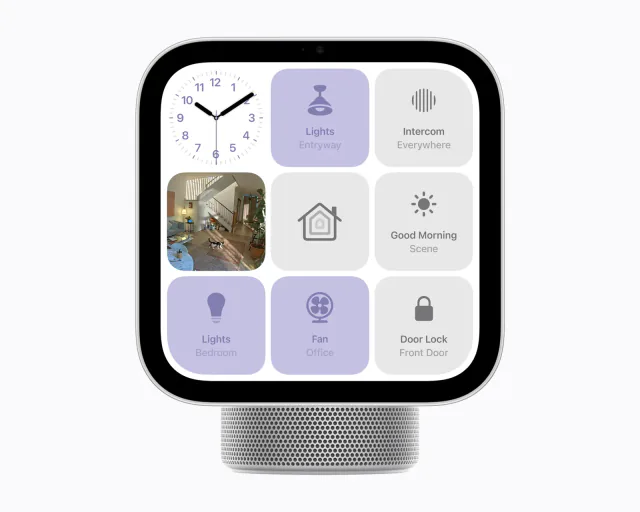
Apple Home and Thread details
- Thread role
- RouterRelays Thread traffic for nearby devices.
We list only values our sources state. Values shown were taken from this review's sources and are awaiting an editor's check.
Keep reading
In the news
Spot a mistake or missing context?
Send a quick note so it can be checked against the source material.