On this page 7 sections
IKEA's new Matter-over-Thread products work without DIRIGERA. IKEA's own Matter guide calls the hub recommended rather than required. Any connected setup still needs a Matter controller with a Thread border router, and IKEA's kit instructions allow one connection method at a time. That second rule shapes the decision more than the hub's price, because it decides whether the remote in the box keeps controlling the light after you add the kit to a smart home.
Three ways to run the range
Pick the setup that fits the hardware already in the home, then buy products to suit it.
| Setup | What you need | What it does well | What you give up |
|---|---|---|---|
| Hub-free pairing | An IKEA remote or sensor and up to 10 IKEA lights or plugs | Physical control with no app, account or network | Phone and voice control, schedules, automations and sensor timing settings |
| Your Matter platform | Apple Home, Google Home, Alexa, SmartThings or Home Assistant with a Thread border router | One app for IKEA and other brands, voice control and cross-brand automations | IKEA-only settings, and the direct pairing inside any kit you add |
| DIRIGERA | The hub, an Ethernet connection and the IKEA Home smart app | Older IKEA Zigbee products, IKEA settings and two remotes on one lamp | Another hub and app to maintain |
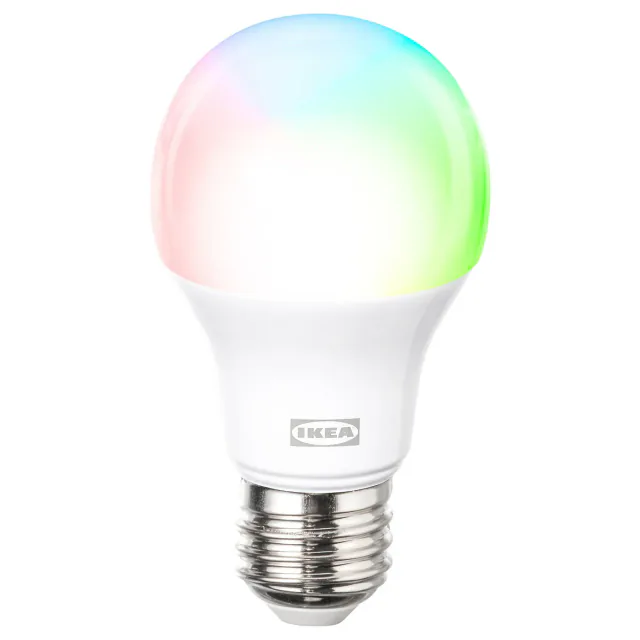
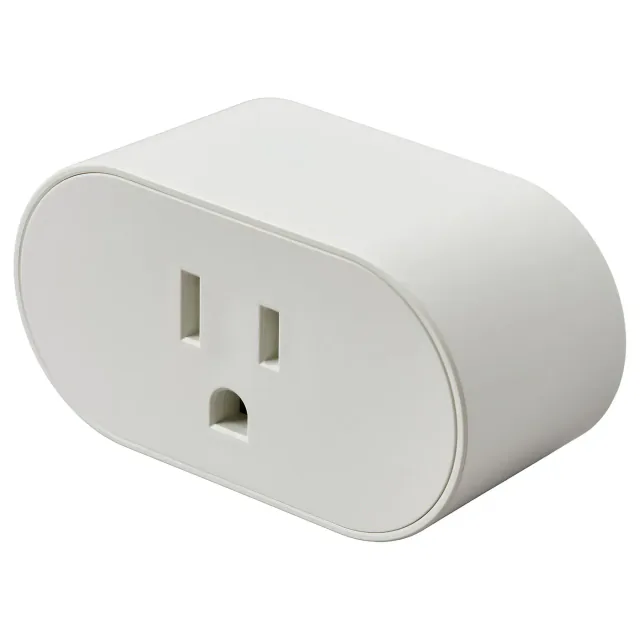
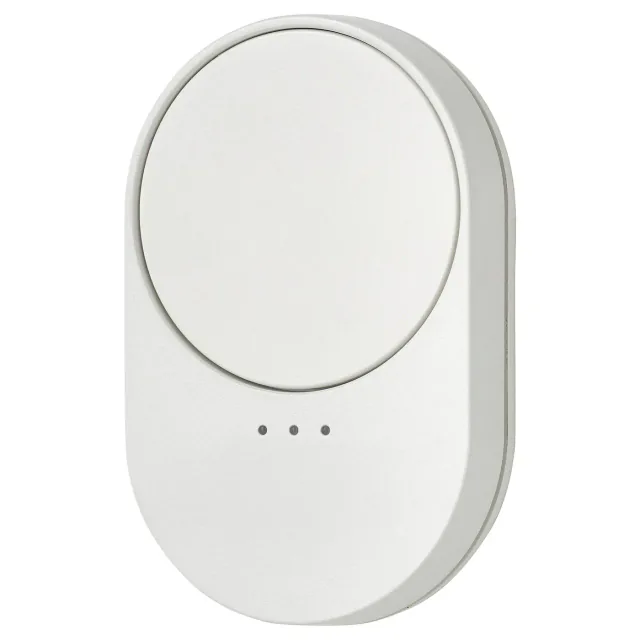
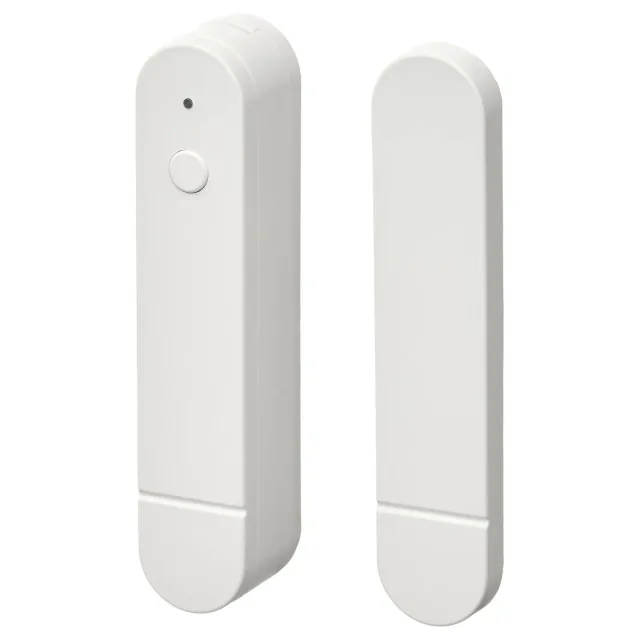
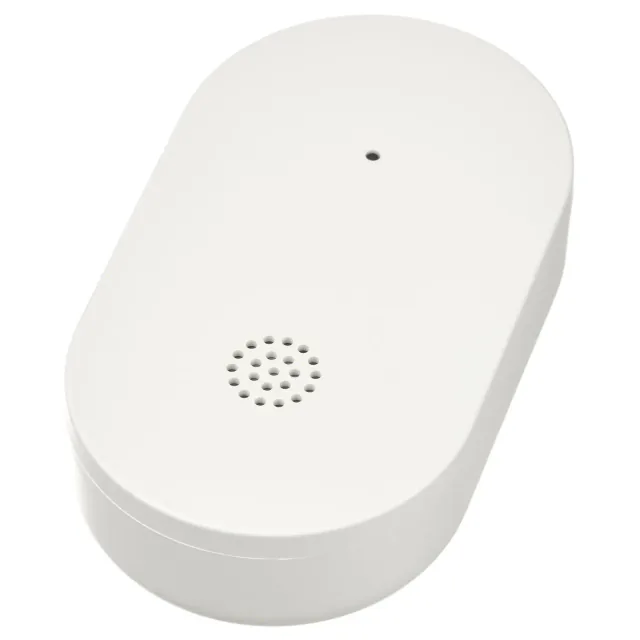
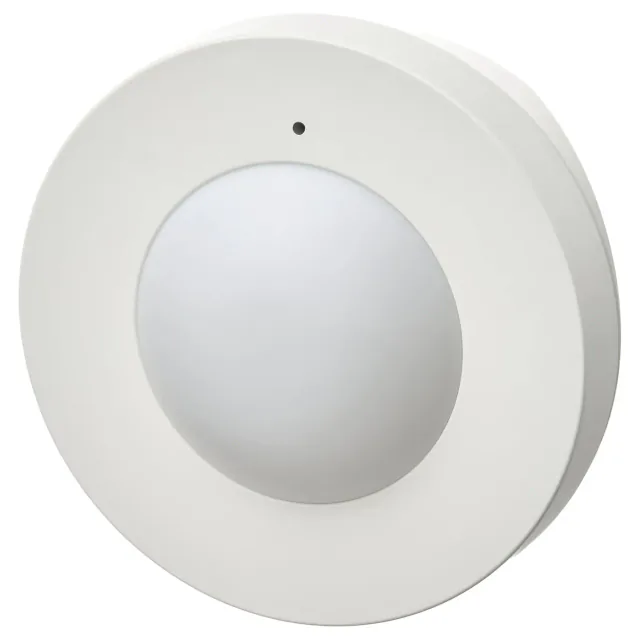
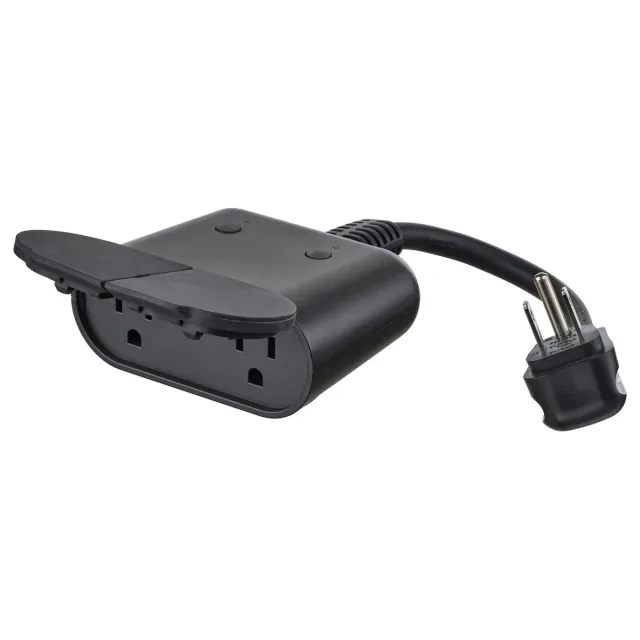
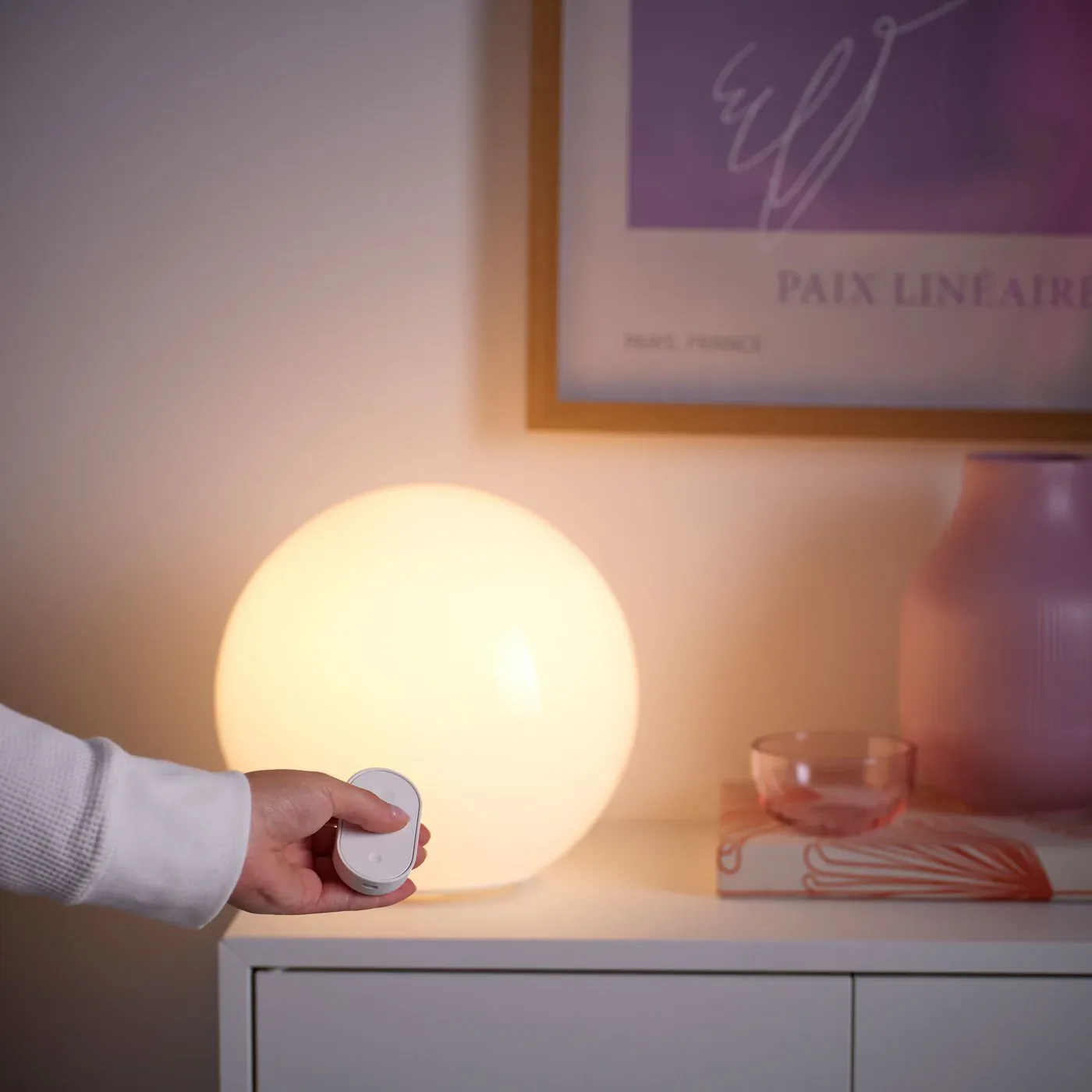
Hub-free pairing suits a bedside lamp, a closet light or a child's room. The BILRESA dual-button remote, the MYGGSPRAY motion sensor and the MYGGBETT door sensor can each control up to 10 IKEA products directly, and the BILRESA scroll wheel handles three groups of 10. Kits arrive pre-paired, so a KAJPLATS starter kit or a GRILLPLATS plug with remote works straight out of the box. The limit is everything around the switch. IKEA's smart lighting support page says a directly paired sensor's day and night mode and switch-off delay cannot be configured, so a motion-lit hallway runs on IKEA's defaults.
Adding a kit to a smart home ends its remote pairing
IKEA's GRILLPLATS kit manual says the products can be paired directly to each other or connected to IKEA Home smart or another Matter system, and "only one connection method can be used at a time." IKEA's starter kit FAQ adds that kit products added to a hub "will come unpaired from each other" and can be re-paired in any Matter hub.
Once the bulb and remote from a kit join Apple Home or Google Home, the remote no longer dims that bulb on its own. To get the button back, add the remote to the same platform and rebuild its actions there. That depends on the platform accepting Matter buttons. The BILRESA dual button registers as a Matter generic switch in its CSA certification. Alexa lists generic switches among its supported Matter device types, and SmartThings documents BILRESA lighting and blind control. Google's supported device list does not include buttons, and Apple's Matter page lists switches without saying whether that covers buttons, so BILRESA support in Apple Home is undocumented.
Mixing the two approaches is fine. A home can keep one bedside kit hub-free and put its plugs and sensors into Apple Home. Decide which rooms stay hub-free before pairing anything to a platform, because going back means re-pairing the kit.
What each platform does with the IKEA range
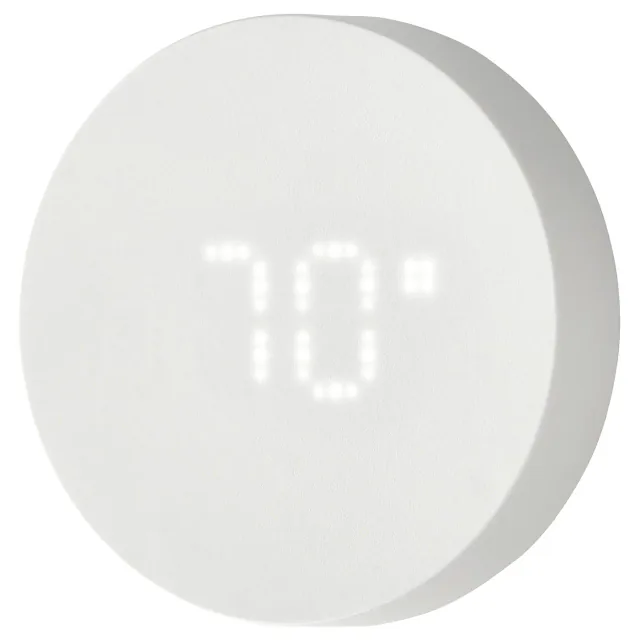
Matter covers the common controls for every product here, and most of the range has no platform gap. Apple Home, Google Home, Alexa, SmartThings and Home Assistant all list the device types for the KAJPLATS bulbs, the GRILLPLATS and TOFSMYGGA plugs, the MYGGBETT door sensor, the MYGGSPRAY motion sensor, the TIMMERFLOTTE thermometer, the smart VARMBLIXT lamps and the DUBBELKISEL driver. The gaps fall on four products:
- BILRESA remotes: Google does not list Matter buttons, Apple does not document them, and the scroll wheel behaves less predictably outside SmartThings.
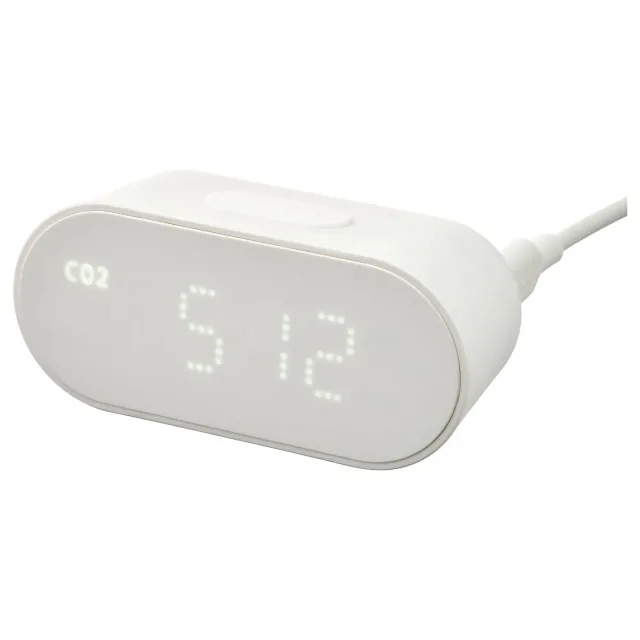
- ALPSTUGA: Apple's list omits air quality sensors, Google shows them only in the Home app, and Alexa's air quality type has no CO₂ reading.
- KLIPPBOK: Google and Alexa have no documented leak support, and Apple's list omits leak sensors.
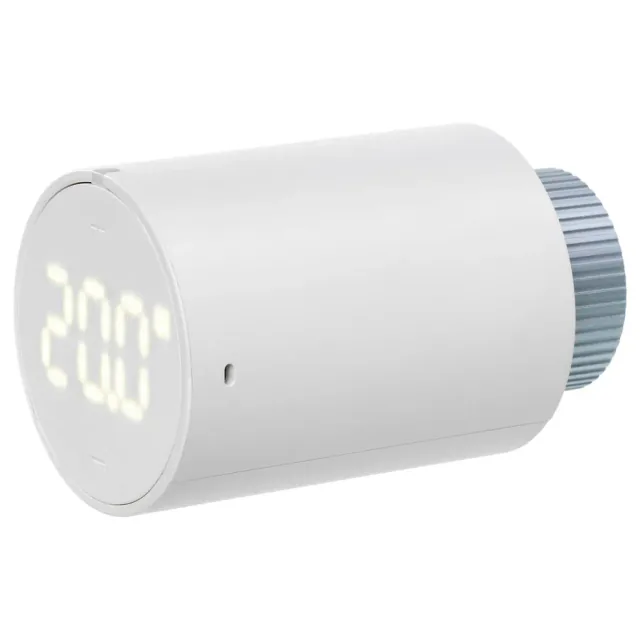
- LILJEBAGGE: control depth outside IKEA's app is undocumented.
ALPSTUGA and KLIPPBOK both work as standalone devices, so their gaps matter only when the connected part was the point. KLIPPBOK's buzzer works in every home. For alerts while you are away, IKEA documents phone notifications through DIRIGERA and the IKEA Home smart app, and SmartThings and Home Assistant both handle Matter leak sensors. A HomeKit News review in January 2026 also found KLIPPBOK alerts working in Apple Home despite Apple's list. Google Home and Alexa have no documented path. ALPSTUGA's CO₂ reading is the one worth automating, for example to start a fan, so confirm your platform shows it before buying one for every room.
On October 25, 2026, IKEA's US, UK, German and Swedish sites listed the whole range with three exceptions: TOFSMYGGA was missing from the UK site, DUBBELKISEL from the US site, and LILJEBAGGE appeared only in Sweden. Names, bulb bases and article numbers also change by country. The US E26 KAJPLATS is an E27 bulb in the UK and Europe, and E12 becomes E14, so match the base to the local listing rather than to a review written for another market.
Firmware updates do not need DIRIGERA
IKEA publishes Matter firmware to the Distributed Compliance Ledger, the CSA database that Matter controllers check for updates. On October 25, 2026, the ledger held update files for most KAJPLATS bulbs, the original BILRESA remotes, MYGGBETT, MYGGSPRAY, TIMMERFLOTTE, KLIPPBOK, ALPSTUGA and LILJEBAGGE. GRILLPLATS, TOFSMYGGA, DUBBELKISEL, the smart VARMBLIXT lamps and two newer BILRESA models (E2622 and E2704) had registered versions with no update file, so no platform could pull a ledger update for them on that date. IKEA's release site lists the same versions, with short release notes for some products.
Whether an update reaches the device depends on the platform:
- Apple's Matter update guide says the home hub installs accessory updates automatically when automatic updates are on, and offers a manual update otherwise. Thread accessories need a Thread-capable home hub.
- SmartThings hubs install ledger updates on eligible Matter devices when device firmware updates are allowed. Hub firmware released in October 2026 fixed Matter update bugs.
- Home Assistant checks the ledger every 12 hours and adds an update entity for each device that supports Matter updates. Its documentation also says Matter updates do not work for Thread devices on a network with any Apple border router, which affects homes running Home Assistant beside a HomePod or Apple TV.
- Google and Amazon document ledger updates with conditions the manufacturer must meet, such as Amazon's testing commitment. IKEA has not said whether it meets them.
Test builds sit on a separate test network and stay out of normal homes unless you deliberately enable them, as our TIMMERFLOTTE test firmware report explains.
When DIRIGERA earns its place
Our DIRIGERA review makes the main case: buy it to keep a collection of older IKEA Zigbee products working, and skip it when another platform already supplies a Thread border router. The new range adds two narrower reasons. Controlling one lamp from two BILRESA remotes works only when the lamp and both remotes are connected to DIRIGERA, according to IKEA's support page. In a Google Home or Alexa home, DIRIGERA and the IKEA app are also the documented way to get KLIPPBOK leak notifications.
If you do run DIRIGERA alongside another platform, share each new Thread product to the second platform through Matter's multi-admin feature. Generate a new setup code in the first system's app, then scan it in the second. Do not count on DIRIGERA's Matter bridge to pass the new products along. IKEA describes the bridge as the way older products reach other systems, its pages disagree on whether native Matter products are included, and a July 2026 Apple Community thread reports GRILLPLATS plugs and KAJPLATS bulbs missing from the bridge in Apple Home.
Where to start
For hub-free control, buy a kit. The KAJPLATS starter kit and the GRILLPLATS plug with remote are pre-paired and give a bedside or reading lamp a physical switch without any network. Add a BILRESA scroll wheel when one remote needs to run three separate groups of lights.
For a home that already has a Matter platform and a Thread border router, start with one GRILLPLATS plug. It is a low-cost way to confirm the platform handles IKEA's Thread products before you buy sensors for several rooms. MYGGBETT and TIMMERFLOTTE are the safest sensors to add next, because every platform lists their device types.
Leave ALPSTUGA and KLIPPBOK until you have checked the table against your platform. In Europe, DUBBELKISEL is the driver to choose for a new IKEA cabinet lighting project, and LILJEBAGGE is the low-cost radiator thermostat if you live in Sweden.
When to skip the IKEA range
Skip it if the home has no Thread border router and you do not want to add one. Without one, the range is limited to hub-free control, and Matter-over-Wi-Fi plugs and bulbs avoid the extra hardware. Do you need a Thread border router? covers which hubs already include one.
Skip BILRESA if Google Home is the platform and the remote is the reason you are buying, since Google does not list Matter buttons. Skip KLIPPBOK for away-from-home alerts in Google Home or Alexa unless you also add DIRIGERA.
- Editor
- JC Martinez
AI tools may help draft or organize pages. Matterhome checks product claims against cited sources before publication.
Spot a mistake or missing context?
Send a quick note so it can be checked against the source material.