On this page 6 sections
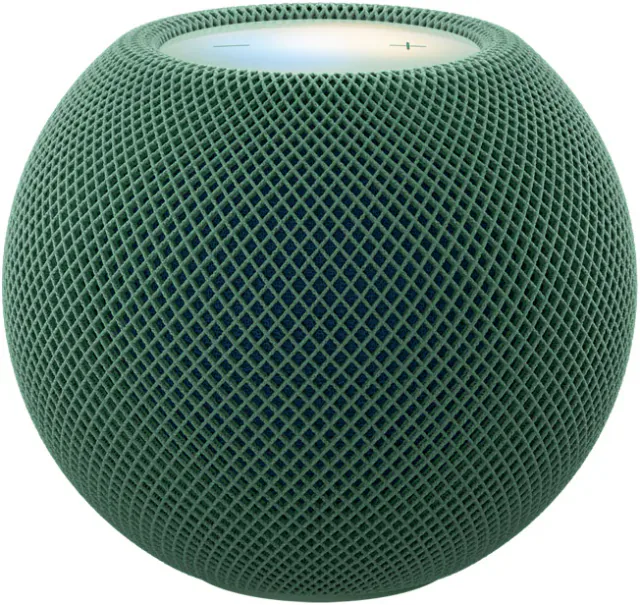
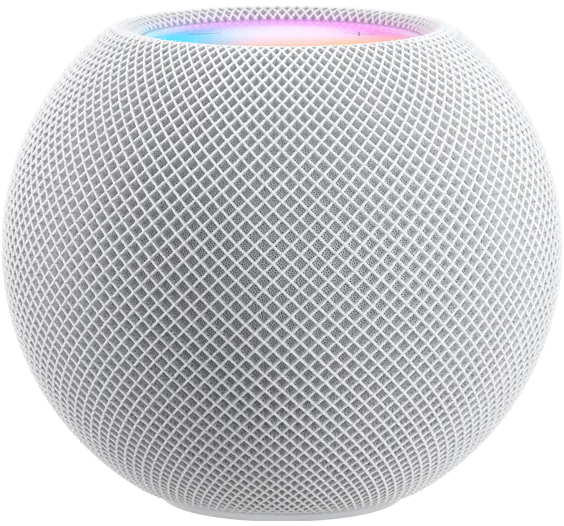
For Apple Home and Matter, HomePod mini 2 and the original HomePod mini do the same job. Each becomes a home hub when you set it up, each has a Thread radio for Matter-over-Thread locks, sensors and plugs, and Apple announced no Matter or Thread feature that only the new speaker gets. A working original has no smart home reason to be replaced. The two generations split on the speaker side: which speakers they can pair with, whether they can join Apple's new surround setup, whether they can be a Mac's default speaker, and whether they will get Siri AI.
| HomePod mini (2020) | HomePod mini 2 (2026) | |
|---|---|---|
| Apple home hub | Yes | Yes |
| Thread radio for HomeKit and Matter accessories | Yes | Yes |
| Thread version | Not published | Not published |
| Temperature and humidity sensors | Yes | Yes |
| Chip | Apple S5 | Apple S10 |
| Wi-Fi | 802.11n (Wi-Fi 4) | Wi-Fi 6E |
| Bluetooth | 5.0 | 6 |
| Microphones | Four, one of them facing inward | Three |
| Stereo pair | With another original only | With another HomePod mini 2 only |
| TV audio with Apple TV 4K | One speaker or a stereo pair | One speaker, a stereo pair or four-speaker surround with Apple TV 4K (4th generation) |
| Default speaker for a Mac | No, AirPlay only | Yes, on Macs with Wi-Fi 6E or later |
| Sound Glow light display | No | Yes |
| Siri AI | Not coming, Apple told 9to5Mac on October 14, 2026 | Promised in a later update, in English in eight countries, none in the EU |
| Named on Home Assistant's Thread border router list | Yes | No |
| Apple price | No longer sold by Apple; $129 / £129 / €139 in September 2026 | $149 / £149 / €169 |
Hardware details come from Apple's HomePod mini 2 specifications, its original HomePod mini specifications and the October 13, 2026 announcement. HomePod mini 2 prices are from Apple's US, UK and German stores on November 1, 2026, which now list only the new model.
The hub job is the same on both
Both speakers handle voice control of locks, garage doors, blinds, thermostats and lights, run Home app scenes and automations, and give remote access as a home hub that turns on automatically at setup. Both Thread radios work only with HomeKit and Matter Thread accessories. Both keep the room temperature and humidity sensors, Sound Recognition for smoke and carbon monoxide alarms, and Intercom.
Apple publishes no Thread or Matter version for either generation, so there is no documented network advantage to pay for. Neither speaker has an Ethernet port, and both reach your router over Wi-Fi. The new model's Wi-Fi 6E radio is far newer than the original's 802.11n, though Apple makes no claim that it changes how the hub runs accessories. If you are deciding whether you need a Thread hub at all, our Thread border router guide covers that question.
If you have both, keep both
A HomePod mini 2 added to a home that already has an original gives you two home hubs. The Home app picks the active one automatically. To see which, open Home Settings, then Home Hubs & Bridges; the active hub appears at the top, and you can turn off Automatic Selection to choose a preferred hub yourself. Leave Automatic Selection on unless one of the speakers often gets unplugged or moved. The other speaker keeps playing music, answering Siri and reporting its room's temperature.
The speaker is where they split
Pairing is the difference most likely to catch out an existing owner. Apple builds a stereo pair only from two speakers of the same model and generation, so an original cannot pair with a HomePod mini 2.
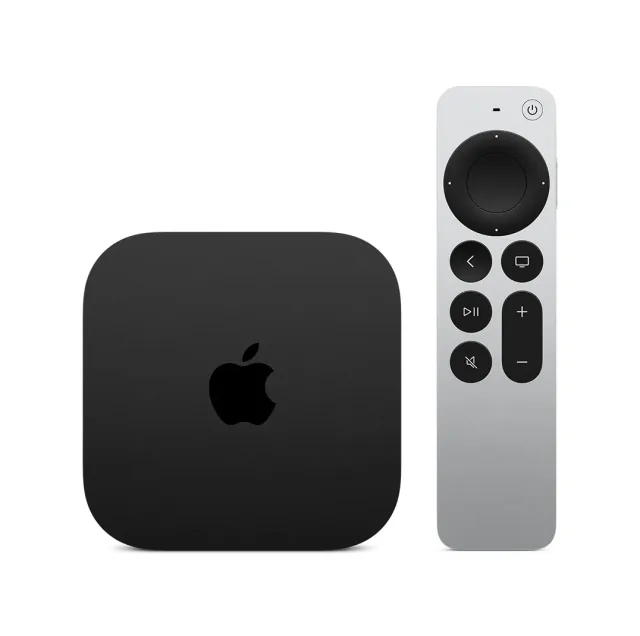
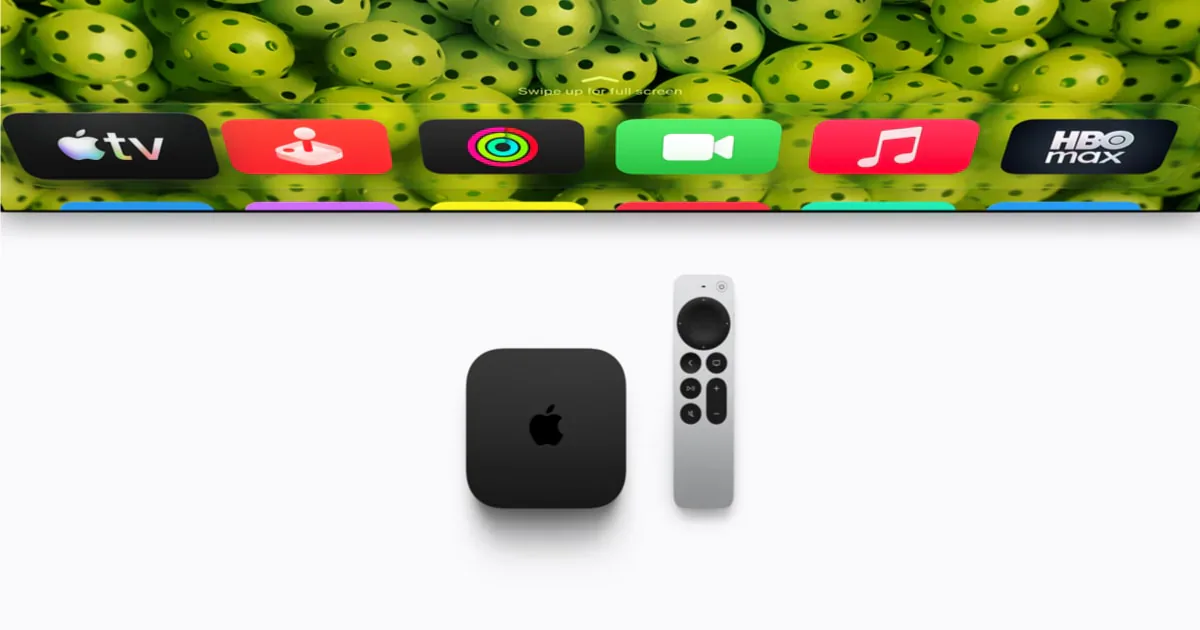
Surround is the second split. Apple's new four-speaker surround setup needs the fourth-generation Apple TV 4K, on sale from November 13, and four HomePod mini 2 or second-generation HomePod speakers in matching front and rear pairs. The two models can be mixed: Apple's announcement shows two full-size HomePods in front and two HomePod mini 2 speakers in the rear. Originals cannot be any of the four. An original still plays TV audio from an Apple TV 4K as one speaker or a stereo pair, and Apple's home theater page says HomePod mini does not support Dolby Atmos 5.1 or 7.1 surround sound.
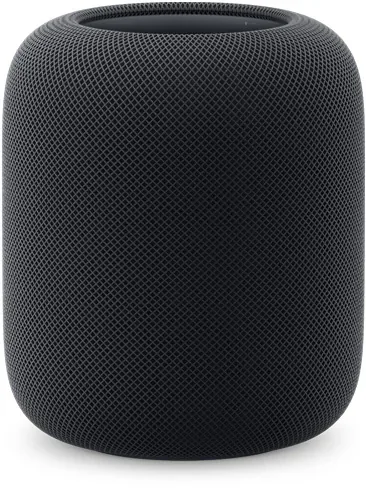
HomePod mini 2 can also be the default speaker for a Mac with Wi-Fi 6E or later, alone or as a stereo pair. Apple's HomePod user guide names only HomePod mini 2 and the second-generation HomePod for that job, so the original plays Mac audio over AirPlay only. Sound Glow, which turns the top panel into a light display that follows the music, is new to HomePod mini 2 as well.
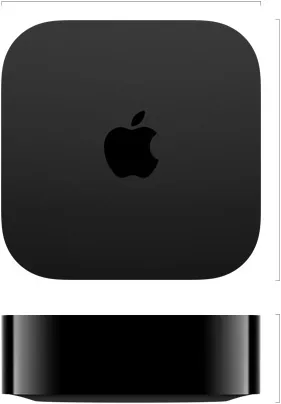
The full-range driver, two passive radiators and dimensions are unchanged. Apple credits the S10 with real-time tuning of loudness and dynamic range, the same job it described for the original's S5 in 2020, and gives no comparison between them, so buy HomePod mini 2 for its pairing and surround options without counting on a jump in sound. The microphones changed too. In 2020 Apple said the original's three-microphone array listens for Siri while a fourth, inward-facing microphone helps isolate the speaker's own sound when music plays. HomePod mini 2 lists three microphones for far-field Siri. Apple has not explained the change or claimed better or worse voice pickup, so treat it as an open question.
Siri AI is the software split
Apple promises Siri AI for HomePod mini 2 in a later free software update, in English, in the US, Australia, Canada, India, New Zealand, Singapore, South Africa and the UK. The home's owner in the Home app needs an Apple Intelligence iPhone or iPad with Siri AI turned on. Siri AI will not be available in iOS in the EU at first, and no EU country is on the HomePod list.
The original will not get it. CNET first reported that it would, then corrected its story, and on October 14 Apple told 9to5Mac that Siri AI will come to HomePod mini 2 and not to the original. Accessory control does not depend on it: both speakers keep the current Siri for accessories and scenes. In an eligible country, Siri AI is a fair reason to pick HomePod mini 2 over a leftover original, but it has no release date, so count it as an extra.
Which one to keep, buy or add
If you already own an original and it runs your Apple Home, keep it. Replace it only if you want a stereo pair or surround with new speakers, a default Mac speaker, or Siri AI in one of Apple's eight countries. A replaced original can move to a bedroom or office and stay on as a second hub.
If you need your first Thread hub, buy HomePod mini 2. It is the cheapest device Apple sells that covers both the hub and the Thread job, and it costs $20 more in the US and UK, and €30 more in Germany, than Apple charged for the original in September. An original from leftover stock is worth it only at a clear discount. We would want it to cost about a third less than HomePod mini 2 before giving up stereo pairing with any HomePod mini 2 you buy later and, in Apple's eight Siri AI countries, Siri AI.
If you are adding a speaker to a home with an original, decide where it goes. A stereo pair in the same room needs another original at a fair price, or two HomePod mini 2 speakers in place of the first. In a different room, buy HomePod mini 2; the two generations still group for multiroom AirPlay audio.
If you live outside Apple's eight Siri AI countries, which leaves out the whole EU, Siri AI is off the table for now on both generations. The premium then buys only Wi-Fi 6E, the new pairing and surround options and Mac speaker support, so a clearly discounted original is the better value for a hub that also plays music.
If you use Home Assistant, its Thread integration names the original HomePod mini among the border routers known to work, with Home Assistant supplying its own Matter controller. That list predates HomePod mini 2 and does not name it, although Home Assistant says it can use any border router. The original is the one with a documented Home Assistant track record.
When to buy neither
Skip both if nobody in the house has an iPhone or iPad on the latest iOS or iPadOS. Setup needs one, and only Apple Home can use either speaker as a hub, so a Google Home or Alexa household should buy that platform's hub instead. Skip a single mini or a stereo pair as the main speaker for a living-room TV, where a soundbar does the job better; our room-by-room speaker guide covers that choice. Four HomePod mini 2 speakers with the new Apple TV 4K are the exception worth weighing. And if a Thread-equipped Apple TV 4K or a second-generation HomePod already runs your home, neither mini adds a hub you are missing. Buy one only for the room it will play in. Our report on Apple's October launches compares HomePod mini 2 with HomeView and the new Apple TV 4K.
- Editor
- JC Martinez
AI tools may help draft or organize pages. Matterhome checks product claims against cited sources before publication.
Spot a mistake or missing context?
Send a quick note so it can be checked against the source material.