The best feature is being able to get the dust out
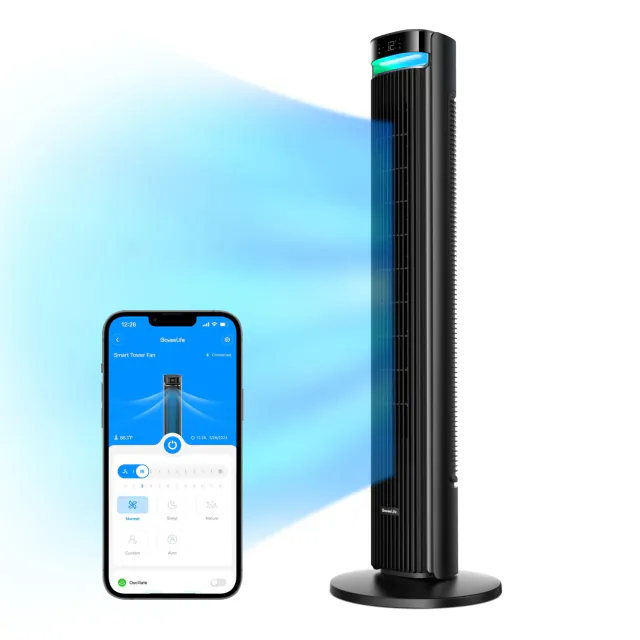
GoveeLife Tower Fan 2 Max is more convincing as an appliance than as a collection of smart-home badges. Its rear grille and long impeller come out for cleaning, so accumulated dust is accessible instead of trapped behind a narrow outlet. That is a worthwhile ownership advantage for a fan you expect to bring out every summer.
Removal takes a screwdriver; it is not a quick-release filter drawer. The manual specifies dry dust removal for the impeller and washing for the detached rear grille, with the motor housing kept dry. The useful claim is access, not that the entire fan can be rinsed in the bath.
Pay for coverage, not a promise of silence
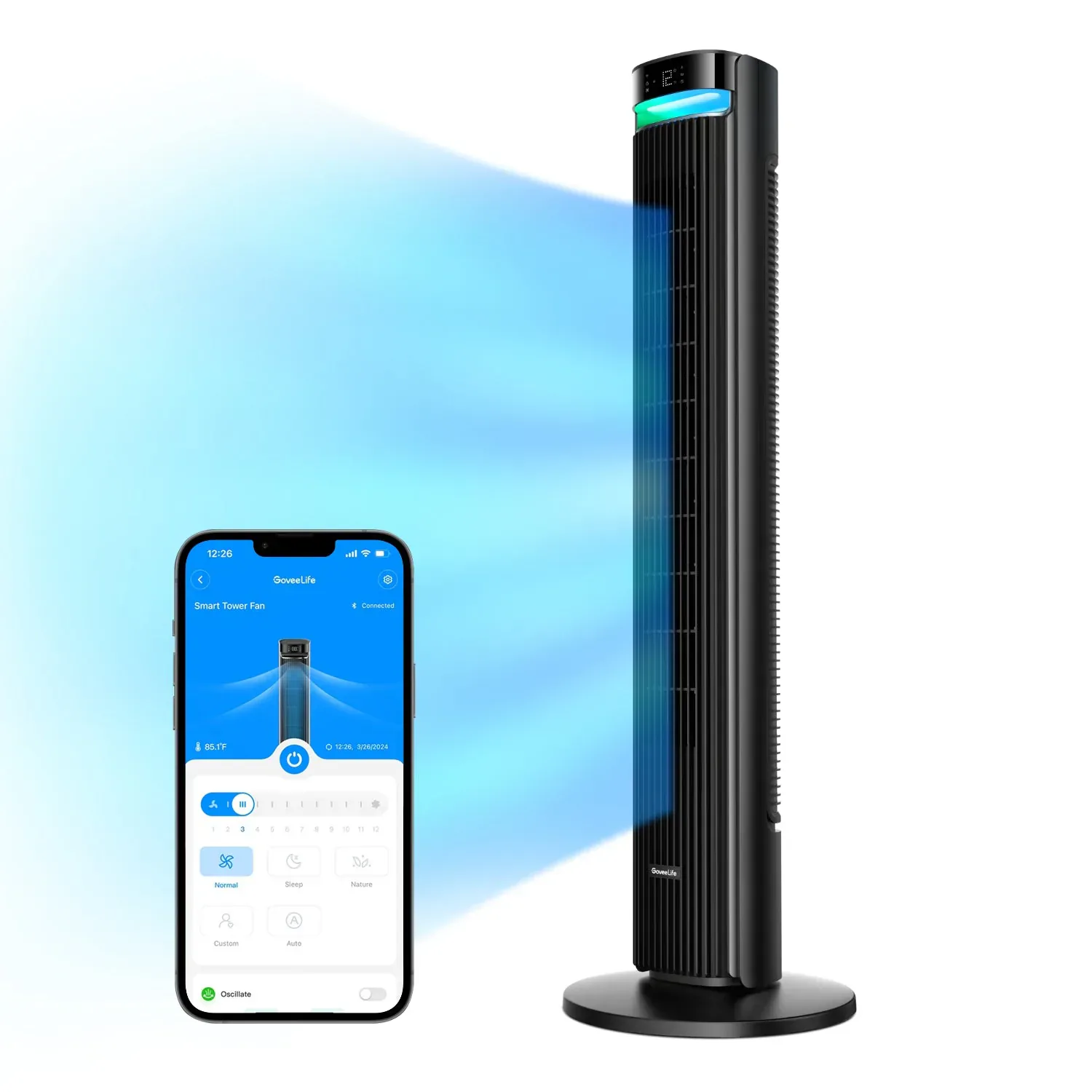
The 42-inch H7105 offers twelve speeds and adjustable oscillation from 30 to 150 degrees. A narrow sweep can keep the breeze around one desk; a wider arc can share it between seats. That adjustment is a more tangible reason to spend extra than the colored strip above the air outlet.
The fan has a base roughly 13 inches across and weighs 11 pounds. Its handle makes moving it possible, but it is still a tall plug-in appliance to find space for, route a cable around and store out of season.
Govee advertises noise as low as 27 dB and airflow reaching 40 feet. We have not measured either, and the quietest setting should not be confused with the strongest airflow. I would not pay the premium solely on the assumption that it will be inaudible beside a bed.
Sleep mode may do the opposite of what you want
Sleep mode switches the screen off after fifteen seconds without input and lowers the speed one level every ten minutes until it reaches level one. That suits someone who likes a stronger breeze while settling down and less later. It is less appealing if you want the same airflow all night; Normal mode holds a constant speed.
The top controls include a slider, oscillation, mode, timer and night-light button. You can turn the decorative light off. The omission is a remote: changing settings from bed means using a phone or a configured voice control instead of a small handset.
Auto mode uses the built-in temperature sensor, so an extra thermometer is not required. Pairing a supported GoveeLife sensor can move the temperature reference elsewhere in the room, but I would try the built-in option before adding another purchase. This changes fan operation; it does not turn the fan into air conditioning.
Matter over Wi-Fi gives the fan a shared control route without a Govee hub. Detailed modes, sensor pairing and lighting remain reasons to keep Govee Home. Exact controls vary between platforms, so the app's complete interface should not be assumed to appear in every Matter dashboard.
The smaller fan makes the premium harder to ignore
On September 10, 2026, Govee US displayed $149.99 for H7105 with a separate $30 code, TF30. If accepted at checkout, that makes it $119.99 before tax; free shipping was shown. The coupon is an advertised offer, not a checkout-tested price.
The 36-inch Tower Fan 2 H7106 was $69.99 with free shipping shown. It already has eight speeds, Auto mode and app control, but a narrower 75-degree oscillation. It is the more economical choice for a single spot if Matter is not required. The Max costs another $50 with its coupon, or $80 without it; choose that upgrade for the wider adjustable sweep and cleaning access.
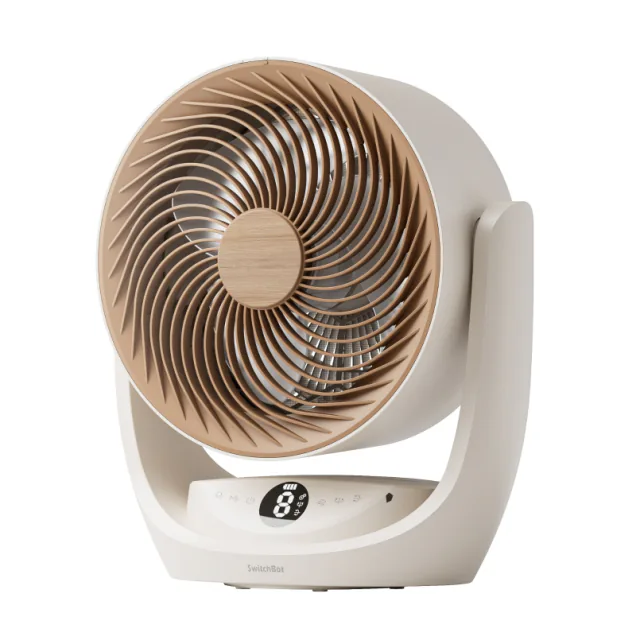
For airflow you can carry away from an outlet, compare SwitchBot Battery Circulator Fan 2 Pro, which includes a remote and rechargeable battery. For a fan that stays by one chair, keeping a satisfactory existing model is better value than replacing it for another app.
Keep reading
Guides for this device
Spot a mistake or missing context?
Send a quick note so it can be checked against the source material.