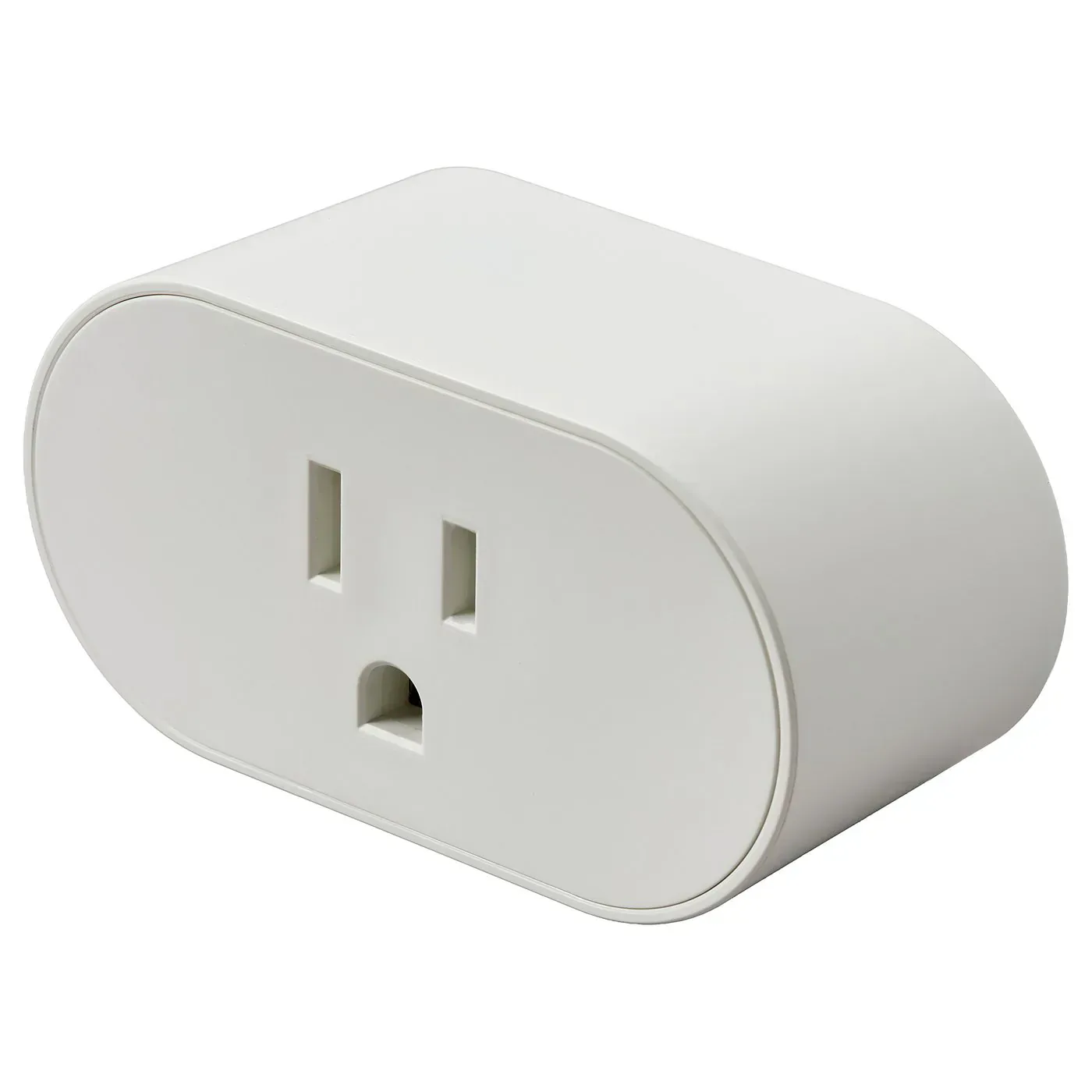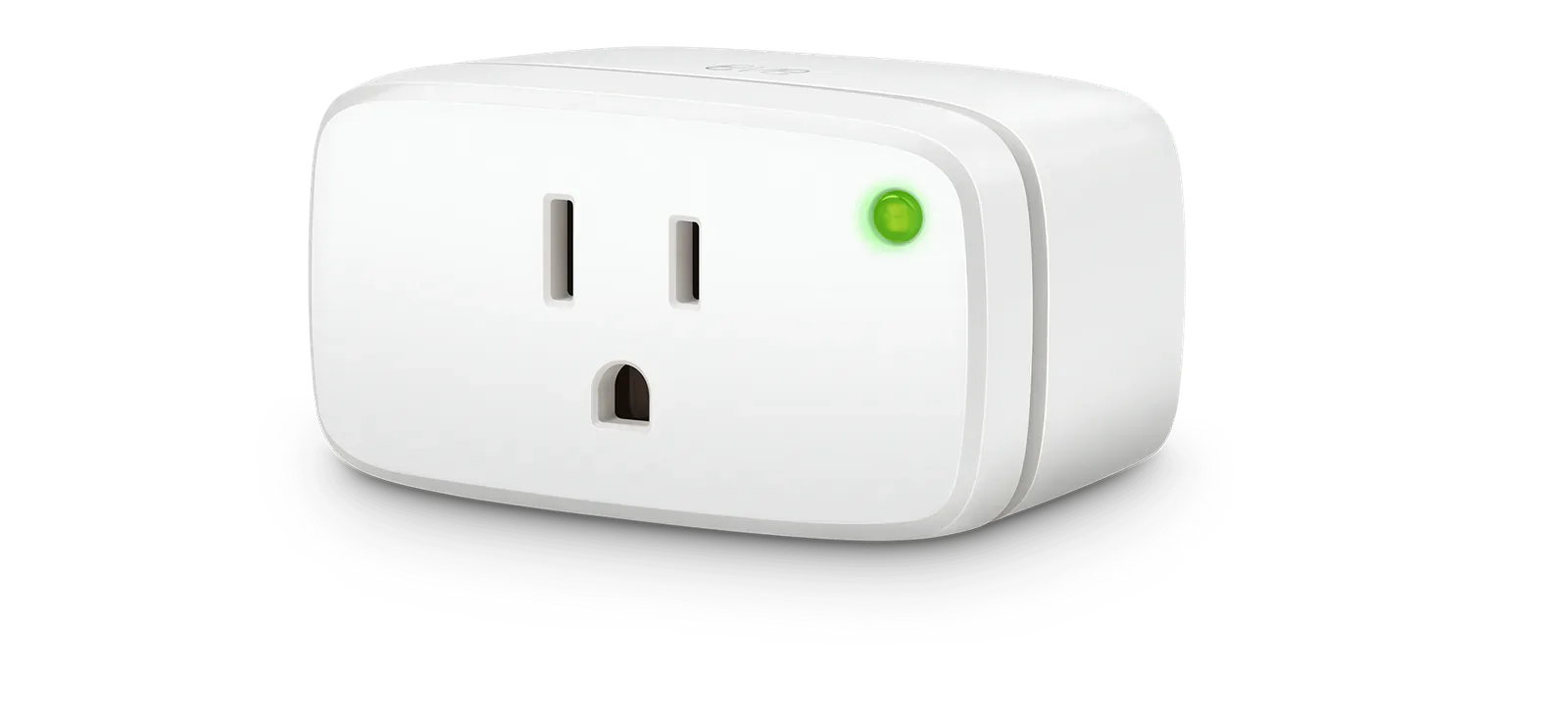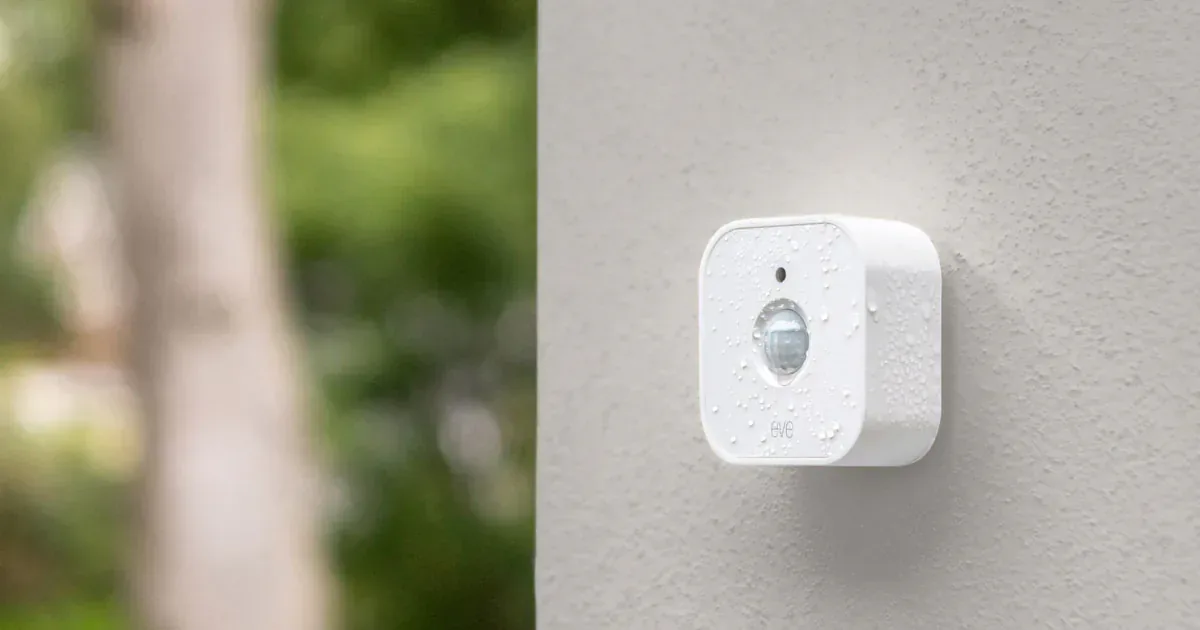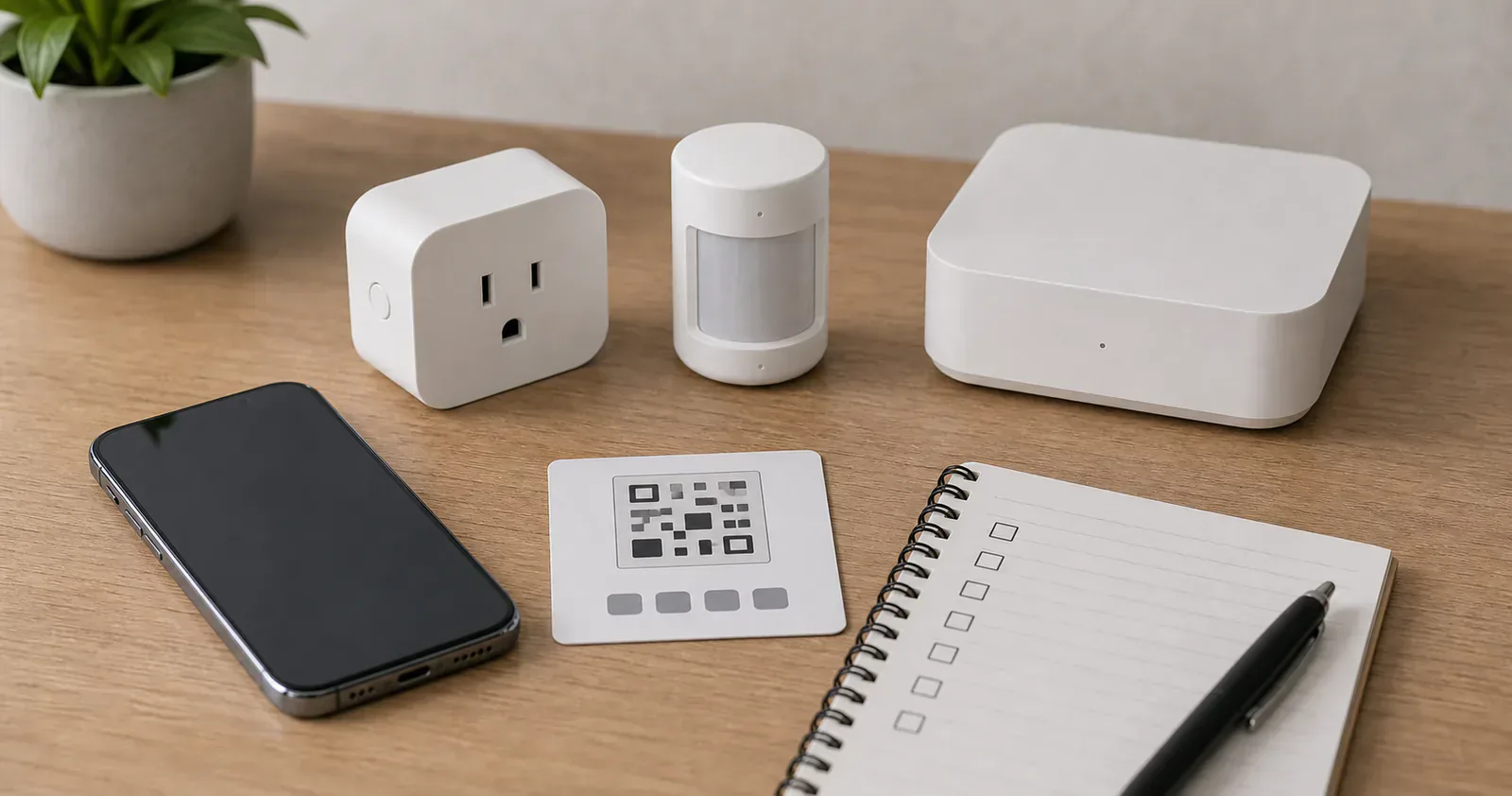
Matter setup gets easier when you stop treating it as one step. The scan is only the visible part. Before that scan works, the device needs the right network path, the right controller, the right hub or border router, and a setup code you can still read after the device is mounted.
Use this checklist before opening the package, and again before buying ten of the same device.
Check the network path
Find the exact phrase on the product page or box: Matter over Thread, Matter over Wi-Fi, Matter bridge, or sometimes Matter over Ethernet. Do not stop at the Matter logo. Then check that your main platform supports the product's device type and the control you expect. A newer Matter version on the box can arrive before the controller, app, bridge, or device firmware exposes its new features.
Matter-over-Thread devices need a working Thread path. Matter-over-Wi-Fi devices need good Wi-Fi, often 2.4 GHz for smart home gear. Matter bridge products keep their devices behind a brand hub and share supported controls outward.
Do not buy around a future setup feature. Thread Direct is being developed as a way for Thread-equipped phones to help with initial commissioning, but it is not a replacement for an always-on Thread border router. Buy the network path the accessory needs today.
Confirm the controller and hub
Every Matter ecosystem needs a controller, but the hardware rules are no longer identical. Apple says an iPhone on iOS 18 or later can add and control Matter accessories in Home without a home hub. A Thread-enabled iPhone can locally pair and manage some Thread accessories, although the accessory may need a manufacturer update. For the best Apple Home experience, especially always-on Thread coverage, remote access, shared control, and automations, use HomePod mini, HomePod (2nd generation), or a Thread-capable Apple TV as the home hub. A supported third-party border router can provide the Thread network, but it does not automatically provide Apple's home hub features.
Google Home requires a Matter-enabled hub. Thread accessories need a Google Home hub that also acts as a Thread border router. Google's current list includes the 2026 Google Home Speaker, Nest Hub second generation, Nest Hub Max, Nest Wifi Pro, and Google TV Streamer. Amazon lists supported Echo and eero devices separately, with only some models acting as Thread border routers.
If you are using Home Assistant, confirm that the Matter integration and Matter Server path are ready. If the device uses Thread, confirm the Thread border router path too.
The common mistake is owning a smart speaker and assuming it does every hub job. The 2026 Google Home Speaker can handle both Google Home Matter controller and Thread border router duties, but older Google and Nest audio speakers are on Google's Wi-Fi-only hub list. Amazon's Echo list also separates general Matter support from Thread border router support. Check the exact model and generation.
Save the setup code before installing
Before mounting a sensor, replacing a wall plate, or hiding a plug behind furniture, take a clear photo of the Matter QR code and numeric setup code. Store it somewhere only trusted household members can access, with the device name and room.
This is not busywork. If you reset the device later or need to troubleshoot, the code is the difference between a five-minute fix and a small archaeological dig behind the couch. Matter 1.6 defines broader NFC commissioning, including setup before some devices are powered, but that requires new support in the product and controller. Keep the printed code even when tap-to-pair is advertised.
Update the boring things first
Update the phone, ecosystem app, controller, and manufacturer's app before blaming the Matter device. Check the manufacturer's release notes first when an update affects a bridge or other critical hub, and change one layer at a time. Newer Matter devices often depend on recent controller and app support, but a specification release does not guarantee that every platform has caught up.
For Wi-Fi devices, check that your phone is on the network you expect and that the router settings do not block local device discovery. For Google Home, IPv6 is worth checking early because Google says Matter can appear to set up and then fail later if IPv6 is missing.
For Thread devices, put the phone, Thread border router, and device near one another for the first setup if the manufacturer recommends it. After pairing, move the accessory to its real location and watch whether it stays online. Do not assume a powered Wi-Fi Matter device or a bridged Zigbee device extends the Thread mesh.
Add one device, then wait
Do not add six sensors in a row and then try to diagnose which one is wrong. Add one device. Name it clearly. Assign it to the right room. Build one small routine if needed. Let it run for a few days.
This matters most for Thread. A Thread mesh can look fine during setup and still reveal weak placement later. If the first device is unreliable, adding more battery devices will not fix it. Add or move a documented router-capable Thread device first.
Share after the first platform is stable
Matter's current multi-admin path is useful: the same device can be controlled by multiple Matter-certified apps. In practice, add the device to one primary app first, confirm it works, then use that app's sharing flow to add Apple Home, Google Home, Alexa, SmartThings, or Home Assistant.
Do not assume the original QR code will behave like a fresh setup code after the device is already commissioned. Look for a Matter pairing, share, or connected services option in the app that owns the device.
Matter 1.6 introduces Joint Fabric as another multi-ecosystem model, but it is a standards feature for platforms and device makers to implement, not a shortcut available in every home now. Keep using the documented sharing flow until each platform names Joint Fabric support.
Know when the brand app still matters
Matter does not remove every brand app. Firmware updates, calibration, sensor sensitivity, energy history, lock user management, bridge configuration, and special lighting effects may still live with the manufacturer.
That is fine as long as you plan for it. Use Matter for the common household controls. Keep the brand app for setup, updates, and the features Matter does not carry.
The final check before buying more
Before buying multiples, answer six questions: Does the device stay online in the final location? Does the main app show the state or control you expected? Does a second app show enough after sharing? Do automations trigger reliably? Can another person understand the device name? Do you still have the setup code?
If any answer is no, fix it before scaling. Otherwise the same controller, feature, or placement gap will be repeated across every device you add.
Content feedback
Spot a mistake or missing context?
Send a quick note so it can be checked against the source material.