Useful when a motion sensor keeps turning the lights off
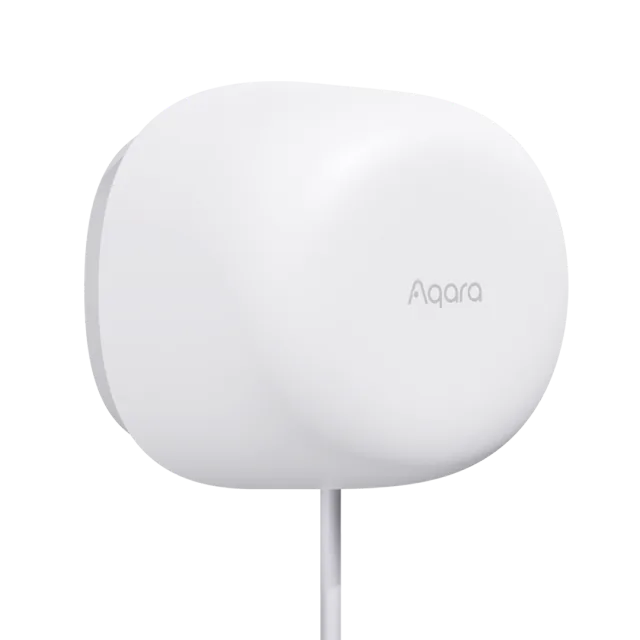
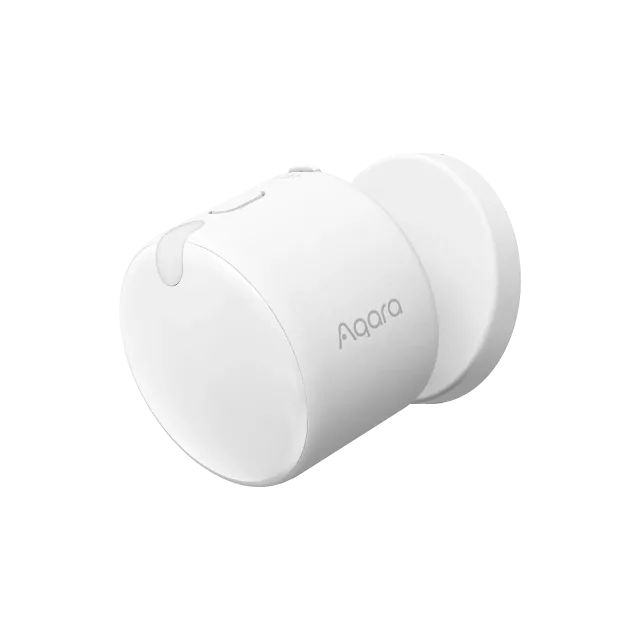
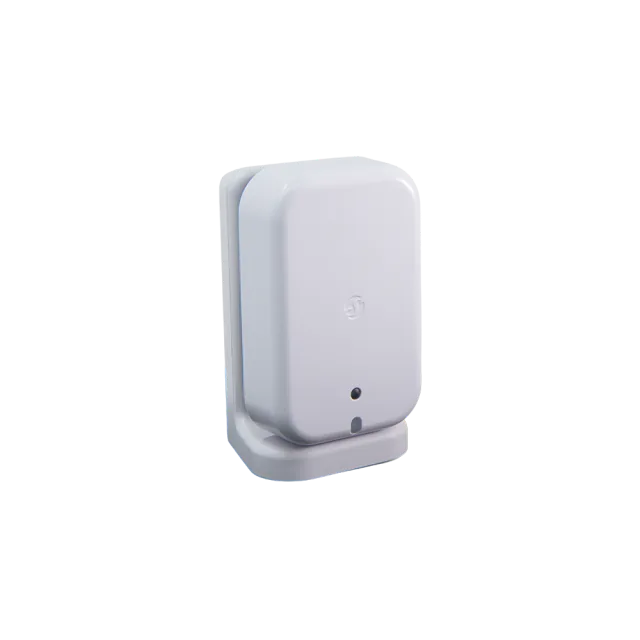
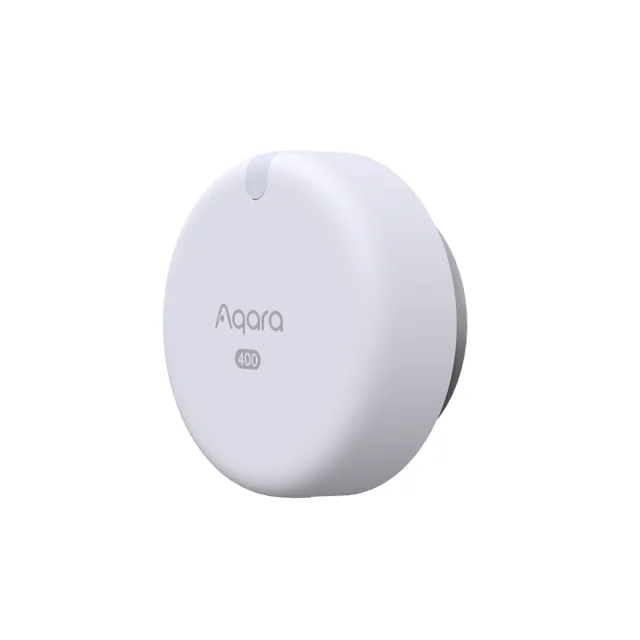
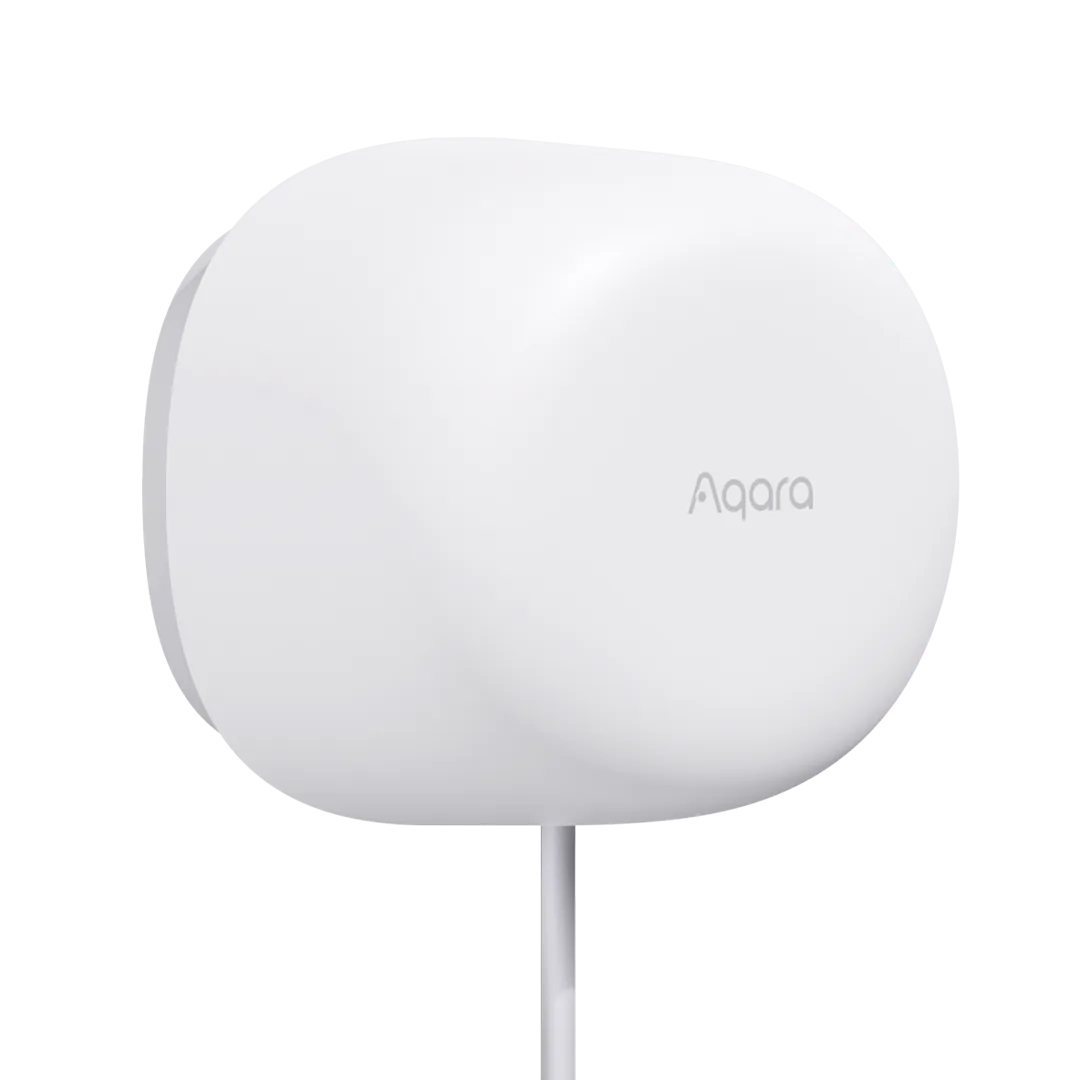
Presence Sensor FP1E has a clear job: notice that someone is still in the room after they stop making large movements. Its 60 GHz radar is intended to pick up small movements from a person reading, working or sitting on the sofa, where an ordinary PIR motion sensor may let the lights switch off.
That is a worthwhile upgrade when false lights-off events are an actual household annoyance. It is less compelling for a passageway where a cheap motion sensor already does everything required. More elaborate sensing is not automatically a better purchase for every room.
Aqara's US store listed FP1E at $49.99 on September 10, 2026. Standard shipping makes a single-sensor order $59.98 in the contiguous US and DC, before tax. Any necessary Aqara hub and USB power adapter are additional.
The cable can be a benefit or the reason to skip it
FP1E needs continuous 5 V USB power. That removes battery changes from its upkeep, useful for a sensor mounted out of easy reach. The cost is a permanent cable and somewhere appropriate to power it. The listed box contents do not include a wall adapter.
Its magnetic mount and adjustable head help direct the sensor from a wall or corner. Aqara specifies a maximum 6-meter range, with coverage dependent on mounting position. The manual describes those figures as theoretical under ideal conditions; we have not tested detection or clearing behavior in a furnished room.
The intended position should face the people being detected and avoid obvious interference sources such as nearby fans or air-conditioning outlets. The manual itself discusses false presence and background relearning, which is a more realistic basis for shopping than the store's blanket promises of no false alarms.
Simple room presence, with some useful Aqara controls
FP1E reports room occupancy rather than locating people in separate zones. That is enough for a single office light or a room-wide scene. It is the wrong choice if the desk, sofa and dining area must each behave independently based on someone's position.
Inside Aqara Home, range adjustment and moving/still conditions can make the sensor more useful. The range can be limited in 30 cm steps to exclude unnecessary distance. A delay before acting on absence can also make a lighting routine less irritating than switching immediately on every change.
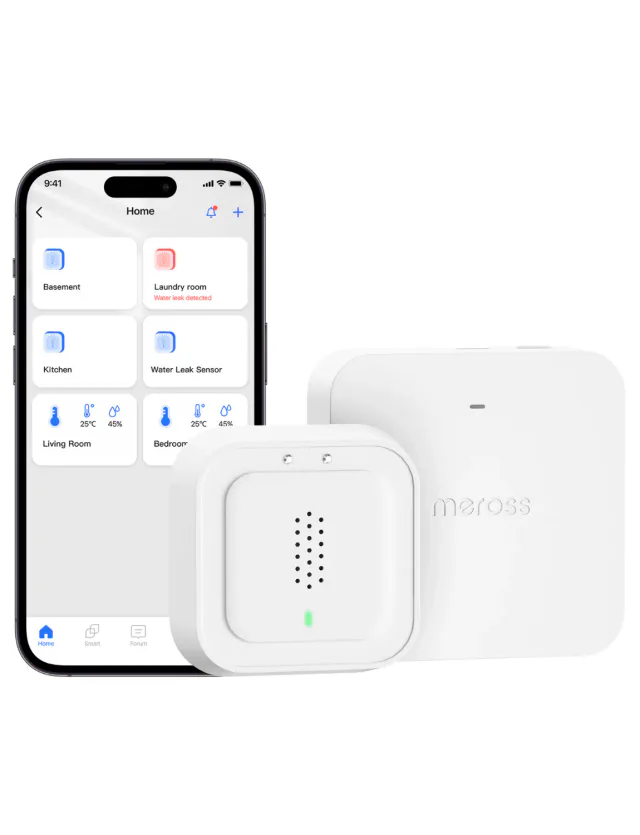
The sensor uses Zigbee through an Aqara hub. A compatible hub can bridge its basic occupancy state to a Matter ecosystem; a Thread border router is not required for this path. Do not assume the richer Aqara duration and learning controls transfer with that state.
Hub M3 is a documented option, but it is not the only possible Aqara bridge. The current store copy contradicts itself over the G2H camera family, so that page alone is not a good basis for buying either camera hub for this purpose. Keeping an already suitable bridge is much more sensible than buying a flagship hub just for one sensor.
FP300 makes a new FP1E purchase harder
Aqara FP300 was the same $49.99 US price on the check date. It runs on batteries, supports native Matter over Thread, and adds light, temperature and humidity sensing. When Thread infrastructure is already available, that is a stronger starting point for a new room without an existing Aqara hub.
FP1E's case is narrower but real: you already use Aqara, the USB cable is easy to hide, and you prefer continuous power to changing coin cells. A working FP1E does not become obsolete because FP300 exists. Keep it if the room stays correctly lit and its one occupancy signal is all the routine needs.
Keep reading
In the news
Spot a mistake or missing context?
Send a quick note so it can be checked against the source material.