What we like
- Up to ten room zones can reach a Matter controller as separate components
- Joins Matter over Wi-Fi with no Thread border router or Shelly hub
- Zones, blind spots and room boundaries can be drawn in a local web interface
What could be better
- About $5 more than Aqara FP400 in the US and roughly double the Meross MS600
- Needs continuous USB-C power, and no adapter comes in the box
- Still presence is detected only within about 10 ft (3 m) of the sensor
- Light level is not documented as a Matter reading
Buy it for zones in a home without Thread
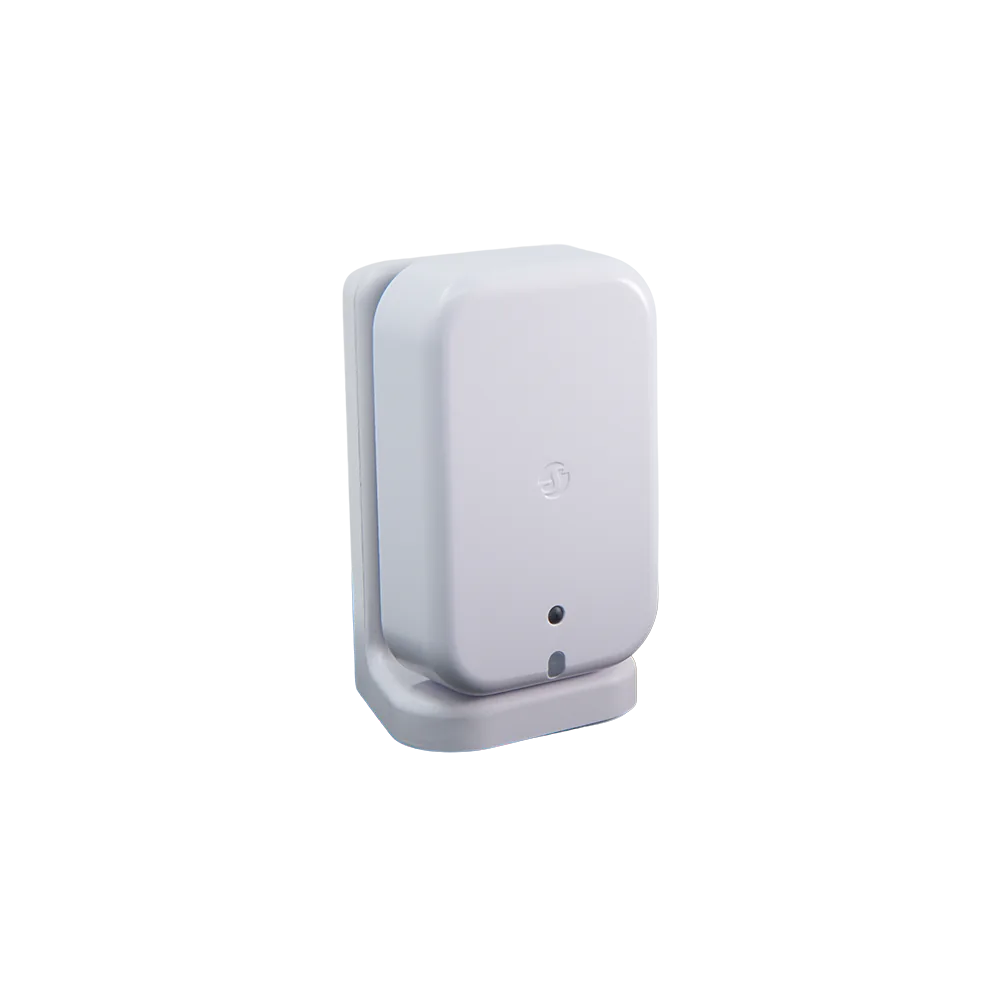
Presence Gen4 earns its price in a room where "someone is here" is too blunt an answer. A living area can have a sofa zone that keeps the TV lights low, a desk zone that holds a lamp on during quiet work, and a doorway zone that starts the hall lights. Up to ten such zones can reach a Matter controller, each as a separate component.
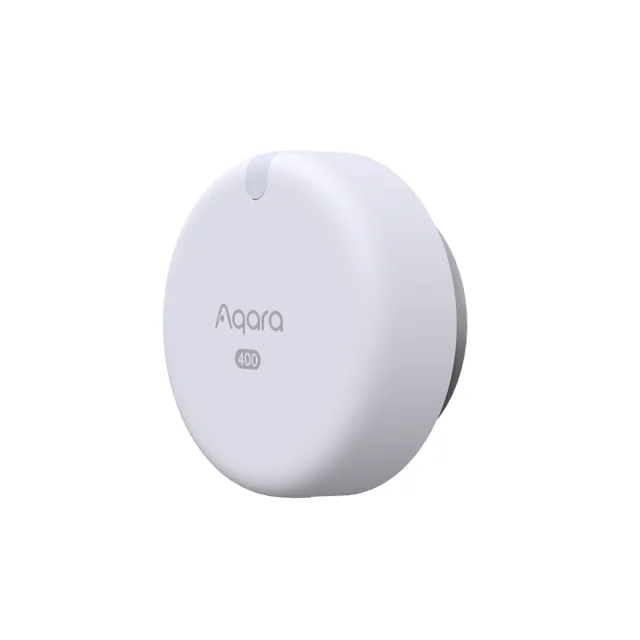
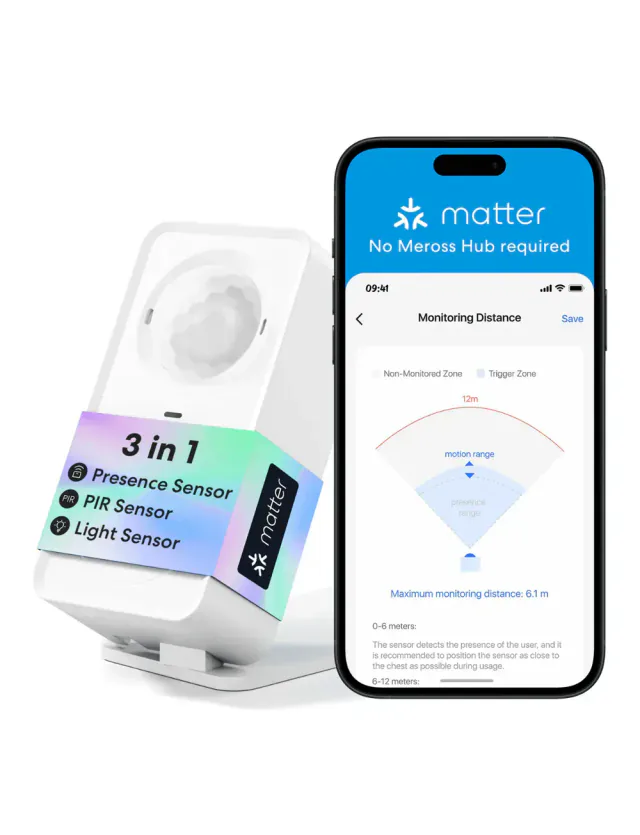
The other half of the appeal is the network. This is a Matter-over-Wi-Fi sensor with Matter as its default firmware, so it pairs straight into a Matter controller without a Shelly hub or a Thread border router. Zigbee is an alternative firmware chosen with five button presses, not a second simultaneous connection. Aqara's Spatial Multi-Sensor FP400 offers a similar zone setup for about $5 less in the US, but it runs on Thread. Both need their maker's tools to draw zones, and the Shelly can also do it from a local web page on your own network.
The zone count needs setting up
Out of the box, a Matter controller sees one room zone. Extra zones appear only after you draw them in the Shelly app or the sensor's local web interface and set how many to expose. That moves the real tuning work into Shelly's interface: the room map, blind spots for curtains or a fan, sensitivity, and filters for pets or a robot vacuum all live there. How each platform presents several zone components from one sensor is not documented, so check how the zones look in your own app with one sensor before buying one for every room.
Ignore the ten-person headline. Shelly's own specification table says six, and Shelly does not list a headcount among what Matter shares. The built-in light sensor reports only dark, twilight or bright in Shelly's interfaces, and Shelly does not say whether that reading reaches Matter at all. If light-level automations matter, the FP400 shares a light sensor over Matter alongside its zones.
The cable and the 10 ft limit decide placement
There is no battery. Presence Gen4 needs continuous 5 V USB-C power at 1 A, and Shelly warns that multi-port chargers, charging stations and fast chargers can deliver unstable output that may damage it. The box includes a USB cable but no power adapter, so budget for a dedicated 5 V adapter and a visible cable, which is easy on a shelf and less tidy on a painted wall.
Shelly quotes a 140-degree field for rooms up to 26 × 26 ft (8 × 8 m), though its US store gives a smaller 450 sq ft coverage figure. Still presence is shorter: Shelly rates it at about 10 ft (3 m) from the sensor. Movement across a large room may register, but someone reading quietly at the far end may not keep a zone occupied. Put the sensor near the seats, desk or bed you care about, and use the larger area for walk-through zones.
Which presence sensor to choose
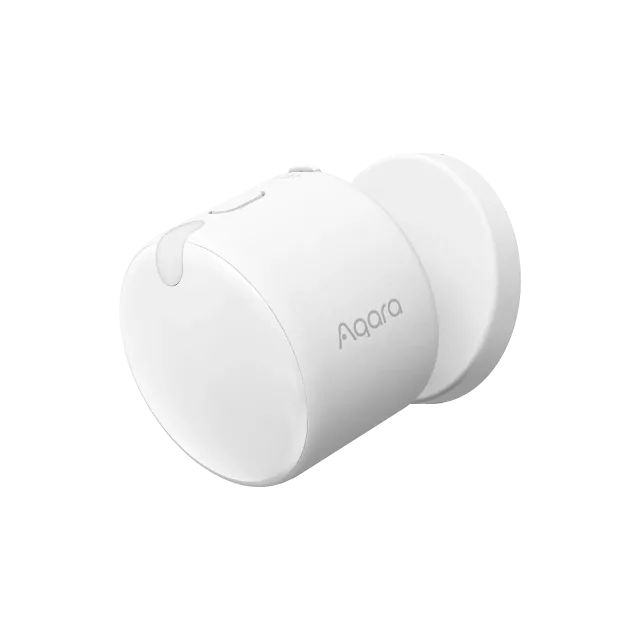
Choose Presence Gen4 when you have no Thread network and one open-plan room needs separate signals for different areas. Choose the FP400 when Thread is already running, since it covers a similar zone job for slightly less. When a single occupied-or-empty signal is enough, the USB-powered Meross MS600 costs about half as much over Wi-Fi, and the battery-powered Aqara FP300 avoids the power cable if you already have Thread.
Apple Home and Thread details
- Matter version
- 1.3
We list only values our sources state. Values shown were taken from this review's sources and are awaiting an editor's check.
Spot a mistake or missing context?
Send a quick note so it can be checked against the source material.