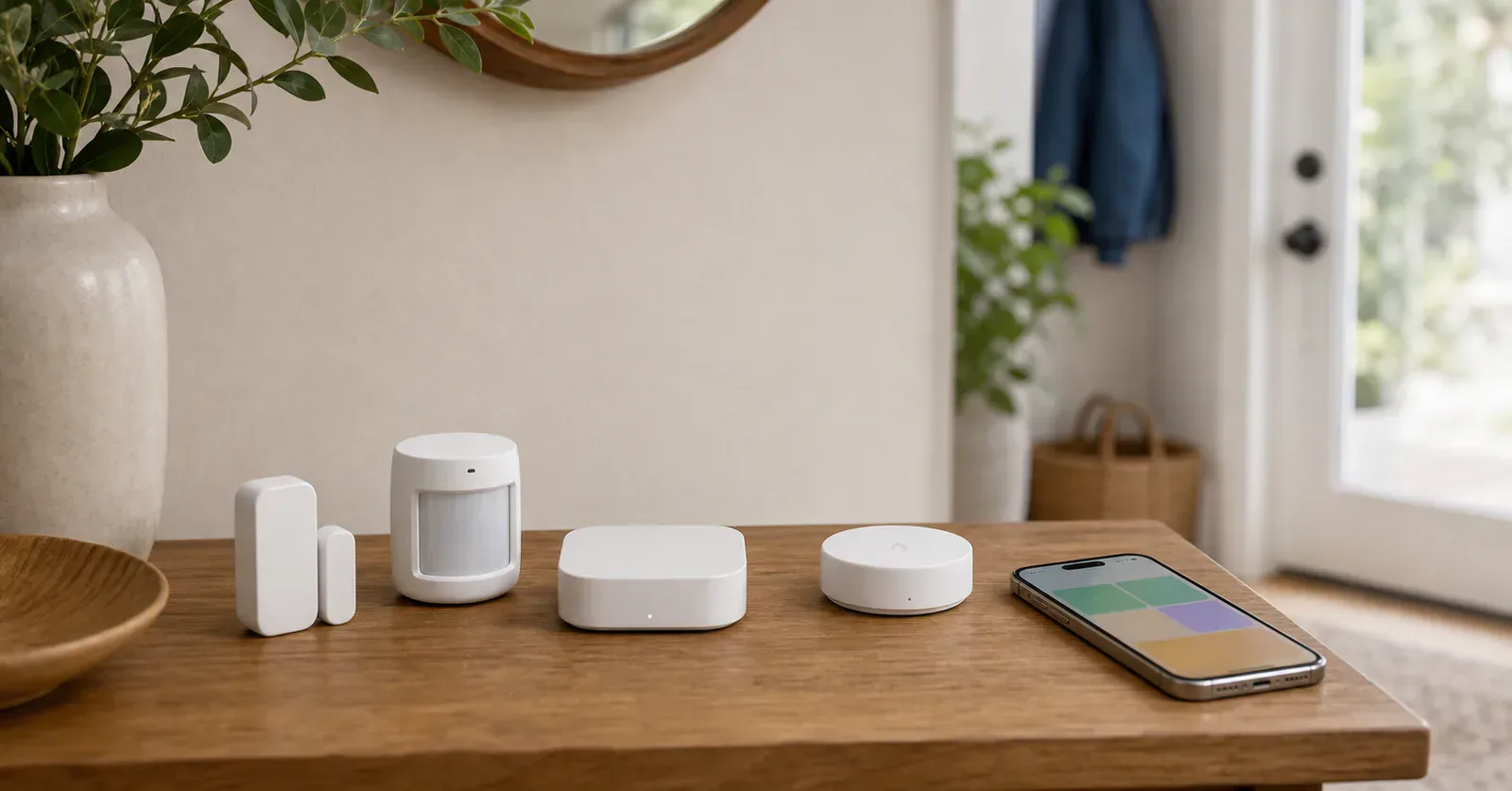
Apple changed an important part of the setup advice in 2026. An iPhone on iOS 18 or later can add and control Matter accessories in the Home app without a home hub, and a Thread-enabled iPhone can manage supported Thread accessories locally. That exception does not make an iPhone an always-on home hub. Apple still says a Thread-enabled home hub or compatible third-party border router is needed for Thread automations, notifications, and remote control.
Every sensor recommended below has a direct Matter-over-Thread path, although FP300 can switch to Zigbee instead. Plan on a HomePod mini, HomePod (2nd generation), compatible Apple TV 4K, or another supported Thread border router if the sensor is meant to keep working when the phone leaves home.
Matterhome has not tested every sensor in this group. These picks are based on the current manufacturer documentation, Matter path, and device records.
Use motion for passage and presence for rooms where people sit still
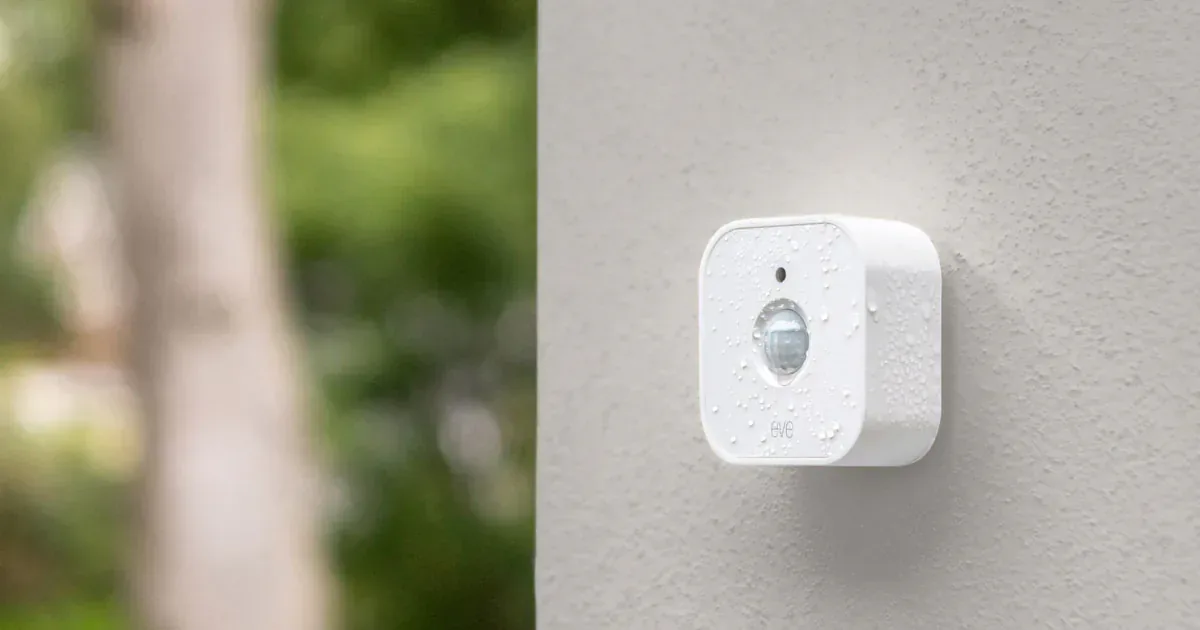
Eve Motion is the safer first choice for a hallway, stair, pantry, utility room, or sheltered entry. Motion is the dependable reason to buy it. Its light reading and Eve app controls for sensitivity, duration, and history are useful extras, but they are not guaranteed to become identical controls inside Apple Home.
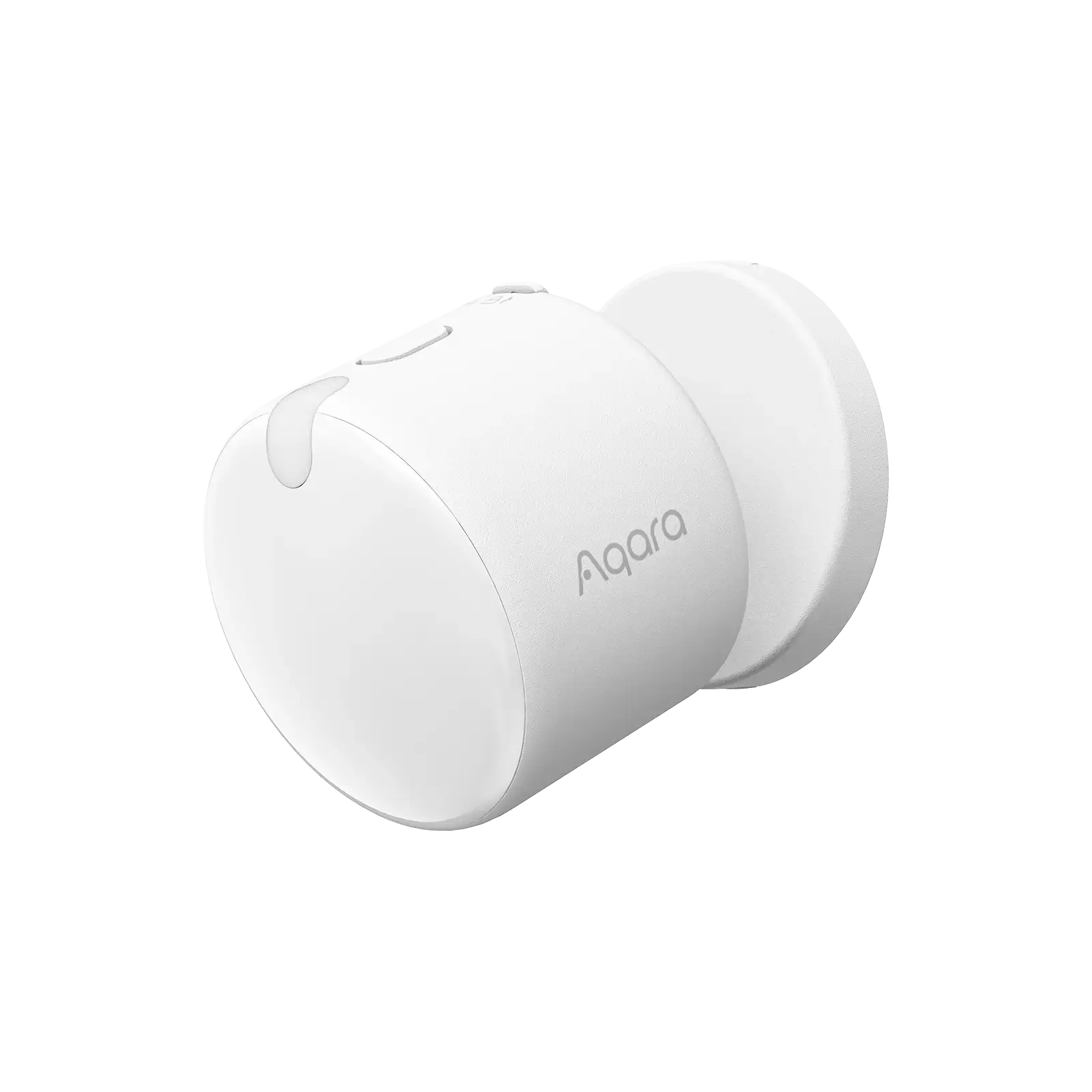
Aqara Presence Multi-Sensor FP300 fits a different room. Its PIR and millimeter-wave sensors are meant to keep detecting someone who is reading, working, or watching television after a normal motion sensor would clear. Thread mode gives it direct Matter pairing, but Aqara's mode table does not make Thread and Zigbee equivalent. Thread carries the core readings and automatic AI learning. Manual AI learning and some sensor reporting controls require the Zigbee and Aqara Home path, while some Thread tuning depends on the receiving platform. Choose direct Matter for broader platform reach and Zigbee for the fuller Aqara toolset.
Whichever sensor you choose, test the final position before mounting. Brightness conditions, absence delays, and the shape of the room decide whether a promising sensor produces a useful automation or a light that switches off at the wrong time.
Contact state is simple, but the alert path is not
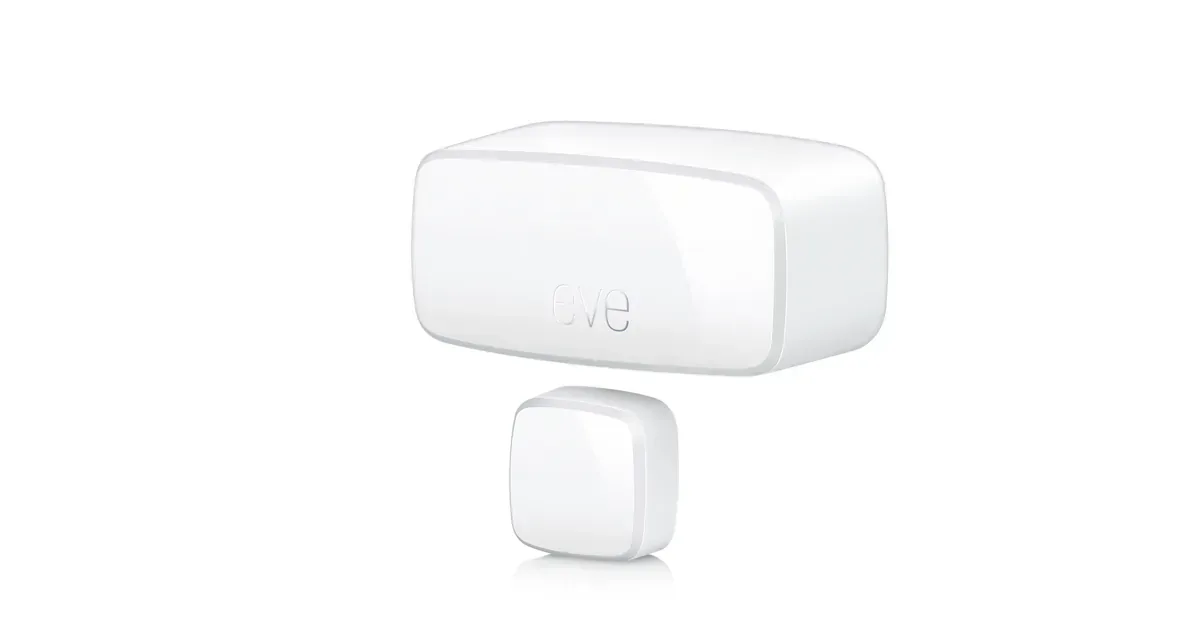
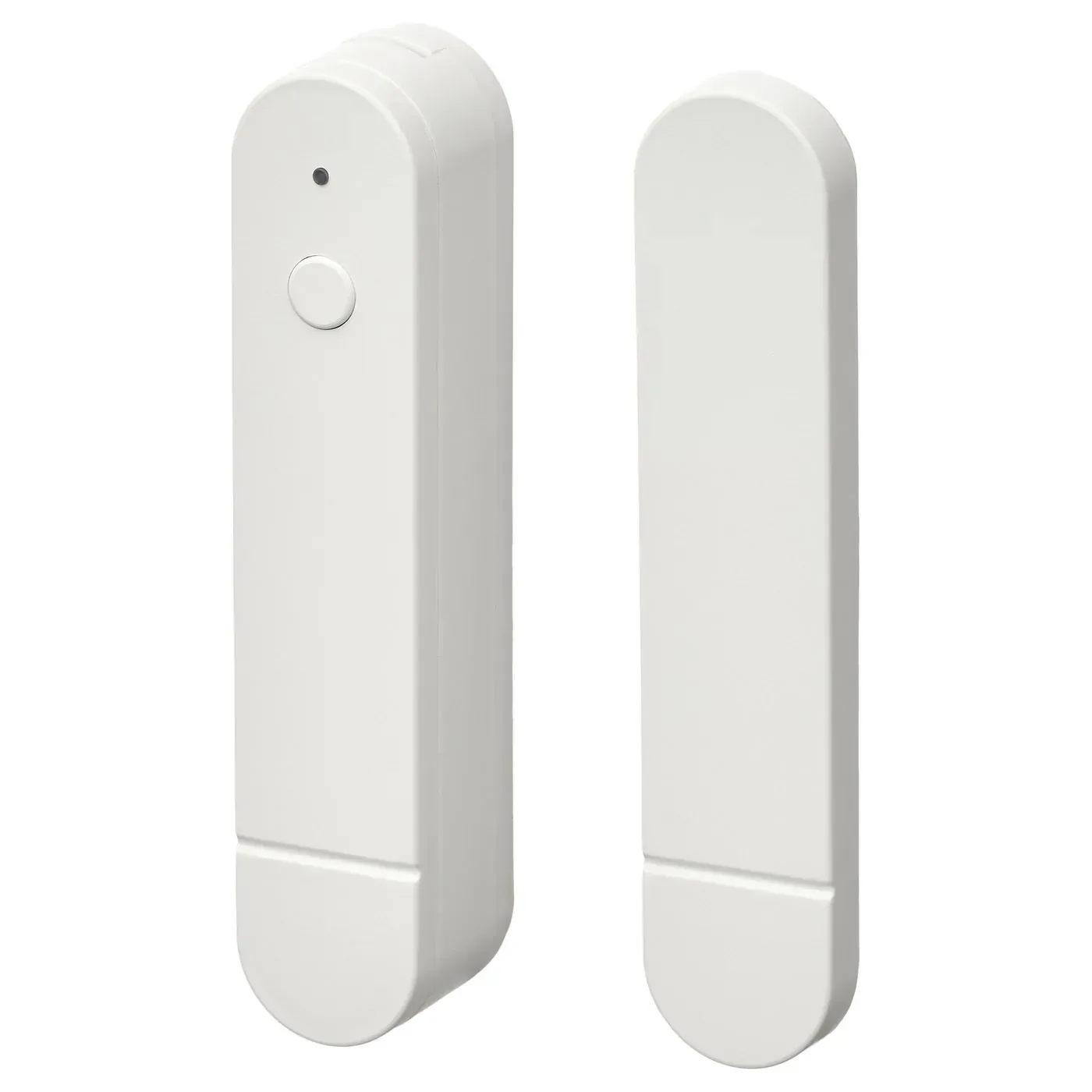
Eve Door & Window is the more established Apple-leaning contact sensor. IKEA MYGGBETT is the low-cost alternative for a door, window, cabinet, or storage area. Both should be bought for open and closed state, not for a promise of full alarm-system behavior.
Before using either on an exterior door, confirm state changes from the final mounting point, notifications on a locked phone, household access, and the behavior when the home hub or internet connection is unavailable. A contact sensor can support an entry habit. It does not add a siren, backup communication, professional monitoring, or stronger door hardware.
Leak and climate sensors deserve a one-device trial
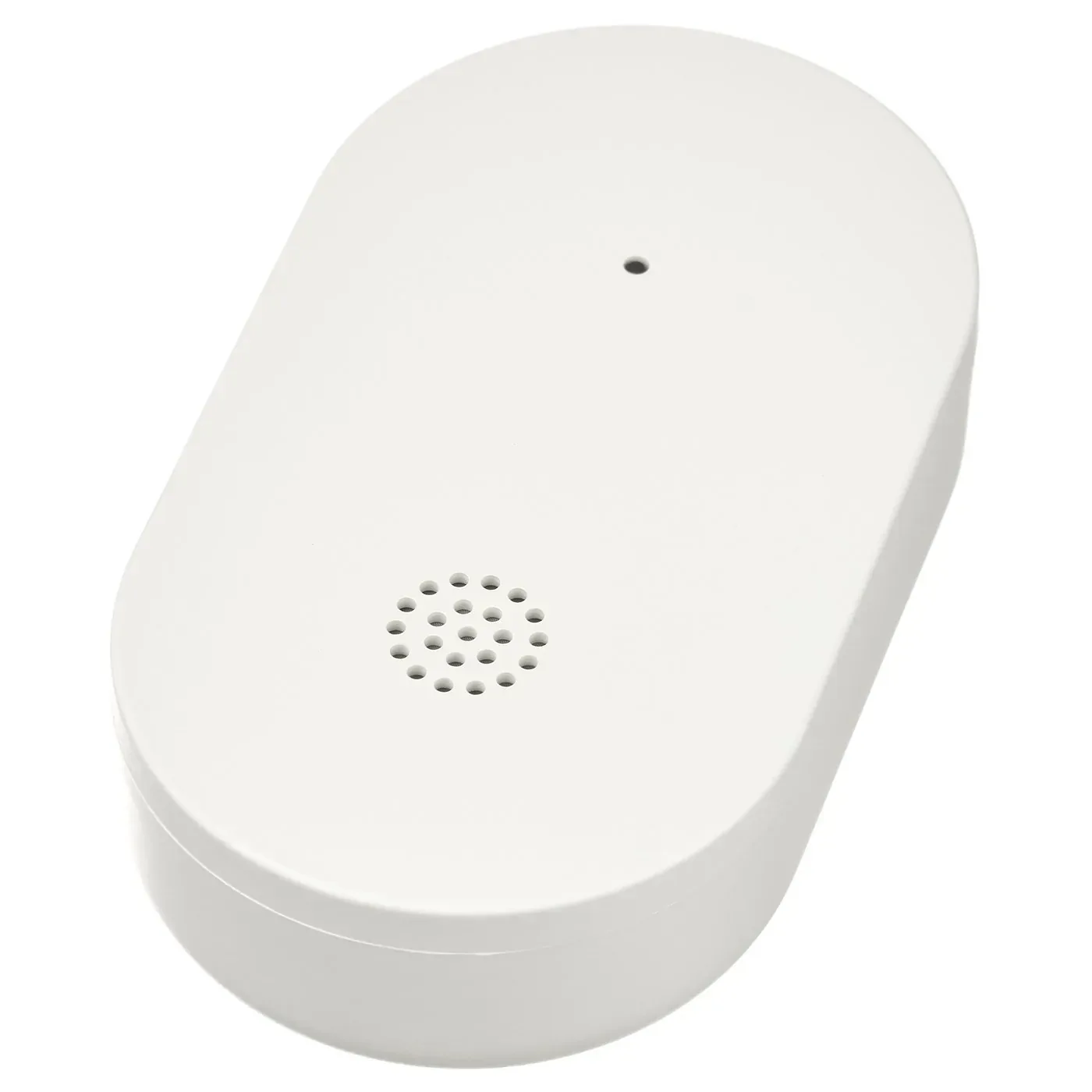
IKEA KLIPPBOK has a local audible alarm as well as its connected path. Pair one, wet the contacts safely, confirm the local sound, and check who receives the Apple Home alert before it disappears under a sink or appliance. Apple's current Matter support page names motion, ambient light, contact, temperature, and humidity sensors, but it does not list water leak sensors. That makes a real Apple Home check especially important for this category.
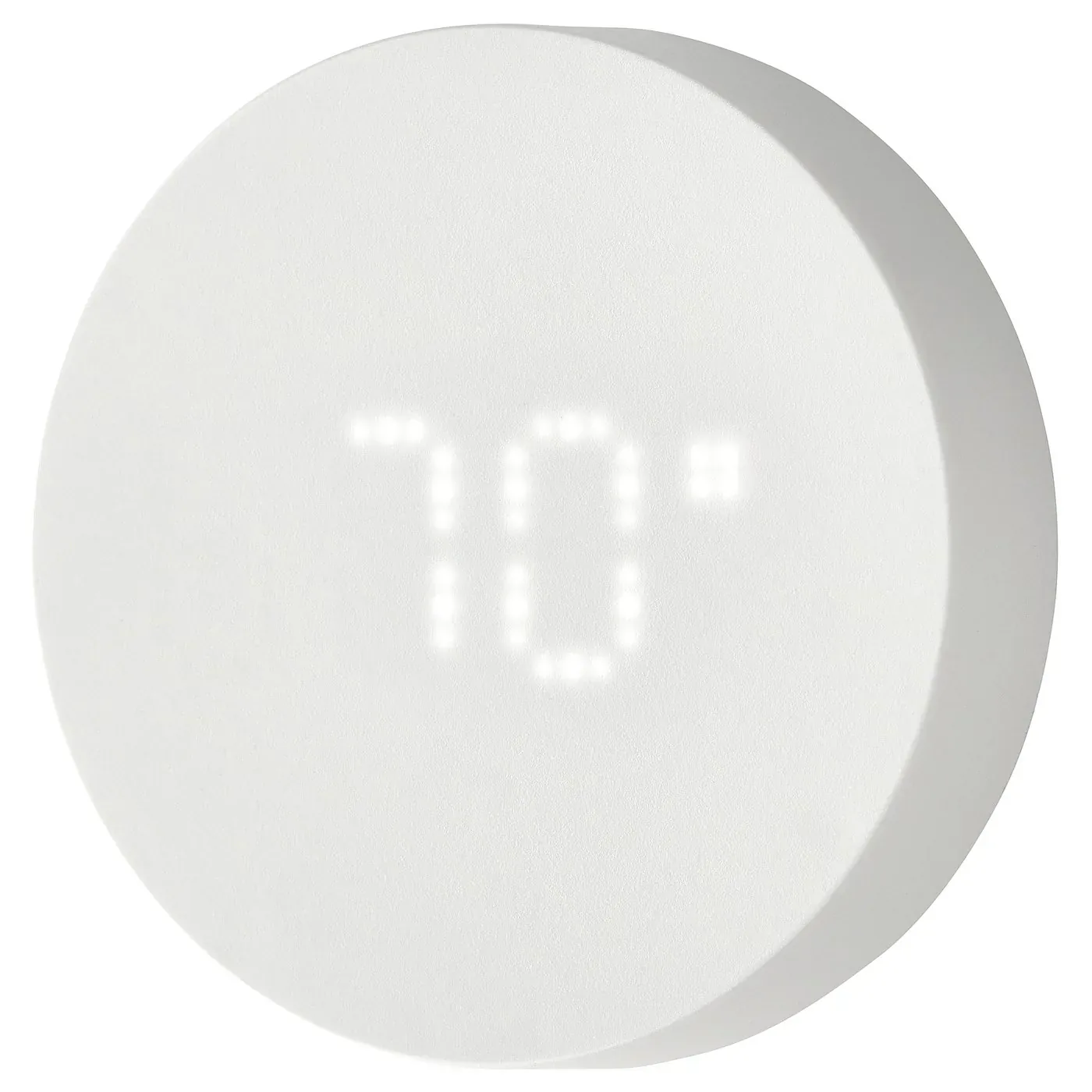
IKEA TIMMERFLOTTE is a more straightforward Apple Home experiment because temperature and humidity are on Apple's current support list. Compare its readings with a trusted meter before letting it influence heating, cooling, or moisture control. A value appearing in the Home app is not proof that the sensor is accurate enough for a costly automation.
Thread coverage decides whether the bargain stays cheap
Battery sensors do not extend a Thread mesh. Add a powered Thread router device near a basement, exterior door, metal frame, or distant room before adding more battery endpoints, and confirm that the powered product is actually documented as a Thread router. A Matter-over-Wi-Fi plug or a bridged light does not help Thread range.
Thread 1.4 updates for Apple and Google border routers are intended to reduce separate Thread networks, but a rollout version is not a reason to reset a stable home. If a sensor is slow or intermittently offline, the Thread diagnostics beta may help identify weak links or multiple networks before you move hardware.
Skip these sensors if the required value is absent from Apple Home, if the final room has no reliable Thread path, or if a missed alert could create serious harm. For everything else, buy for one named job and prove that job before ordering a multipack.
Content feedback
Spot a mistake or missing context?
Send a quick note so it can be checked against the source material.