On this page 7 sections
A smart home gets better when it stops being a wall of remote-control buttons. Matter helps with the plumbing because devices can use a common local language over Thread, Wi-Fi, or a bridge. The useful part still comes from how you name rooms, place sensors, choose controllers, and decide which automations deserve to exist.
This guide is for someone who already has a few Matter devices or is about to add them. The goal is not to automate everything. It is to make the routines you actually touch every day feel calmer, faster, and easier to recover when something drifts.
Start with the boring map: rooms, names, and jobs
Before building another automation, clean up the home map. A light named Lamp might be fine when there is only one lamp. It becomes useless once there are three bedrooms, a hallway, and a guest room. Use names that combine room and job: Hall Motion, Kitchen Counter, Bedroom Fan, Porch String Lights.
That also makes voice control and shared access less brittle. If another person opens Apple Home, Google Home, Alexa, SmartThings, or Home Assistant, they should understand what a device does without asking who added it. Matter can make a device visible across platforms, but it cannot fix a home full of mystery names.
The same rule applies to rooms. Keep rooms practical, not architectural. If the open kitchen and dining area always behave together, one room may be easier. If the island lights and dining pendant have different jobs, split them clearly.
Build one motion-lighting routine and tune it until nobody notices it
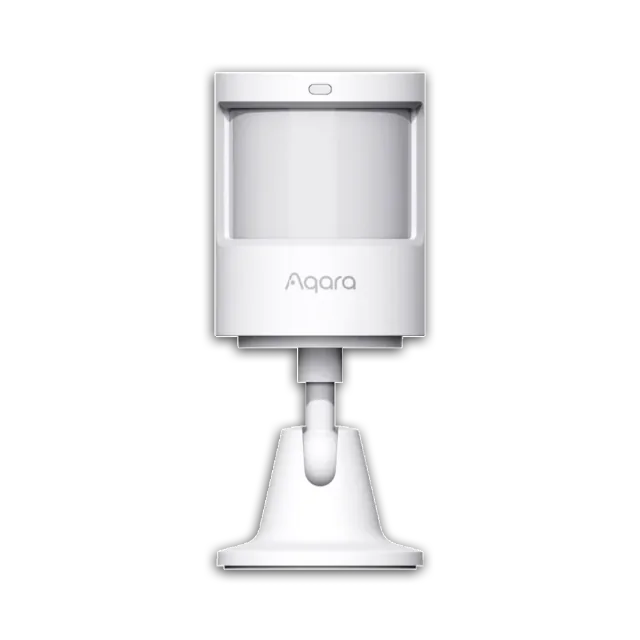
Motion lighting is the fastest way to make a smart home feel smarter, but it is also where bad timing becomes annoying. Start with one low-risk area: hallway, pantry, laundry room, closet, garage entry, or a bathroom night light.
Use a simple structure: when motion is detected, turn on the light. When motion has stopped for a set time, turn it off. Keep the first version boring. Do not add color changes, music, or five conditions until the basic version is reliable for a week.
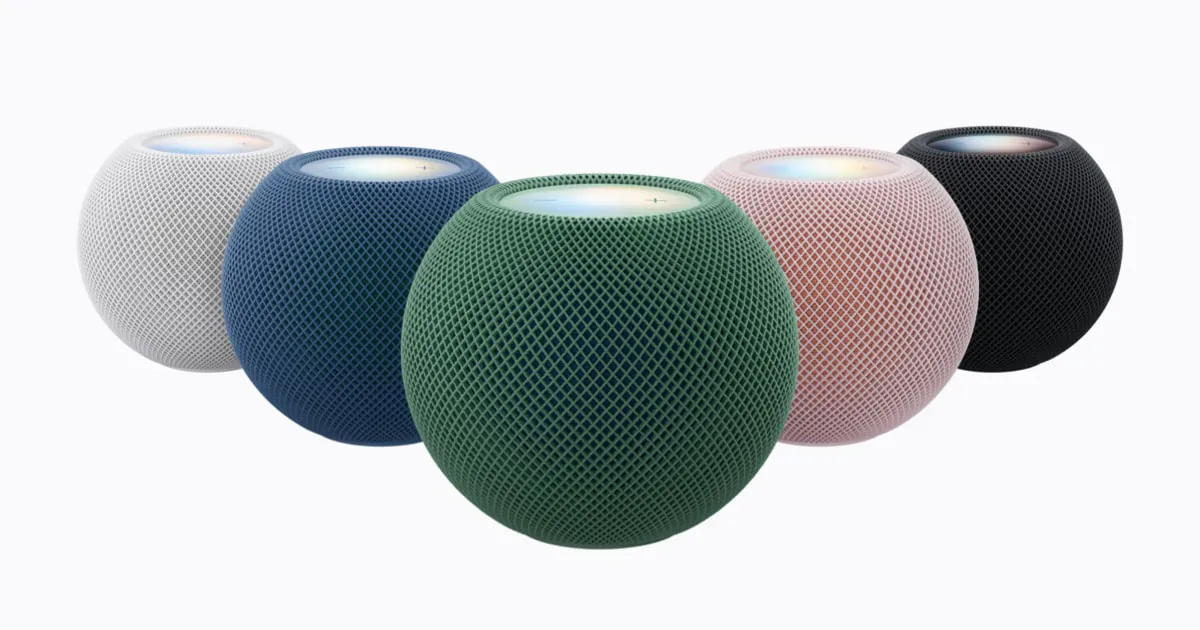
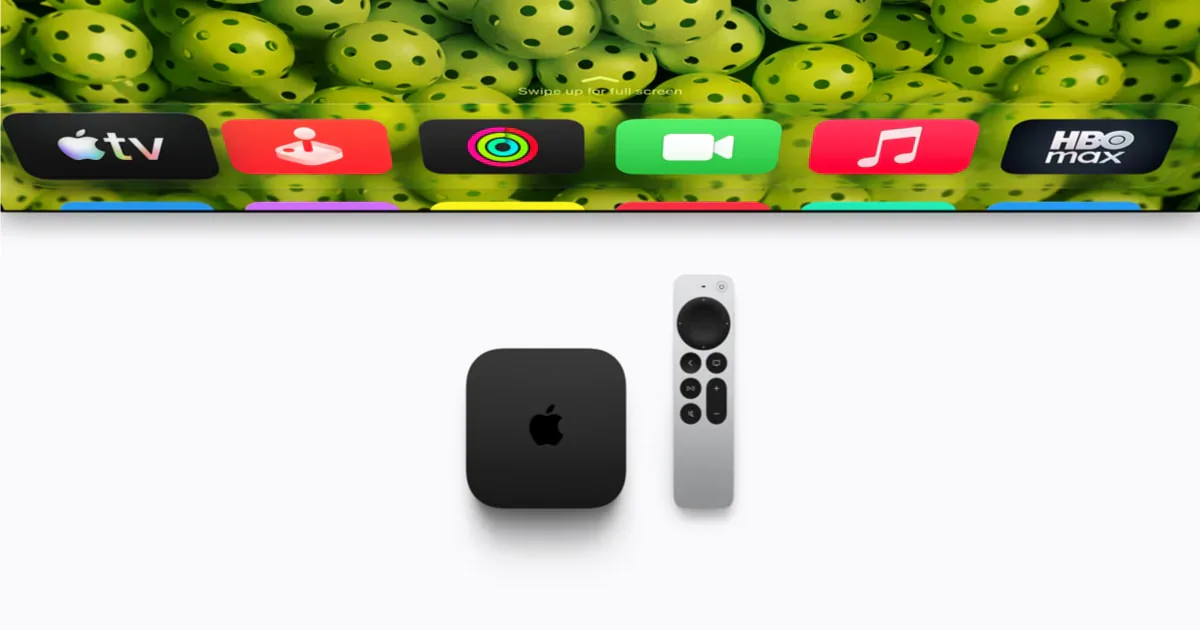
Thread sensors are often a good fit for this kind of job because Thread is designed as a low-power mesh network. They still need the right network around them. Apple now says an iPhone on iOS 18 or later can add and control Matter accessories without a home hub, and a Thread-enabled iPhone can locally manage some Thread accessories. HomePod mini, HomePod (2nd generation), or a Thread-capable Apple TV remain the better always-on Apple Home paths for Thread coverage, automations, and control when the phone leaves. A compatible third-party border router can provide the Thread network, but it is not automatically an Apple home hub. Google Home still requires a compatible Matter hub, and a Thread device needs one that also works as a Thread border router. The 2026 Google Home Speaker joins Nest Hub (2nd generation), Nest Hub Max, Nest Wifi Pro, and Google TV Streamer on Google's current Thread list.
The skip case is important: avoid motion lighting in rooms where people sit still for long stretches unless the platform gives you a condition that fits the room. A hallway can turn off quickly. A reading chair cannot.
Use smart plugs for dumb appliances, not risky appliances
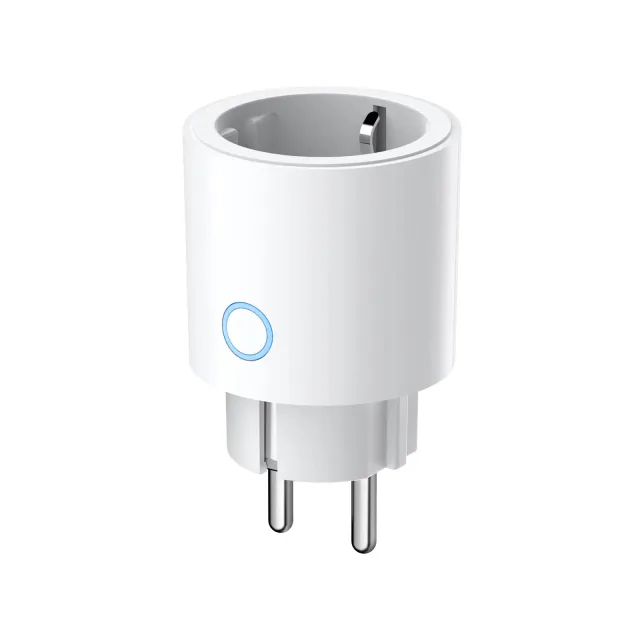
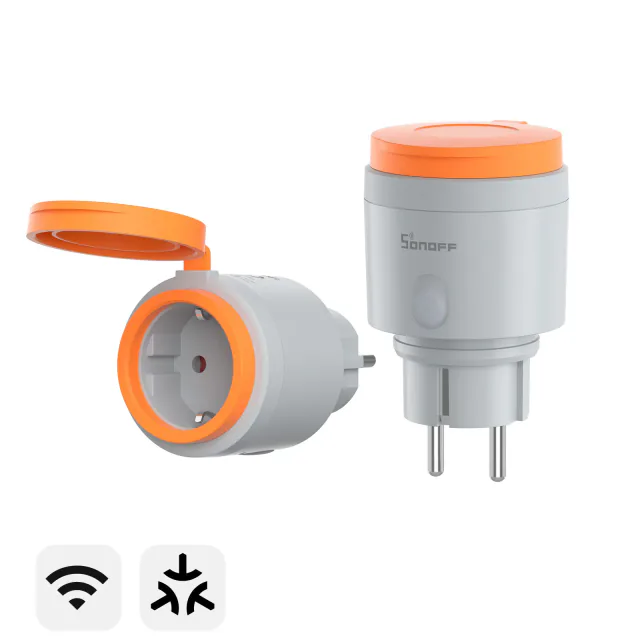
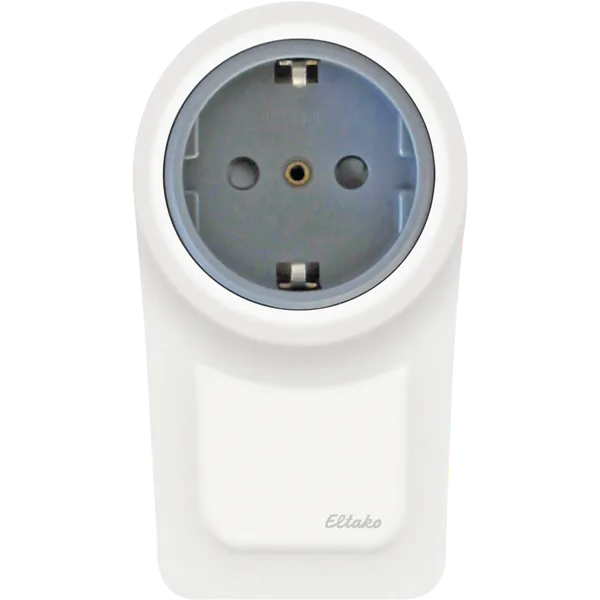
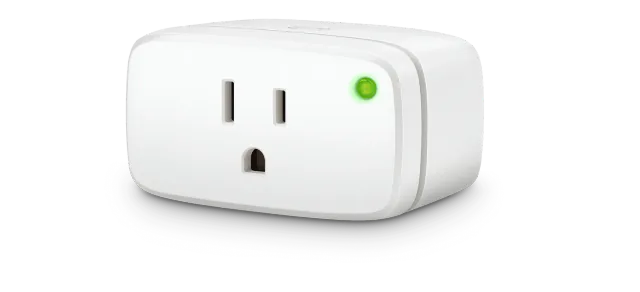
A Matter smart plug is useful when the device plugged into it is safe and sensible to power-cycle. Lamps, holiday lights, fans with mechanical switches, and some small appliances can be good candidates. Anything with heat, blades, pumps, or a startup state you would not trust unattended deserves more caution.
The best plug automations are usually modest. Turn on a lamp at sunset. Turn off decorative lights after bedtime. Shut down a desk fan when no one is in the room. If the appliance has its own app, display, or digital power button, check whether it resumes correctly after losing power before you automate it.
Put Thread where the battery devices actually live
Thread is not magic coverage dust. It is a mesh, and mesh networks work better when the powered devices and border routers are near the battery devices that need them. If all your Thread border routers sit in the media cabinet, a door sensor at the back entrance may still have a rough time.
Use the home itself as the map. Place Thread border routers and documented router-capable Thread plugs, switches, or lights near the rooms where battery sensors, locks, and shades will live. Then add the battery devices. A router-capable Thread smart plug in the right hallway can be more helpful than another sensor in a weak corner. A Wi-Fi Matter plug or a bridged Zigbee bulb does not extend Thread simply because it stays powered.
Thread 1.4 is intended to make border routers from different manufacturers cooperate on one mesh more cleanly, and Apple and Google have started moving selected hardware toward it. That is not a reason to reset a stable home. The current Thread 1.4 rollout is still hardware and software specific, so diagnose the network you have before rebuilding it around a version number.
Mixed ecosystems still need discipline. Matter can support control from multiple apps, but each platform has its own controller, permissions, and feature support. Add a second ecosystem when it has a real job, such as voice control for another household member or an automation feature your main app lacks.
Turn scenes into household controls, not personal experiments
Scenes are most useful when everyone knows what they mean. Dinner, Movie, Away, and Good Night are better than clever labels that only make sense to the person who built them. A good scene changes several things at once, but it should still be easy to explain in one sentence.
Start with one scene that replaces a repeated manual routine. For example: dim the living-room lights, turn off the kitchen counter lights, lower the shades, and switch on a lamp. Then put that scene somewhere reachable: a voice phrase, app favorite, wall switch, button, or dashboard.
The test is whether someone else in the home uses it without being reminded. If the scene requires a speech about what it does, simplify it.
Make seasonal automations temporary on purpose
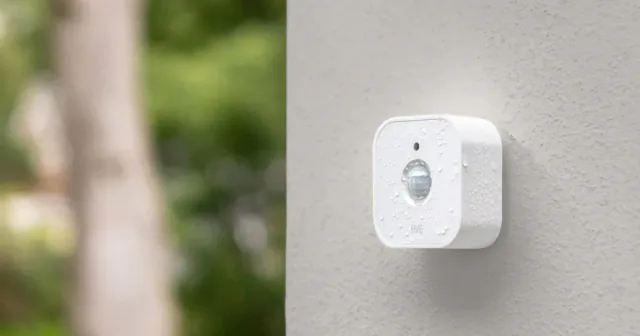
Holiday and seasonal routines are where smart homes get fun. A porch motion sensor can trigger outdoor lights. A plug can switch decorative lighting on at sunset. A contact sensor can help with a closet, candy station, or storage area. The trick is to build these as temporary projects, not permanent clutter.
Use names with the season in them, such as Halloween Porch Motion or Winter Window Lights, and delete or disable them when the season ends. If a routine controls outdoor lighting or sound, test the reset path before relying on it. A spooky light scene that never turns off is just a neighbor-relations problem wearing a costume.
For Matter homes, also check which app should own the routine. Google Home 4.20 is rolling out suggested automations based on devices already in the home, which can save time when the editor would otherwise be blank. Treat each Google suggestion as a draft: inspect the named device, starter, conditions, and actions before saving it. A polished card does not prove that a button press, energy reading, vendor scene, or security setting is available through Matter. Google also warns that Home automations are for convenience, not safety-critical jobs.
Apple Home, Alexa, SmartThings, and Home Assistant also expose different triggers and actions for the same Matter accessory. Build the routine in the platform that will maintain it. Sharing the device does not copy the automation to the other apps.
Schedule a monthly ten-minute check
The most useful smart homes are maintained lightly. Once a month, open the main app and look for the boring failures: low batteries, offline sensors, duplicate rooms, unclear device names, retired automations, and firmware prompts that belong in the manufacturer's app.
Do not turn the check into a rebuild. Pick one small fix. Replace batteries. Rename the mystery plug. Delete the old holiday routine. Check the controller and bridge makers' support notes before installing a firmware update, then change one thing at a time.
If a Thread device keeps dropping, Thread Group's Thread Tools beta can show network-health and performance data for advanced users and support teams. It is a diagnostic window, not a repair button. Use it to support a placement decision, such as moving a border router or adding a documented router-capable Thread device, instead of treating every weak reading as a reason to replace hardware.
Pick one repeated job this week and build it in the app that will own it. If the routine stays online and another person uses it without an explanation, keep it. If not, simplify that one job before adding another.
- Editor
- JC Martinez
AI tools may help draft or organize pages. Matterhome checks product claims against cited sources before publication.
Spot a mistake or missing context?
Send a quick note so it can be checked against the source material.
![Bosch Motion Detector II [+M]](https://assets.matterhome.io/content/devices/bosch-motion-detector-ii-m/product.f83fcfb5b3b4fc76f63e/w640.webp)

![Bosch Smart Plug Compact [+M]](https://assets.matterhome.io/content/devices/bosch-smart-plug-compact-m/product.46c3794899d277df20fa/w640.webp)