What we like
- Two dimmers cost $24.99 at the checked store price
- Physical brightness buttons, indicators and adjustable fades
- Keeps suitable ordinary bulbs under smart-home control
What could be better
- Cannot serve a wired three-way lighting circuit
- Needs neutral wiring and TRIAC-compatible dimmable lamps
- The lowest usable brightness depends on the bulbs
The two-pack is the standout buy
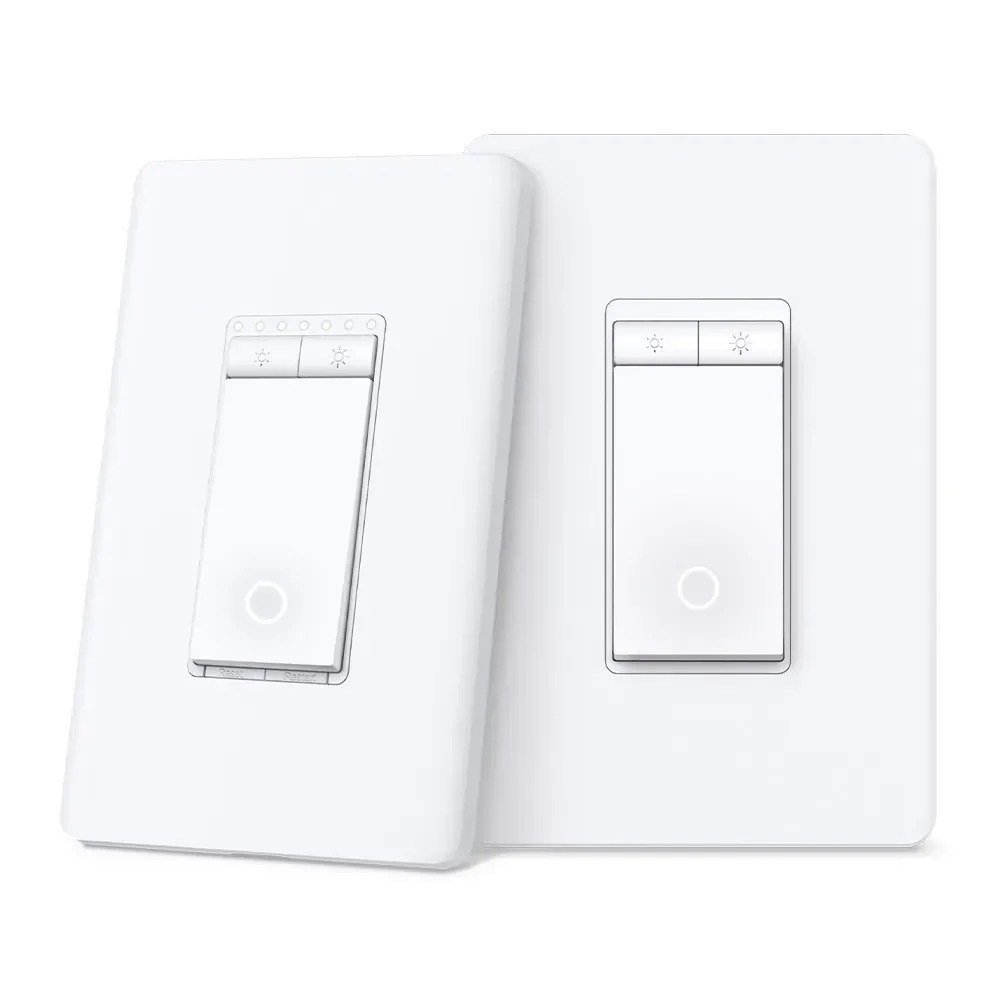
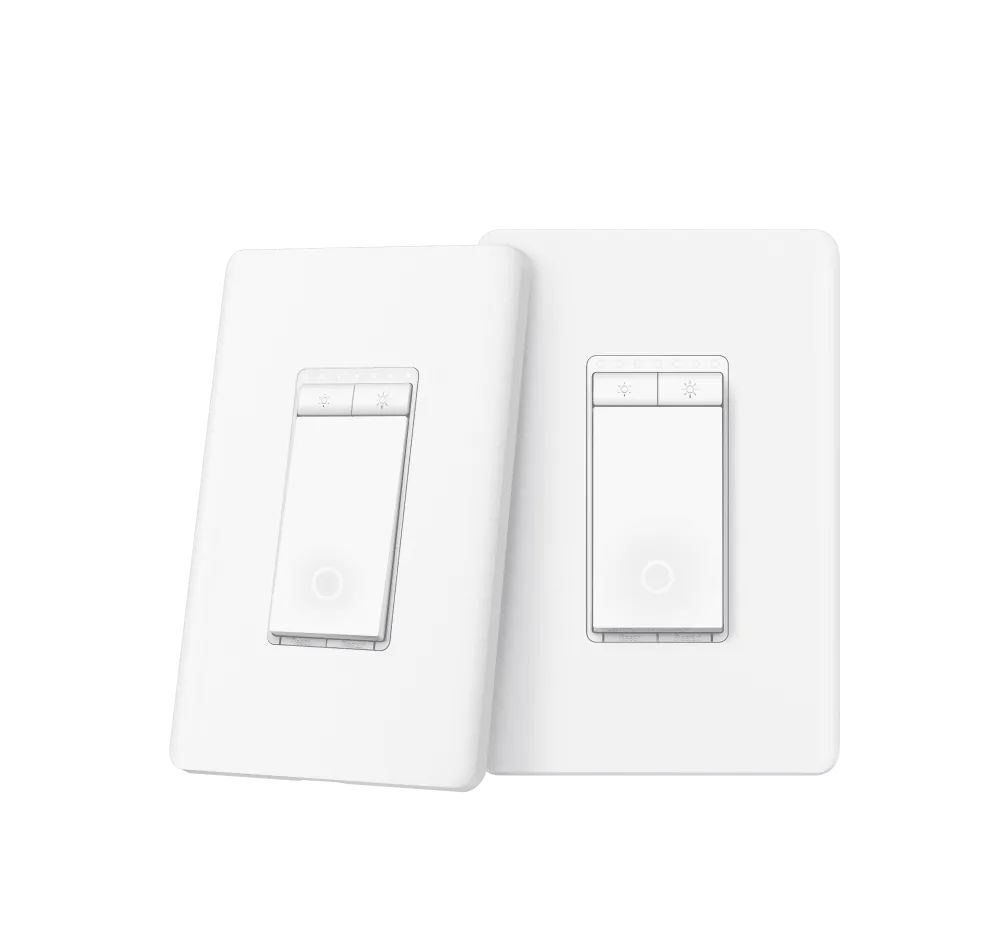
S505D's value is easy to see at the checked Tapo store prices: $18.99 for one, or $24.99 for two. The pair costs the same as a single Kasa KS225, and only $1 more than two basic S505 on/off switches. If you have two suitable dimmable circuits, the extra control costs very little.
That can be a better lighting upgrade than replacing a room's ordinary bulbs one by one. A fixture keeps its existing appearance, while the whole circuit gains brightness control from the wall, app or voice assistant. It will not give each bulb a different colour or brightness, so smart bulbs still serve a different purpose.
Physical controls earn their place
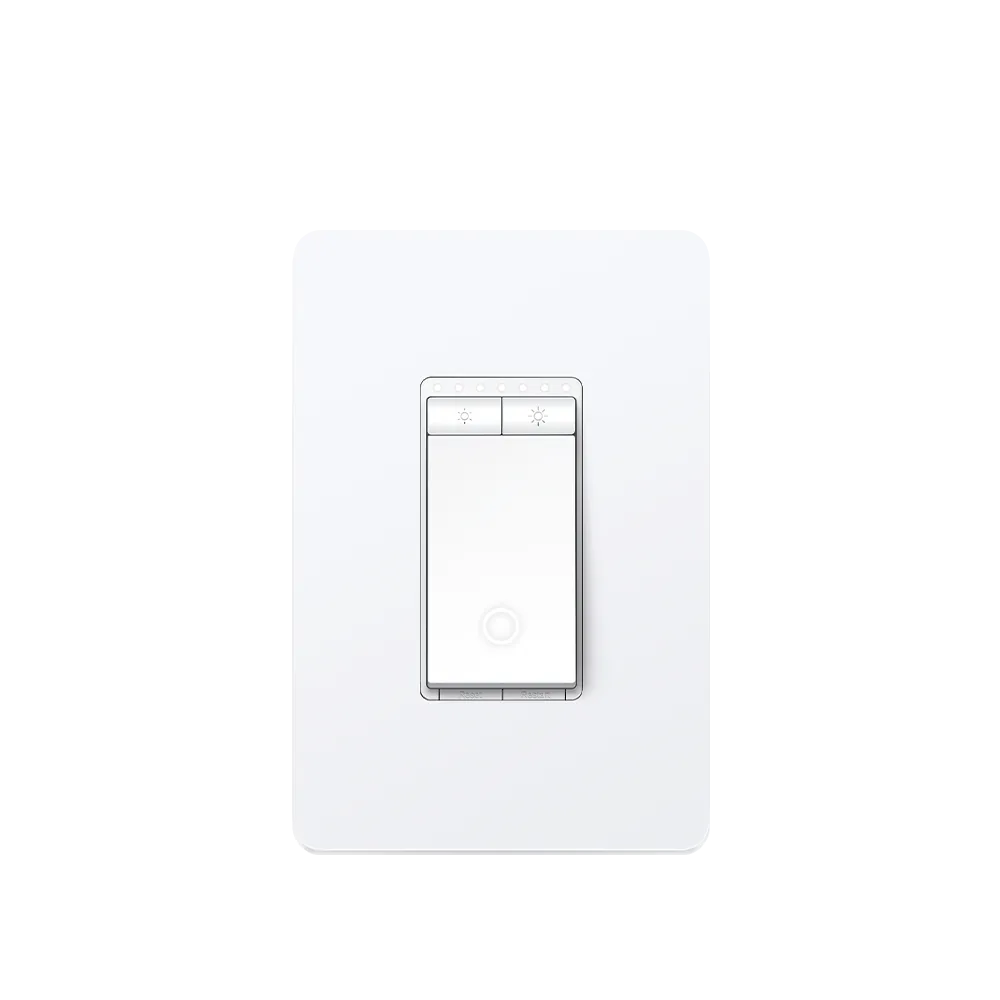
The large on/off button sits below separate brighten and dim buttons, with small indicators showing the level. It is a functional layout that puts the everyday action at the wall. Someone who prefers the immediate position of a traditional slider may find buttons less appealing, but there is no need to use a phone for a simple adjustment.
Fades and dimming calibration are useful refinements. They let you change how the light comes on and constrain its usable brightness range. The result still depends on the lamps: this is a leading-edge TRIAC dimmer for compatible ordinary dimmable lighting, rated up to 150 W LED or 300 W incandescent/halogen. It is unsuitable for smart bulbs and is not a cure for a fixture that uses the wrong dimming method.
Buy for dimming first
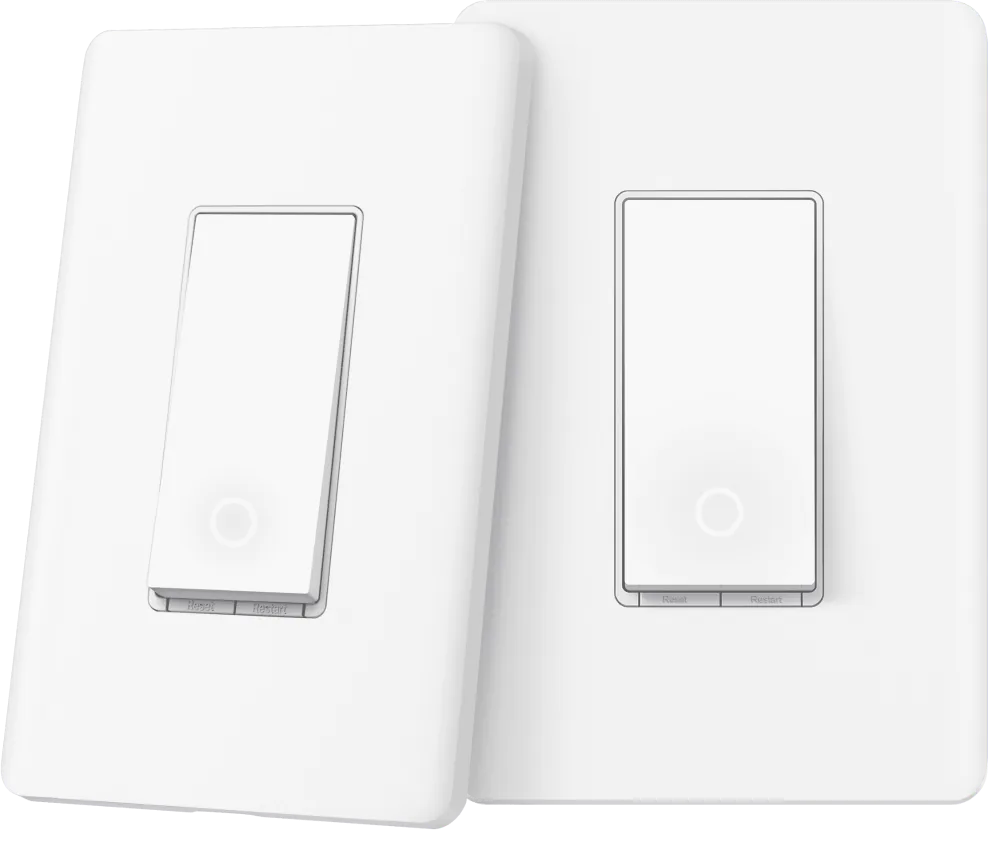
S505D requires neutral wiring and a single-pole circuit, with qualified installation. For two existing wall locations controlling the same light, S515D KIT is the relevant model; an S505D two-pack consists of two independent dimmers, not a matched three-way kit.
There is also a recent software addition to consider. TP-Link's August 2026 release notes for US V1.6 firmware 1.4.0 announce Matter energy reporting in SmartThings and Home Assistant. That is a potentially useful bonus, although we have not independently verified its readings and the older product material does not explain the meter. The persuasive reason to buy remains inexpensive physical dimming of lights you already like.
Content feedback
Spot a mistake or missing context?
Send a quick note so it can be checked against the source material.