What we like
- Low price for smart control of existing lighting
- A large wall button and useful auto-off timer
- No Tapo hub needed for the switch itself
What could be better
- Small price gaps make S515 and S505D worth considering
- No brightness adjustment or energy readings
- Extra wireless Tapo controls need a separate button and hub
A cheap switch with a useful everyday job
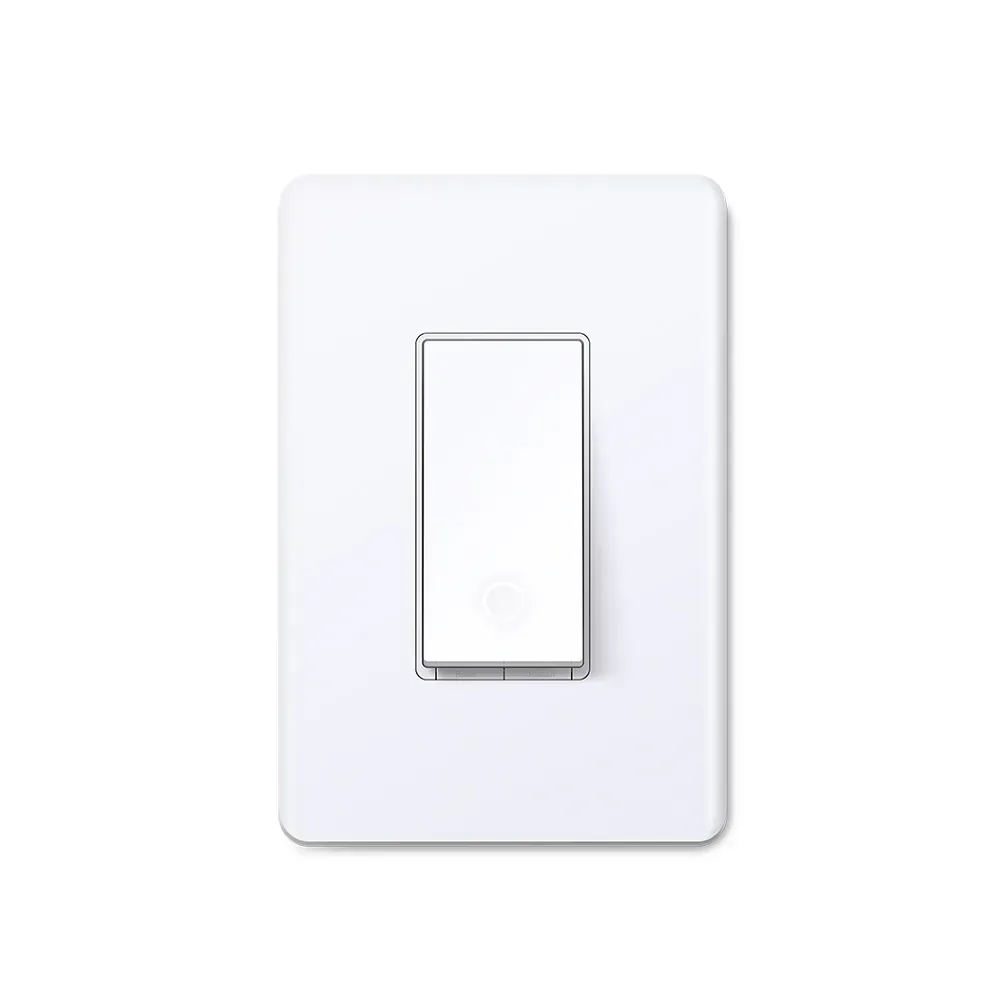
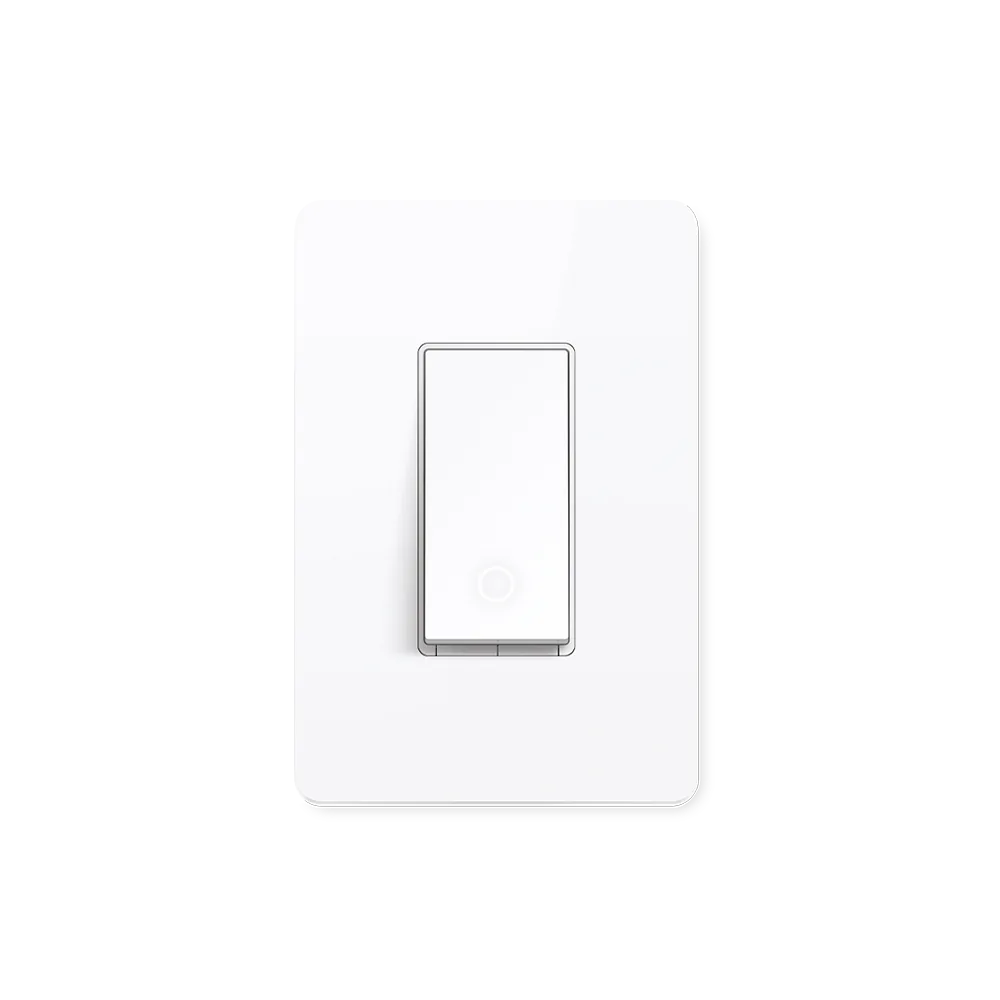
S505 is most appealing where the lighting requirement is modest: turn a utility-room light off after a while, schedule a hallway fixture, or switch a bank of ordinary lights without changing every bulb. The large wall button keeps that control available to people who never open the Tapo app.
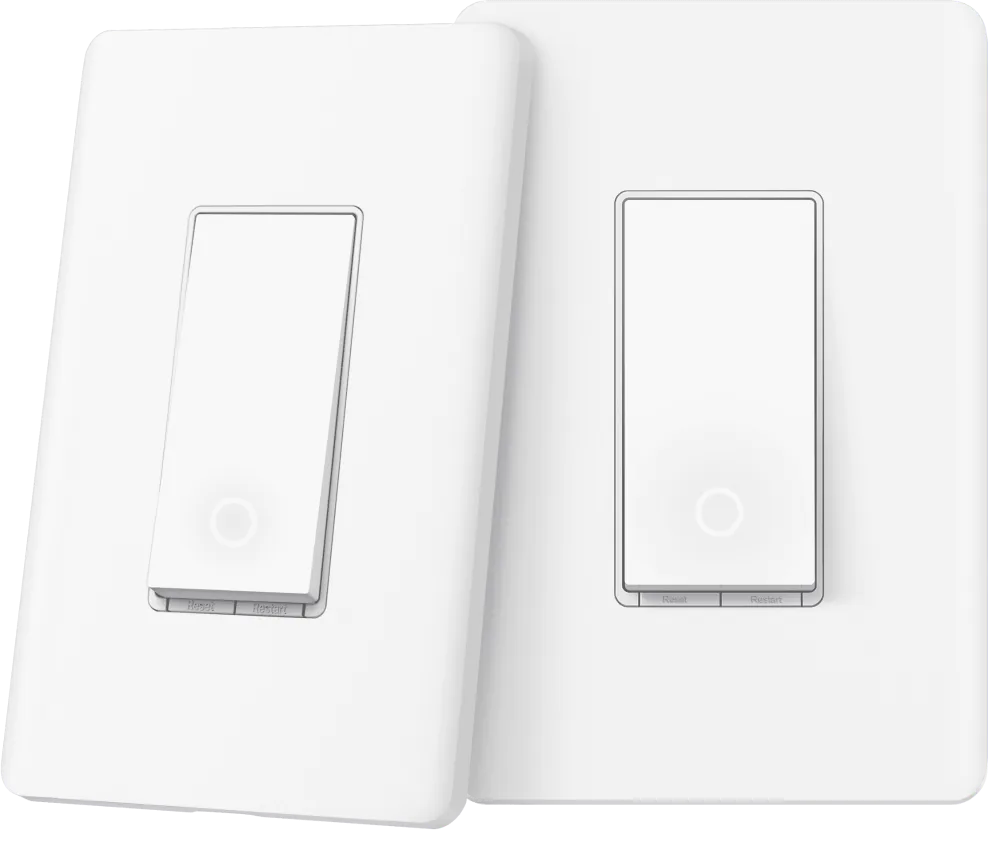
At the checked Tapo store price of $12.99 for one or $23.99 for two, the hardware is inexpensive. The auto-off timer gives it a practical advantage over a conventional switch when a light regularly gets left on. It also connects through Matter over your existing 2.4 GHz Wi-Fi, so there is no Tapo hub to add just for the switch.
The upgrades are unusually close in price
The stronger objection is inside Tapo's own range. S515 is $15.99 for one: a $3 premium that buys energy monitoring and support for suitable three-way and four-way circuits. For a lighting circuit where either model fits, that is a small extra spend for more useful information and flexibility.
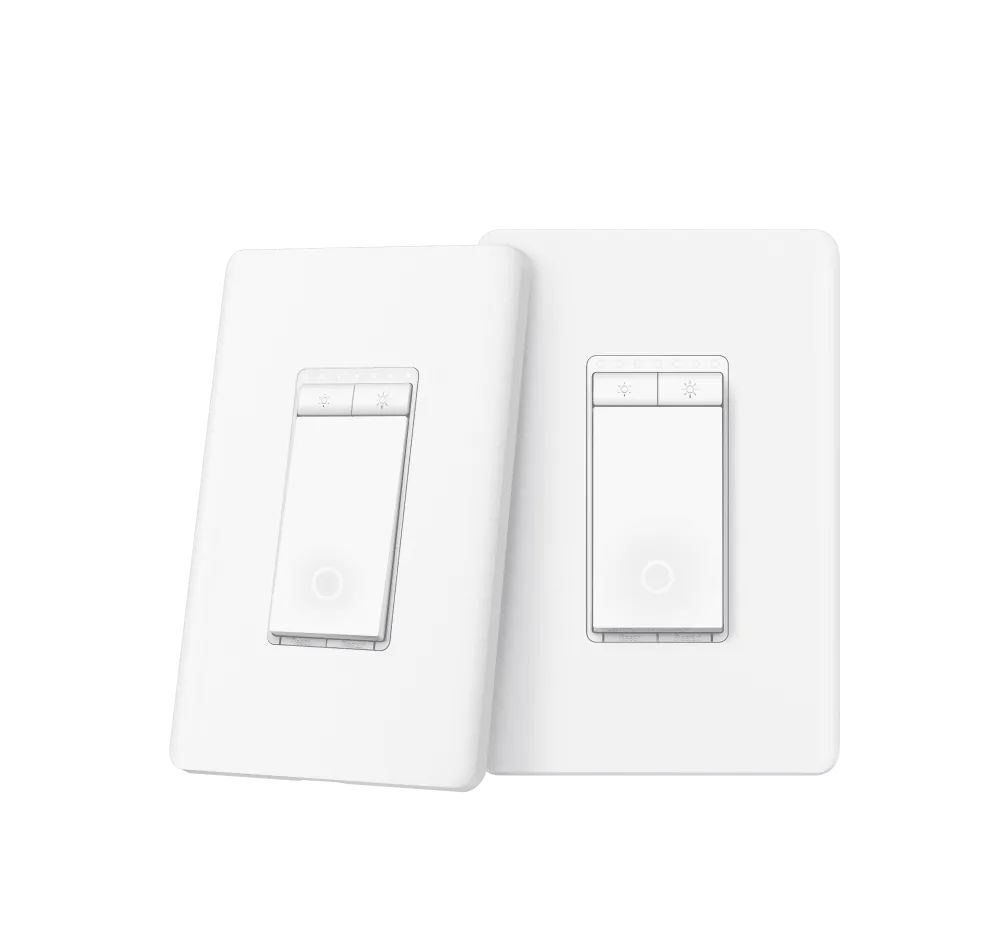
For two dimmable lighting circuits, the S505D two-pack is $24.99, only $1 more than two S505 switches. That makes brightness control inexpensive to add when the lamps are suitable. A dimmer is not a universal upgrade, though; keep S505 for an on/off job that does not suit a lighting dimmer.
Simple at the wall, limited beyond it
S505 is single-pole only and needs a neutral wire in a suitable indoor wall box. It cannot replace one end of a wired three-way circuit. The manufacturer's pictures of extra wireless controls describe a separate Tapo button and hub, both additional purchases. A bare S505 does not supply a second wall control.
Budget for qualified installation as part of the purchase, rather than treating the switch price as the whole project cost. And if the room already has smart bulbs, cutting their power with a smart wall switch does not preserve their independent colour and brightness functions.
S505 earns its place through simplicity and low cost. Buy it for a clear on/off task; compare the neighbouring models before ordering a houseful, because the savings can be surprisingly small.
Content feedback
Spot a mistake or missing context?
Send a quick note so it can be checked against the source material.