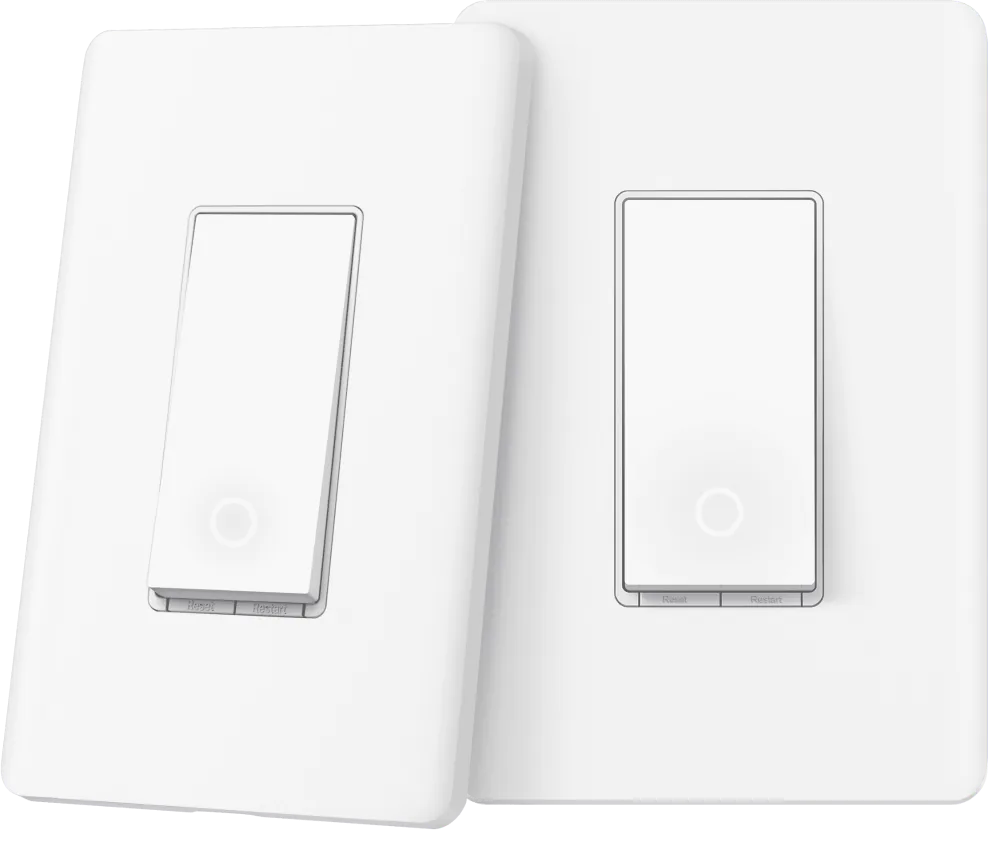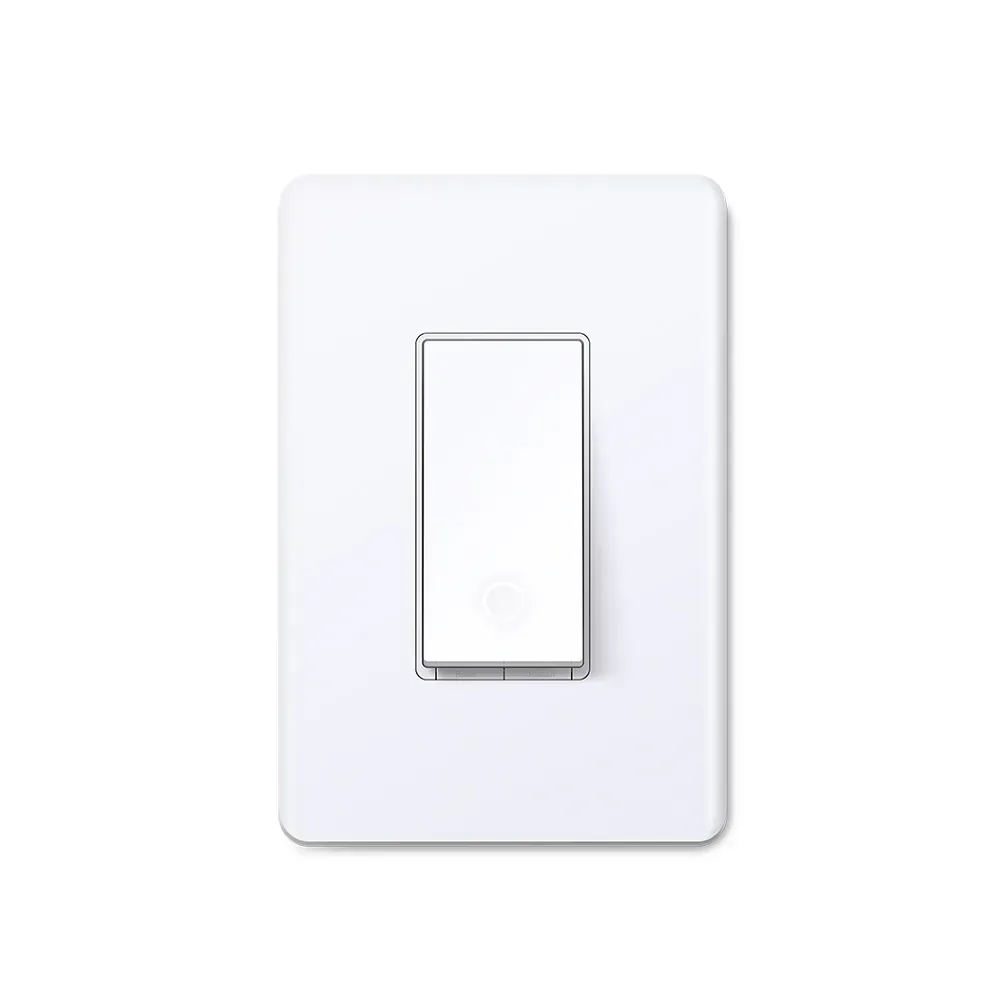
What we like
- Adds smart control while retaining ordinary multi-way companions
- Energy monitoring for only $3 more than S505 at checked prices
- Also works on a suitable single-pole lighting circuit
What could be better
- On/off only; it cannot dim the lights
- Must occupy the correct box with neutral wiring
- Energy reporting should be treated as a Tapo feature
The useful part is replacing just one switch
S515 solves a common lighting problem economically: a hallway, staircase or room where the same lights are controlled from more than one wall location. One smart S515 can work with the existing traditional switches in a supported three-way or four-way circuit. The other controls remain useful without buying a smart replacement for every position.
At the checked $15.99 Tapo store price, that is an appealing upgrade. The switch also supports single-pole lighting, so it is not wasted on a room with only one wall control. For ordinary lighting, its extra flexibility is a stronger reason to consider it than another generic promise of voice commands.
A small premium buys a useful meter
S505 costs $12.99 singly. S515's $3 premium adds energy monitoring as well as the multi-way options. Tapo's consumption graphs and tariff estimates can show what a lighting circuit actually uses, which is useful if it contains several lamps or often stays on for long periods.
Do not turn that into a promise that the switch will pay for itself. Its meter provides information; the saving depends on what you change afterwards. And the current exact-model guidance still directs buyers to Tapo for energy details. We would buy it on that basis rather than assume the same graphs and readings will appear in Apple Home or another Matter app.
One smart switch per circuit
Only one S515 belongs in a supported multi-way circuit. It must be at the line-side location with neutral wiring, while the other switches remain traditional. Two S515 units are not a matched pair. Have a qualified electrician confirm the circuit before ordering; the correct wall box matters more than the number of switches printed on the packaging.
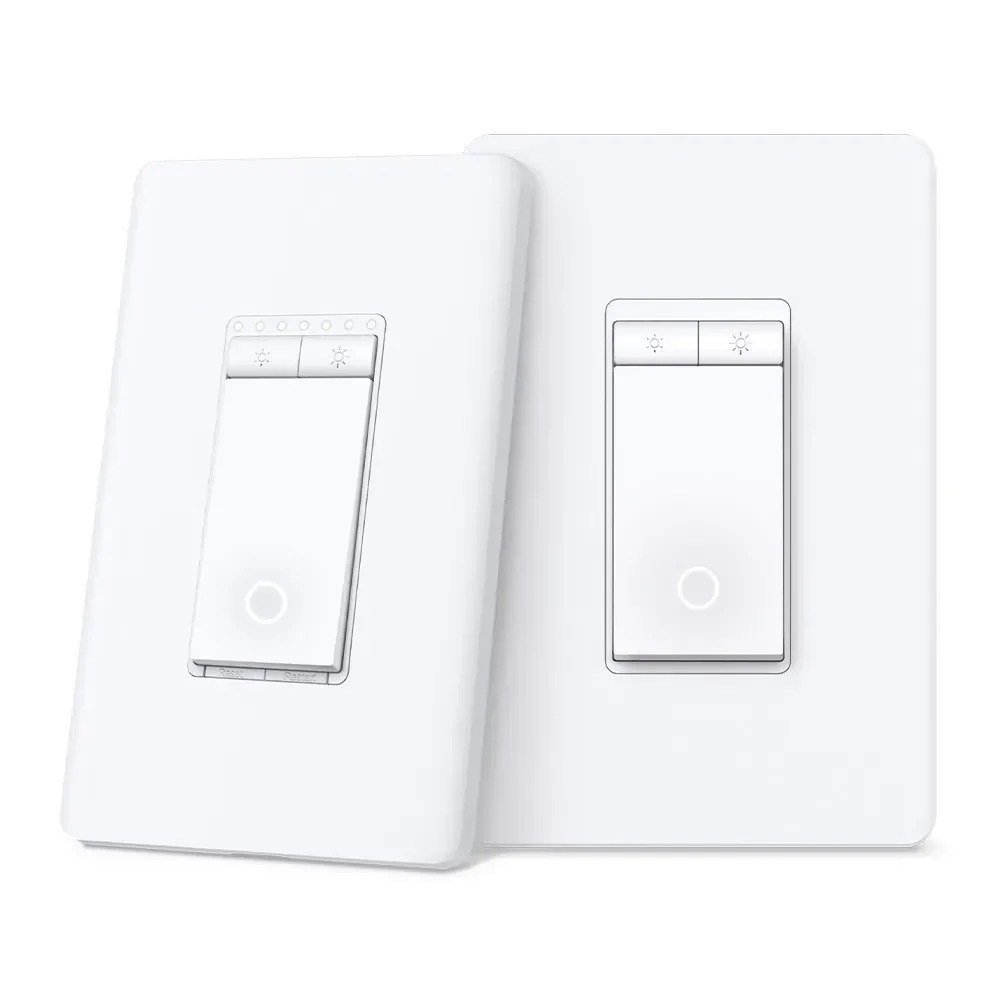
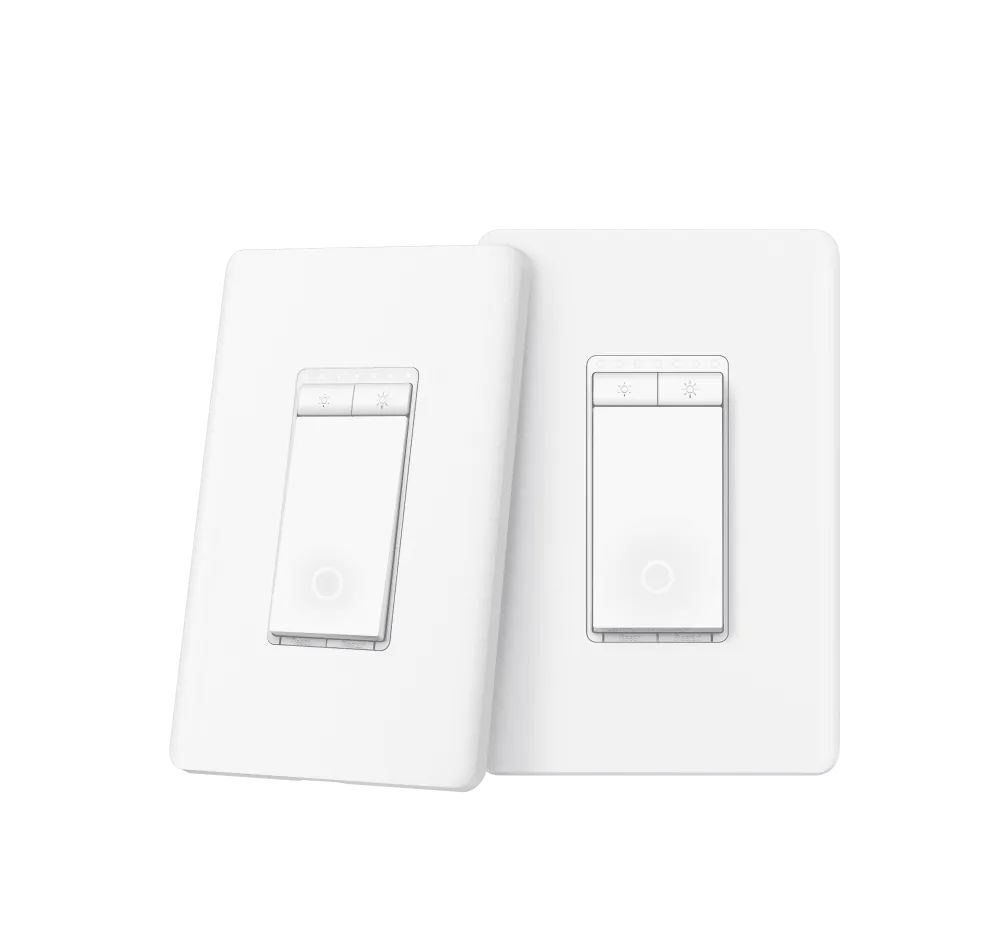
It is also strictly an on/off switch. Some store copy mentions brightness and fades, but those are not S515 features. Choose S515D KIT for a supported three-way dimming job, or S505D for a suitable single-pole dimmable circuit.
For a new on/off lighting purchase, S515's price and ability to preserve existing companion switches make it easy to recommend. For an S505 already working in a simple room, the meter alone may not justify paying for another installation.
Content feedback
Spot a mistake or missing context?
Send a quick note so it can be checked against the source material.