Useful when cameras and SwitchBot routines share a home
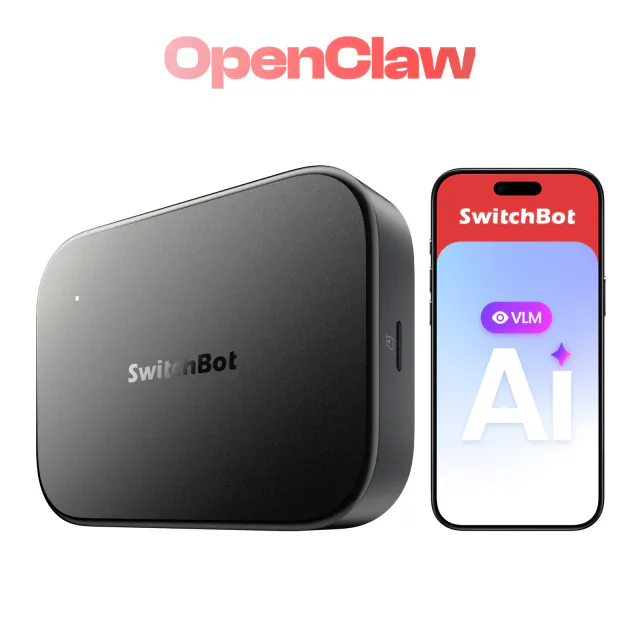
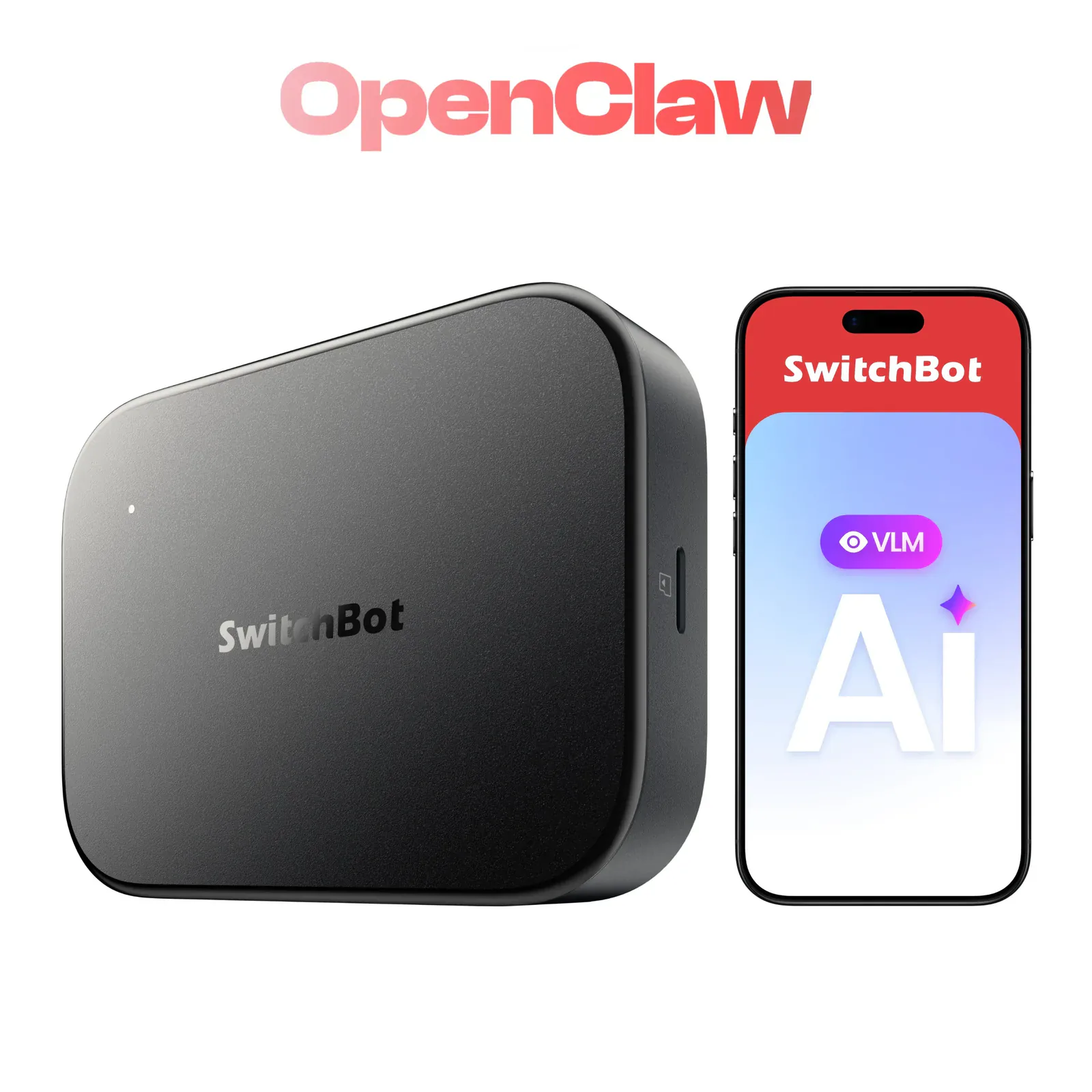
AI Hub makes the strongest case in a house with several cameras and SwitchBot accessories that need to work together. It combines local video recording, event detection and supported local automations in one compact box. Finding a useful clip without scrubbing through a whole evening is a more persuasive benefit than the promise of an AI assistant managing your home.
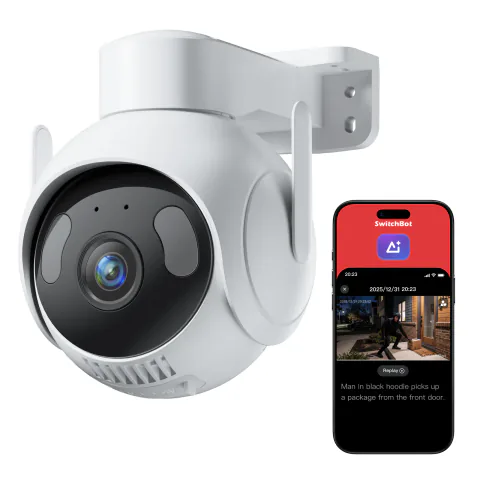
The US standalone hub includes its power adapter and a 16 GB microSD card. Cameras are extra. SwitchBot supports up to eight compatible cameras, including its supported Pan/Tilt Cam Plus models and third-party cameras with accessible RTSP streams. A camera that works only through its own cloud app is a poor starting point for this purchase.
We have not tested detection accuracy, video responsiveness or how the hub performs with eight cameras. Treat that number as a supported ceiling, not a promise that every high-resolution camera combination will run equally well.
Local recording does not make every AI feature local
The distinction between basic detection and richer AI descriptions matters. SwitchBot says firmware V2.8 or newer retains human, vehicle and animal event categories without an AI+ subscription. That makes the recorder useful even if you do not pay for its more elaborate descriptions and searches.
AI+ has a different privacy tradeoff. SwitchBot's current policy says triggered image extracts are encrypted and sent to its cloud for analysis. Original video remains local; uploaded images are deleted after processing, while structured event information stays in the cloud. A clip stored on your own card can therefore still involve cloud analysis of images from inside the room.
If keeping all camera imagery inside the home is the reason you are shopping, the paid AI+ features do not meet that requirement as currently described. The policy is more specific than the store's broad language about local, private analysis.
The product page advertises the camera VLM service at $4.99 per month after a one-month trial. At that monthly rate, twelve paid months cost $59.88. Basic event categories and the Matter bridge are separate reasons to own the hardware; neither should be confused with a promise of free AI+ forever.
OpenClaw is another purchase decision
OpenClaw support is now available rather than merely announced. It adds conversational tasks and access to connected SwitchBot devices, but SwitchBot's AI Agent Plan has its own trial, paid access and usage allowance. The allowance varies with the work a conversation performs; it is not a guaranteed number of chats.
Do not assume the camera service's advertised $4.99 covers this plan too. Check the current in-app plan before buying specifically for OpenClaw. It is an interesting extra for someone who wants to experiment, but an uncertain basis for replacing an automation system that already handles predictable routines.
The less flashy local hub features may be worth more
AI Hub can coordinate supported SwitchBot automations over the home network while the internet is unavailable. That can be useful for curtains, sensors and familiar room routines. Existing Hub Mini, Hub 2 and Hub 3 units can participate as secondary hubs, so installing AI Hub does not require throwing them away.
There are boundaries. The local network and powered hardware must stay available, and the current supported-device list still excludes some products, including air purifiers and US Plug Mini outlets. An internet outage, a router outage and a power cut are different problems.
AI Hub also cannot learn infrared remotes itself. A room that already depends on another SwitchBot hub to operate an air conditioner may still need that hub. This is an added coordinator and recorder, not automatically a way to reduce the number of boxes.
For recording, budget for storage suited to the number of cameras. The included 16 GB card is modest, and cards up to 1 TB are supported. An external USB drive is another option, but the hub does not save to both storage devices simultaneously: SwitchBot says to remove the microSD card when using the external drive for footage. Wired networking also needs a USB-C Ethernet adapter; dual-band Wi-Fi is built in.
Buy it for work your existing hardware cannot do
On September 10, 2026, the US store listed the standalone hub at $259.99 and advertised $207.99 with code JZJZ20, with Add to Cart available. That order qualifies for the store's eligible free standard US delivery. Cameras, larger storage, an Ethernet adapter and any subscriptions can increase the total.
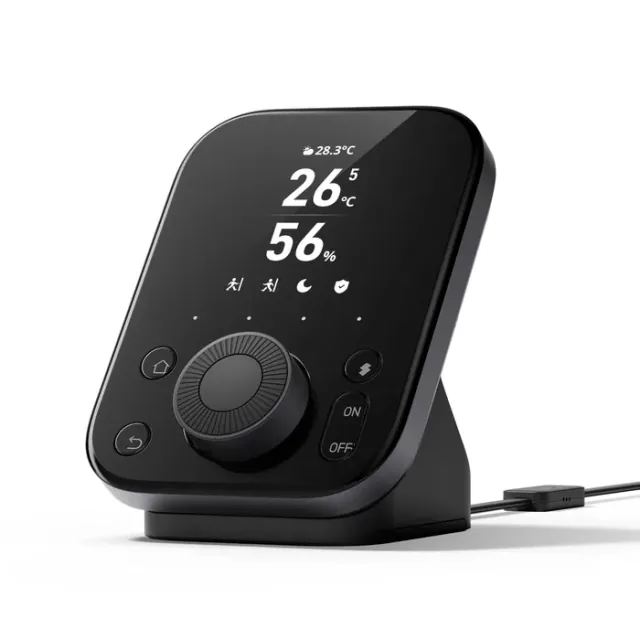
Hub 3 was $119.99 before codes and also bridges up to 30 supported SwitchBot sub-devices. If sharing curtains or locks with another ecosystem is the whole job, AI Hub's $140 base-price premium is difficult to justify; smaller SwitchBot hubs can cost less again.
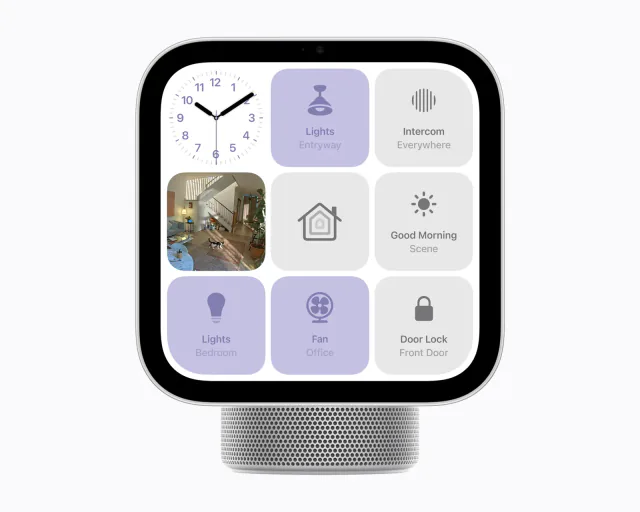
Its optional Home Assistant Core container is useful for experimentation, but SwitchBot explicitly says that on-box instance cannot run Matter integration. Frigate is available too. Neither feature makes replacing a working Home Assistant server or camera recorder an obvious improvement.
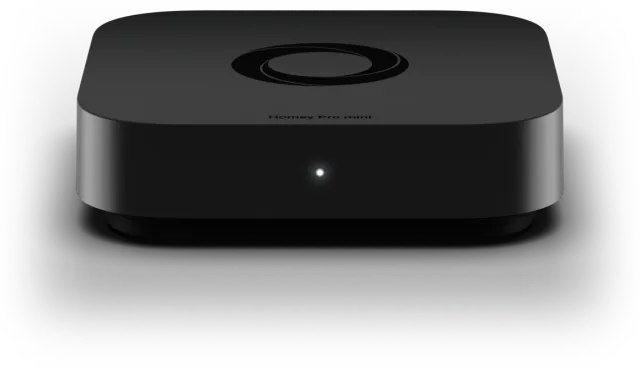
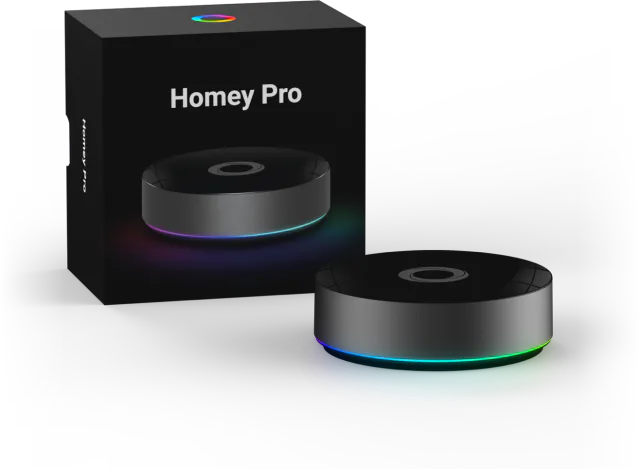
For a broader automation platform without the camera workload, Homey Pro mini is a different direction, with its own device support and Ethernet requirements. Choose AI Hub when recording and supported SwitchBot routines both earn their place. If one of those jobs is already solved, keeping the existing equipment is likely the better value.
Keep reading
In the news
Spot a mistake or missing context?
Send a quick note so it can be checked against the source material.