The attractive price needs a shipping check
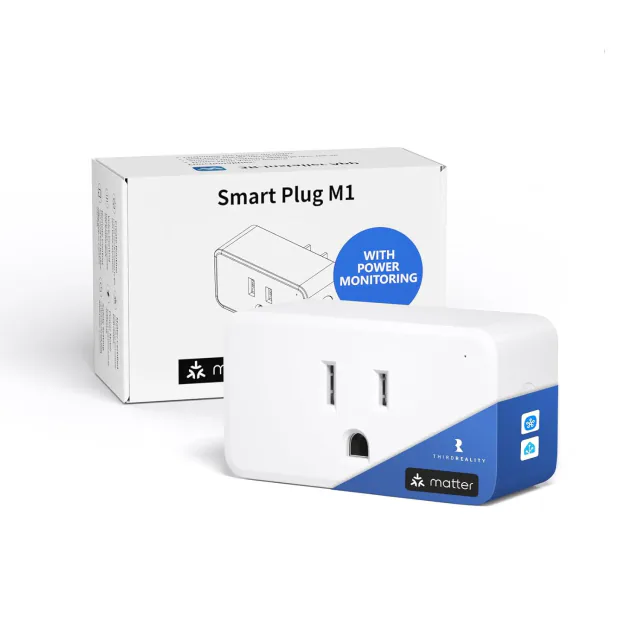
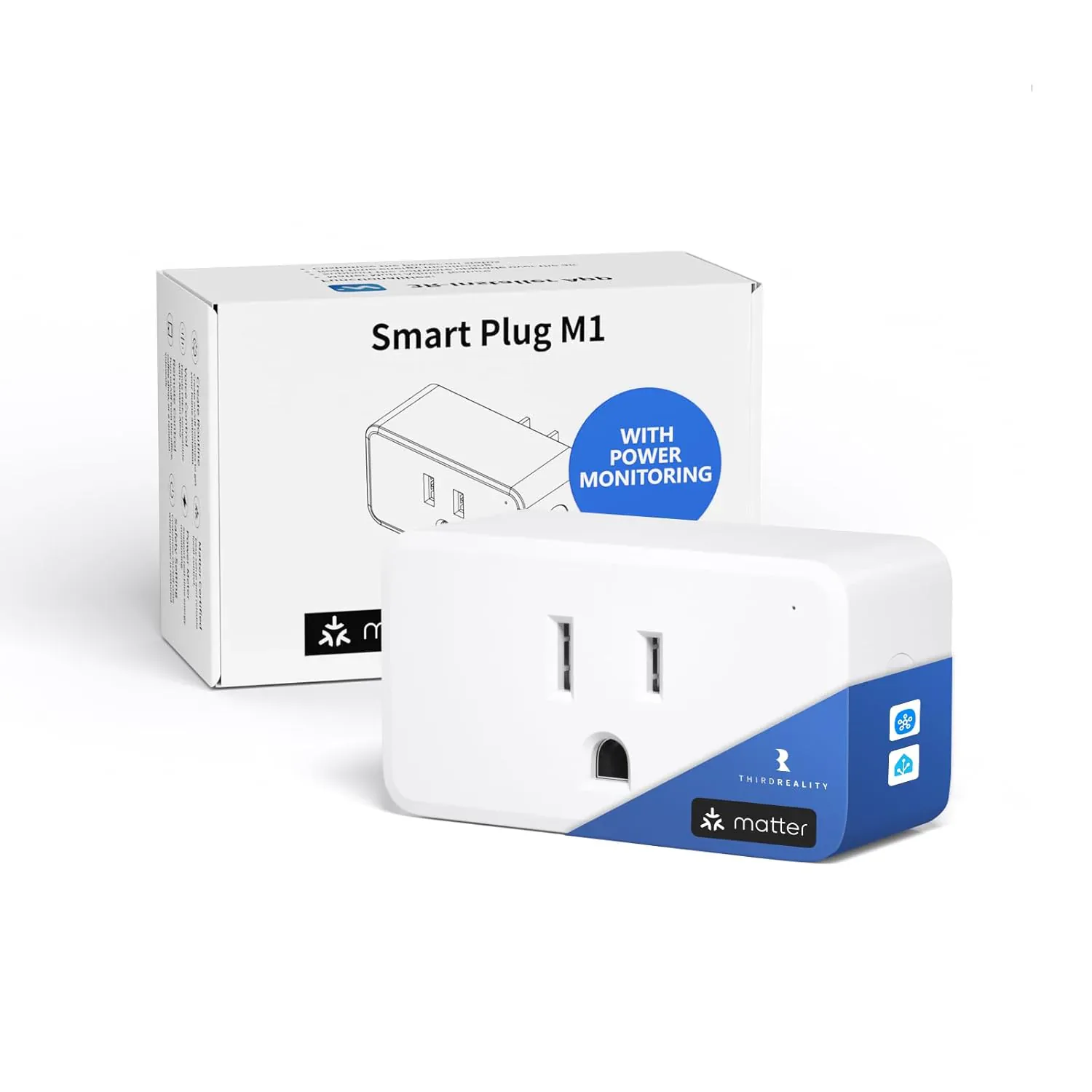
ThirdReality Smart Plug M1 looks like an easy budget recommendation at $12.99 for one unit. It adds power measurement to ordinary outlet switching, with no brand hub to buy. For a Home Assistant or SmartThings user who wants to see what one appliance consumes, that is a useful combination.
The delivered cost changes the decision. On September 9, 2026, ThirdReality listed standard US small-item shipping at $10 for orders below $129 of eligible merchandise. A single M1 therefore has a $22.99 reference total before any applicable tax. It is much more appealing as an addition to an order that already qualifies for free shipping.
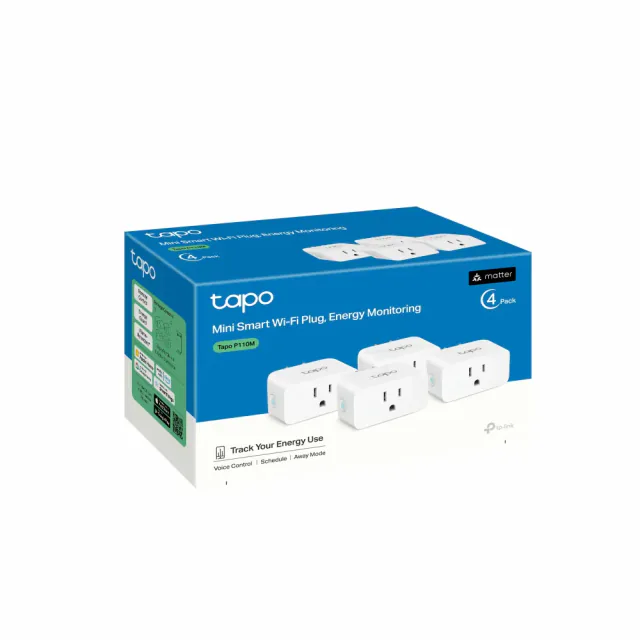
The four-pack was $38.99 before shipping, about $9.75 per plug. That is a reasonable hardware price, but not an automatic win against other metering packs.
Useful measurements in the right dashboard
The exact 3RSP03046W model supports power metering and energy statistics in Home Assistant and SmartThings. Those readings can tell you more than an on/off tile: a switched-on outlet does not necessarily mean the appliance is running or drawing much power.
ThirdReality also provides readings in its 3R-Installer app. Apple Home, Google Home and Alexa are listed for ordinary control, without a documented equivalent meter view. If you use only one of those three, do not pay for M1 expecting all the consumption information to appear there.
Power-restoration behavior is adjustable, with the manufacturer specifically naming Home Assistant and 3R-Installer for that setting. Being able to choose what happens after an outage is more useful than an extra color on the plug's status light. It still does not make every appliance suitable for remote switching.
A simple outlet with modest physical demands
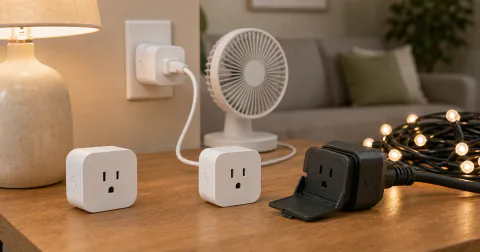
M1 uses 2.4 GHz Wi-Fi and a compatible Matter controller, without a ThirdReality bridge or Thread border router. The North American hardware is rated for 100–120 V, up to 15 A and 1800 W. It is an on/off plug, not a dimmer or a replacement for an appliance's own controls.
The body measures 2.7 × 1.5 × 1.13 inches. ThirdReality promotes adjacent-outlet clearance, but bulky neighboring adapters can still decide whether this shape suits your socket. There is no measured thermal, radio or metering-accuracy advantage in our recommendation.
Tapo makes more sense for some multipack buyers
The US Tapo P110M was listed at $23.99 for two and $35.99 for four in the same audit. Those are hardware prices before any delivery charges. Its four-pack undercuts M1's listed pack price, while its vendor app supplies its own energy features.
Choose M1 when its documented Home Assistant or SmartThings meter is the feature you want and the delivered price works for your order. Choose Tapo when you want several outlets and its pack plus delivery is the better deal. A low single-unit headline price is only useful if it remains low at the order size you actually need.
Keep reading

Spot a mistake or missing context?
Send a quick note so it can be checked against the source material.