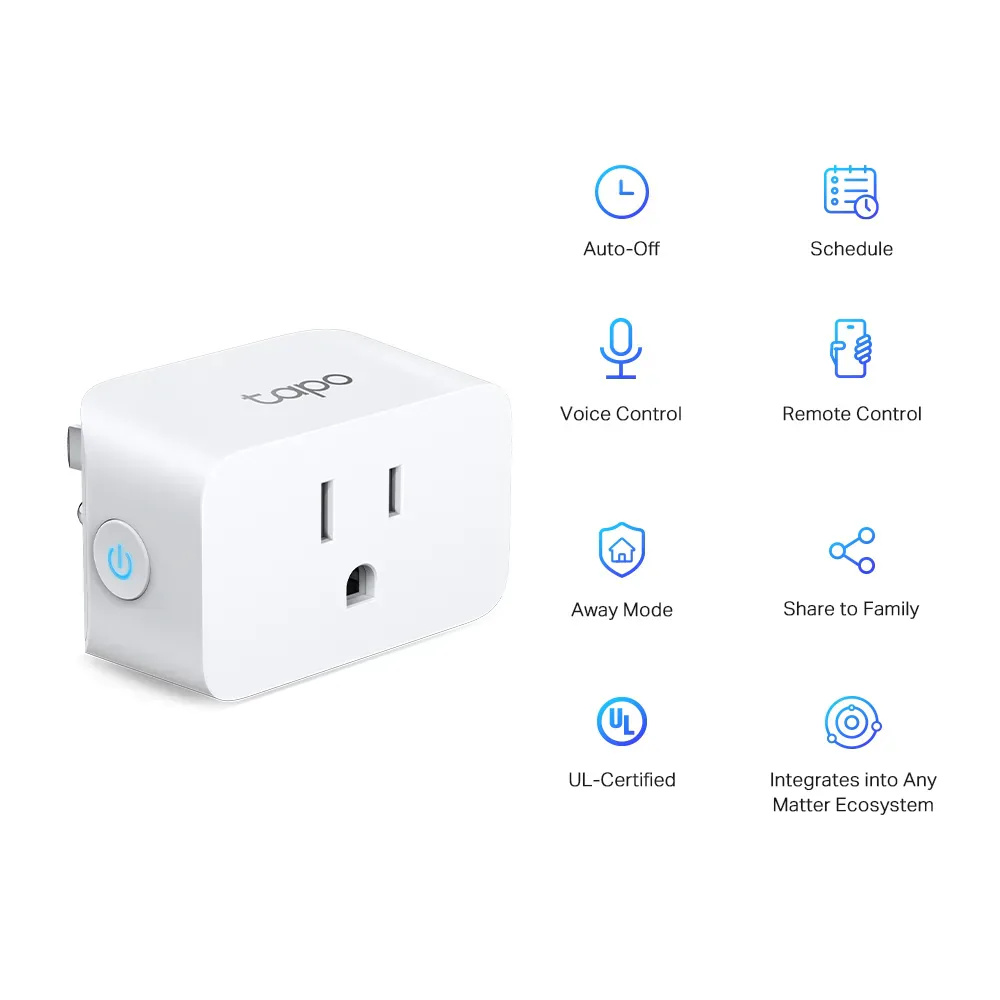
What we like
- Metering for almost no premium over two P125M singles
- Matter energy data in Home Assistant and SmartThings
- Tapo graphs make appliance consumption easier to compare
What could be better
- The checked offers are packs, adding cost for a one-plug job
- Deeper and wider than P125M
- Apple, Google and Alexa energy views still need the Tapo app
The two-pack is the reason to buy
P110M makes the basic P125M a difficult sell when you need two US plugs. At the checked prices, the P110M two-pack costs $23.99 against $23.98 for two P125M singles. For one cent more across the purchase, you gain a way to measure consumption as well as switch power.
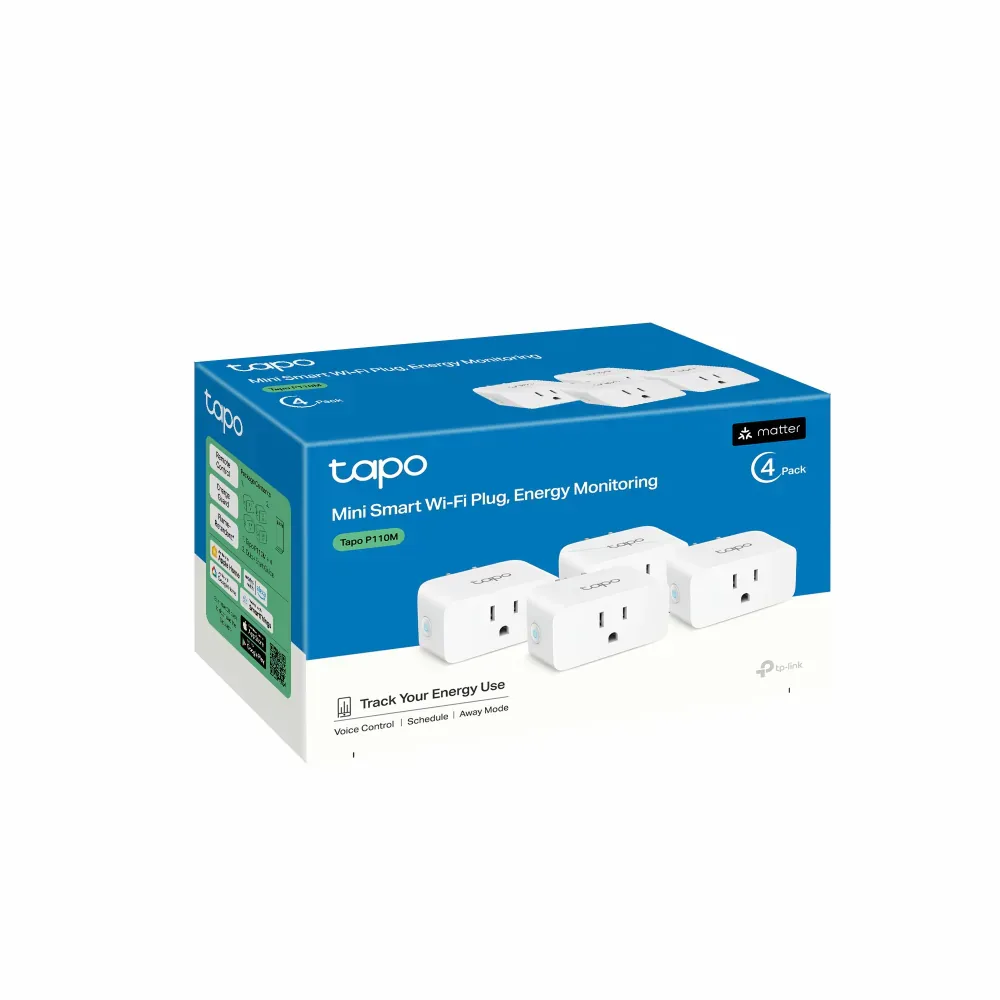
The four-pack brings the listed price to about $9 per plug, but only if you have four useful places for them. Buying extra outlets to achieve a lower unit price is less attractive than the headline suggests. The product image shows the four-pack box; the lower listed total is for two.
More useful than an on/off indicator
A suitable desk setup is a good example of where the meter earns its place. You can compare its active and idle draw, see how consumption changes over time and decide whether to change its schedule. Tapo adds graphs and estimates using your electricity tariff. Those estimates help compare this outlet's use, rather than replacing a utility bill.
The feature is particularly appealing in Home Assistant or SmartThings, where updated P110M firmware supplies energy readings through Matter. Apple Home, Google Home and Alexa provide the outlet control, but the energy view remains in Tapo. If keeping everything in one of those apps is your priority, the experience is less complete than the Matter badge might suggest.
A little more bulk, sometimes too many plugs
The 66 × 38 × 40 mm body is 7 mm deeper than P125M. That is a meaningful disadvantage where a sofa or cabinet already crowds the outlet. Both use 2.4 GHz Wi-Fi without a Tapo hub, so neither has an advantage in extra bridge cost.
We would buy P110M for a pair of suitable appliances or a deliberate energy-monitoring job. For one lamp that only needs switching, a single P125M costs less overall and takes up less space. This P110M review covers dry indoor US 120 V use; the European socket version has separate hardware and ratings.
Content feedback
Spot a mistake or missing context?
Send a quick note so it can be checked against the source material.