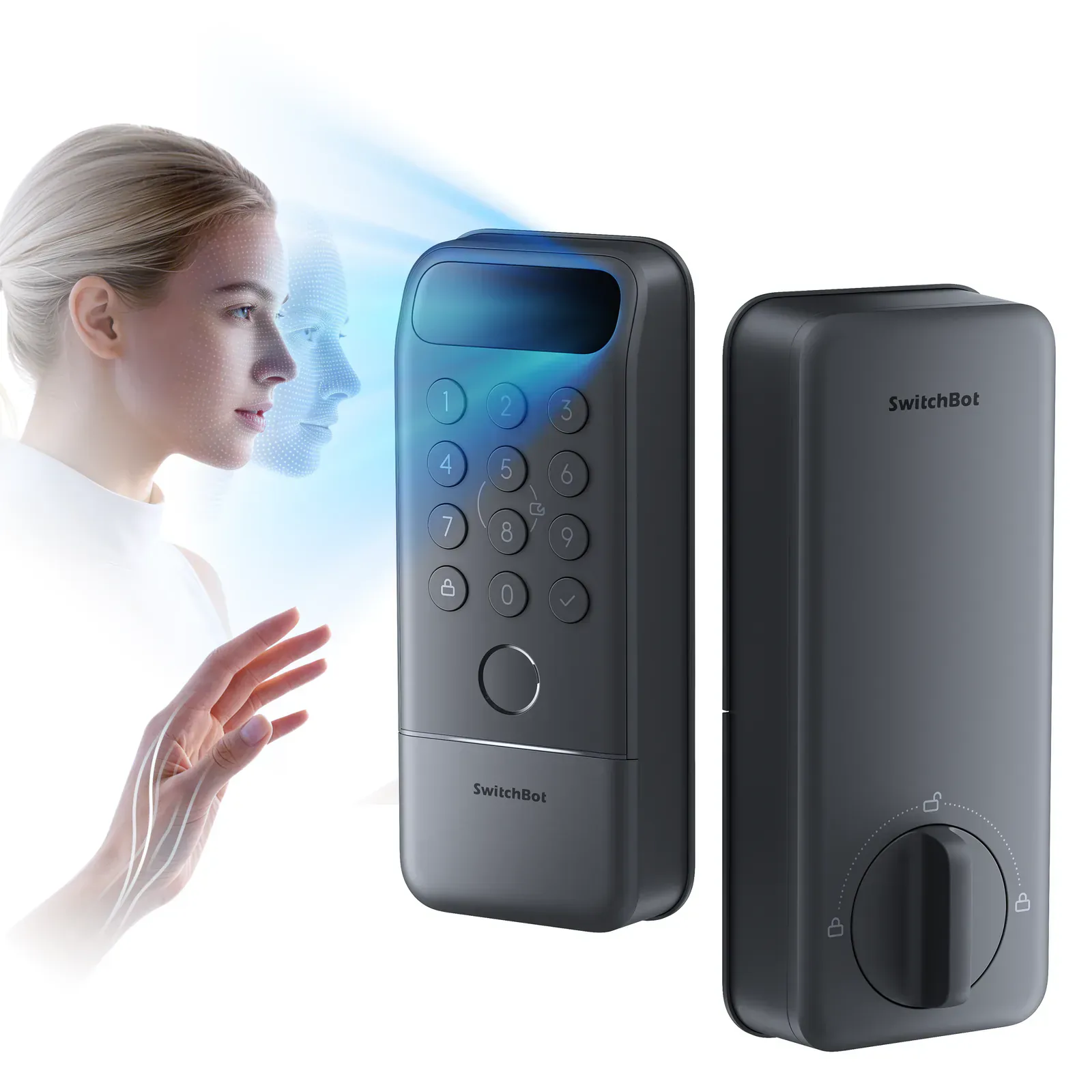
The Pro upgrade buys useful choices
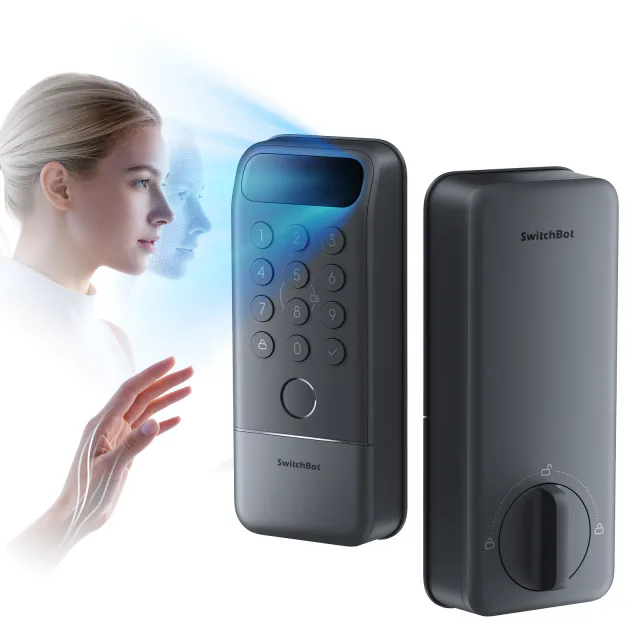
Lock Vision Pro is the more convincing model for a household whose members want different ways to get in. Face recognition helps when carrying shopping, a fingerprint suits someone who prefers a deliberate touch, and palm-vein recognition offers a contactless hand gesture. A PIN or physical key remains available for people who want neither an app nor a biometric enrollment.
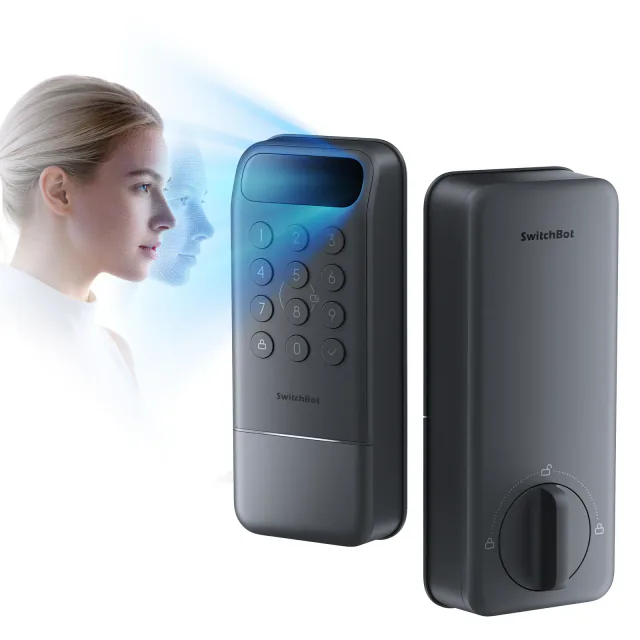
Standard Lock Vision already provides face entry. The Pro premium buys palm recognition, the fingerprint reader and a magnet for door-position sensing. That last addition is easy to overlook in the biometric marketing, but is a substantial daily-use improvement.
Both models put the scanner and keypad into the exterior deadbolt assembly. Pro's extra fingerprint circle makes the front a little busier, but the housing is the same approximately 6.4 × 2.8 × 1.1 inches. You gain entry options without mounting a separate reader beside the door.
Closing the door can actually trigger locking
With its magnet installed and calibrated, Pro can wait until the door closes before starting the automatic-lock delay. That suits an entrance left open while carrying in bags or talking to a visitor. Standard Vision's re-lock timer cannot make that distinction.
Pro also offers a separate re-lock timer that operates regardless of door position. These are different settings: enabling a timer does not make it door-aware. The useful advantage is the closure-triggered mode, and it depends on fitting the magnet correctly.
There is an awkward qualification. SwitchBot disables auto-lock when the battery falls below 20%, and temporarily disables it while the main pack is charging. A household relying on the door to lock behind them needs to act on battery warnings and lock manually during those periods. The sensor does not make charging something you can ignore.
Palm entry is an option, not a guarantee of easier entry
The palm reader asks you to present your hand about 10–20 cm from the scanner. It removes the need to touch the lock, but still requires a deliberate gesture. Face recognition is the method that best matches the idea of arriving with both hands full.
SwitchBot promotes palm recognition for hands that fingerprint sensors struggle with. Its enrollment guidance nevertheless calls for an unobstructed, dry palm without gloves or interfering jewelry. Do not buy it on the assumption that every wet, covered or awkwardly positioned hand will work.
Face position also follows the existing deadbolt hole. Unlike a separate wireless keypad, the scanner cannot be relocated on the frame to suit a shorter family member. We have not tested recognition across different users, lighting or weather, and cannot rank its accuracy against rivals from specifications alone.
SwitchBot says biometric information is stored locally. Enrollment and management still use its app; Matter does not transfer those controls into Apple Home or Google Home. If someone prefers not to enroll a face, palm or finger, the physical number buttons make PIN entry an ordinary alternative.
The backup battery keeps fewer features running
A 10,000 mAh rechargeable main pack powers the lock, with a CR123A cell as backup. The main pack must be removed from the interior assembly to charge. SwitchBot says a full charge takes about seven hours, so this is a planned maintenance job rather than a quick cable connection to the fitted lock.
The backup cell is for reduced-function operation. Likewise, the exterior USB-C port supplies emergency power without charging the main battery or restoring face and palm recognition. Learn the PIN or keep a physical key accessible instead of relying exclusively on the premium entry modes.
Two keys are included. SwitchBot cannot send a replacement key from a record if both are lost, although a key service can copy one you still have. The advertised up-to-12-month main-battery endurance is a manufacturer estimate, not something we have measured.
Good value when the extra methods will get used
On September 10, 2026, the US store's base price was $229.99, with an advertised $160.99 offer using code JZJZ30. Standard Vision was $169.99 before discounts or $115.59 with its separate JZJZ32 code. That makes Pro $60 more at base prices and $45.40 more at the advertised offers. Confirm the applicable code at checkout.
For that smaller promotional gap, we would choose Pro for a busy family entrance. For one person who wants face entry and is happy to lock manually, standard Vision can be enough. The Pro/video-doorbell bundle starts at $329.99 before any bundle promotion; the doorbell is a separate optional product, not equipment required to make the lock work. The lock-only offer qualifies for free US standard shipping above $99, with tax and any fitting or ecosystem controller extra.
Built-in Wi-Fi provides remote SwitchBot control without its bridge. Matter needs a suitable ecosystem controller but no Thread border router. Neither Vision model has Apple home key, so NFC-card support does not give iPhone or Watch wallet taps.
The hardware replaces a North American deadbolt. The manual supports 38 or 54 mm bores and 60 or 70 mm backsets, with roughly 1.4–2.2-inch door thickness. The interior housing is about 7.1 inches tall; check its clearance around the handle. This is not the EU/UK Lock Pro retrofit despite the similar names.
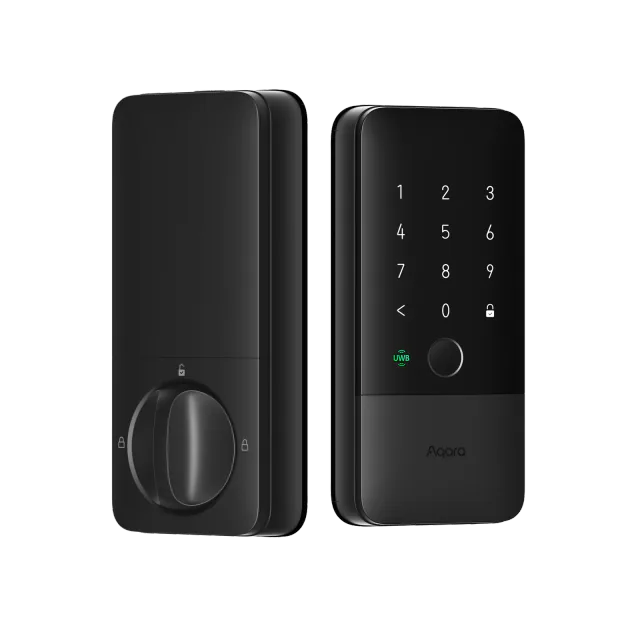
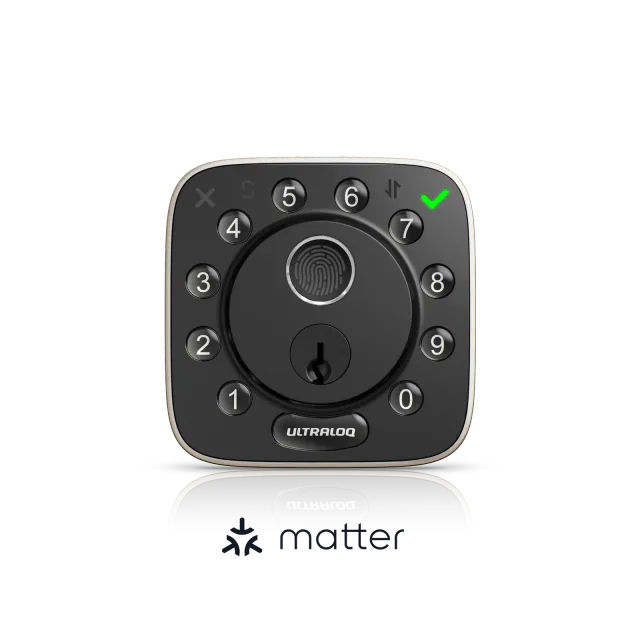
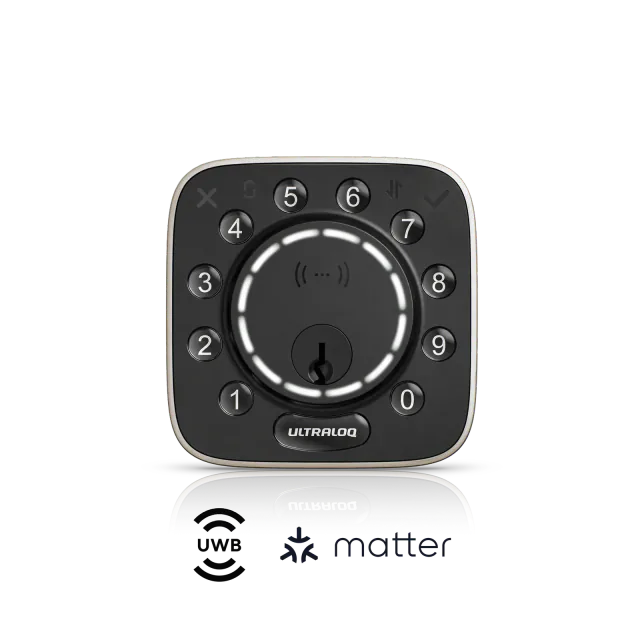
Aqara U400 is a more suitable comparison if supported Apple hands-free entry or home key is the priority. ULTRALOQ Bolt Fingerprint Matter offers fingerprints, physical buttons and a door sensor without face enrollment, but uses Thread and lacks emergency USB power. An existing lock that already gives everyone a convenient entry method is worth keeping; additional biometrics only earn their cost if people actually use them.
Keep reading
In the news
Guides for this device
Spot a mistake or missing context?
Send a quick note so it can be checked against the source material.