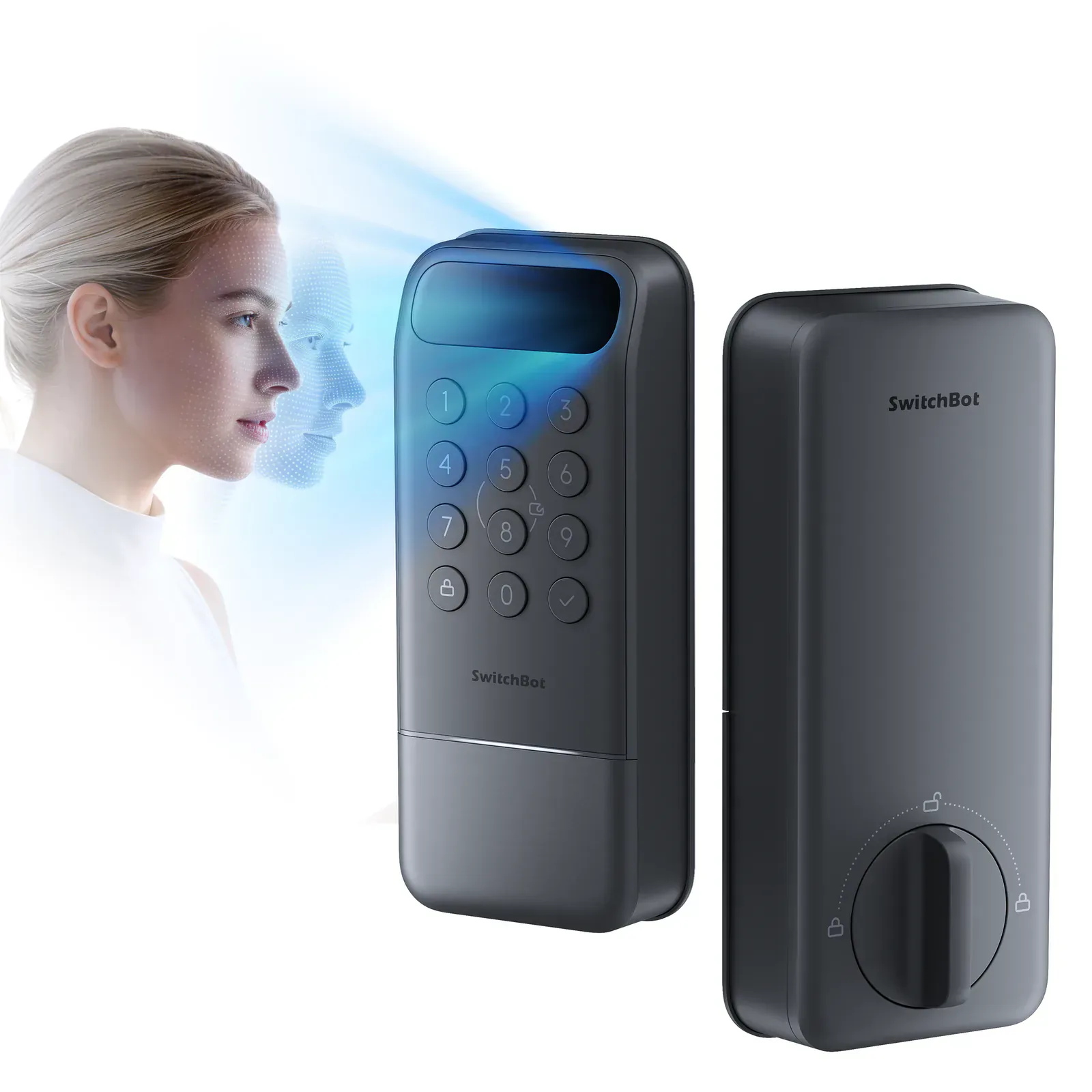
Face entry at a price that makes it interesting
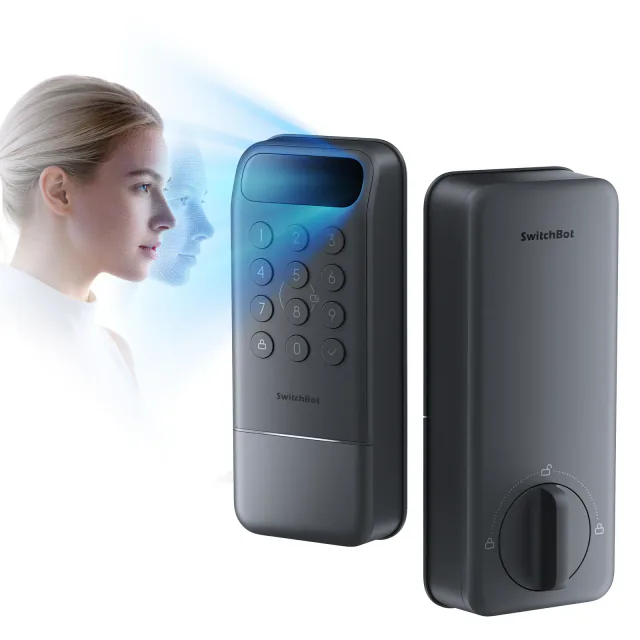
Lock Vision's useful trick is recognizing your face while your hands are occupied. You do not need to fish out a phone, present a watch or find the fingerprint reader with a bag in each hand. For a household that wants that convenience, the current advertised discount makes this a more approachable purchase than many premium biometric locks.
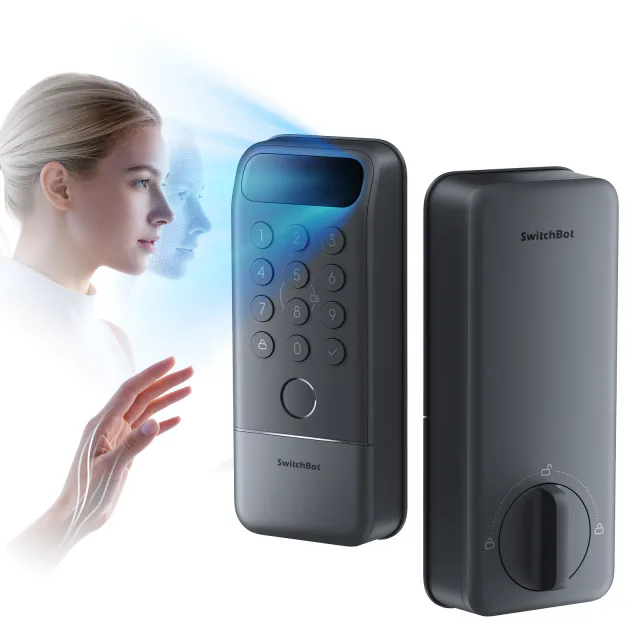
This standard model has face recognition, a numeric keypad, NFC-card access and physical keys. It does not have palm-vein or fingerprint recognition. Those two methods belong to Lock Vision Pro. The distinction matters when one family member would rather use a finger than stand in front of a face scanner.
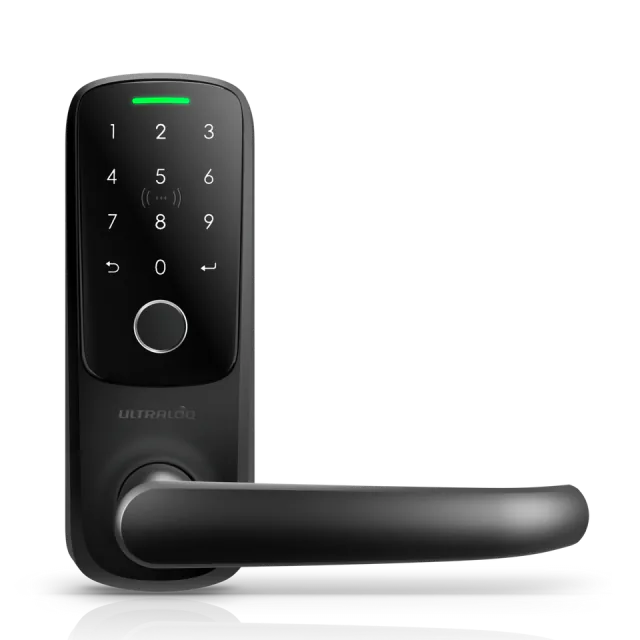
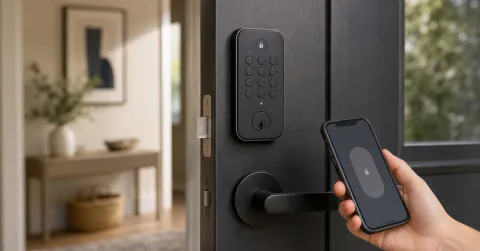
The exterior brings a broad scanner strip and visible number buttons to the door. At about 6.4 inches tall, it looks like an electronic access device rather than a conventional deadbolt. That is a reasonable compromise if the new entry method gets used every day; less so if everyone keeps entering a PIN.
The missing door sensor is the bigger compromise
Standard Vision has no magnet and cannot detect whether the door is open or closed. Its re-lock option simply waits a chosen interval after unlocking, then extends the bolt regardless of the door's position.
That is inconvenient when carrying several loads through the entrance. The timer can expire while the door is open, leaving you to retract the bolt before closing it. A locked state in an app also does not prove that the door is shut.
Vision Pro includes the magnet and adds automatic locking triggered by closure. For a busy front door, that can justify paying more even if nobody wants palm entry. The standard model makes more sense at an entrance where you reliably shut and lock the door yourself.
A face scanner needs a useful position on the door
The scanner is part of the exterior deadbolt assembly. You cannot simply move it higher or lower on the frame as you might a separate wireless keypad. Its position follows the existing lock hole, which makes the approach angle and the height of household members worth checking before replacing the lock.
The manual asks users to stand roughly 0.6–0.9 meters away during face enrollment. It also pauses face scanning for a default 15 seconds after a lock or unlock, with a keypad button available to wake it. Someone immediately returning for a forgotten item may therefore need to press a button.
We have not tested recognition speed, rejection rates or performance in awkward lighting. SwitchBot's smartphone comparisons and under-one-second claim are marketing claims, not our findings. Keep a PIN or key as a familiar fallback rather than making the purchase depend on flawless face recognition.
Rechargeable does not mean maintenance-free
The package includes a 10,000 mAh main battery and a CR123A backup. The main pack comes out of the interior housing for USB-C charging. When it runs very low, the backup keeps basic locking available with reduced features; it is not a second full-capability battery.
The exterior USB-C port can supply temporary power if the batteries are exhausted. It does not charge the main pack, and face recognition is unavailable in that state. The two supplied physical keys are still useful. Make a spare while you have an original: SwitchBot says it cannot provide a replacement key from a customer-service record.
The up-to-12-month endurance figure is SwitchBot's estimate under its usage conditions. We have not measured it. Charging and backup-cell maintenance remain part of owning this lock, however reassuring the long battery claim sounds.
Buy the lock for entry, and the doorbell only if needed
On September 10, 2026, the US store listed the lock at $169.99 and advertised $115.59 with code JZJZ32. Confirm the code at checkout; it is not a permanent price. The $259.99 base-price bundle adds a separate video doorbell, not a necessary keypad or Matter bridge. Buy that bundle only if you also need its doorbell, and compare any bundle discount separately.
The advertised lock-only offer exceeds SwitchBot's $99 free-shipping threshold. US tax, any installation work and a needed ecosystem controller are extra. Ordinary SwitchBot remote control uses its built-in Wi-Fi; Matter control needs a suitable controller but no Thread border router. Apple Home and Google Home are named in current model-specific support, while face enrollment stays in SwitchBot. Neither Vision model supports Apple home key.
This is a replacement North American deadbolt, not a motor that preserves the existing cylinder. Its manual supports 38 or 54 mm bores, 60 or 70 mm backsets, and approximately 1.4–2.2-inch-thick doors. Measure the surrounding hardware as well: the interior housing is roughly 7.1 inches tall.
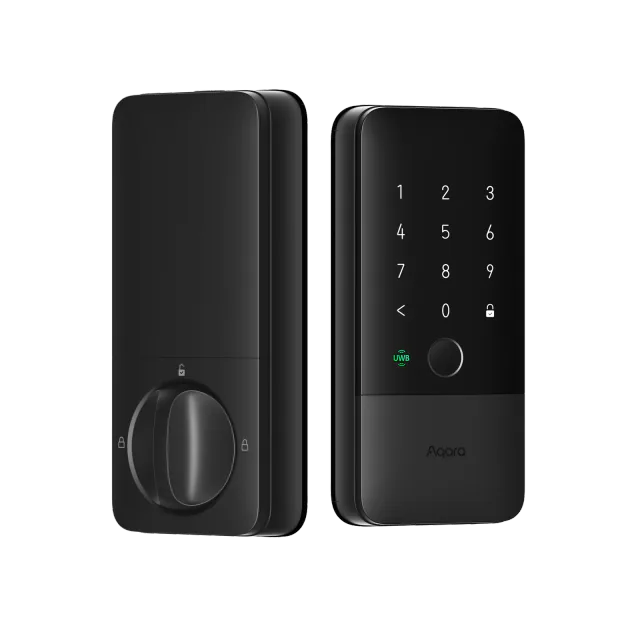
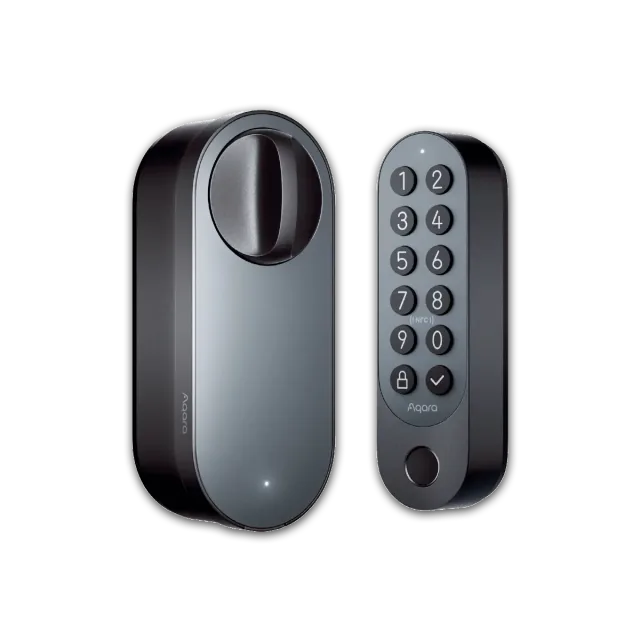
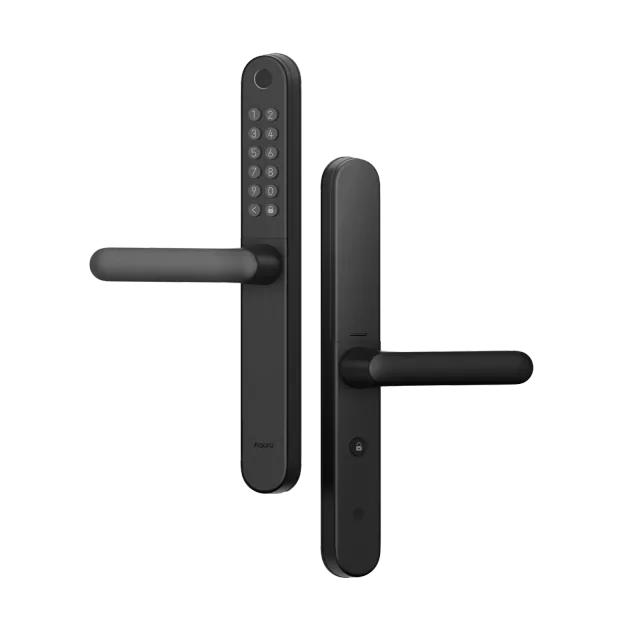
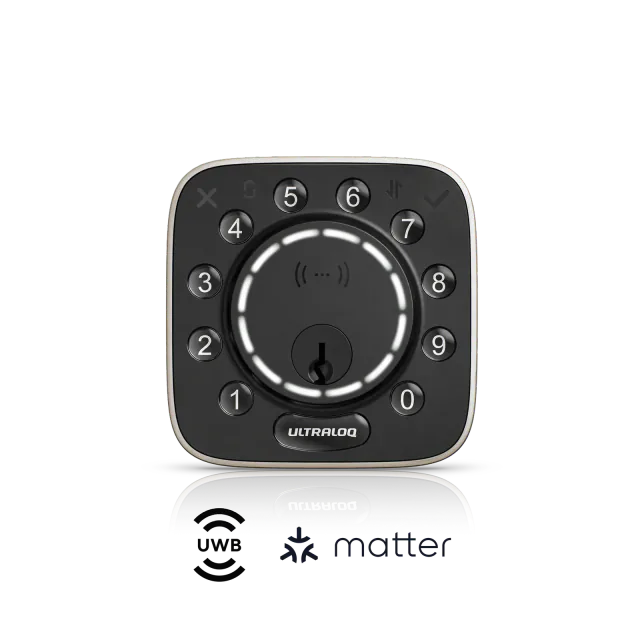
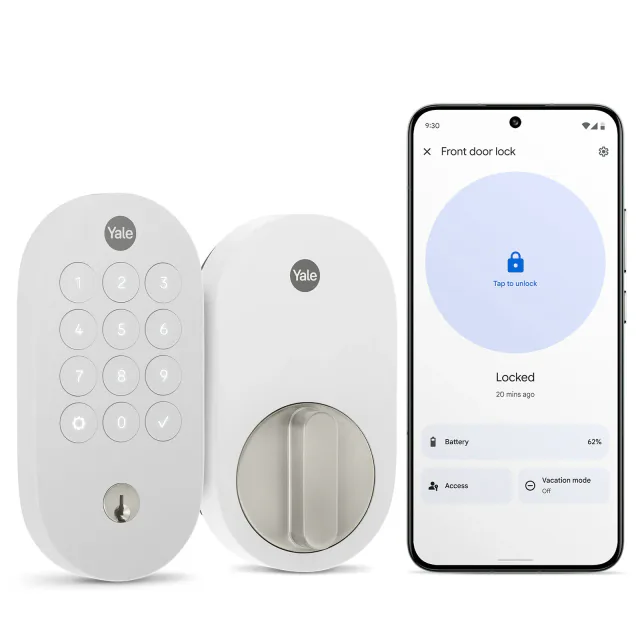
At the checked promotions, Pro was $160.99 with its own code, a $45.40 increase for fingerprints, palm entry and door sensing. We would pay that difference for a busy household. Aqara U400 instead suits supported Apple hands-free or wallet entry; U200 preserves a compatible existing lock and supplies a separate fingerprint keypad. Keep a working keypad lock if face entry would mostly be a novelty.
Keep reading
In the news
Guides for this device
Spot a mistake or missing context?
Send a quick note so it can be checked against the source material.