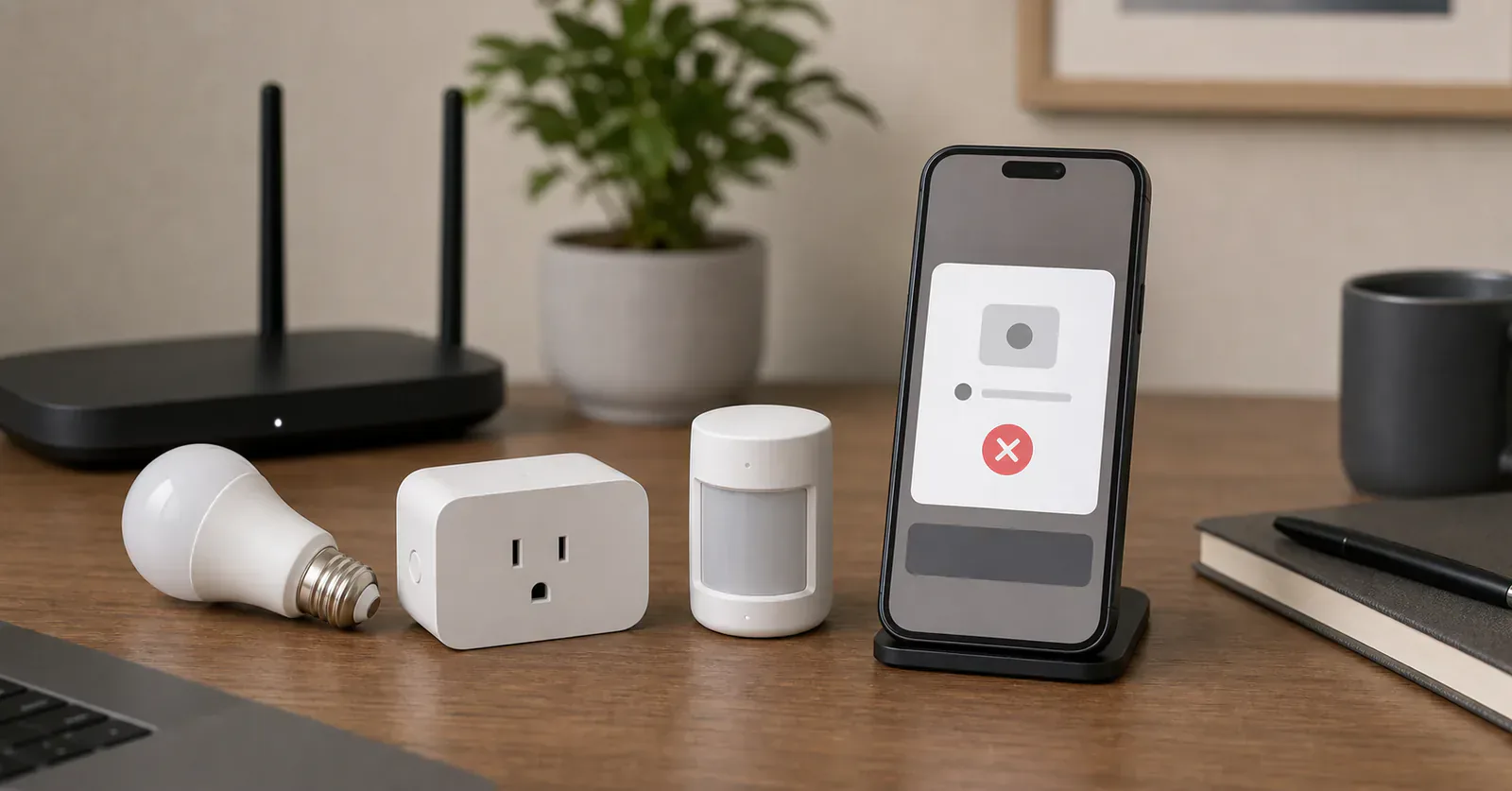
When a Matter device refuses to appear in Google Home, the device is not always broken. The usual failure is a missing piece of setup infrastructure: no compatible hub, no Thread border router for a Thread device, IPv6 trouble, a device that is already owned by another Matter fabric, or a category Google Home does not expose the way you expected.
The useful move is to debug the path in order. Do not factory reset the device five times before checking the hub and network.
Confirm the Google Home hub first
Google says Matter setup needs a Matter-enabled hub for Google Home. For Wi-Fi Matter devices, its current list includes older Google and Nest speakers, Nest displays, Nest Wifi Pro, Google TV Streamer, and select compatible TVs. For Thread devices, the list is shorter: Google Home Speaker (2026), Nest Hub (2nd gen), Nest Hub Max, Nest Wifi Pro, and Google TV Streamer (4K).
The name is easy to misread. Legacy Google Home, Google Home Mini, Nest Mini, and Nest Audio can be Matter hubs for Wi-Fi accessories, but Google does not list them as Thread border routers. The 2026 Google Home Speaker does both jobs and uses Thread 1.3. Check the model before treating a speaker as the missing Thread fix.
Check whether the device is Thread or Wi-Fi
Matter over Wi-Fi and Matter over Thread fail differently. A Wi-Fi device may need the phone, router, and device on the right network, often 2.4 GHz for smart home hardware. A Thread device needs the Thread border router close enough to complete setup and maintain the connection.
Look for the network path on the product page or packaging. If the box says Matter and Thread, do not treat it like a Wi-Fi device. If it says Matter over Wi-Fi, do not spend time trying to fix Thread. If it is behind a Matter bridge, troubleshoot the bridge, its Ethernet or Wi-Fi connection, and the brand app before resetting every child device.
Make sure IPv6 is not the hidden problem
Google's Matter preparation guide is unusually direct about IPv6: without IPv6 enabled on the home wireless network, setup may appear to succeed at times, but control and other functions can fail later.
That does not mean you need to become a network engineer. It does mean you should check your router settings, mesh router app, or ISP router documentation before blaming the device. Matter uses IP networking, and mixed Wi-Fi plus Thread homes need the network to hand traffic around properly.
If the device is already in another app, share it correctly
Matter devices can be used in multiple Matter-certified apps, but the second app usually needs a sharing flow from the first controller. Google says that if you set up a third-party Matter device in the manufacturer's app, you may need to accept the share prompt or follow the manufacturer app's instructions to share it with Google Home.
If the device was first added to Apple Home, Home Assistant, SmartThings, Alexa, or a brand app, open that app and look for a Matter pairing, share, or multi-admin option. Scanning the original QR code again may not work if the device is no longer in factory-new commissioning mode.
Matter 1.6 adds a Joint Fabric model intended to reduce this one-platform-at-a-time work, but it does not change today's recovery steps until Google and the other ecosystem or device maker name support. Use the existing sharing flow for now.
Check device type support and feature expectations
Matter support expands by device type over time, and platform support does not always arrive at the same pace. Google's developer page says device types outside its list are not officially supported and that some listed types are only partially supported. A Matter-certified product can therefore commission successfully while still exposing less than its brand app.
This matters most for sensors, environmental readings, switches, bridges, robot vacuums, appliances, and advanced settings. A bridge itself appears as an inert control bridge in Google Home while its supported child devices appear normally. A device may also land under a generic name or in a less obvious room after setup.
Switches need their own check. Google's developer documentation says the Google Home app does not expose the Matter Binding cluster used to bind a plain On/Off Light Switch directly to another Matter endpoint. Its Google Home 4.20 release notes separately say supported switch buttons can now be assigned actions from the device tile. That app behavior does not establish that Matter Binding is exposed, and it is not proof that every wall switch or battery button now works as expected. Endpoint ordering can also change what appears when one product combines a switch and a wired light. Test the exact press, load, starter, and action you need.
Diagnose Thread before another reset
If a Thread device pairs and then drops offline, range and mesh placement matter more than another QR scan. Confirm that the border router is powered, online, and reasonably close. Add or move a documented router-capable Thread device if the final room has weak coverage. A Wi-Fi Matter plug and a bridged Zigbee bulb do not extend Thread.
Thread Group's Thread Tools beta can expose network-health and performance data for advanced users and support teams. It does not repair the mesh, but it may show whether the next useful step is placement, another documented Thread router, or support escalation. Thread 1.4 is intended to improve cooperation among border routers from different manufacturers, but do not reset a working network just because a different Google border router received a newer Thread version.
Reset only after the basic checks
Factory reset is the last normal step, not the first. Before resetting, confirm the Google Home app is current, the phone has Bluetooth enabled, the device is powered and in pairing mode, the hub is online, the Thread border router exists if needed, and IPv6 is enabled.
If setup freezes, Google recommends restarting the Matter device, closing the Google Home app, clearing the app cache on Android, restarting the phone, and trying again. If the device still fails, follow the manufacturer's setup instructions. Some devices need their own app for firmware, unlock state, or Matter pairing mode. Change one layer at a time so you know which step helped.
When to stop fighting it
Stop and reconsider the product if Google Home support is listed as limited, if the exact device type is not useful in Google Home yet, or if the device's best features live in a brand app you do not want to keep. Platform timing is part of the purchase decision, especially for newer categories and controls.
The Matter logo does not override Google's current support page. If Google does not list the device type or the control you need, stop troubleshooting before the return window closes.
Content feedback
Spot a mistake or missing context?
Send a quick note so it can be checked against the source material.