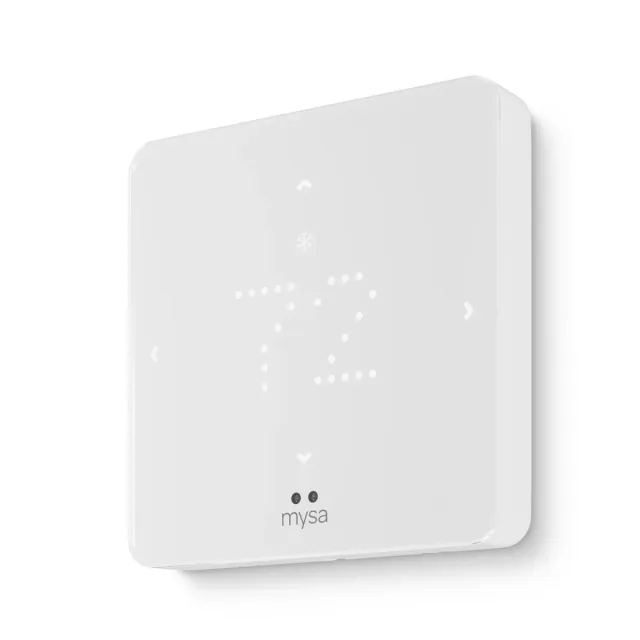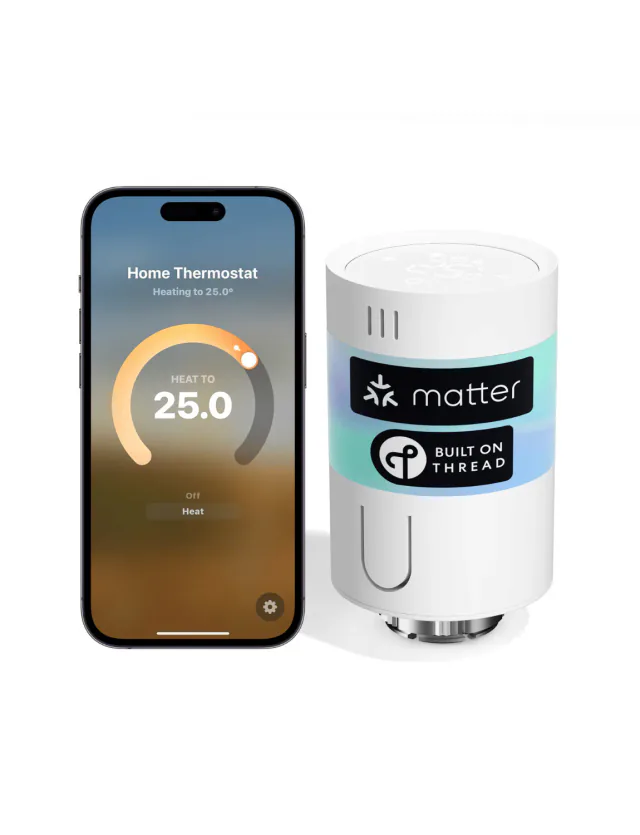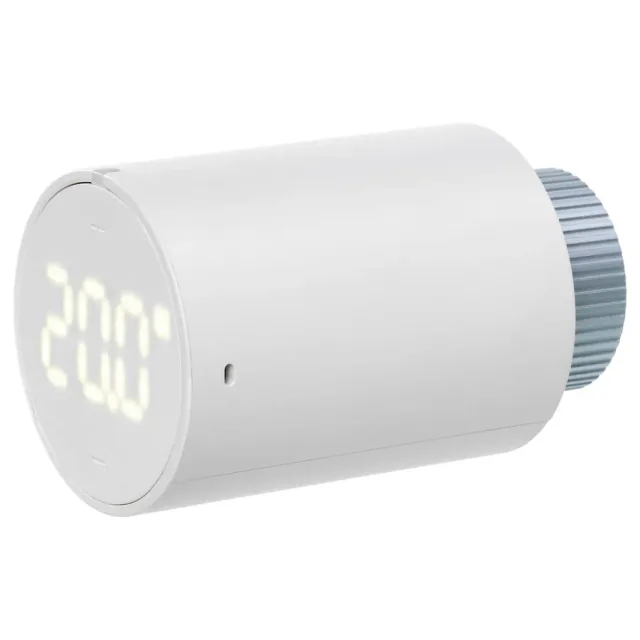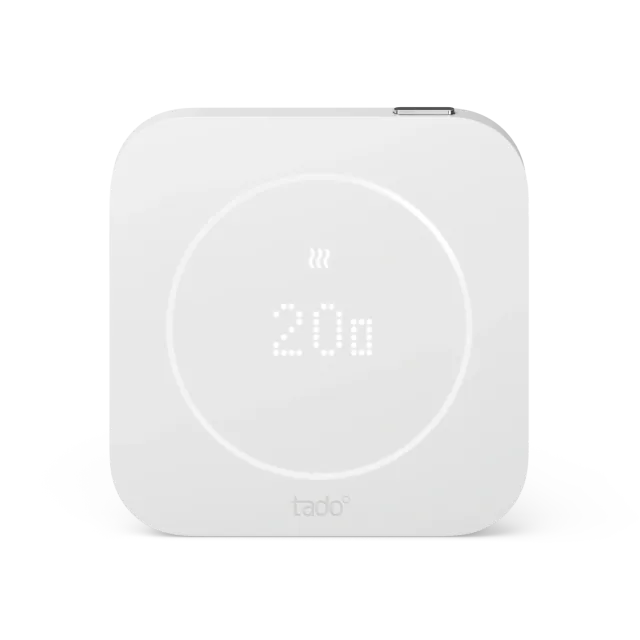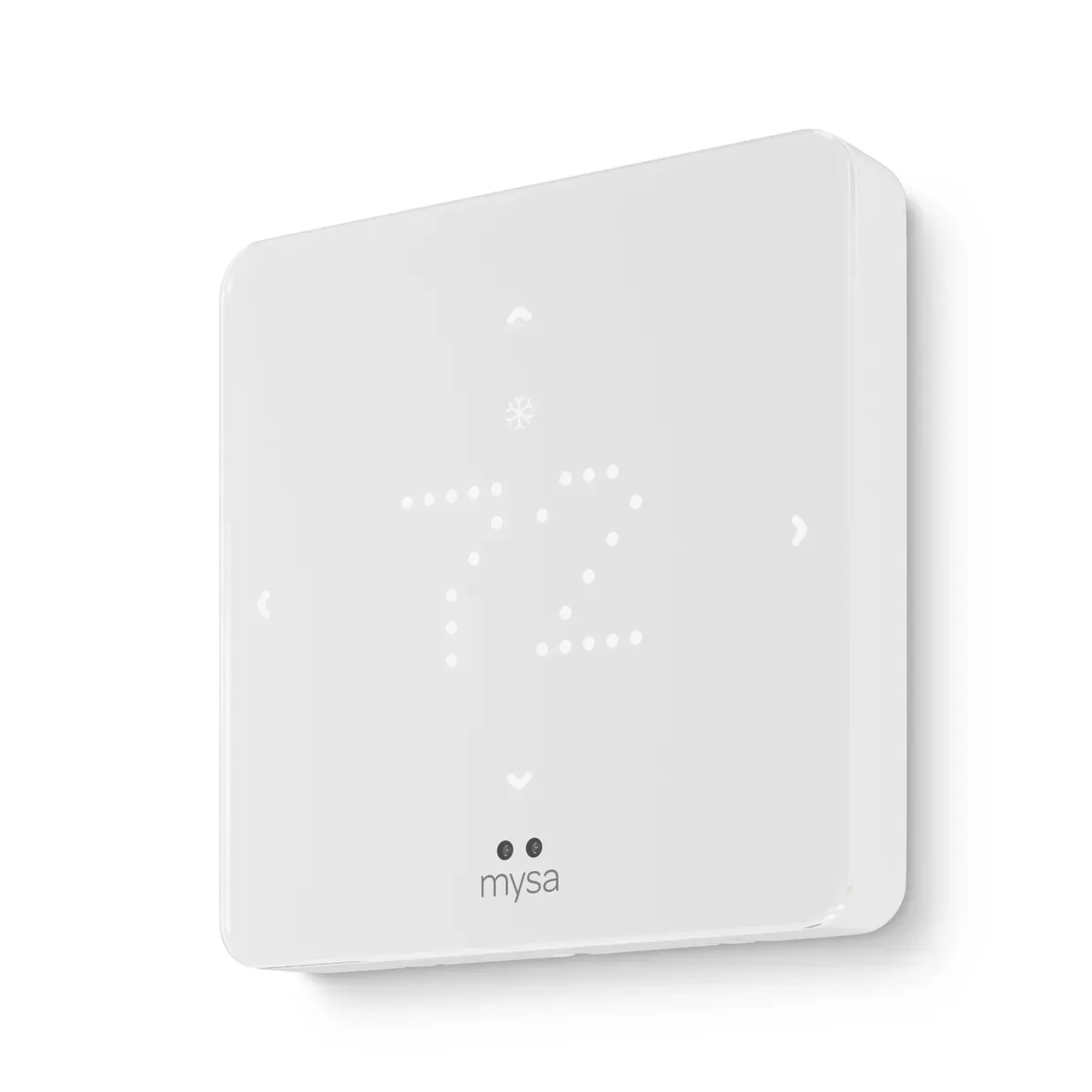
The simple display is part of the appeal
Mysa's central thermostat has a quieter design than the color screens competing for the same wall. Large LED digits, temperature arrows and mode controls cover the immediate job. The app handles schedules, away settings, temperature and humidity alerts, and energy reports without a subscription. That makes it appealing when you want predictable heating controls rather than another household dashboard.
The strongest reason to choose it is already owning Mysa products. Central heating can sit in the same app as your Mysa baseboard or in-floor controls, with access shared among household members. That convenience is real, although it does not mean every different Mysa product has identical Matter support or features.
You can still change the temperature at the thermostat if Wi-Fi drops. Remote access, voice commands and the other connected features depend on the network. The hardware has no microphone or speaker, leaving those jobs to devices elsewhere in the room.
A good price, before the extras
On September 10, 2026, Mysa's US store listed this model at $129. The default Canadian store showed CA$159; those are separate regional prices. The US power adapter was $25 and optional wall trim $15. Needing both makes a $169 hardware purchase before tax or installation, rather than the headline $129.
The five-year limited hardware warranty is welcome at this price when buying direct or from an authorized seller. It is not a guarantee of five years of unchanged app features. No subscription is required for the current Mysa controls, but an energy report is not proof that a new thermostat will cut your particular bill.
This is the low-voltage model for compatible 24 V central equipment, including supported staged furnaces, heat pumps and hydronic systems. It needs continuous C-wire power or a suitable adapter. Its built-in humidity reading cannot control an external humidifier, dehumidifier or ventilator: the required accessory terminals are absent. Buyers with that equipment need more than a humidity number on the screen.
Apple automation is the reason to hesitate
Matter brings shared temperature control, but Mysa documents a significant Apple Home limitation. Heat- or cool-only automations can follow the thermostat's existing Auto setpoints instead of the requested temperature. Even Auto automations can inherit incorrect limits depending on how they were created. Mysa offers a workaround, but a buyer expecting effortless bedtime routines should not have to discover this after installing the thermostat.
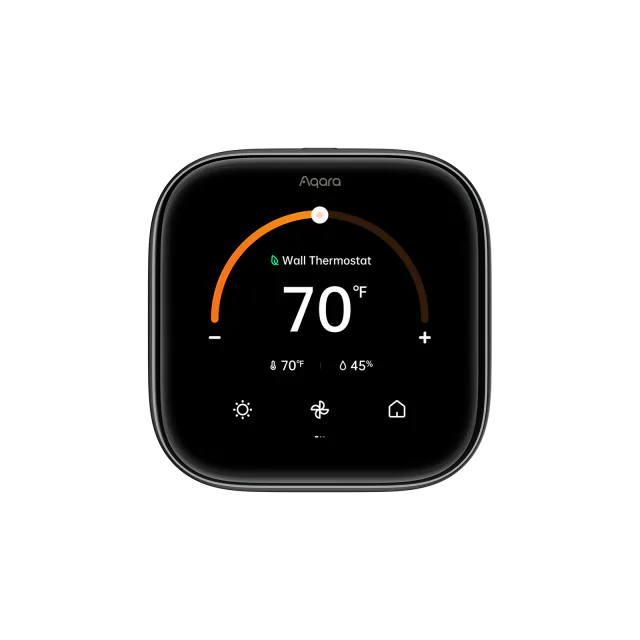
That makes this a more comfortable recommendation for someone happy to use Mysa schedules. Its Google Home guide documents routines across all modes. Apple users should weigh the Aqara W200, particularly if Apple's adaptive temperature features are the point of the purchase.
The differences are smaller but still noticeable in Alexa: fan-only operation can appear as Off even while the fan runs, and the app uses whole-degree setpoint increments. Deeper controls remain in Mysa. Re-pairing the thermostat in the Mysa app also removes its Matter connections, creating work to restore linked automations.
Buy today's thermostat, not the promised sensor
Mysa's current product page still describes room-sensor support as forthcoming. Do not buy this model to solve a cold bedroom that the hallway sensor cannot represent. A future sensor announcement does not give the thermostat that ability today.
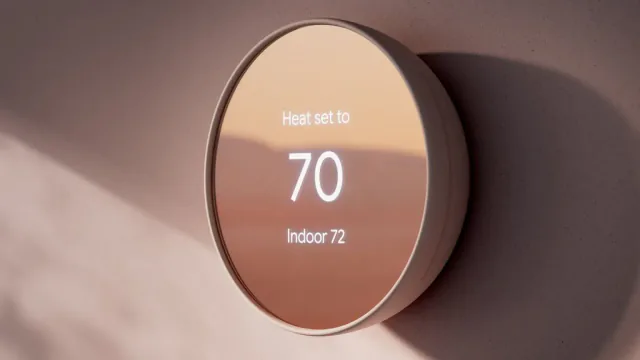
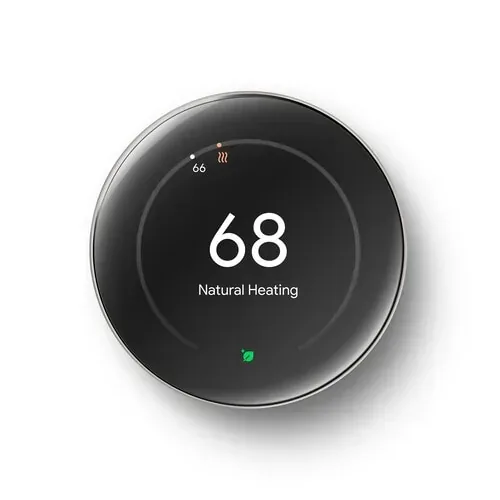
The Nest Learning Thermostat already includes a remote sensor, while W200 supports separately purchased sensors. For basic control at the lowest checked US price, the 2020 Nest Thermostat was on sale at $99.99, though its elapsed minimum update commitment makes it a more cautious new purchase.
Mysa is a sensible middle choice for its simple hardware, warranty and shared app. Choose it when the thermostat's location gives a useful reading and Mysa's own scheduling suits the household. Keep your current thermostat if it already does those jobs; replace it for a concrete improvement rather than expected savings alone.
Keep reading
Spot a mistake or missing context?
Send a quick note so it can be checked against the source material.