On this page 3 sections
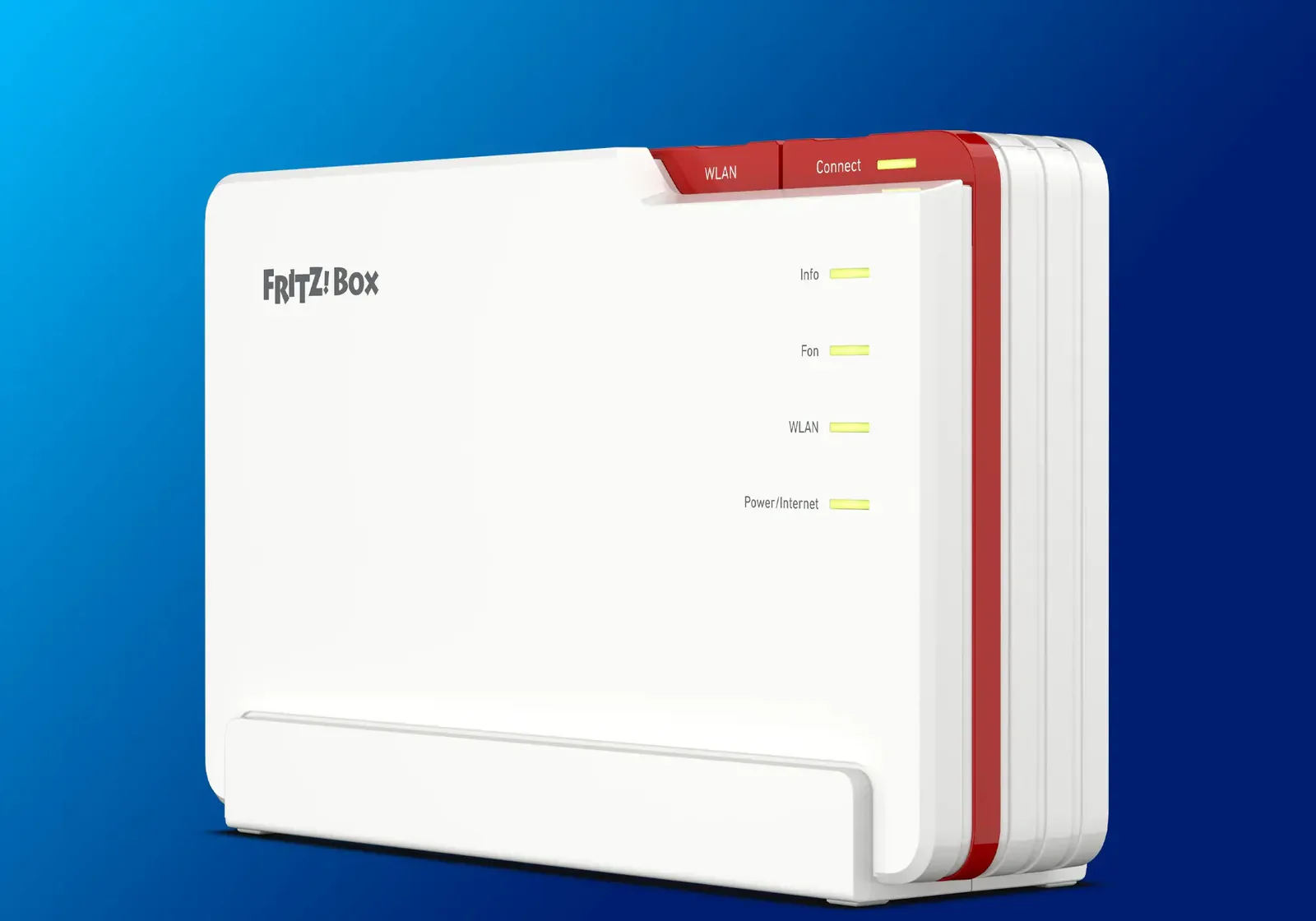
FRITZ! released FRITZ!OS 8.51 for the FRITZ!Box 5690 Pro on November 10, 2026, and it makes the router's Matter bridge part of regular firmware. Until then the 5690 Pro's bridge ran only on FRITZ! Lab beta builds, which FRITZ! started offering on July 28. After the update, FRITZ! DECT devices and compatible HAN-FUN and Zigbee devices registered to a 5690 Pro can be added to Apple Home, Google Home or Amazon Alexa as Matter devices. The German and international builds both carry it.
Only the 5690 Pro gets the bridge in 8.51. FRITZ!'s Matter page names two bridges in its smart home, the FRITZ!Box 5690 Pro and the FRITZ!Smart Gateway, and the 8.51 notes for the FRITZ!Box 7690 have no Matter item. If your FRITZ! plugs and radiator controls sit on any other FRITZ!Box, the Smart Gateway is still the way into Matter, and FRITZ! says it also bridges devices registered on the FRITZ!Box, so they stay paired where they are. It costs €69.99 in FRITZ!'s German store against €349.99 for a 5690 Pro, a DSL and fiber router that is no option on a cable line. Replacing a working router to get Matter costs about five times as much as adding the gateway.
Expect an uncertified-device warning
FRITZ!'s bridge has no Matter certification. The CSA's ledger lists a "FRITZ!OS Matter Bridge" model from FRITZ! with no compliance record, and the CSA's product database shows only Zigbee 3.0 certificates for FRITZ! hardware, including the 5690 Pro's (checked November 17). Each platform therefore warns during setup, and FRITZ!'s own guides tell you to continue: tap "Add Anyway" at Apple Home's "Uncertified Accessory" message, "Set up anyway" at Google Home's "Uncertified device", and "Yes" when Alexa says the device "isn't Matter compatible". The warning does not block setup. Certification is the CSA's check that a device behaves as Matter specifies, so no independent test has covered how FRITZ! devices appear in each app.
What crosses into Matter
FRITZ! has not published a feature list for the 5690 Pro's bridge. The Smart Gateway's release notes are the closest guide, since its bridge has been in regular firmware since update 7.63 on October 9, 2024. On the gateway, a Matter controller gets basic control of plugs, radiator controls, lights, roller shutters and blinds, plus window, temperature and motion sensors. Later gateway updates added temperature readings from the FRITZ!DECT 200 and 210 plugs, humidity from the FRITZ!DECT 440 and Zigbee sensors, Zigbee leak sensors, battery levels, and FRITZ! groups, templates and routines. Energy readings from the Smart Energy 200, 210 and 250 reached Matter only with gateway update 8.50 on August 28. On the gateway, the readings added later must be switched on under Smart Home, Devices and Groups, Matter Networks. Whether the 5690 Pro exposes the same set is not documented, so if energy or sensor readings are why you want the bridge, check them in your app after linking and look for that option if they are missing.
FRITZ! says the FRITZ!App Smart Home and FRITZ! automations keep working alongside Matter. The 8.51 release itself also adds overload shutoff for the Smart Energy 200 and 210 plugs, routines with several triggers, and a fix for Zigbee temperature sensors losing their link to radiator controls.
FRITZ! documents the 5690 Pro only as a bridge under an Apple, Google or Amazon hub and does not describe it as a Thread border router, so Matter over Thread devices still need a HomePod mini or a Thread-capable Nest or Echo hub.
Linking it
You need a hub that acts as a Matter controller, connected to the FRITZ!Box by Ethernet or Wi-Fi, such as a HomePod, HomePod mini or Apple TV for Apple Home, a Nest Mini, Nest Audio or Nest Hub for Google Home, or an Echo, Echo Dot or Echo Show for Alexa. The phone running the app must be on the FRITZ!Box's Wi-Fi.
- Install FRITZ!OS 8.51 from the FRITZ!Box user interface under Wizards, then Update.
- Open Smart Home, then Devices and Groups, select the Matter Networks tab and choose Link Matter Network, then Start Registration.
- Scan the QR code shown in the FRITZ!Box interface from the Apple Home, Google Home or Alexa app, accept the uncertified-device warning when the app shows it, and name the Matter network when the FRITZ!Box reports "Registration successful". Apple Home then walks through the FRITZ! devices one by one so you can choose which to add.
FRITZ!'s three setup guides still begin with installing a Lab build. On 8.51 that step no longer applies, because the bridge is part of the regular release. The guides cover only Apple, Google and Amazon. Home Assistant users have a direct route instead: Home Assistant's FRITZ!SmartHome integration connects to FRITZ!Box routers and the Smart Gateway without Matter.
If you own a 5690 Pro, already run FRITZ! radiator controls or plugs and have a HomePod, Nest or Echo hub, install 8.51 and link the bridge: your devices reach the platform the rest of your home uses without a Smart Gateway or beta firmware. The open questions are FRITZ!'s: a published list of what its bridge exposes on the 5690 Pro, Matter certification that would remove the setup warning, and whether the bridge reaches other FRITZ!Box models. FRITZ! called the 5690 Pro its first model with the bridge in July but has named no second model or date.
- Editor
- JC Martinez
AI tools may help draft or organize pages. Matterhome checks product claims against cited sources before publication.
Spot a mistake or missing context?
Send a quick note so it can be checked against the source material.