What we like
- Infrared control for only $7 more than the basic H100
- Also connects compatible Tapo sensors to Matter
- Local Tapo control survives an internet outage
What could be better
- Learned remote buttons do not reach other apps
- Displayed appliance state can be wrong
- USB power adapter costs extra
A small upgrade for an old appliance
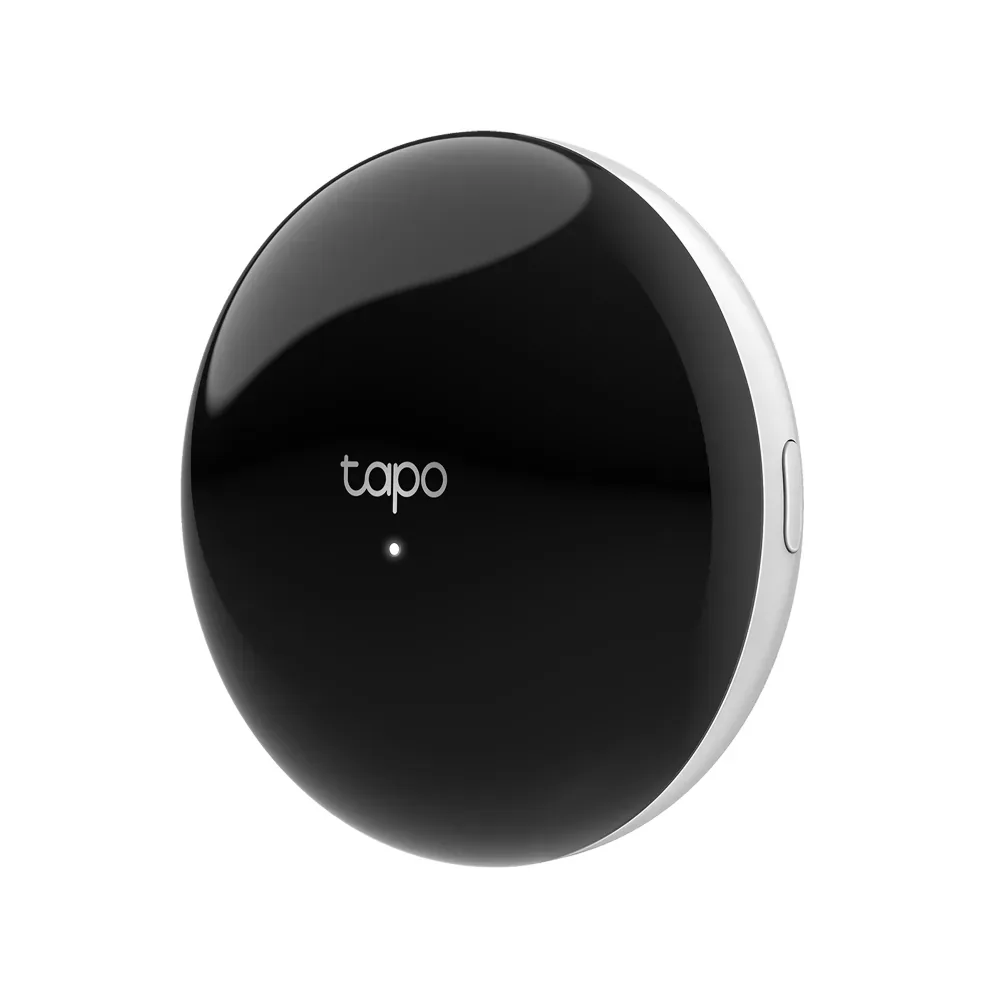
The H110's best job is modest: schedule a working bedroom air conditioner or turn an older infrared fan off from the sofa. At the checked $29.99 US price, it can add that convenience without replacing an appliance you otherwise like. Its small black puck is easier to accommodate than another control panel, although it needs a clear infrared path to the equipment.
It also connects Tapo sensors such as T110 and T315. The basic H100 costs $22.99, so the H110's infrared hardware adds just $7 before the separate power adapter. That is a worthwhile premium if a remote-controlled appliance is part of the room. For sensors alone, H100 remains the simpler purchase.
Sending a command is not confirmation
Infrared is a one-way conversation here. The hub sends a command, but it cannot ask the appliance whether it received it. A blocked signal or use of the original remote can leave the state shown in another app different from reality. We would use H110 for convenience, not as proof that the air conditioner is off after leaving home.
The distinction also limits placement. Putting the puck behind the television or inside a closed cabinet may hide it neatly while blocking the job you bought it to do. It needs 2.4 GHz Wi-Fi and a 5 V/2 A USB supply; the cable is included, the adapter is not. Once the remotes are added, Tapo can control them on the local network during an internet outage, but voice commands still need internet access.
Be specific about the remote you want to replace
A matching remote profile is more valuable than the option to learn arbitrary buttons. Custom-learned commands stay in Tapo and do not appear in third-party apps. Through Matter, a supported air conditioner gets thermostat controls, while a TV or fan is chiefly an on/off switch. Apple Home will not become a full TV remote with volume and channel buttons. Separate Alexa and Google integrations offer more functions for some appliances.
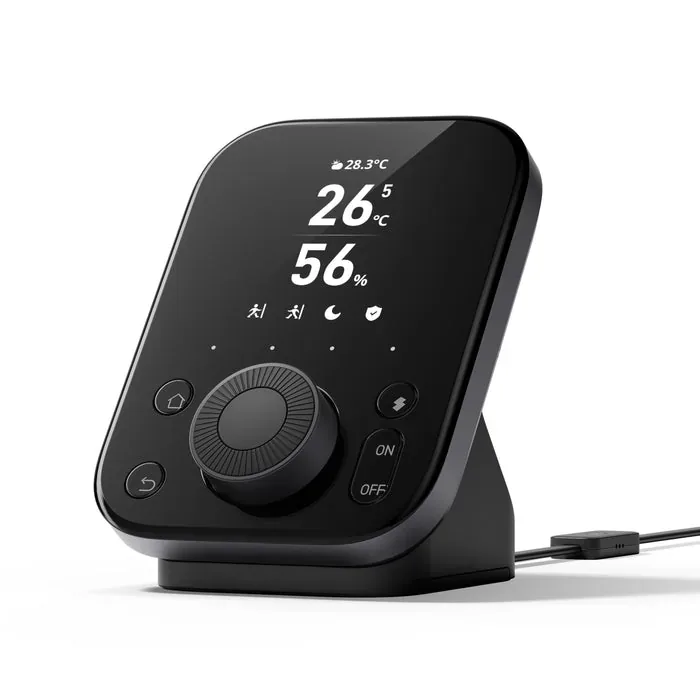
That makes H110 an appealing purchase for a few known commands, and a disappointing one if the plan depends on exporting an unusual remote. The SwitchBot Hub 3, at $119.99, is worth comparing when a physical dial and scene buttons are what you want. H110's appeal is its much smaller commitment.
Buy the hub and Tapo sensors for the same region, since their radio versions differ. It can share supported sensors through Matter, including with Home Assistant, but it does not add Thread coverage or replace the controller running your wider smart home.
Content feedback
Spot a mistake or missing context?
Send a quick note so it can be checked against the source material.