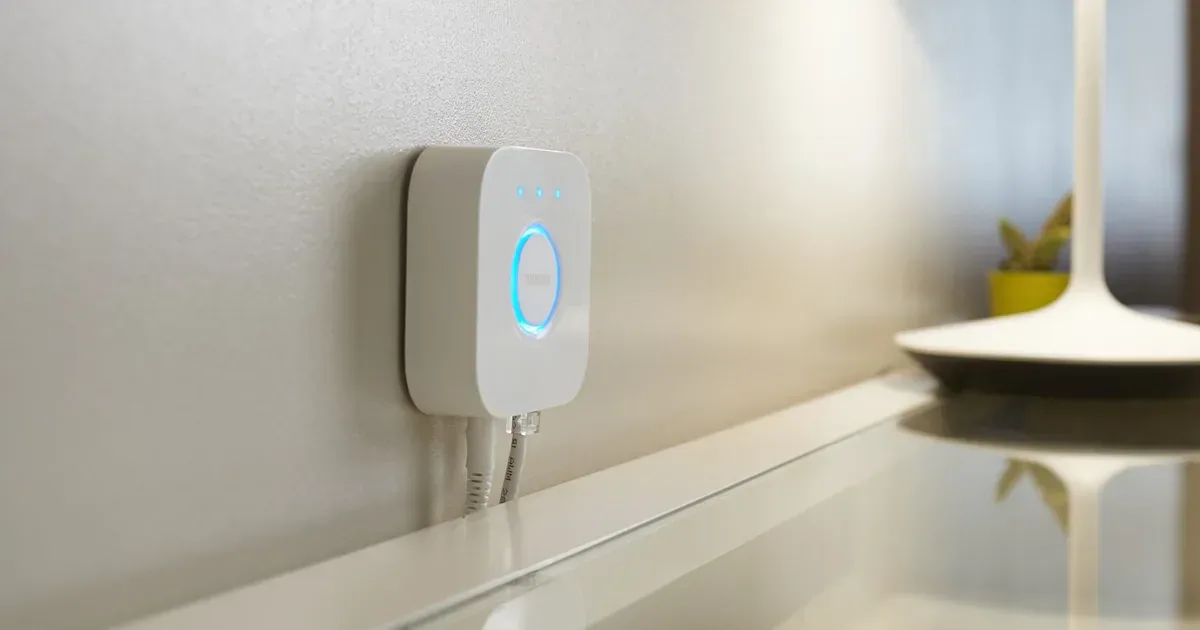
Google is moving Philips Hue bridges that are already in Google Home onto local Matter control. Its October 14, 2026 release notes say existing Hue bridges "automatically upgrade in the background to local Matter control through Google Home hubs," with "no re-pairing required." Until now, a Hue Bridge reached Google Home through the Hue account link set up in the Google Home app. That link sends each command from Google's cloud to Hue's cloud and back over the internet to the bridge, the path Google's Matter overview describes for cloud-linked lights. After the switch, a Google speaker, display, streamer or router in the house talks to the bridge over your home network.
Google promises "faster response times and greater reliability" but publishes no measurements, and Matterhome has not tested the change. Hue's Matter guide lists offline local control for the bridge-over-Matter path, but Google has not said whether its app and speakers keep controlling Hue lights during an internet outage.
Which homes get the switch
Google names no bridge models; the square Hue Bridge and the Bridge Pro both support Matter. The round first-generation Hue Bridge (V1) is no longer supported in Google Home.
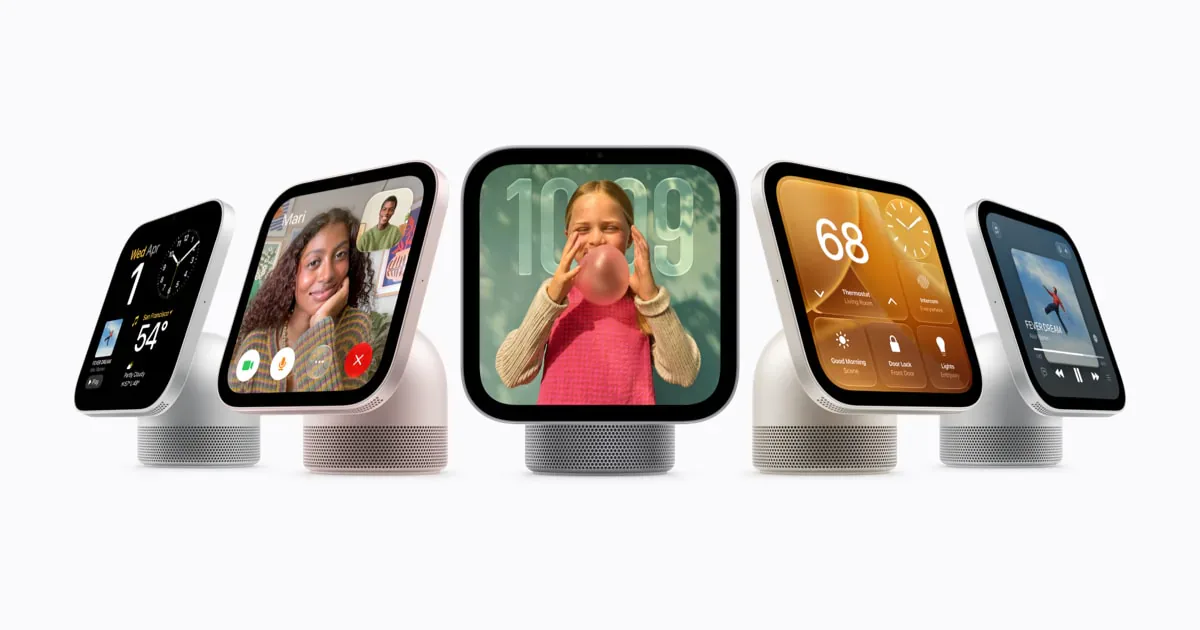
You also need a Google hub. The bridge joins your network over Ethernet, or Wi-Fi on Bridge Pro, so this path needs no Thread border router. Google lists these Matter hubs: Google Home Speaker, Nest Audio, Nest Mini, Google Home Mini, the original Google Home, Nest Hub (1st and 2nd gen), Nest Hub Max, Nest Wifi Pro, Google TV Streamer (4K) and select TVs.
What Google has not said
Google gives no regions, completion date or status indicator. The release-notes page warns that features can take time to reach everyone even on the latest app, and that the notes are generated with Gemini's help and may need corrections.
Google Home needs a hub to run Matter, and the release note does not say what happens to Hue in homes without one. It names no minimum bridge software either; Hue's latest bridge release, version 6.1 on September 24 for both Bridge and Bridge Pro, makes no mention of Google.
Scenes are the open question most likely to affect daily use. Google's Hue help page still lists voice commands such as "Activate" followed by a Hue scene name, which come through the account link. Google has not said whether scene commands move to Matter, stay on the account link or stop working.
If you also added the bridge to Google Home with a Matter pairing code from the Hue app, it already has a Matter connection to Google. Google's developer guidance for moving cloud-linked devices to Matter requires the partner to report the same device identity on both paths, so each light appears once. How the automatic switch treats a bridge that is already paired this way is undocumented.
Keep the link and check your network
Leave the account link in place. Google says the switch needs no re-pairing, so unlinking Hue or removing the bridge from Google Home to force it gains nothing and risks losing the lights' rooms and routine actions.
Google requires IPv6 on the home network for Matter and warns that without it, control can appear to work and then fail; its Hue troubleshooting page also asks for the speaker or display and the bridge to be on the same network. If your Google hubs sit on a guest network or a separate VLAN, move them onto the bridge's network. Keep Hue's automatic bridge updates switched on.
If a Hue scene or voice routine suddenly stops working in Google Home, consider the switch as a cause before you reset the bridge. If plain on, off and brightness commands still work, rebuild that lighting state as a Google Home routine and report the broken scene to Google through app feedback.
- Editor
- JC Martinez
AI tools may help draft or organize pages. Matterhome checks product claims against cited sources before publication.
Spot a mistake or missing context?
Send a quick note so it can be checked against the source material.