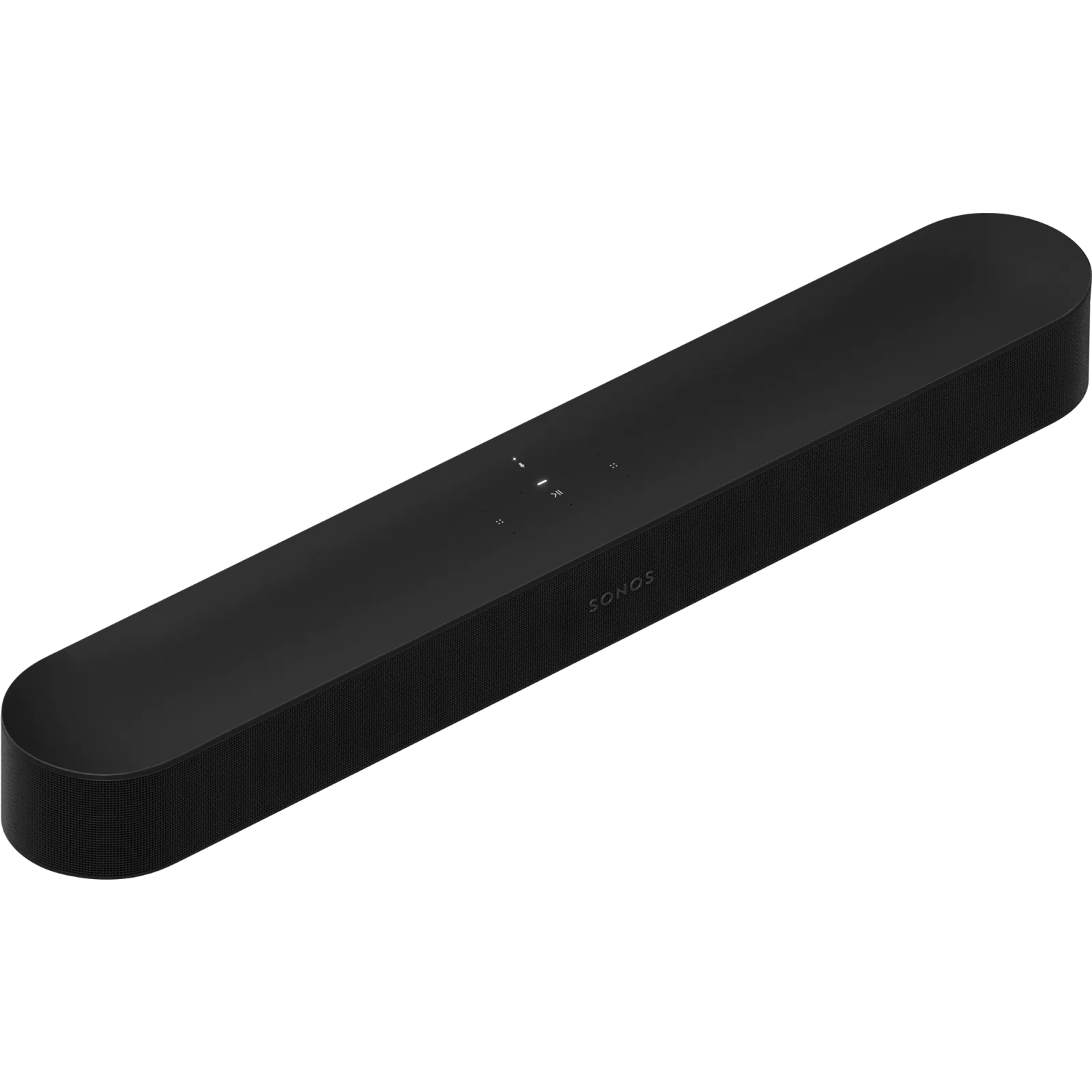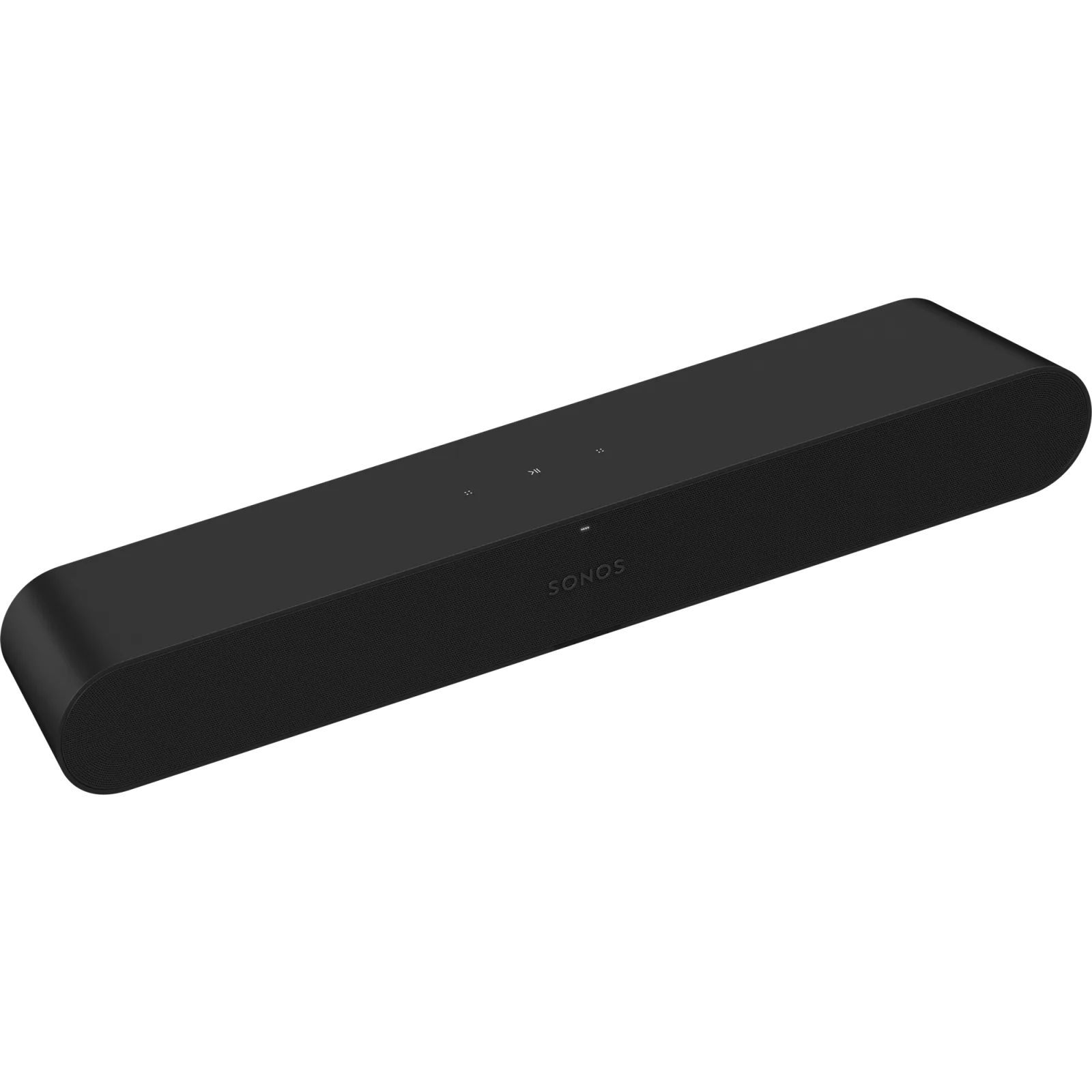
What we like
- Small 55.7 cm body and forward-facing speakers suit tight TV furniture
- $280 less than Beam Gen 2 at current US prices
- Sonos music streaming, dialogue emphasis and Night Sound
What could be better
- Optical only: no HDMI ARC control or Dolby Atmos
- Requires a compatible infrared remote for normal TV-volume control
- Trueplay needs a supported iOS device; no built-in voice microphones
A small TV upgrade with one important condition
Sonos Ray is most appealing for a modest television setup that also benefits from Sonos music streaming. At 557 mm wide, it can fit furniture where a larger bar would look awkward. Its speakers face forward, which makes the format more suitable for a shelf in a media unit than a bar that needs to project sound upwards.
The US manufacturer listed Ray at $219 with free shipping and ordering available on September 11, 2026. That saves $280 against Beam Gen 2. The saving is substantial enough to take Ray seriously for ordinary television, rather than dismiss it because it lacks a Dolby Atmos badge.
The condition is accepting its optical connection and remote requirements. Those affect everyday use more directly than a list of supported music services.
Check the remote, not just the optical socket
Ray takes TV audio through the supplied optical cable. It has no HDMI ARC or eARC connection, so it also lacks HDMI's route for TV control. Sonos specifies a compatible infrared-enabled remote for controlling Ray's volume.
A remote that operates the television successfully is therefore not sufficient evidence that it will operate Ray. Check whether it can send the required infrared volume commands. Otherwise, controlling sound may mean using the Sonos app or arranging another compatible remote, which undermines the appeal of a simple TV upgrade.
The television or computer also needs optical output. Ray is not a universal speaker for any screen with a headphone socket or HDMI connector. If the current TV will be replaced soon, choosing the soundbar around its old optical connection may save money now and create an inconvenient decision later.
Useful controls without chasing a cinema effect
Speech Enhancement boosts the frequencies associated with voices. Night Sound reduces the intensity of loud effects and raises quieter material. Those options can be worthwhile for news, drama and late-evening viewing, where following the programme matters more than dramatic bass.
Ray supports stereo PCM, Dolby Digital and DTS Digital Surround, but not Dolby Atmos. Adding rear speakers does not change that input limitation. Its appeal is a compact TV upgrade at a lower price; choose an HDMI model now if Atmos is already part of the plan.
Trueplay room tuning requires a supported iOS device. Android users can use Sonos, but cannot perform that tuning on Ray with an Android phone. We have not tested its dialogue clarity, bass or listening levels; the forward-facing design and available controls are the basis for this assessment, not a promise that it outperforms every similarly priced bar.
Sonos music is the reason to pay for Sonos
When the TV is off, Ray can play music over Wi-Fi through Sonos, AirPlay 2 and supported services such as Spotify Connect. That gives a bedroom or den access to the same music system as the rest of a Sonos home, without needing a separate speaker for that room.
There are no built-in voice microphones. That may be welcome if you want a television speaker that is not listening for a voice command. It also means you should not buy Ray expecting to speak directly to it. AirPlay and the separate Home Assistant Sonos integration provide audio-control options; they do not make it a Matter accessory.
Keep the purchase small if value is the point
Sonos offered a Ray set with two Era 100 rear speakers for $622. That is a large step beyond the $219 bar and still leaves the optical and Atmos limits in place. I would start with Ray alone if its low price and small footprint are the reasons for choosing it.
Beam Gen 2 costs $499 and is about 9.4 cm wider. The extra spending buys HDMI ARC/eARC, virtual Atmos and built-in voice options, which can be worth more than adding rears to Ray. It is not necessary if the optical setup and ordinary TV sound already meet your needs.
Choose Ray for a specific compact setup with a confirmed remote path and a useful Sonos music role. Keep an existing bar if it already makes speech easy to follow and responds to the remote you like. Sonos membership alone is a weak reason to replace it.
Content feedback
Spot a mistake or missing context?
Send a quick note so it can be checked against the source material.