What we like
- Conventional deadbolt appearance with the smart mechanism hidden
- Apple home key, two NFC fobs and physical keys included
- Built-in door sensor needs no separate visible magnet
- Replaceable battery and matching bolt/strike finishes
What could be better
- $349 base package has neither a keypad nor fingerprint access
- Remote Level app features still need the optional $79 Connect
- Replaces the visible lockset and requires a Pro-specific strike plate
- Touch to Unlock depends on phone location and background permissions
Pay for the door you want to look at
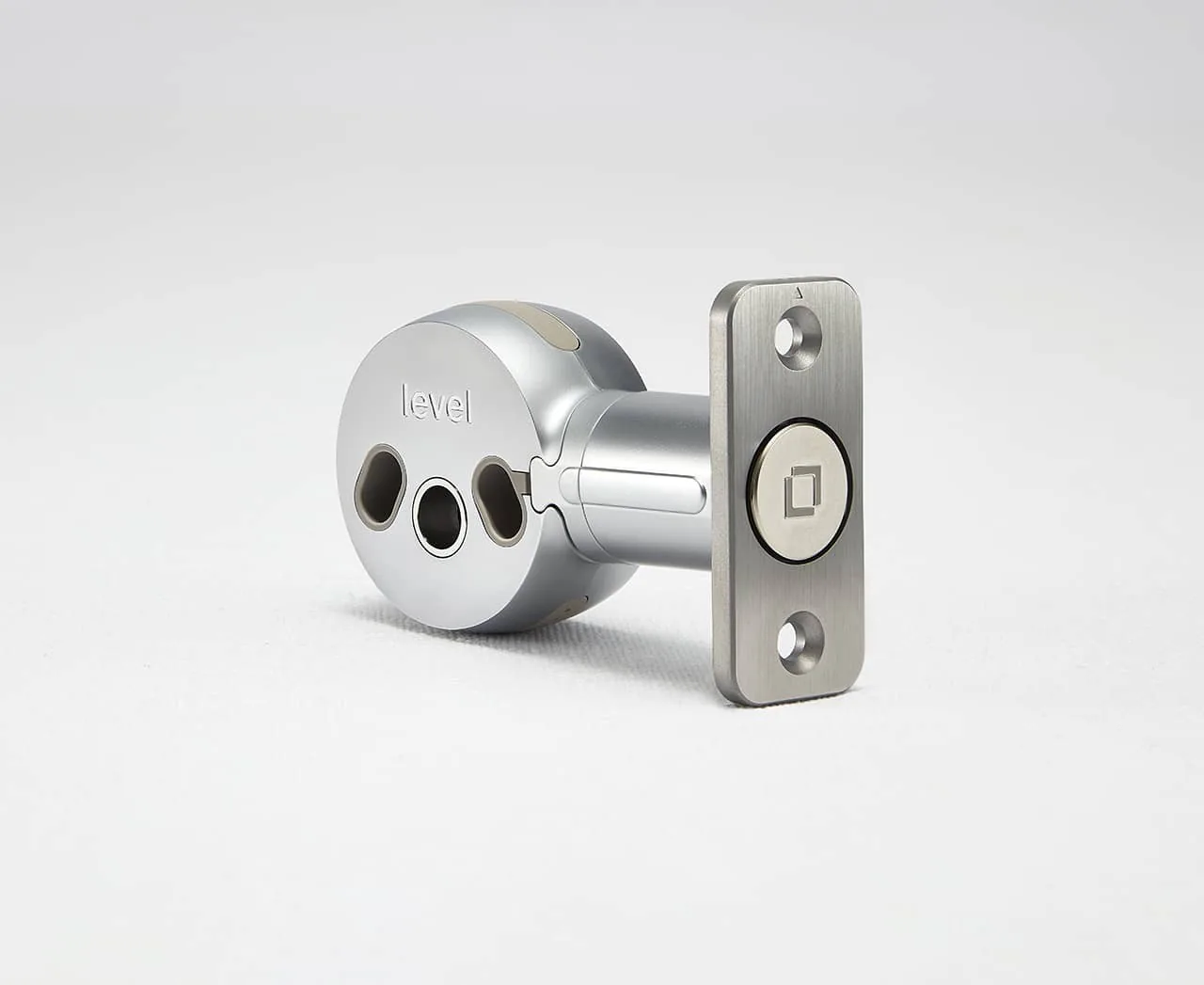
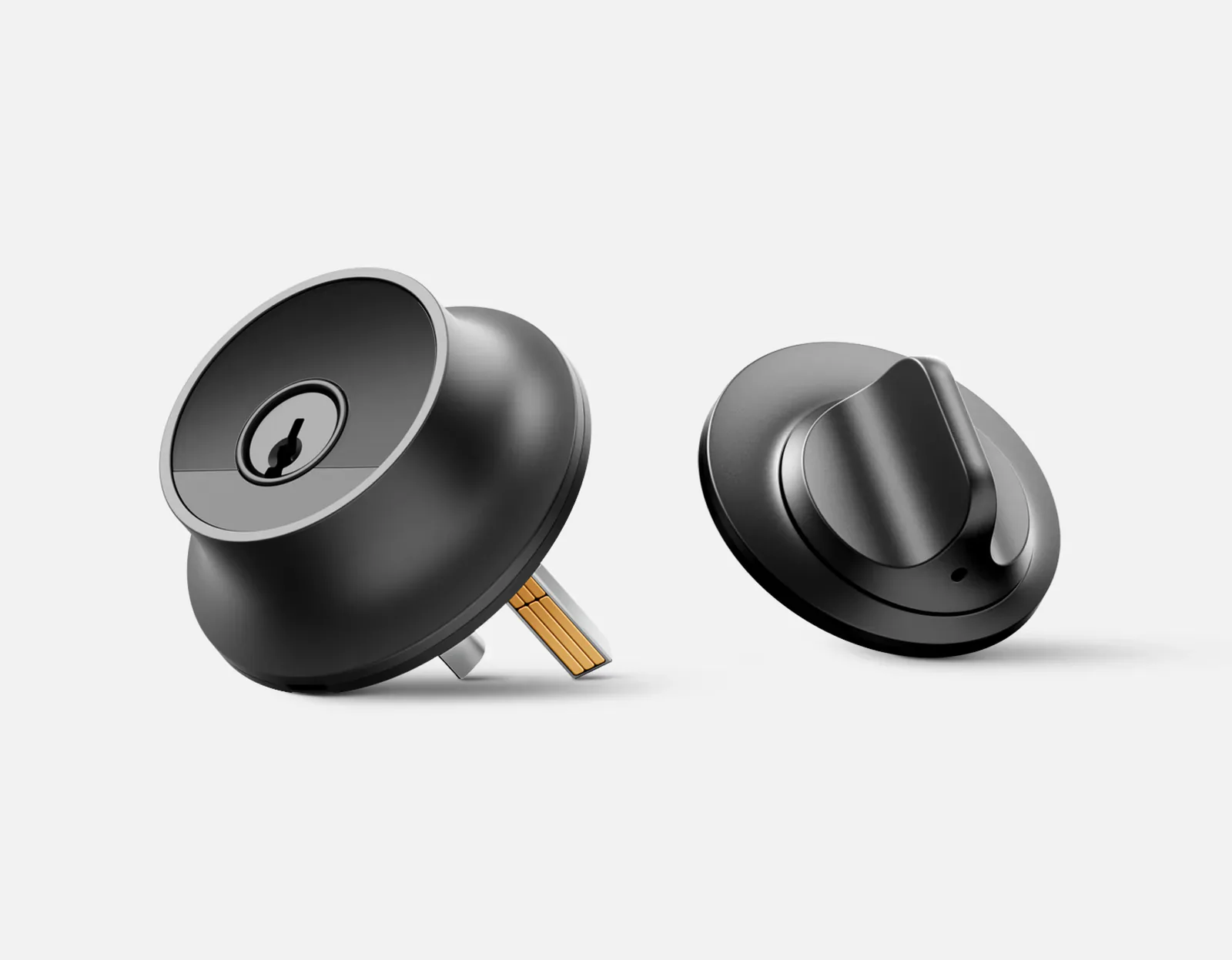
Level Lock Pro's best feature is how little it advertises the technology inside. The key cylinder and interior thumb turn look like a conventional deadbolt, with the motor and battery hidden in the mechanism. Even the bolt and strike plate match the chosen finish. It is an attractive proposition for a carefully chosen door where a large keypad panel would dominate the hardware.
At $349, that appearance needs to matter. Pro gives you Apple home key, two NFC fobs, two physical keys and a built-in door sensor, but no keypad or fingerprint reader. Buyers choosing by the number of convenient ways to enter can get more for less elsewhere.
This is a replacement lockset, unlike Level Bolt, which preserves the existing cylinder and thumb turn. Pro brings its own keys. A locksmith can rekey its five-pin C-style cylinder to compatible SC1 keys, but keeping every existing key should not be assumed.
The door sensor is a worthwhile improvement
A locked bolt and a closed door are different things. Pro can detect whether the door is open without a separate visible contact sensor, and Level documents that status in both its own app and Apple Home. That is useful when checking whether an entry was actually shut, rather than merely checking the motor's position.
The sensor also informs locking behavior. Level says Pro warns when asked to extend the bolt with the door open, and automatic or touch locking avoids extending it into the open doorway. It is a practical refinement over a lock that blindly follows a timer. It does not fix a door that fails to latch or drags against its frame.
Remote notifications from Level's own app require the optional Connect Wi-Fi Bridge. Do not interpret the sensor as a promise that every Matter platform gets the same door alerts or access history. Matter remote lock control uses a suitable controller and Thread border router; Connect is a separate route for Level-specific features.
A tap is simpler than the touch feature sounds
Apple home key lets a compatible iPhone or Watch tap the lock, with Express Mode available for entry without opening an app. The supplied NFC fobs give someone without an Apple device another simple option. Pro has no built-in numeric pad for a visitor who arrives with neither.
Touch to Unlock is a different feature. It uses the phone's return to a home boundary and Bluetooth proximity to arm the exterior housing for a short period. Level requires ongoing location access and suitable background-app settings. It is not fingerprint recognition, and touching the lock without the required phone conditions does not grant access.
That distinction matters for a household expecting a universally convenient touch button. Apple home key or a fob makes the action more explicit. We have not tested touch detection, tap reliability, motor speed or noise, so the manufacturer's performance claims are not our findings.
Small hardware still has ownership costs
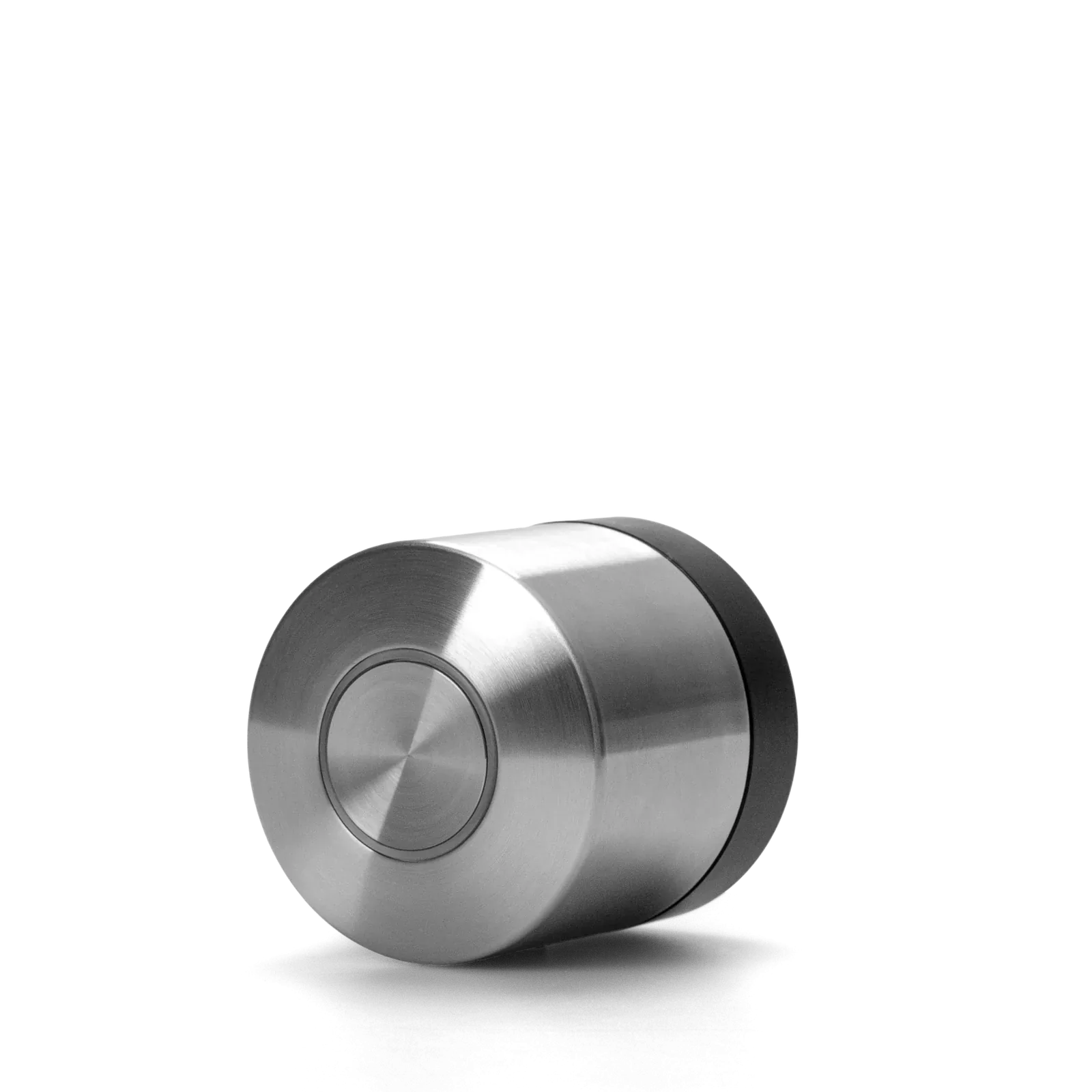
One non-rechargeable 3 V CR2 battery powers the lock. Its position in the bolt keeps a battery compartment off the door's face, and the end cap allows replacement without taking the assembly apart. Level quotes up to a year for Pro under typical use; alignment, temperature and activity can change that. A rechargeable CR2 is not an approved substitute.
Pro needs a compatible door with a 2⅛-inch main bore, 1¾–2-inch thickness and a 2⅜- or 2¾-inch backset. Its strike plate is specific to Pro: an older Level plate is not interchangeable. The short 2¼-inch plate is included; the store offered the matching long 2¾-inch version for $20. That is worth checking before assuming a previous lock's frame cutout makes this a straight swap.
Where the $349 premium stops making sense
On September 10, 2026, both matte black and satin nickel Pro versions were $349 at Level's US store. A $79 keypad takes the hardware basket to $428; adding the $79 Connect as well makes it $507, before tax, delivery, any long strike plate or installation work. Connect enables remote Level code management and live activity history, and each lock needs its own bridge within 20 feet.
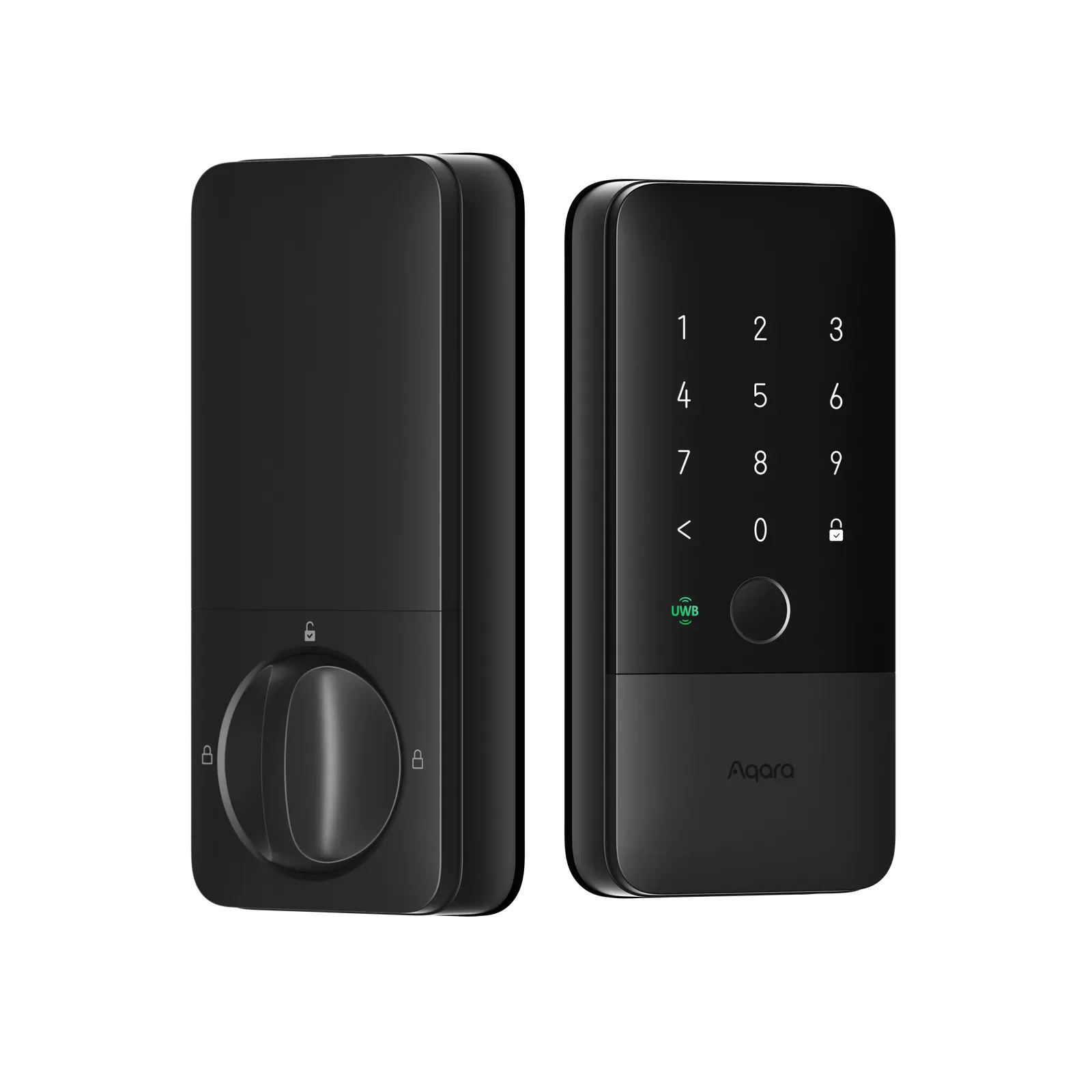
Aqara U400 was $269.99 with fingerprints, a keypad and supported hands-free entry. It is the stronger value when a visible electronic lock is welcome. Nuki's US Deadbolt was $199 and keeps the outside cylinder, but adds an interior motor. Bolt was also $199 and keeps both existing faces, while giving up Pro's home key and door sensor.
Choose Pro when its appearance and those two additions are worth the difference. Keep a working Level lock if it already gives the household easy entry; a hidden sensor alone is a weak reason to replace good hardware at this price.
Content feedback
Spot a mistake or missing context?
Send a quick note so it can be checked against the source material.