What we like
- Battery operation makes it useful away from a convenient socket
- Included remote handles speed, both oscillation axes and the night light
- Grilles, blades and optional filter can be removed for washing
- Direct Matter avoids buying a SwitchBot hub for this fan
What could be better
- USB-C may not keep up with sustained medium or high speeds
- Full charging takes roughly eight to ten hours
- Optional filter can reduce airflow or increase noise
- US model has no ionizer; the 127-hour headline needs an external power bank
A fan you can put where the air is needed
Battery Circulator Fan 2 Pro is worth considering for a desk, exercise corner or bedside spot where the nearest outlet dictates an awkward position. Its built-in battery lets the fan follow you instead. The compact 315 × 158 × 356 mm body weighs 2.1 kg, making room-to-room moves more plausible than with a full-height tower.
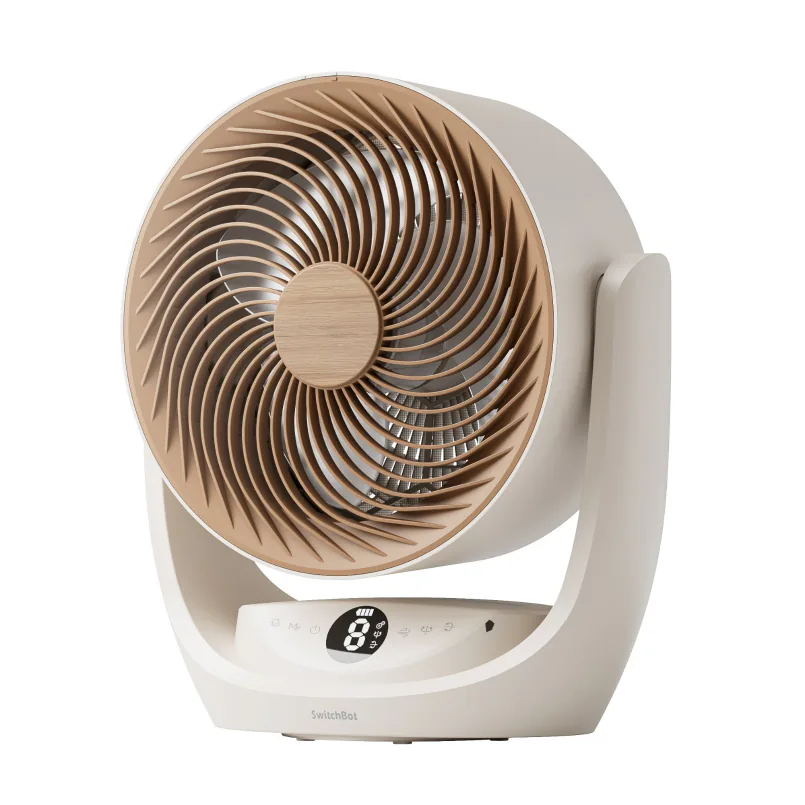
The white US version has a bronze-colored grille, pale body and compact control display. Its warm night light has bright, soft and off settings. Being able to turn the light off is a useful bedside detail when you want the breeze without extra illumination.
The remote earns its place
SwitchBot includes a remote with separate controls for horizontal and vertical oscillation, speed, modes, timer and night light. You can aim or soften the breeze from a chair without opening an app. The onboard panel provides the same everyday functions, with nine normal speed levels and a timer of up to nine hours.
Normal, Natural, Sleep and Turbo modes offer different airflow behavior. We would treat the advertised 21 dB minimum as a manufacturer measurement, not evidence that Turbo or oscillation will be inaudible at bedtime. The useful feature is control over how the fan runs; a mode called Sleep cannot establish whether its sound suits a particular sleeper.
The fan joins Matter directly over 2.4 GHz Wi-Fi, avoiding the extra SwitchBot hub associated with the older fan. Direct Apple Home pairing is supported without first using SwitchBot's app. That makes shared control convenient, but the supplied remote is the clearer answer when all the product's modes, oscillation and light settings need to be available together.
Battery freedom has limits
SwitchBot quotes about 70 hours on the built-in battery at speed level one. Its larger 127-hour store headline includes a 10,000 mAh external power bank. Neither figure describes a weekend of maximum airflow from the fan alone, and we have not measured its runtime.
Charging is slow: the manual gives roughly eight to ten hours. USB-C is useful for flexible power, but SwitchBot warns that it may not cover sustained medium or high-speed consumption. The battery can still run down while a USB cable is connected. Use AC power for extended stronger airflow rather than treating every USB source as an equivalent replacement.
The battery is helpful during a power interruption, although remote smart-home control still depends on the rest of the network having power. SwitchBot permits outdoor use only while keeping the fan away from water; this is a movable fan, not weatherproof patio equipment.
Easier cleaning, with a filter tradeoff
The front and rear grilles, blades and filter come off for washing. That is a worthwhile ownership feature when dust would otherwise accumulate behind a grille. The motor and main body must stay dry.
The optional filter catches hair and larger dust particles. SwitchBot recommends cleaning it every two to four weeks and acknowledges that fitting it can reduce airflow or increase noise. Leave it off if circulation is the priority; this coarse filter is not a substitute for a dedicated air purifier. The US model also lacks the ionizer advertised for some other regions.
Buy the portability, keep a good stationary fan
On September 10, 2026, the white US model, SKU 810150548594, was available for $119.99, with an advertised JZJZ17 price of $99.59. That discounted total still clears the store's $99 free-standard-shipping threshold for eligible destinations, before tax. A remote and charging cable are included; the external power bank behind the longer runtime claim is an extra purchase.
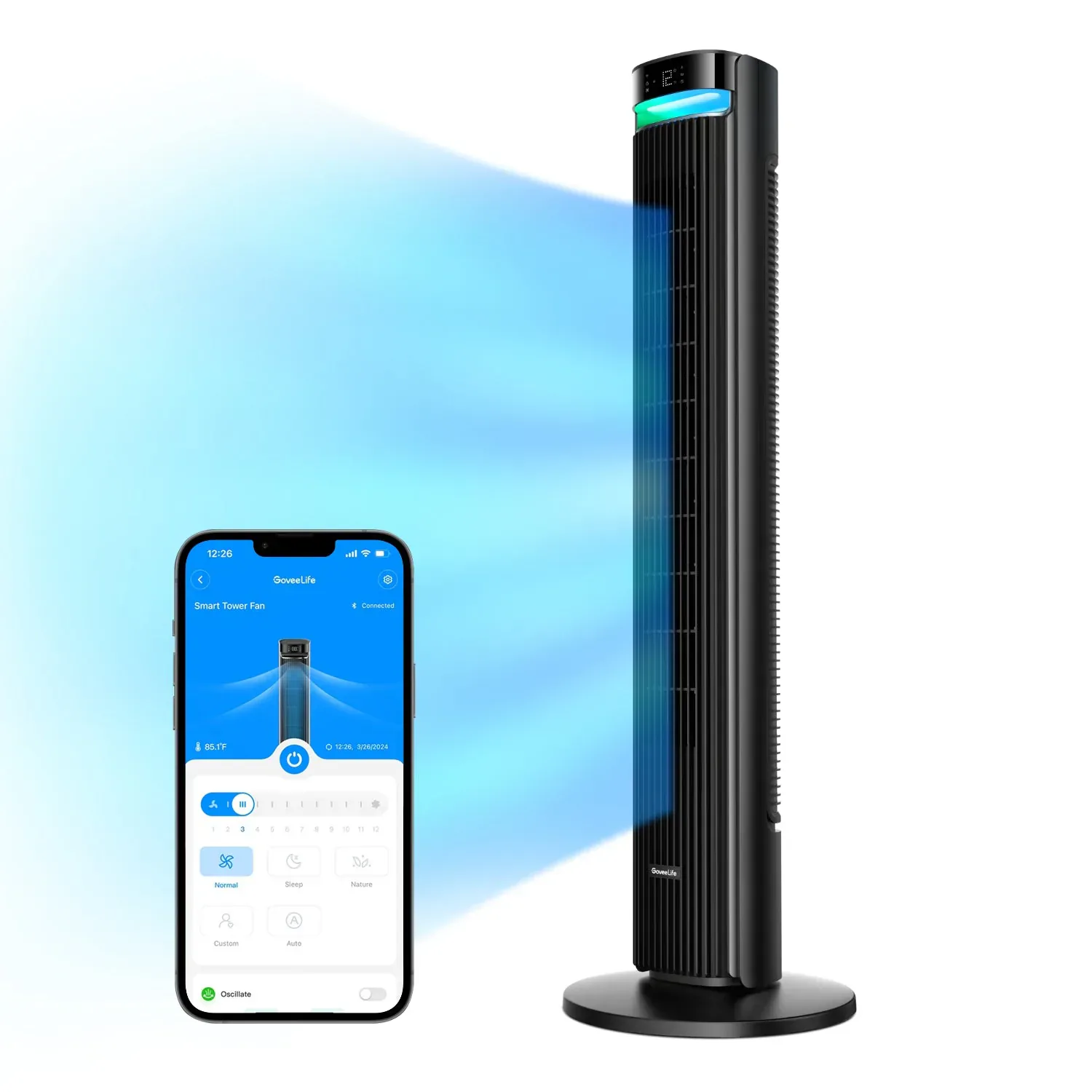
For a tall fan that will stay in one place, compare GoveeLife Tower Fan 2 Max, particularly if its built-in temperature-based control interests you. It does not include a remote. SwitchBot's stronger case is portable airflow with good physical controls. A satisfactory mains fan beside a convenient outlet needs no replacement for Matter alone.
Content feedback
Spot a mistake or missing context?
Send a quick note so it can be checked against the source material.