What we like
- A dedicated dimming knob is included in the price
- Keeps suitable ordinary lamps and bulbs useful
- Two lamps can dim together without a Tapo hub
What could be better
- No independent brightness for the two outlets
- The remote is tied to this dimmer
- Bulb matching and recalibration make changes less convenient
The knob is the best reason to buy
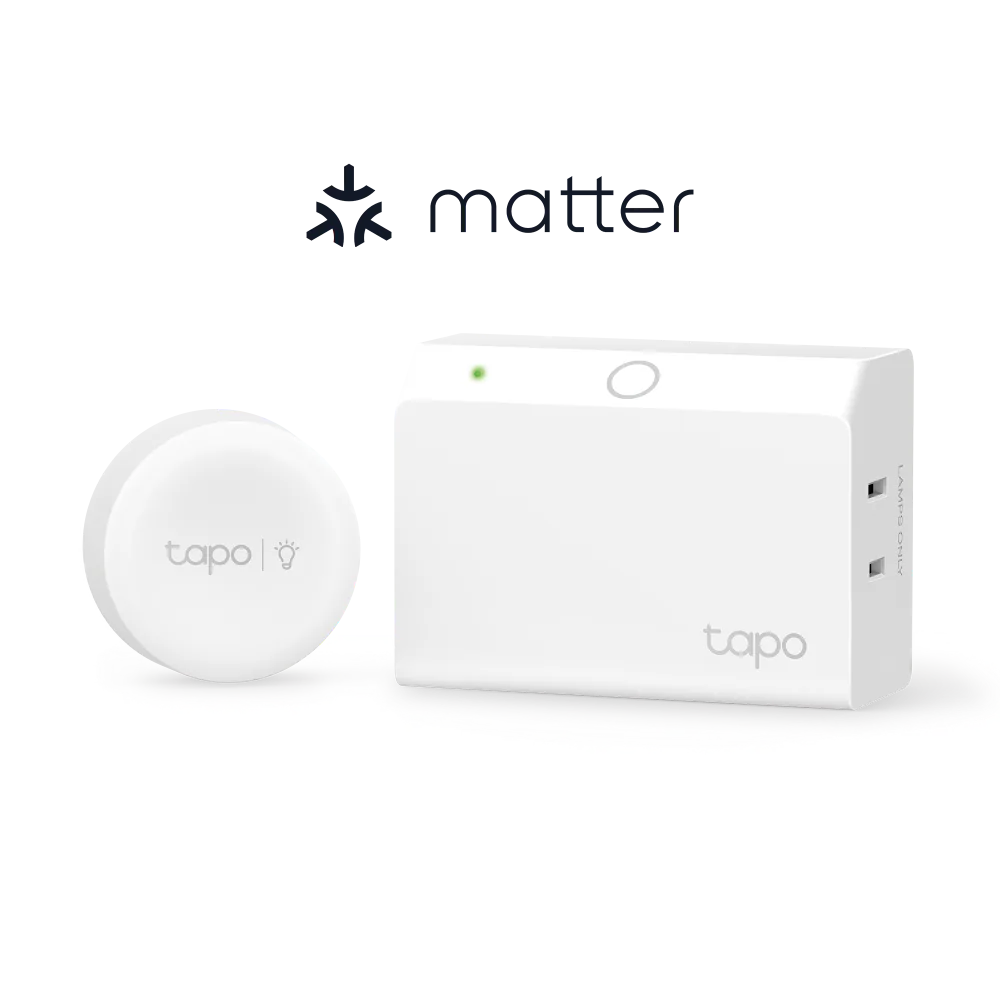
P135 KIT is appealing because it gives a pair of ordinary lamps a physical dimmer you can put within reach. Turn the included knob to change brightness or tap it to switch the lamps. At the checked $29.99 Tapo store price, both the plug and remote are included, with no separate Tapo hub to buy.
That is a useful arrangement beside a sofa or bed: the controls can move to where you sit, while the lamps stay where they look best. The button can attach magnetically using the supplied shim, and its CR2032 battery is replaceable. Matter over Wi-Fi adds smart-home brightness control, but the dedicated button is what makes this kit more interesting than a basic smart plug.
Two sockets, one brightness setting
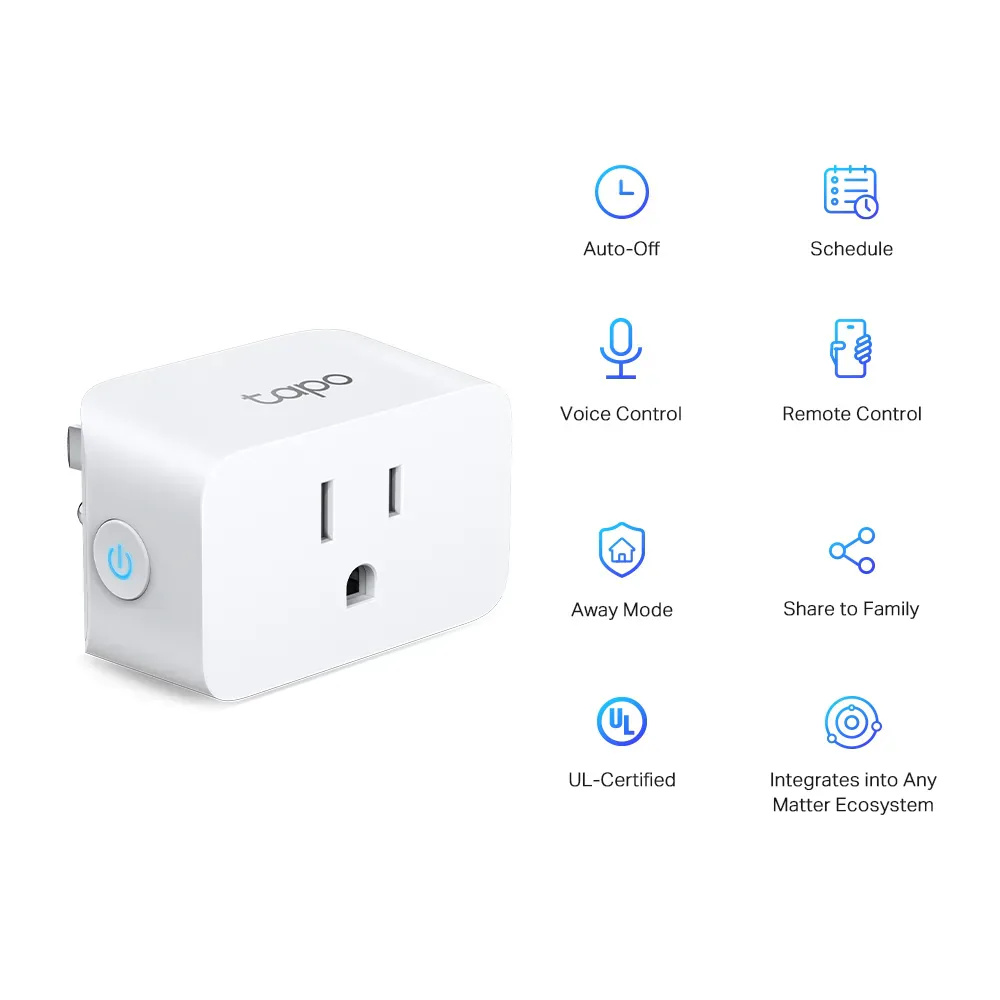
The limitation is that both outlets work together. You cannot leave one lamp bright for reading while dimming the other for atmosphere. TP-Link also calls for matching fixture types, dimming methods and loads, so a pair of similar lamps is a better fit than two unrelated lights you happen to own.
The button is bound to this dimmer. It is not an extra Matter scene controller that can later operate arbitrary lights around the house. That keeps its purpose simple, but limits its value if you subsequently replace the lamps with smart bulbs.
Keep it for lamps you want to keep
The US kit supports leading-edge TRIAC dimming, with a combined limit of 150 W for LEDs or 300 W for incandescent/halogen lamps. Smart bulbs and adapter-powered lights are excluded. Replacing a bulb can also mean recalibrating its dimming range in Tapo; we would not assume any bulb labelled dimmable will behave identically.
If you want different brightness in each lamp, changing white tones or colour, suitable L535E smart bulbs are the more flexible route. Those bulbs do not include P135's knob. If you only want on/off control of a lamp, the simpler P125M costs less and avoids the dimming restrictions.
P135 KIT is a good match when you already like your lamps, can use matching dimmable bulbs and want one comfortable place to control both. It becomes less convincing as soon as those lamps need to behave differently.
Content feedback
Spot a mistake or missing context?
Send a quick note so it can be checked against the source material.